Send enquiry ⏎

Angular JS Online Live Class by Experts

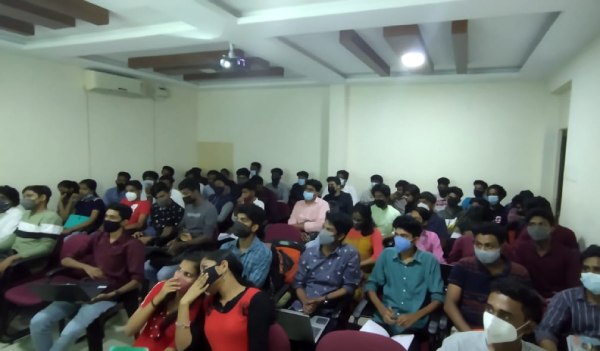
Our Training/Internship Process

Angular JS Online Live Classes in Selangor | Free Demo Training

Angular JS - Syllabus, Fees & Duration

Module 1: Introduction to HTML

  • HTML Basics, Elements, Attributes, Styles
  • Forms, Form Elements, Input Element Types
  • Input Attributes, File Paths, Script tag
  • HTML & XHTML

Module 2: Introduction to CSS

  • CSS Introduction, Syntax, Selectors, Styling
  • Pseudo class, Pseudo Elements
  • CSS Tables, CSS Box Models
  • CSS Opacity, CSS Navigation Bar, Dropdowns

Module 3: Introduction to JavaScript

  • JavaScript Statements, Keywords, Functions
  • JavaScript Programs, Operators, Functions
  • Function Parameters, Function Return Types
  • Data Types, Primitive Types

Module 4: Working with Objects

  • Object Oriented Programming, Object Creation
  • Adding Methods of Objects
  • JavaScript Loops Iteration
  • Adding Properties of Objects
  • JavaScript Conditional Statements
  • Enumerating Properties, Callbacks, JSON

Module 5: Angular JS Basics

  • What is Angular JS?
  • Why Angular JS?
  • Why MVC matters
  • MVC-The Angular JS way
  • Features of Angular JS ,Model-View-Controller
  • My First Angular JS app

Module 6: Angular Expressions

  • All about Angular Expressions
  • How to use expressions, Angular vs JavaScript

Module 7: Filters

  • Built-In Filters, Using Angular JS Filters
  • Creating Custom Filters

Module 8: Directives

  • Introduction to Directives, Directive Lifecycle
  • Binding controls to data, Matching directives
  • Using Angular JS built-in directives
  • Creating a custom directive

Module 9: Controllers

  • Role of a Controller, Controllers Modules
  • Attaching Properties and functions to scope
  • Nested Controllers, Using Filters in Controllers
  • Controllers in External Files

Module 10: Angular JS Modules

  • Introduction to Angular JS Modules
  • Bootstrapping Angular JS

Module 11: Angular JS Forms

  • Working with Angular Forms, Model Binding
  • Forms Events, Updating Models with a Twist
  • Form Controller, Validating Angular Forms
  • $error object

Module 12: Scope

  • What is scope, Scope Lifecycle
  • Scope Inheritance, Scope & Controllers
  • Root scope, Scope Broadcasting
  • Two-way data binding, Scope Inheritance
  • Scope & Directives, $apply and $watch
  • Scope Events

Module 13: Dependency Injection Services

  • What is Dependency Injection
  • Creating Services, Factory, Service & Provider
  • Using Dependency Injection, What are services
  • Using Angular JS built in services

Module 14: Single Page Application (SPA)

  • What is SPA, Pros and Cons of SPA
  • Passing Parameters, Changing location
  • Installing the ng Route module, Configure routes
  • Resolving promises, Creating a Single Page Apps

Module 15: Angular JS Animation

  • ng Animate Module, CSS Transforms
  • CSS Transitions, Applying Animations

Module 16: Introduction to Node JS

  • Introduction to Node JS
  • Advantages of Node JS
  • What is Node JS, Node.js Process Model
  • Traditional Web Server Model

Module 17: Setup Development Environment

  • Install Node.js on Windows
  • Working in REPL, Node JS Console

Module 18: Node JS Modules

  • Functions, Buffer, Module
  • Modules Types
  • Core Modules, Local Modules
  • Modules Exports

Module 19: Node Package Manager

  • What is NPM, Installing Packages Locally
  • Installing package globally
  • Adding dependency in package json
  • Updating packages

Module 20: Creating Web Server

  • Creating Web Server
  • Sending Requests
  • Handling http requests

Module 21: File System

  • read File, Writing a File
  • Opening a file, Deleting a file
  • Writing a file asynchronously
  • Other IO Operations

Module 22: Debugging Node JS Application

  • Core Node JS Debugger

Module 23: Events

  • Event Emitter class
  • Inheriting Events
  • Returning event emitter

Module 24: Express JS

  • Configuring Routes
  • Working with Express

Module 25: Serving Static Resources

  • Serving Static Files
  • Working with Middle Ware

Module 26: Database Connectivity

  • Connecting String, Configuring
  • Updating Records
  • Working with Select Command
  • Deleting Records

Project Development

Download Syllabus - Angular JS
This syllabus is not final and can be customized as per needs/updates
   
10000+
20+
50+
25+

Angular JS Jobs in Selangor

Enjoy the demand

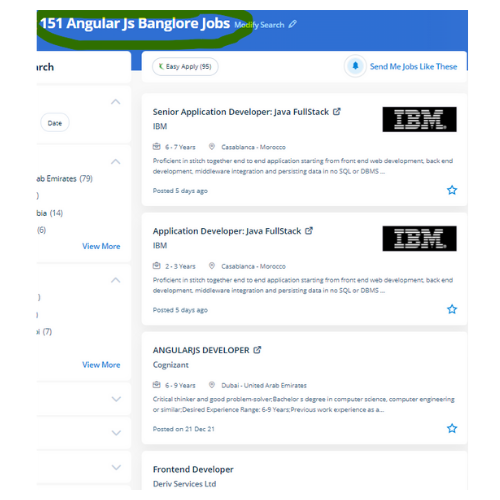
Find jobs related to Angular JS in search engines (Google, Bing, Yahoo) and recruitment websites (monsterindia, placementindia, naukri, jobshybrid.com, indeed.co.in, shine.com etc.) based in Selangor, chennai and europe countries. You can find many jobs for freshers related to the job positions in Selangor.

  • Web Developer
  • Full Stack Developer
  • Software Developer
  • Angular Developer
  • Senior Software Engineer
  • java angular developer
  • Senior Front End Developer
  • Back End Developer
  • Web Developer Intern
  • Angular js Expert

Angular JS Internship/Course Details

Angular JS internship jobs in Selangor
Angular JS Our Angular Course content is designed from scratch with very basic setups to advanced ideas like hosting the App, so Our Angular training is qualified for any passionate aspirant to become professional} Angular expert. AngularJS allows developers to stay in web infrastructures with ease & comfortability. Our Job oriented AngularJS coaching is instructed by experienced certified professionals with extensive real-world experience. Developers will pay less time on coding and focus a lot on rising the potency of the application. Angular, with its advanced tools, makes for the most effective front-end framework for a single-page web app like Forbes that desires constant content updates. It is used for developing single-page applications. Having a versatile app development design is bliss for every creator. Developers will gently accomplish this task using the framework’s official library. Nestsoft guarantees that there's no gap between the enterprise and academic standards via the most effective AngularJS training Institute. AngularJS framework is comparatively modifiable when it involves server communication.


Meet a Few of our Industry Experts 🚀 Your Pathway to IT Career

Surya

Mobile: +91 91884 77559
Location: Online (Selangor, Malaysia)
Qualification: B-Tech

Experience: Web development Python Java  more..

Jijnasa

Mobile: +91 9895490866
Location: Online (Selangor, Malaysia)
Qualification: BCA

Experience: Manual testing automation testing postman jmeter jira GitHub sdlc requirement analysis  more..

AKHIL

Mobile: +91 91884 77559
Location: Online (Selangor, Malaysia)
Qualification:

Experience: Skilled node js developer having 1 year of experience | Resume for Node JS Developer  more..

Neha

Mobile: +91 89210 61945
Location: Online (Selangor, Malaysia)
Qualification: MBA-IT

Experience: 6 months experience at Synchronik as a jr developer and project co-ordinator   more..

SRI

Mobile: +91 98474 90866
Location: Online (Selangor, Malaysia)
Qualification: MCA

Experience: I am good at Java SQL javascript bootstrap html CSS and I had made lot's of using of above skills  more..

Akhand

Mobile: +91 91884 77559
Location: Online (Selangor, Malaysia)
Qualification: B.Tech

Experience: Android studio Android development Java Kotlin MVVM MVP MVC OOPS   more..

Mohamed

Mobile: +91 94975 90866
Location: Online (Selangor, Malaysia)
Qualification: NA

Experience: Core programming Principles:  Objected-Oriented Programming (OPP) Data Structures and Algorithms Programming Languages:  Python Java C++ C# JavaScript HTML  more..

kritika

Mobile: +91 94975 90866
Location: Online (Selangor, Malaysia)
Qualification: Btech

Experience: Magento developer  more..

wanbiangmi

Mobile: +91 89210 61945
Location: Online (Selangor, Malaysia)
Qualification: MCA

Experience: reactjs programming language   more..

Bhavesh

Mobile: +91 91884 77559
Location: Online (Selangor, Malaysia)
Qualification: Btech

Experience: i have interest in tech field and especially in cyber security I have basic knowledge about computer fundamental networking  more..

Anupama

Mobile: +91 98474 90866
Location: Online (Selangor, Malaysia)
Qualification: B.Tech CSE

Experience: I am a B Tech CSE fresher with the knowledge of Python C Java etc I have done an internship  more..

Muhammed

Mobile: +91 94975 90866
Location: Online (Selangor, Malaysia)
Qualification: BCA (Pursuing)

Experience: Hello I'm Muhammed Adil I'm a full-stack developer with six months of experience I'm currently pursuing my bachelor's degree in  more..

Sowmya

Mobile: +91 8301010866
Location: Online (Selangor, Malaysia)
Qualification: M.tech

Experience: Siem IBM Qradar malware analysis host analysis wireshark ips ids firewall  more..

VIPIN

Mobile: +91 94975 90866
Location: Online (Selangor, Malaysia)
Qualification: B Tech

Experience: Experience in networking and system administration field Ccna ccnp mcse course completed  more..

NITHIN

Mobile: +91 8301010866
Location: Online (Selangor, Malaysia)
Qualification: Bachelors Degree

Experience: Python Django Mongodb SQL NSQL DBMS C programming java HTML PHP   more..

Sandra

Mobile: +91 91884 77559
Location: Online (Selangor, Malaysia)
Qualification: MCA

Experience: Web design and development  more..

Axar

Mobile: +91 89210 61945
Location: Online (Selangor, Malaysia)
Qualification: Bca

Experience: I have work experience in native android with Java Kotlin Firebase Third party library s  more..

Rohini

Mobile: +91 91884 77559
Location: Online (Selangor, Malaysia)
Qualification: Btech

Experience: Core java android framework android studio Web Services json rest kotlin Sqlite room db  more..

Dhivya

Mobile: +91 98474 90866
Location: Online (Selangor, Malaysia)
Qualification: B.E computer science

Experience: AWS services Devops terraform Jenkins docker and docker hub GIt and GitHub Ansible python Linux windows shell scripting  more..

Ashish

Mobile: +91 89210 61945
Location: Online (Selangor, Malaysia)
Qualification: BCA

Experience: HTML CSS Bootstrap javascript react jQuery SCSS WordPress  more..

Jinesh

Mobile: +91 8301010866
Location: Online (Selangor, Malaysia)
Qualification: BCA

Experience: Advanced software testing manual and automation  more..

Amit

Mobile: +91 91884 77559
Location: Online (Selangor, Malaysia)
Qualification: B.Tech

Experience: Core Java TestNg Selenium Web driver 9 years experience RestAssured API Automation testing 5 years experience Manual Testing 9 years  more..

KEERTHI

Mobile: +91 89210 61945
Location: Online (Selangor, Malaysia)
Qualification: BTech Computer science

Experience: I have an extensive background in software testing with 8 months of professional experience and 4 months of internship experience  more..

AKASH

Mobile: +91 91884 77559
Location: Online (Selangor, Malaysia)
Qualification: Diploma

Experience: Manual testing Stlc Sdlc Testing  more..

Success Stories

The enviable salary packages and track record of our previous students are the proof of our excellence. Please go through our students' reviews about our training methods and faculty and compare it to the recorded video classes that most of the other institutes offer. See for yourself how TechnoMaster is truly unique.

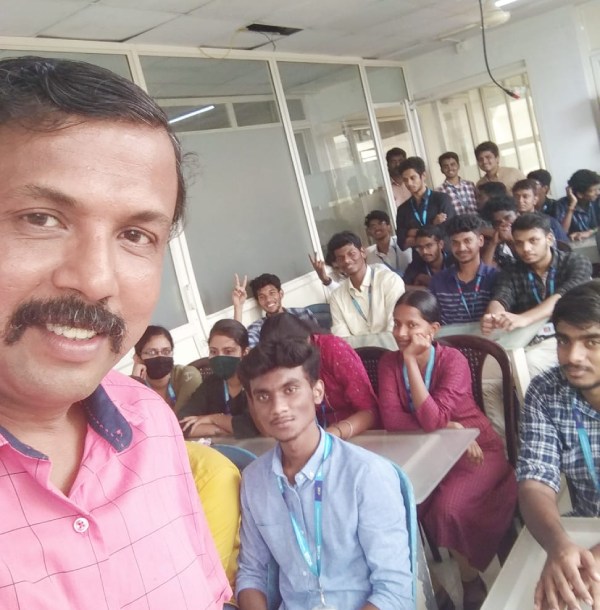
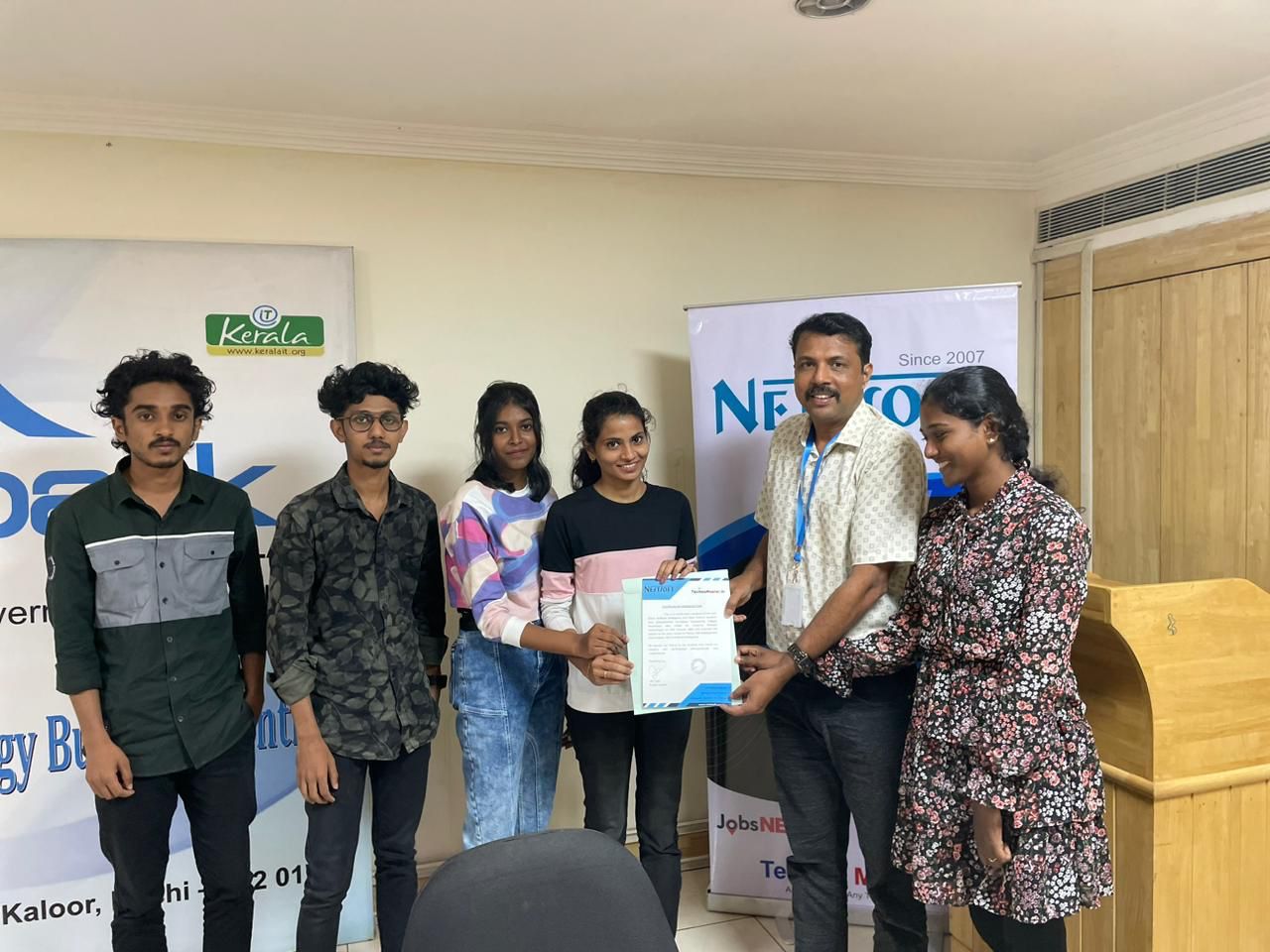
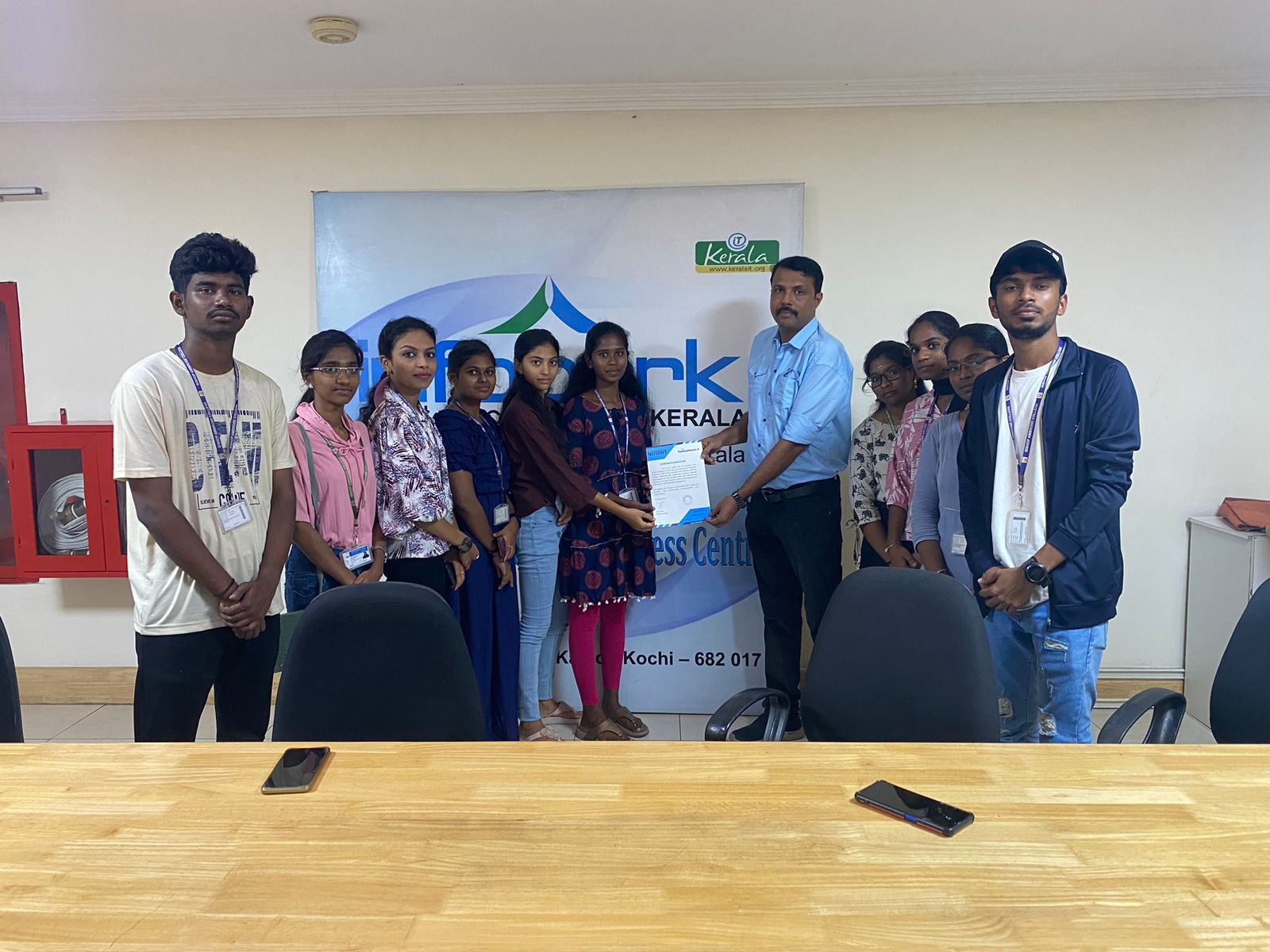
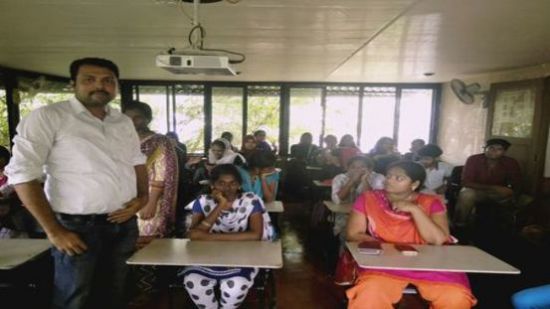
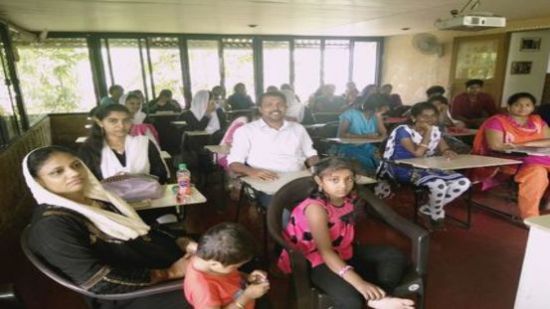
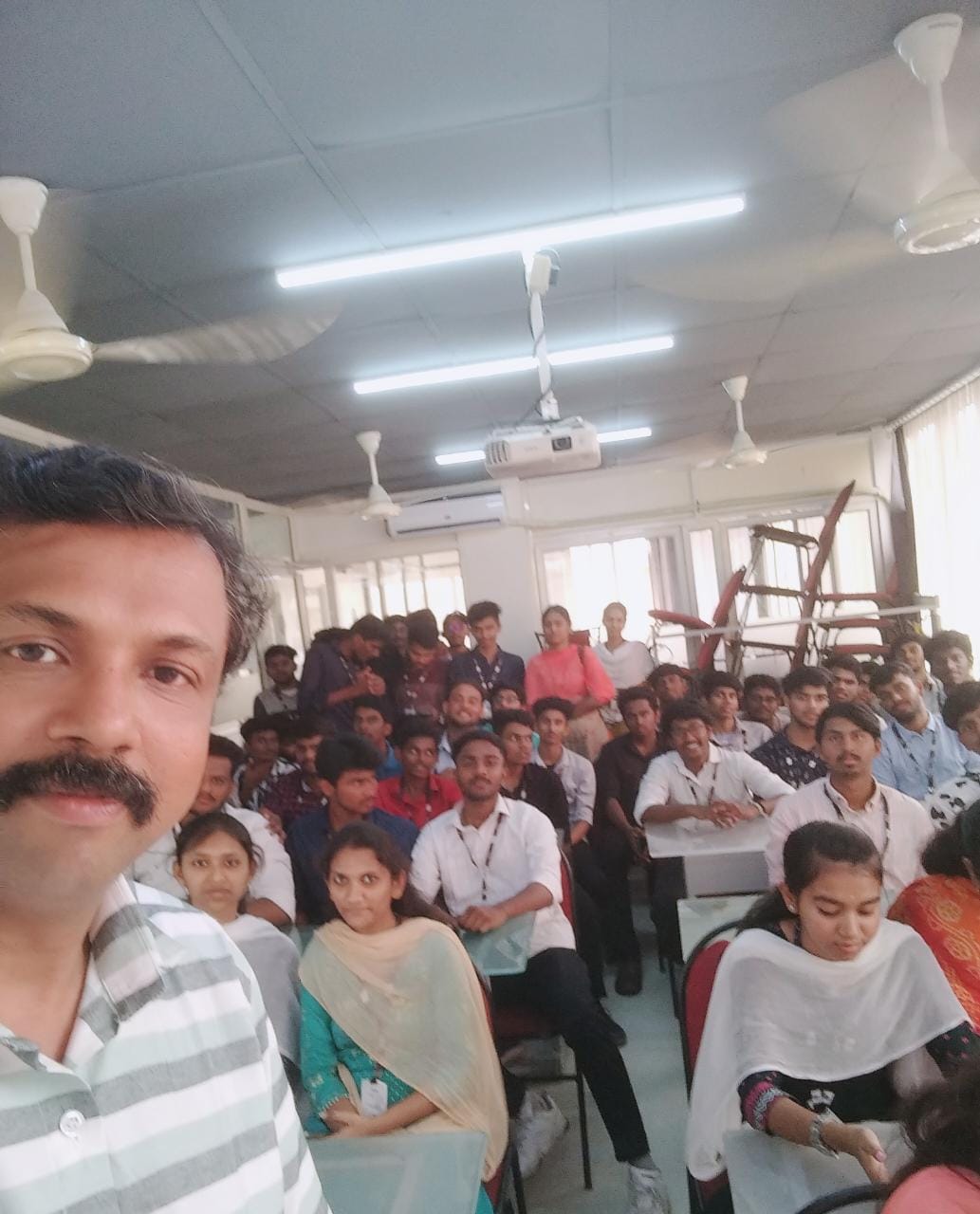
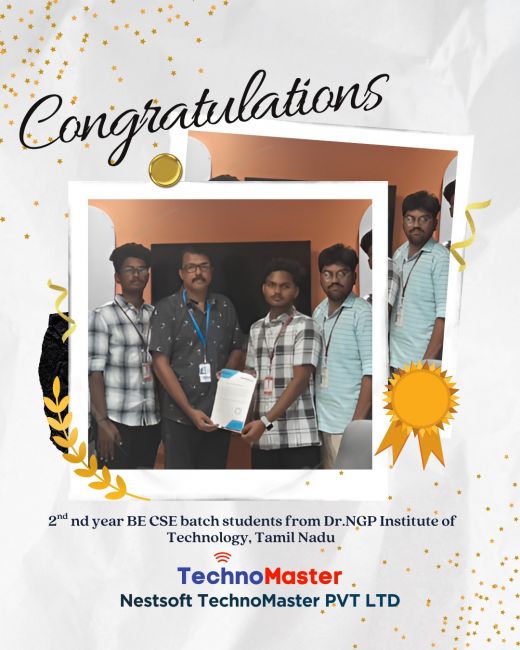
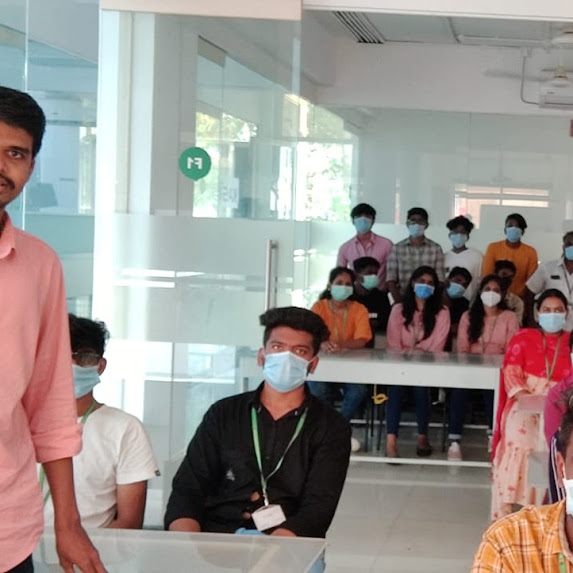
Photos of Training / Internships

Internship/projects in selangor

Trained more than 10000+ students who trust Nestsoft TechnoMaster

Get Your Personal Trainer