Send enquiry ⏎

CorelDRAW Online Live Class by Experts

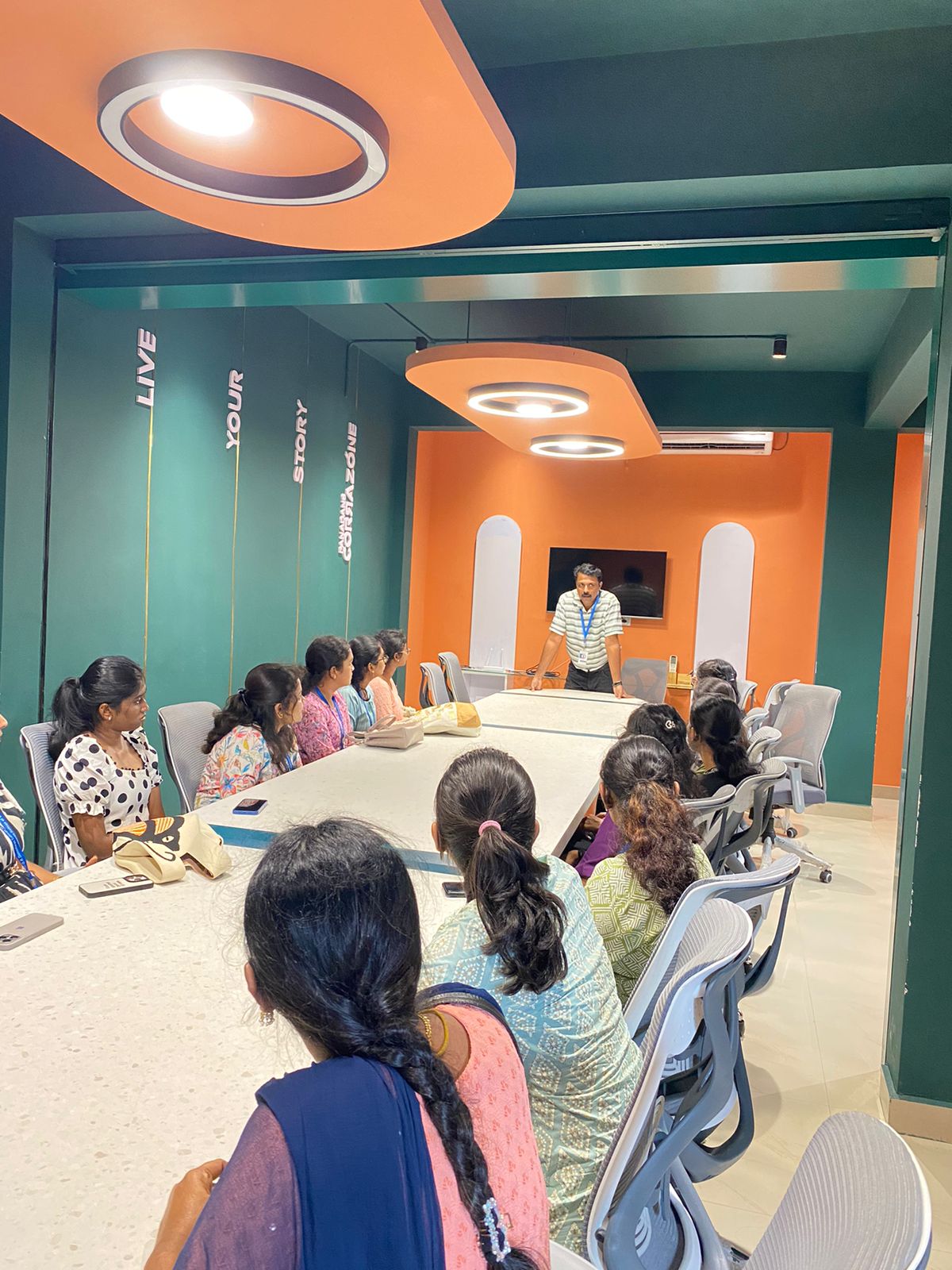
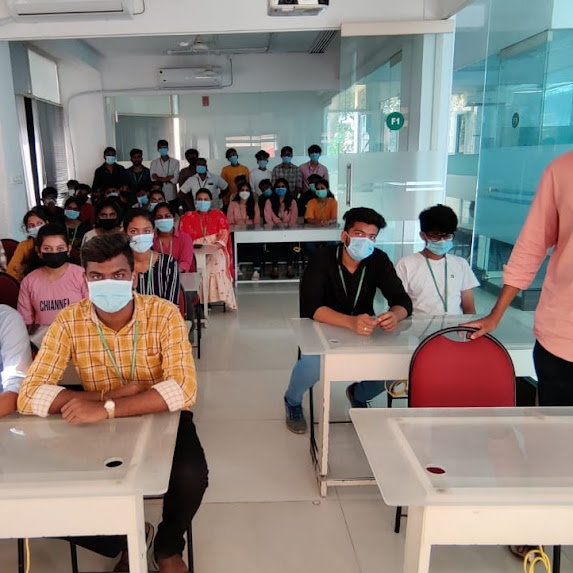
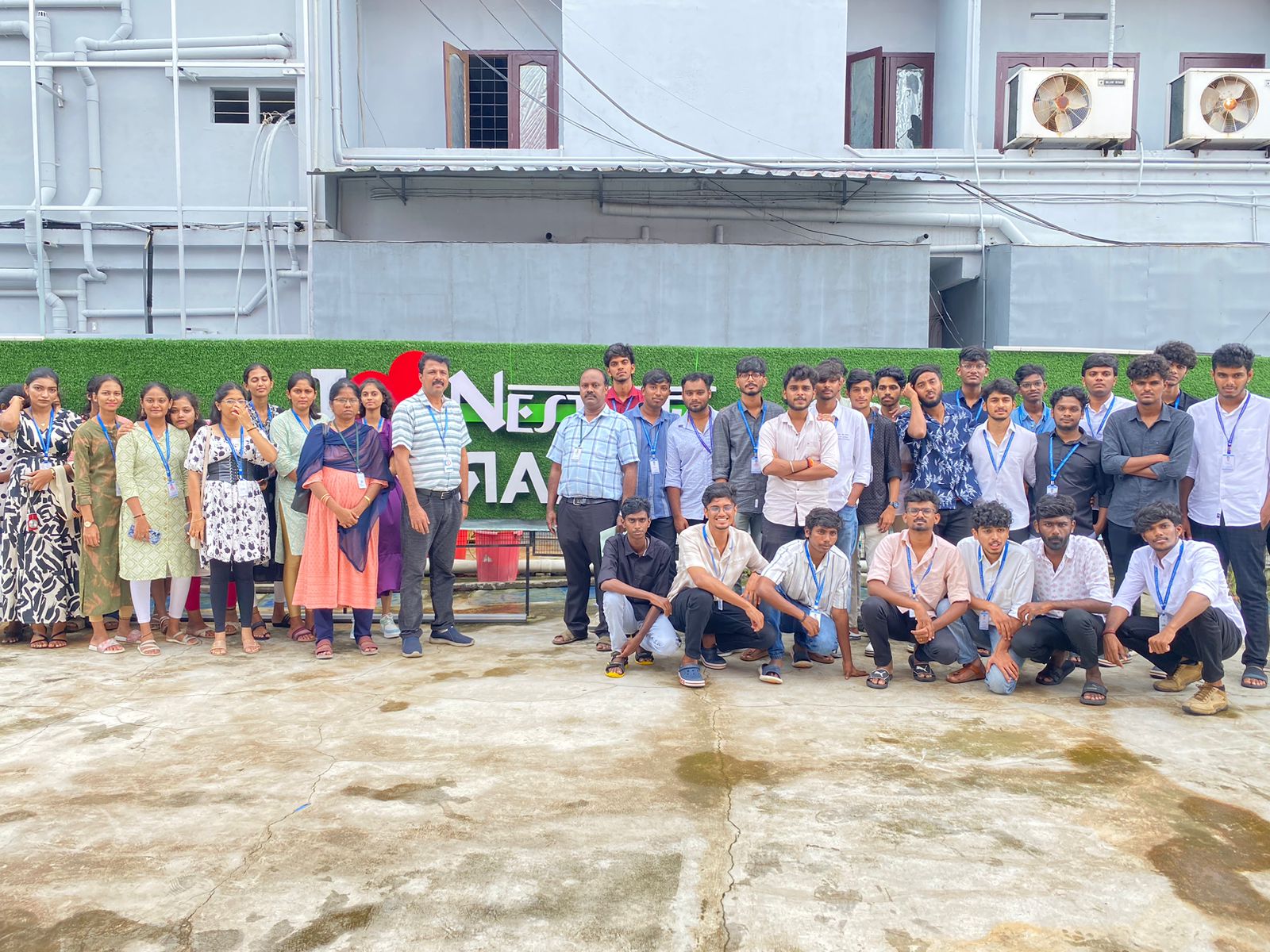
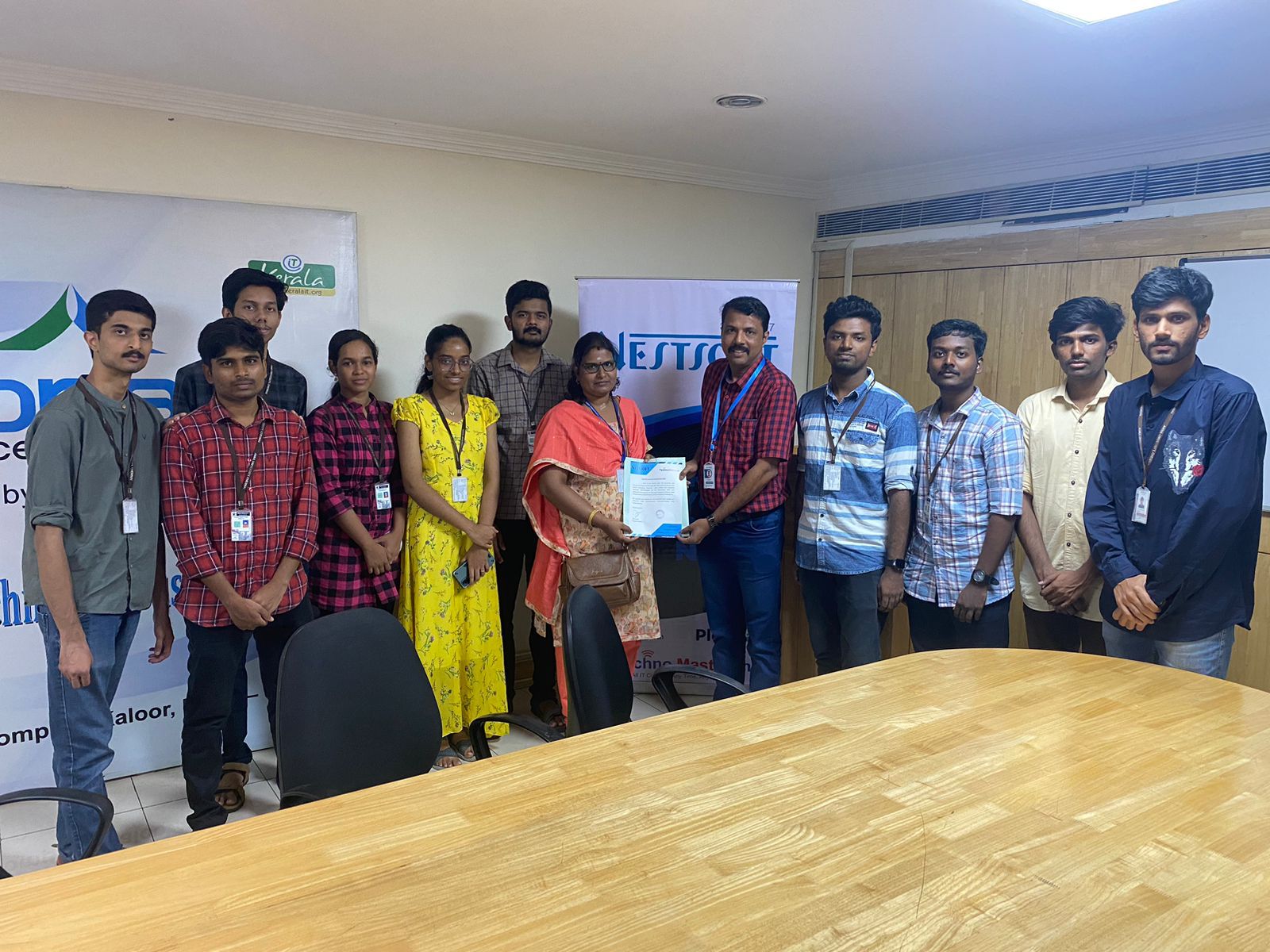
Our Training/Internship Process

CorelDRAW Online Live Classes in Pahang | Free Demo Training

CorelDRAW - Syllabus, Fees & Duration

Module 1: Introduction to CorelDRAW

  • Installing CorelDRAW Graphics Suite 2019
  • Basics of CorelDRAW
    • Vector Graphics and Bitmaps
    • Starting and Opening Drawings
    • Previewing Drawings
    • Viewing Modes
    • Saving and Closing Drawings
  • CorelDRAW Workspace
  • Creative Tools and Content
  • Touchscreen and Wheel Devices

Module 2: Lines, Shapes, and Outlines

  • Lines, Outlines, and Brushstrokes
  • Shapes and Shape Objects
  • Symmetrical Drawing

Module 3: Working with Objects, Symbols, and Layers

  • Introduction to Objects
  • Linking and Embedding Objects
  • Layers and Symbols
  • Managing and Tracking Projects

Module 4: Colour, Fills, and Transparencies

  • Colour
    • Colour Models and Depth
    • Choosing Colours
    • Creating and Editing Colour Palettes
  • Uniform Fills and Fountain Fills
  • Vector and Bitmap Pattern Fills
  • Texture, PostScript, and Mesh Fills
  • Object Transparency
  • Managing Colours

Module 5: Exploring Special Effects

  • Lenses
  • Adding 3D Effects
  • Mosaics

Module 6: Working with Text

  • Adding and Manipulating Text
  • Formatting Text
  • Managing Fonts
  • Writing Tools

Module 7: Templates and Styles

  • Templates
    • Using and Finding Templates
    • Managing Templates
    • Creating and Editing Templates
  • Introducing Styles and Style Sets
    • Creating, Applying, and Editing Styles and Style Sets
    • Managing Default Object Properties
    • Importing and Exporting Style Sheets
  • Colour Styles
    • Creating and Applying Colour Styles
    • Editing and Viewing Colour Styles
    • Exporting and Importing Colour Styles

Module 8: Pages and Layout

  • Pages and Layout Tools
    • Page Layout and Background
    • Adding and Deleting Pages
    • Rulers
    • Document Grid and Pixel Grid
  • Tables
    • Adding Tables
    • Selecting, Moving, and Navigating Table Components
    • Inserting and Deleting Table Rows and Columns
    • Formatting Tables and Cells
    • Converting Tables to Text

Module 9: Introduction to Bitmaps

  • Working with Bitmaps
    • Converting Vector Graphics to Bitmaps
    • Importing and Cropping Bitmaps
    • Bitmap Dimensions and Resolution
    • Straightening Bitmaps
    • Image Adjustment Lab
    • Adjusting Colour and Tone
    • Tone Curve Filter
  • Special Effects Categories
  • Bitmap Colour Modes
  • Introducing Trace
    • RAW Camera Files

Module 10: Web Graphics

  • File Formats
    • Importing and Exporting Files
    • Exporting to PDF
    • Supported File Formats
  • Customising and Automating
    • Setting Basic Preferences
    • Customising CorelDRAW
    • Using Macros and Scripts for Automating Ta
  • Download Syllabus - CorelDRAW
    This syllabus is not final and can be customized as per needs/updates
   
10000+
20+
50+
25+

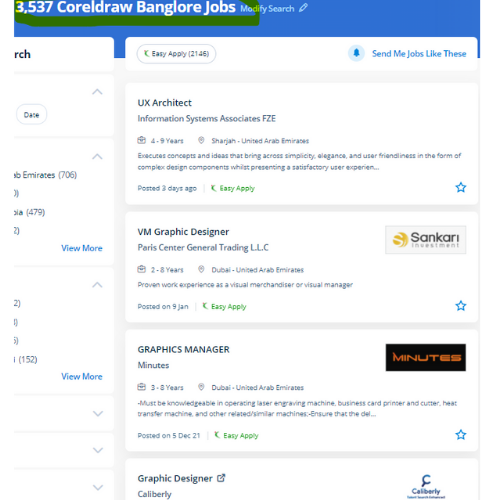
CorelDRAW Jobs in Pahang

Enjoy the demand

Find jobs related to CorelDRAW in search engines (Google, Bing, Yahoo) and recruitment websites (monsterindia, placementindia, naukri, jobshybrid.com, indeed.co.in, shine.com etc.) based in Pahang, chennai and europe countries. You can find many jobs for freshers related to the job positions in Pahang.

  • Corel Draw Designer
  • Graphic Designer
  • CorelDraw trainer
  • UI/UX Designer
  • Digital graphic designer
  • Multimedia designer
  • Graphics manager
  • Layout artist
  • Creative graphic designer
  • Interior designer

CorelDRAW Internship/Course Details

CorelDRAW internship jobs in Pahang
CorelDRAW we know CorelDraw could be a Vector graphics editor and designer computer code software it offers us a variety of exciting tools that creates the operating of CorelDraw software simple. you'll create professional logos, brochures, business cards, and alternative advertising elements with the help of these tools and would possibly provide them different appearances consistent with the wants of your client. it is meant to change two-dimensional pictures, for example, logos, banners, and so on. It's quite probably the foremost thought of illustrations progressing to a program accessible on the lookout. CorelDraw Graphics Suite programming is accessible on the lookout, and once introduced on the computer, you will get effectively started together with your realistic planning work. It provides each necessary and value-adding tool for the artistic professionals and aspiring designers who wish to show their imagination into an incredible kind of art. This stunning design software meets the everyday requests of working architects. CorelDraw is the best graphic designing and vector designing software, that would be a comprehensive collection of all tools and choices that are used for expert graphic designing fraternities. CorelDraw is also known in several names just like the Corel' Graphics Suite, Corel Photo-Paint, and alternative graphics-related programs. Interested candidates could register for our CorelDraw training course.


Meet a Few of our Industry Experts 🚀 Your Pathway to IT Career

Pranoti

Mobile: +91 89210 61945
Location: Online (Pahang, Malaysia)
Qualification: MTech

Experience: I have good knowledge of aws cloud devops with tools terraform grafana cloud watch tomcat nginx keycloak apache good knowledge  more..

Mohini

Mobile: +91 91884 77559
Location: Online (Pahang, Malaysia)
Qualification: b.com

Experience: Recently i started my career in graphic design (Canva)now i want to grow myself in graphic industry skills- logo post  more..

Rajesh

Mobile: +91 94975 90866
Location: Online (Pahang, Malaysia)
Qualification: 12th pass

Experience: Hello 👋 I am writing to express my strong interest in the WordPress Developer With my extensive experience in WordPress  more..

Chandrasekar

Mobile: +91 8301010866
Location: Online (Pahang, Malaysia)
Qualification: BE Mechanical

Experience: I am Expertise in User Researches Wireframing App design Web design Empathetic   more..

priyanshu

Mobile: +91 9895490866
Location: Online (Pahang, Malaysia)
Qualification: BCA

Experience: Experienced full stack android application developer with expertise in front-end and back-end development experienced in leading cross-functional teams   more..

Chothani

Mobile: +91 94975 90866
Location: Online (Pahang, Malaysia)
Qualification: BCA

Experience: Proficiency in Android app development using Java Kotlin Strong understanding of Android SDK APIs and architecture components Experience with Android  more..

Priyanka

Mobile: +91 89210 61945
Location: Online (Pahang, Malaysia)
Qualification: BBA Graduated

Experience: Working with a Youtuber "Biology at Ease" for past 2 years which recently crossed 1 Million subscribers & have great  more..

deepthy

Mobile: +91 91884 77559
Location: Online (Pahang, Malaysia)
Qualification: btech

Experience: more than one year experience in IOS development   more..

Akansha

Mobile: +91 89210 61945
Location: Online (Pahang, Malaysia)
Qualification: MCA

Experience: I have done 3 months of internship as a web developer in techsynric technologies Also I have sone MCA with  more..

Praveen

Mobile: +91 9895490866
Location: Online (Pahang, Malaysia)
Qualification: Final year BBA, Digital marketing Executive

Experience: Working for two companies (Vedic Flavors Al- thahbya events Dubai) and 7month experience in Google Ads Campaigns and Website development  more..

GAUSWAMI

Mobile: +91 91884 77559
Location: Online (Pahang, Malaysia)
Qualification: B.Sc.IT

Experience: I have 5+ years of experience in web and app development I have experience in Core PHP Drupal WordPress Laravel  more..

Ayush

Mobile: +91 91884 77559
Location: Online (Pahang, Malaysia)
Qualification: Secondary school graduate

Experience: I'm responsible for creating seamless and intuitive user experiences through thoughtful design I'll combine artistic flair with user-centric principles to  more..

Saumadip

Mobile: +91 91884 77559
Location: Online (Pahang, Malaysia)
Qualification: B.tech

Experience: Experienced Cyber Security Analyst with a passion for ethical hacking vulnerability assessment and penetration testing Skilled in delivering impactful cybersecurity  more..

Toshin

Mobile: +91 91884 77559
Location: Online (Pahang, Malaysia)
Qualification: Bachelor of technology

Experience: Full stack developer java python c++ html css javascript   more..

Anuj

Mobile: +91 94975 90866
Location: Online (Pahang, Malaysia)
Qualification: B tech

Experience: Html css javascript react js python   more..

Anomitra

Mobile: +91 9895490866
Location: Online (Pahang, Malaysia)
Qualification: B Tech (CSE)

Experience: Next JS Tailwind JavaScript Figma HTML and CSS UI UX development MERN Stack Node JS Python Machine Learning Project Management  more..

Utkarsh

Mobile: +91 9895490866
Location: Online (Pahang, Malaysia)
Qualification: BCA

Experience: I’ve an experience of 3months working as an UI UX intern with hands on FIGMA and UI designing along with  more..

Nihar

Mobile: +91 8301010866
Location: Online (Pahang, Malaysia)
Qualification: B.tech

Experience: Entry-level Skills in Java and frontend development using Javascript Bootstrap HTML and CSS I have worked as a web developer  more..

MUHAMMEDMUKTHAR

Mobile: +91 91884 77559
Location: Online (Pahang, Malaysia)
Qualification: MSc ComputerScience

Experience: Odoo 11 12 13 14 15 16 python javascript postgresql xml  more..

Dabhi

Mobile: +91 89210 61945
Location: Online (Pahang, Malaysia)
Qualification: BCA

Experience: responsible for creating and maintaining a website using the WordPress content management systems supporting current websites managing client website projects  more..

sukriti

Mobile: +91 9895490866
Location: Online (Pahang, Malaysia)
Qualification: B.Tech CSE

Experience: skills: Kotlin Android MVVM Permissions API Gson Notifications Android Components Live Data View and Data Binding I am currently doing  more..

Shawn

Mobile: +91 98474 90866
Location: Online (Pahang, Malaysia)
Qualification: B.E

Experience: Manual testing Automation Testing Api testing Database testing Mobile testing Web app testing  more..

Satyam

Mobile: +91 98474 90866
Location: Online (Pahang, Malaysia)
Qualification: Graduation

Experience: With a background as a front-end developer at IncreTech Pvt Ltd specializing in HTML CSS and JavaScript I bring a  more..

Surya

Mobile: +91 94975 90866
Location: Online (Pahang, Malaysia)
Qualification: B-Tech

Experience: Web development Python Java  more..

Success Stories

The enviable salary packages and track record of our previous students are the proof of our excellence. Please go through our students' reviews about our training methods and faculty and compare it to the recorded video classes that most of the other institutes offer. See for yourself how TechnoMaster is truly unique.


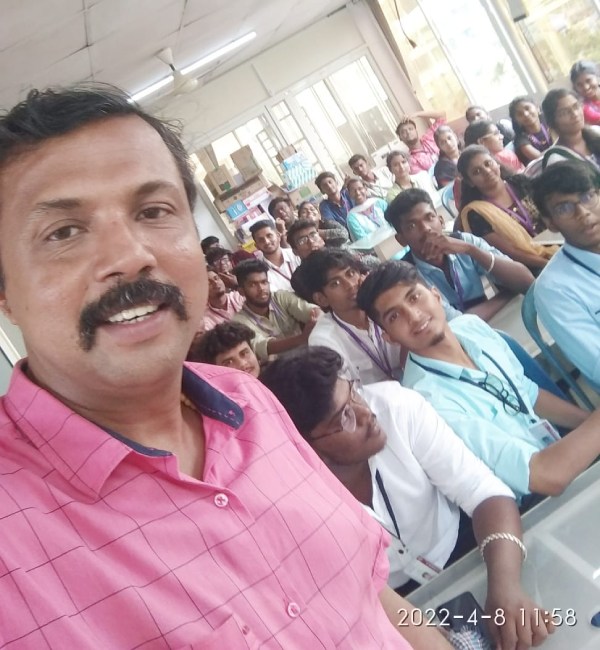
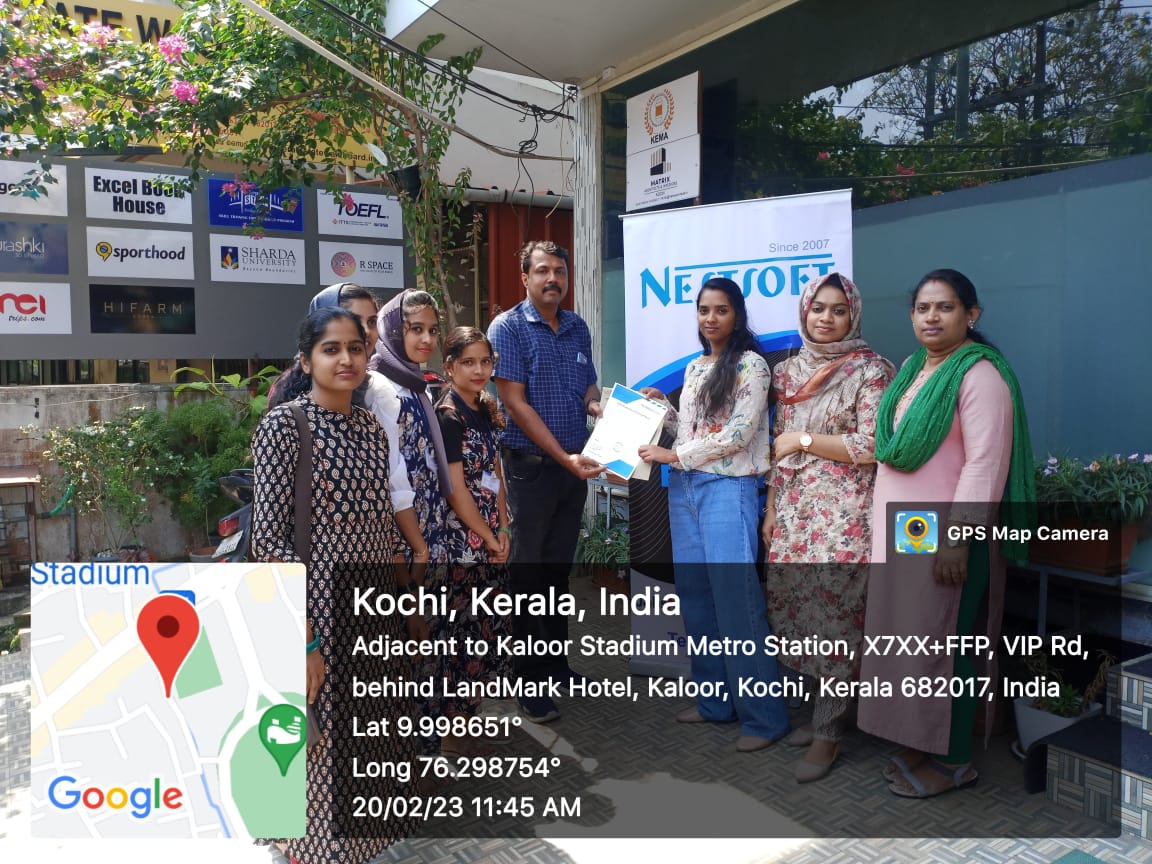
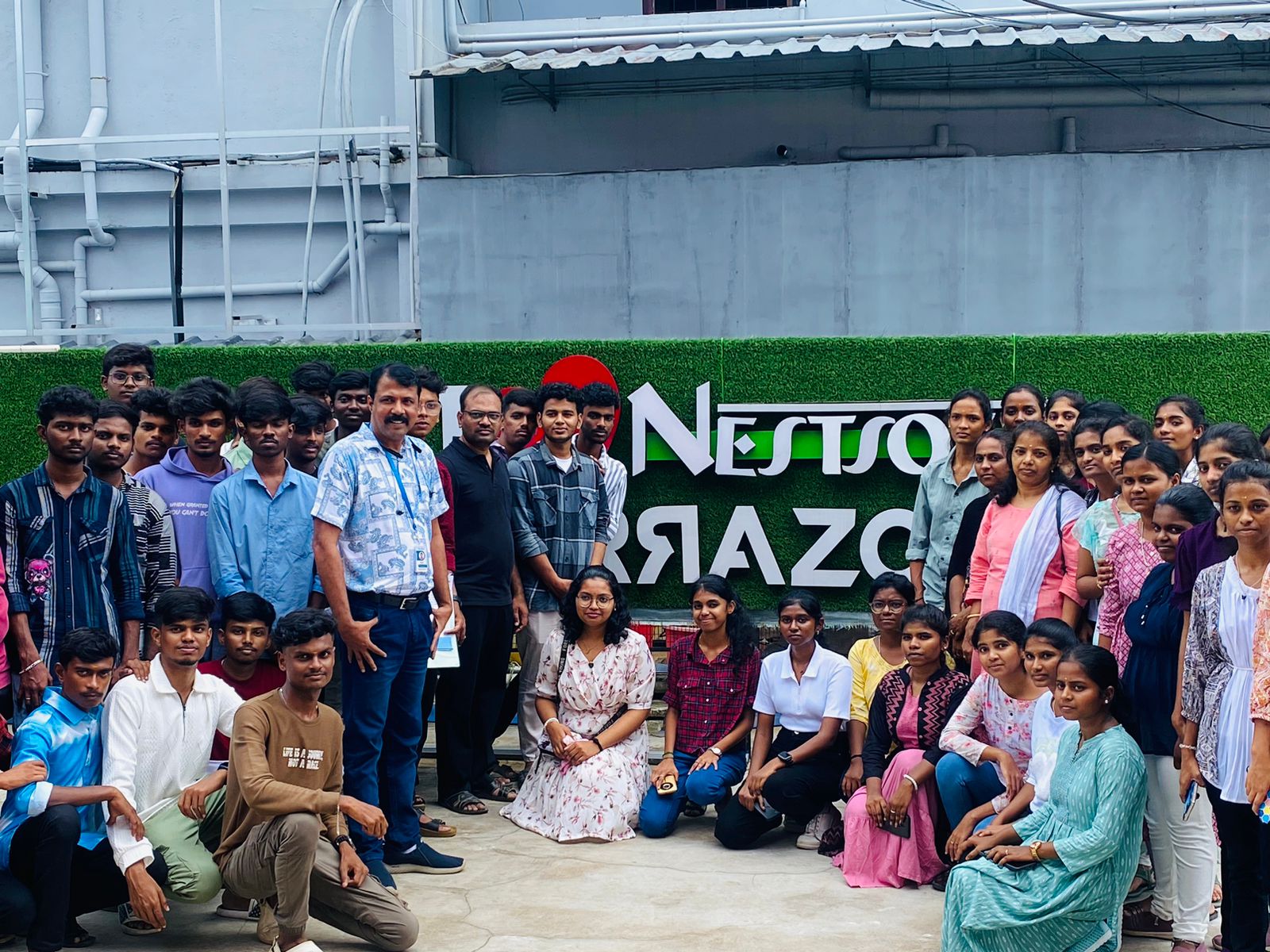
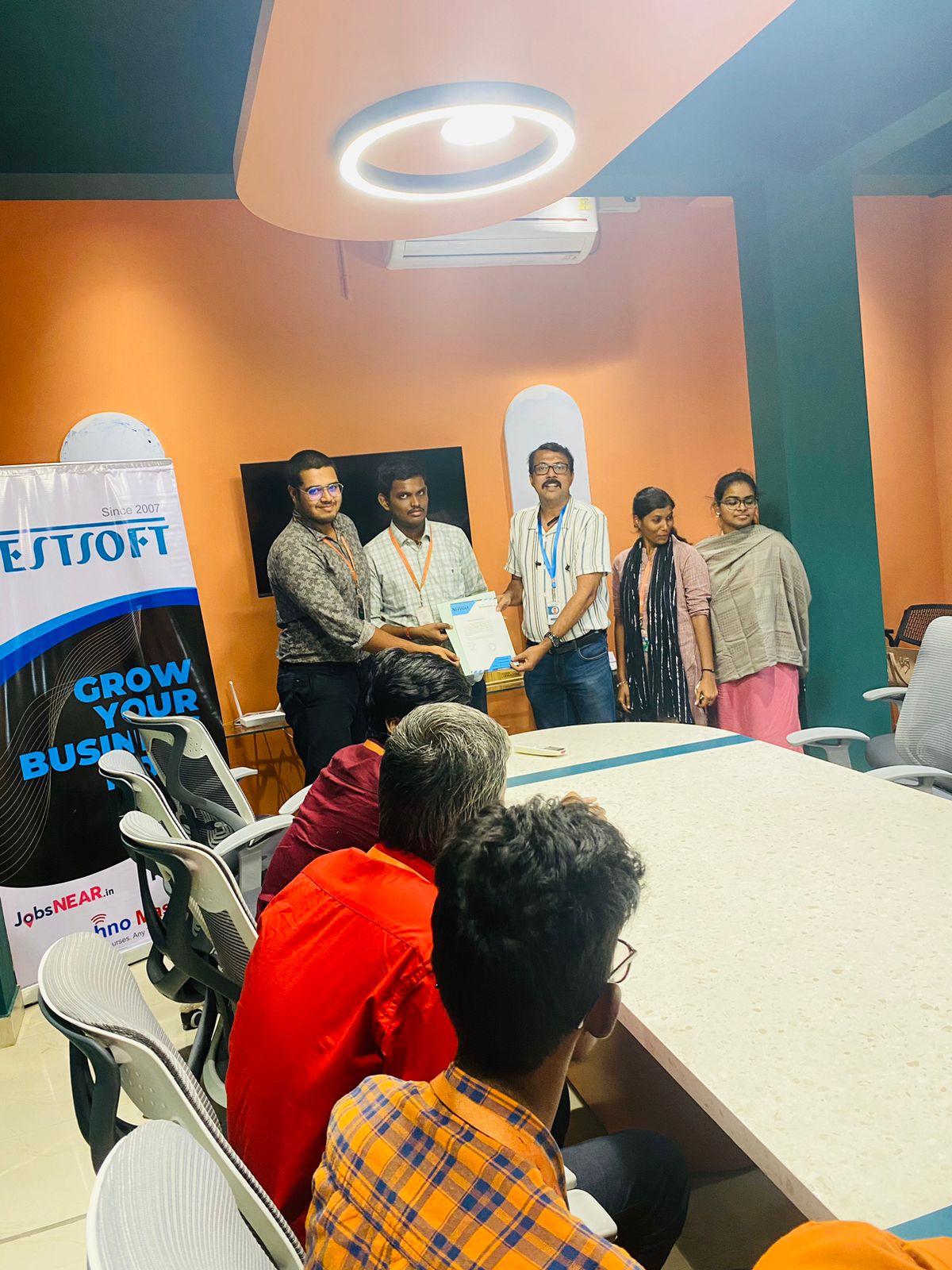
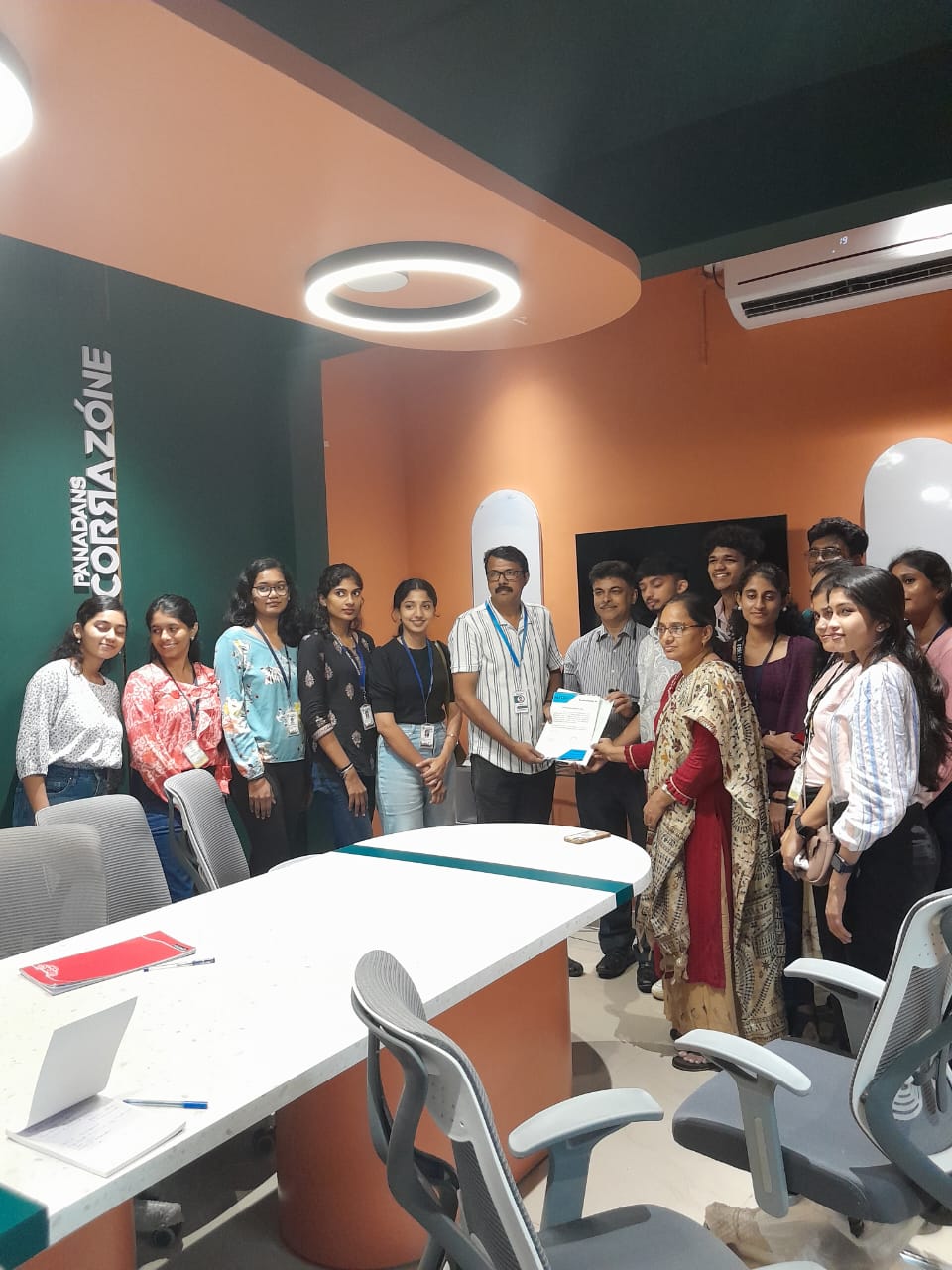
Photos of Training / Internships

Internship/projects in pahang

Trained more than 10000+ students who trust Nestsoft TechnoMaster

Get Your Personal Trainer