Send enquiry ⏎

Microsoft Excel Online Live Class by Experts

Our Training/Internship Process

Microsoft Excel Online Live Classes in Sabah | Free Demo Training

Microsoft Excel - Syllabus, Fees & Duration

Microsoft Excel Course Syllabus


Module 1: Introduction to Excel

  • Overview of Excel interface and ribbon
  • Workbook and worksheet basics
  • Understanding cells, rows, and columns
  • Data entry and editing (numbers, text, and formulas)
  • Saving, opening, and sharing Excel files

Module 2: Basic Excel Functions and Features

  • Using basic formulas and functions (SUM, AVERAGE, MIN, MAX)
  • Understanding absolute, relative, and mixed cell references
  • Formatting cells (font, alignment, number formats)
  • Conditional formatting basics
  • Working with dates and time

Module 3: Managing Data

  • Sorting and filtering data
  • Creating and managing tables
  • Data validation techniques
  • Removing duplicates
  • Working with text (Text to Columns, CONCATENATE, LEFT, RIGHT, MID, TRIM)

Module 4: Data Visualization with Charts

  • Creating basic charts (bar, line, pie, column)
  • Customizing chart elements (titles, legends, axes)
  • Introduction to sparklines
  • Combo charts and secondary axes

Module 5: Intermediate Excel Features

  • Using advanced functions (IF, VLOOKUP, HLOOKUP, INDEX, MATCH)
  • Logical and text functions (LEN, SUBSTITUTE, SEARCH)
  • Working with named ranges
  • PivotTables and PivotCharts
  • Grouping and summarizing data in PivotTables

Module 6: Advanced Excel Techniques

  • Nested functions (e.g., IF with AND/OR, INDEX-MATCH combinations)
  • Advanced conditional formatting rules
  • Data analysis using What-If Analysis (Goal Seek, Scenario Manager)
  • Introduction to Macros (recording and running basic macros)
  • Using Excel with external data sources

Module 7: Data Analysis and Reporting

  • Advanced filtering techniques
  • Creating dashboards with Excel
  • Using Power Query for data transformation
  • Introduction to Power Pivot for data modeling
  • Advanced chart techniques (waterfall, Gantt chart)

Module 8: Collaboration and Productivity

  • Sharing and protecting workbooks
  • Tracking changes and using comments
  • Collaborative editing in Excel (online versions)
  • Workbook and worksheet protection techniques

Module 9: Excel Shortcuts and Best Practices

  • Essential keyboard shortcuts
  • Efficiency tips for faster data entry
  • Avoiding common errors in formulas and data
  • Best practices for creating professional spreadsheets

Module 10: Excel for Specialized Use Cases (Optional)

  • Excel for finance: financial formulas and templates
  • Excel for project management: Gantt charts and trackers
  • Excel for inventory management and logistics
  • Excel for HR: employee trackers and payroll templates

Assessment and Certification

  • Hands-on projects: Build dashboards, analyze datasets, and create reports
  • Quizzes at the end of each module
  • Final practical test
  • Certification upon successful course completion

Download Syllabus - Microsoft Excel
This syllabus is not final and can be customized as per needs/updates
   
10000+
20+
50+
25+

Microsoft Excel Jobs in Sabah

Enjoy the demand

Find jobs related to Microsoft Excel in search engines (Google, Bing, Yahoo) and recruitment websites (monsterindia, placementindia, naukri, jobshybrid.com, indeed.co.in, shine.com etc.) based in Sabah, chennai and europe countries. You can find many jobs for freshers related to the job positions in Sabah.

  • Data Analyst
  • Financial Analyst
  • Business Analyst
  • Project Manager
  • Accountant
  • Human Resources (HR) Specialist
  • Supply Chain Specialist
  • Marketing Analyst
  • Administrative Assistant
  • Operations Manager

Microsoft Excel Internship/Course Details

Microsoft Excel internship jobs in Sabah
Microsoft Excel Designed for beginners and advanced users alike, this course covers essential skills, advanced functionalities, and real-world applications to help you efficiently analyze data, create reports, and streamline workflows. Whether you're managing personal finances, generating professional reports, or working with complex datasets, this course equips you with the tools to excel. Master the art of Microsoft Excel, the world's leading spreadsheet application, with this comprehensive course. , .


Meet a Few of our Industry Experts 🚀 Your Pathway to IT Career

Geetha

Mobile: +91 8301010866
Location: Online (Sabah, Malaysia)
Qualification: Masters in economics

Experience: Work experience - 4 On page seo Off page seo Technical seo Cms Google adwords   more..

Pragathi

Mobile: +91 94975 90866
Location: Online (Sabah, Malaysia)
Qualification: MCA

Experience: Core Java SQL JDBC J2EE and Hibernate And testing of selenium  more..

Swati

Mobile: +91 9895490866
Location: Online (Sabah, Malaysia)
Qualification: Bachelor of Technology

Experience: Java J2SE J2EE web development python MySQL SQL performance testing tools- Jmeter Neoload and loadrunner ISTQB certified   more..

Aparna

Mobile: +91 9895490866
Location: Online (Sabah, Malaysia)
Qualification: Btech CSE

Experience: Skilled with core java automation testing with selenium java objective c  more..

Sneha

Mobile: +91 91884 77559
Location: Online (Sabah, Malaysia)
Qualification: Bachelors of Engineering

Experience: 2 7 year of experience Html5 css bootstrap basic javascript Java c c++ basic of php   more..

Sudarsan

Mobile: +91 98474 90866
Location: Online (Sabah, Malaysia)
Qualification: Diploma in Computer Science

Experience: 8years experience as a HTML developer   more..

Roshani

Mobile: +91 89210 61945
Location: Online (Sabah, Malaysia)
Qualification: B.E

Experience: Kotlin android GitHub coroutine jetpack compose compose test rule  more..

Akshay

Mobile: +91 91884 77559
Location: Online (Sabah, Malaysia)
Qualification: BA Economics

Experience: Manual testing Mysql Java Automation testing Cucumber Test NG Appium Jmeter Postman Api  more..

Arjundas

Mobile: +91 89210 61945
Location: Online (Sabah, Malaysia)
Qualification: Btech in computer science

Experience: Python odoo xml sql git  more..

Nidhin

Mobile: +91 89210 61945
Location: Online (Sabah, Malaysia)
Qualification: Msc Mathematics

Experience: I have 6 months experience in Data Science -AI-python-ML -Deep Learning intern at Luminar technolab kochi  more..

Pooja

Mobile: +91 91884 77559
Location: Online (Sabah, Malaysia)
Qualification: BE

Experience: Manual testing automation testing selenium BDD Java SQL jira tool postman tool etc  more..

Govind

Mobile: +91 9895490866
Location: Online (Sabah, Malaysia)
Qualification: Btech

Experience: Skills:- java css html react tailwind javascript bootstrap firebase sql Experience:- 2 5 month frontend developer intern at starzedu classes  more..

Sreenivasan

Mobile: +91 91884 77559
Location: Online (Sabah, Malaysia)
Qualification: Diploma in Multimedia and animation

Experience: I am proficient in using software such as Adobe Photoshop Illustrator InDesign Corel DRAW and other graphic design programs i  more..

Jesteena

Mobile: +91 8301010866
Location: Online (Sabah, Malaysia)
Qualification: MSc computer science

Experience: I am recently pass out postgraduate in MSc computer science with top honours I have knowledge in python Machine learning  more..

Mohammed

Mobile: +91 98474 90866
Location: Online (Sabah, Malaysia)
Qualification: Bachelor of computer applications

Experience: Basic knowledge of Html Css javascript Mongo db Etc I have completed UI FULL STACK WEB DEVELOPMENT Course at Naresh  more..

MOHAMMED

Mobile: +91 89210 61945
Location: Online (Sabah, Malaysia)
Qualification: BTECH

Experience: over all the years I have spent time in upskilling myself & experiencing more & I have good knowledge of  more..

MEGHANA

Mobile: +91 8301010866
Location: Online (Sabah, Malaysia)
Qualification: BE in computer science and Engineering

Experience: I have skills like designing creative posters logo and thumbnails i use Canva as my designing tool and i have  more..

PURNAWATI

Mobile: +91 9895490866
Location: Online (Sabah, Malaysia)
Qualification: MCA

Experience: I have skill of Python developer I am fresher   more..

Manish

Mobile: +91 94975 90866
Location: Online (Sabah, Malaysia)
Qualification: B.Tech

Experience: During my time at SafeSend Technology I was responsible for developing and maintaining web applications using C# ASP NET and  more..

ATHIRA

Mobile: +91 94975 90866
Location: Online (Sabah, Malaysia)
Qualification: M tech

Experience: C python dot net  more..

Laxmi

Mobile: +91 8301010866
Location: Online (Sabah, Malaysia)
Qualification: Graduation

Experience: Hii I am a uiux designer and as an uiux designer creating the user interface and user research including wireframing  more..

Kanika

Mobile: +91 94975 90866
Location: Online (Sabah, Malaysia)
Qualification: Masters of computer applications

Experience: I’m having an experience of 1 year and 8 months as a front end developer I’m having experience of working  more..

RITIK

Mobile: +91 94975 90866
Location: Online (Sabah, Malaysia)
Qualification: B. Tech

Experience: I am a computer science graduate with a strong passion for software engineering My goal is to secure a challenging  more..

Shaly

Mobile: +91 98474 90866
Location: Online (Sabah, Malaysia)
Qualification: B.E Electronics and Instrumentation

Experience: Quality Analyst Data Quality Elastic search Kibana Software testing Selenium Jmeter  more..

Success Stories

The enviable salary packages and track record of our previous students are the proof of our excellence. Please go through our students' reviews about our training methods and faculty and compare it to the recorded video classes that most of the other institutes offer. See for yourself how TechnoMaster is truly unique.

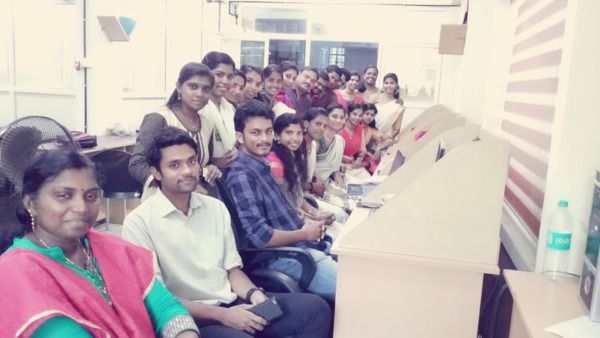
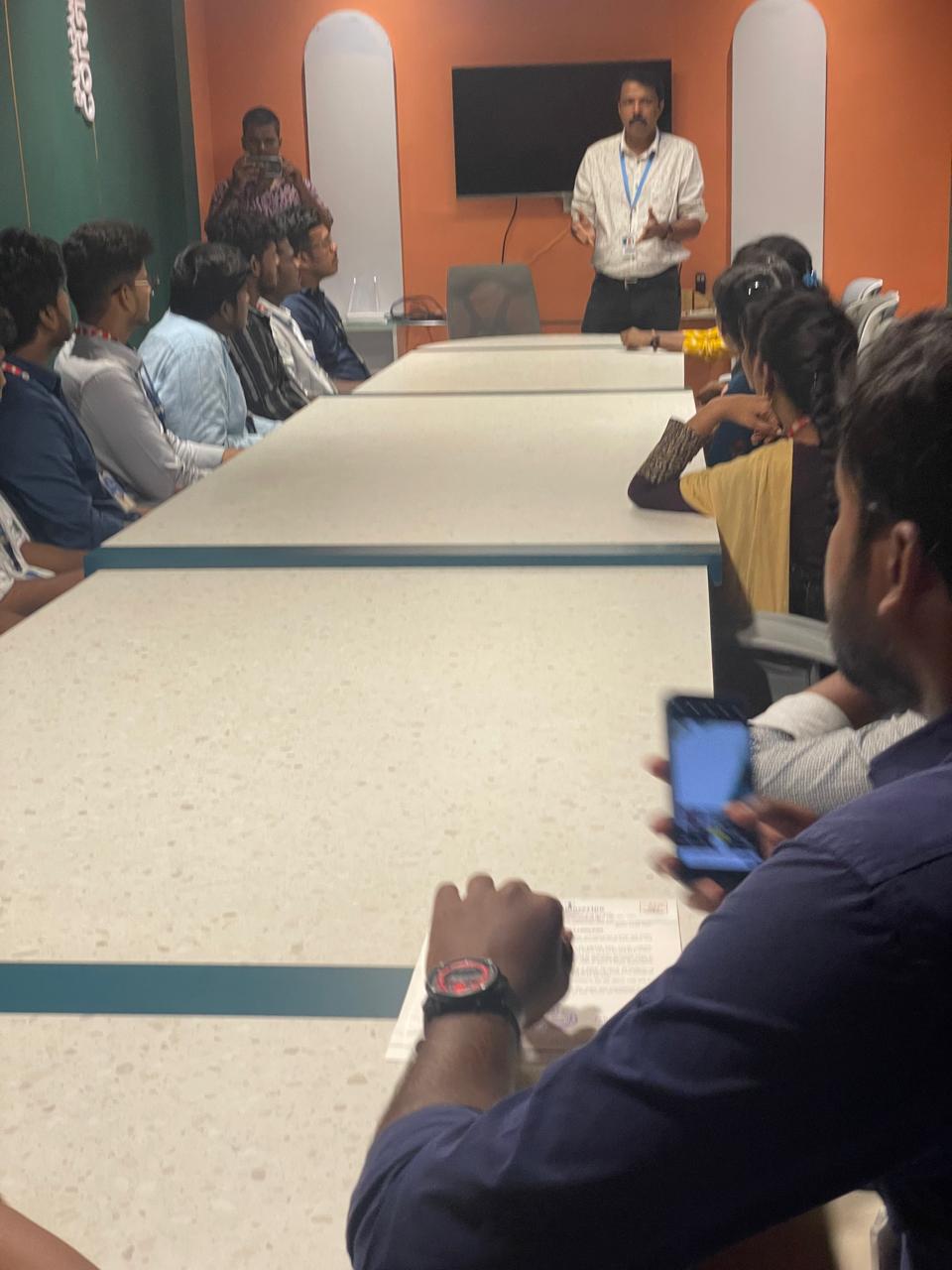
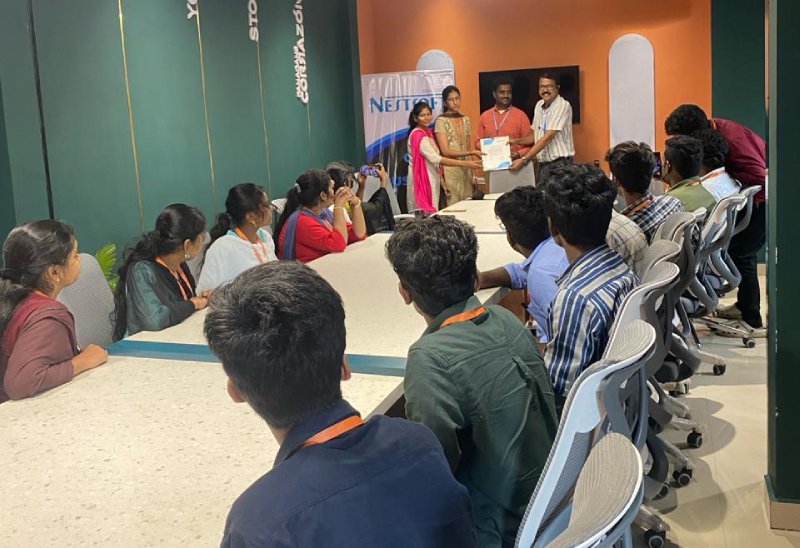
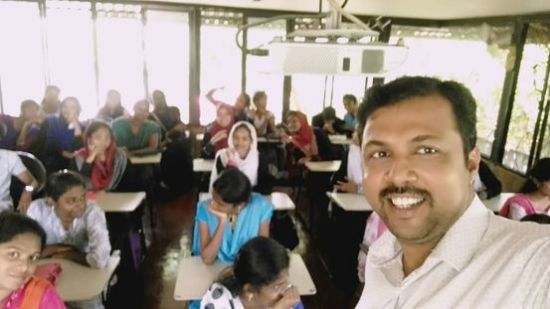
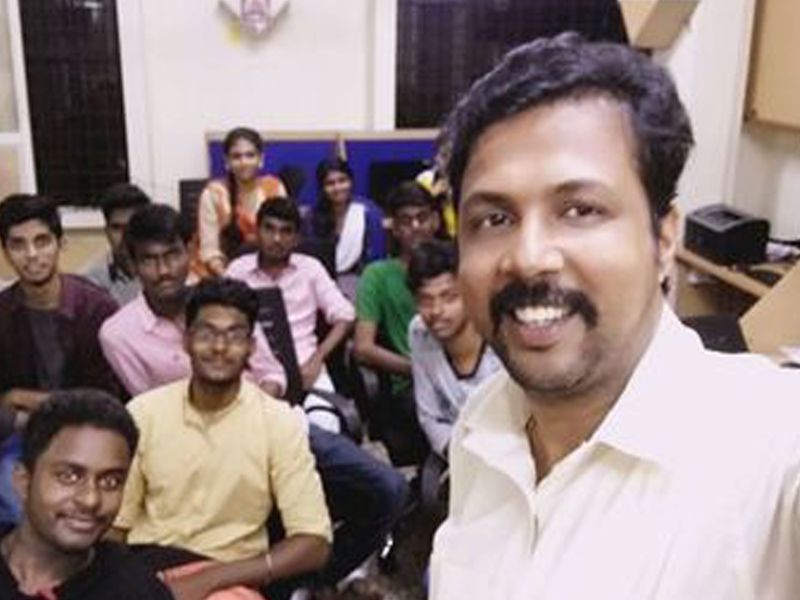
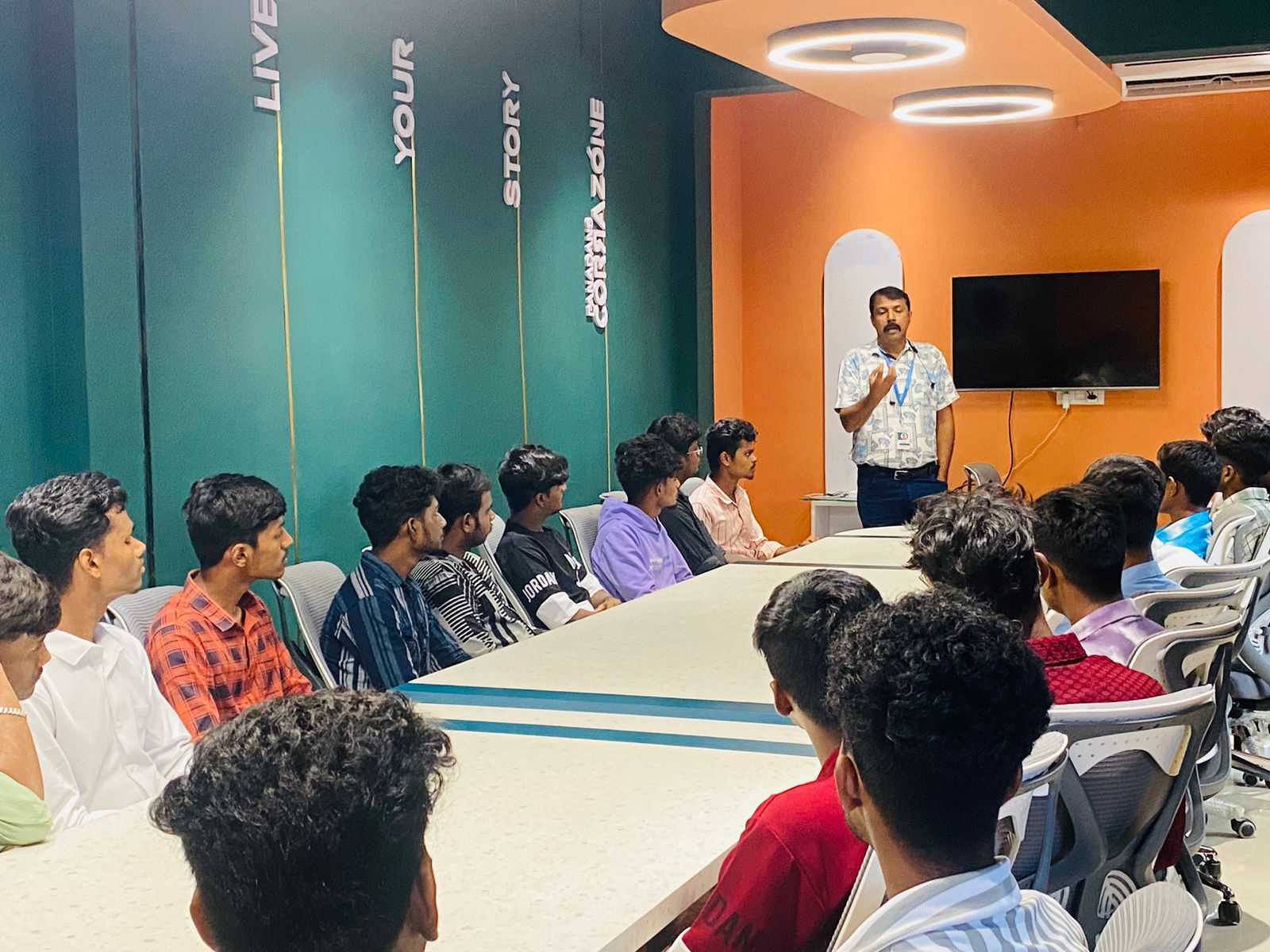
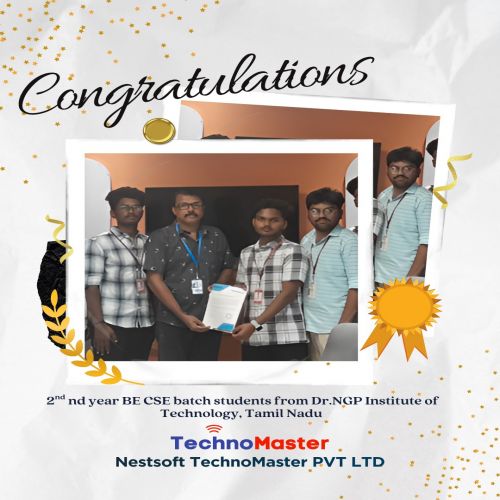
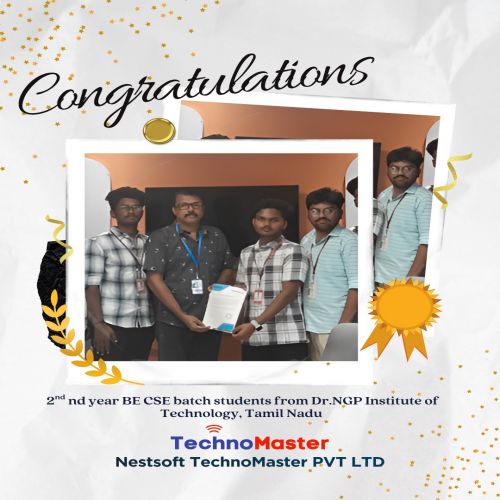
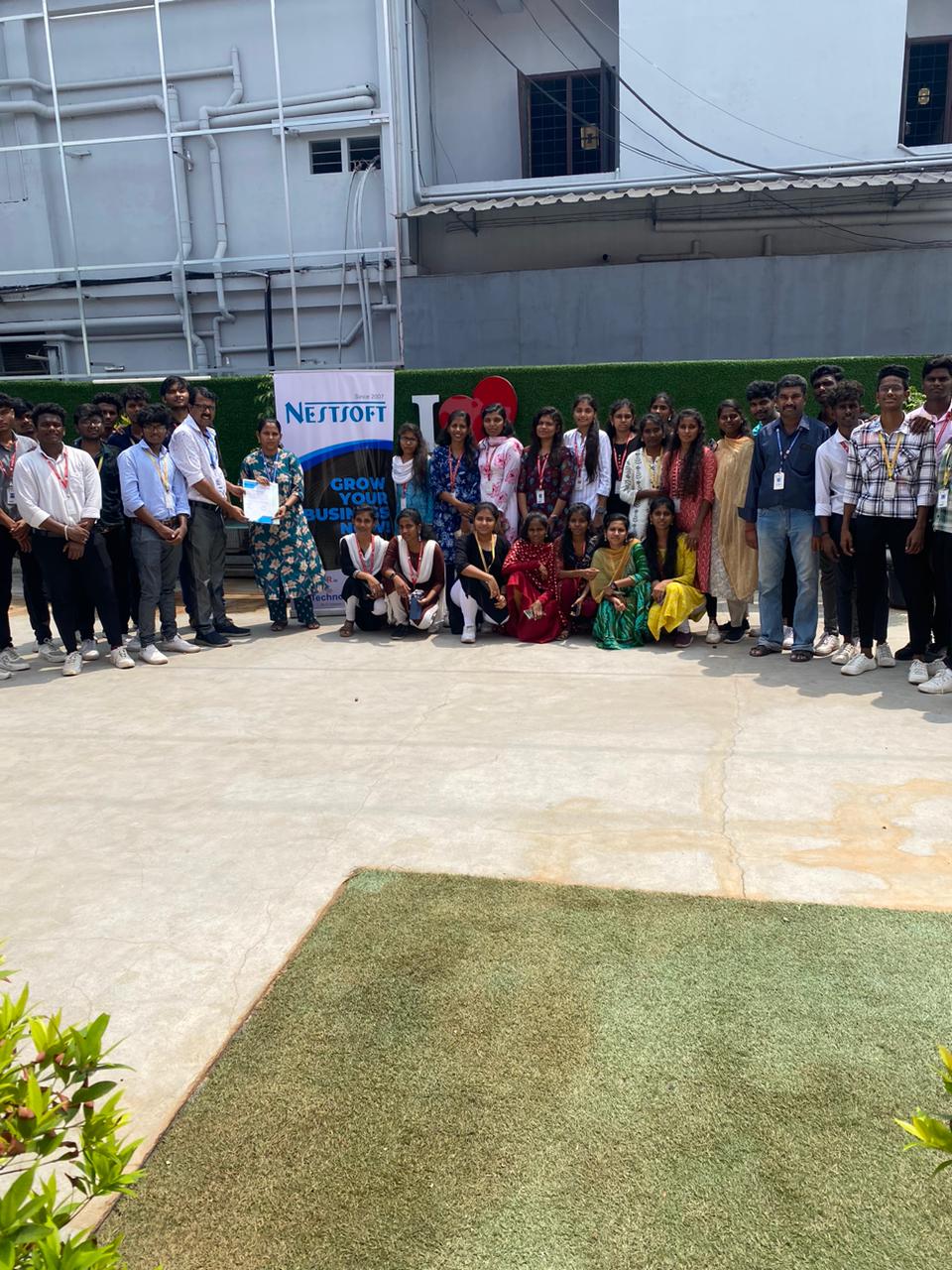
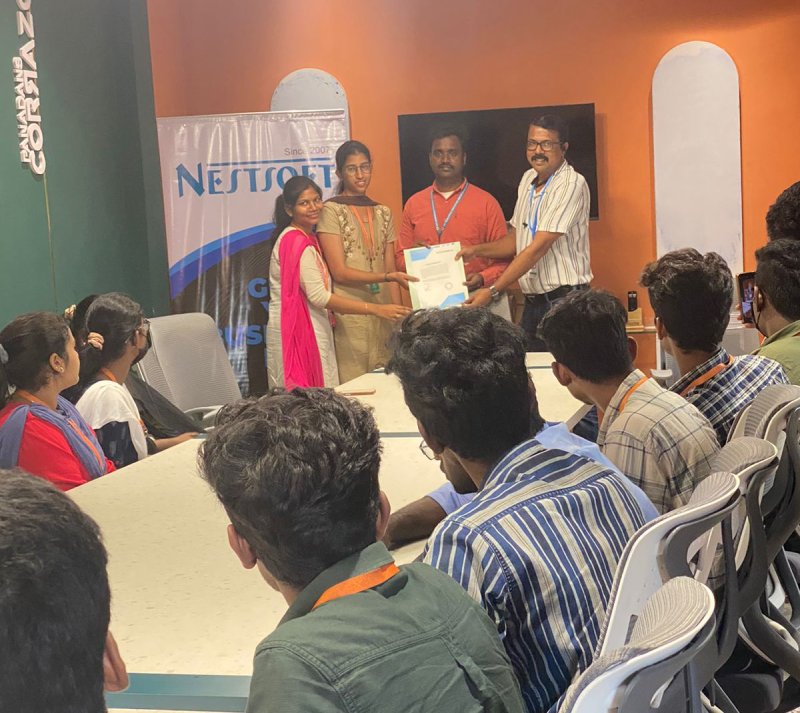
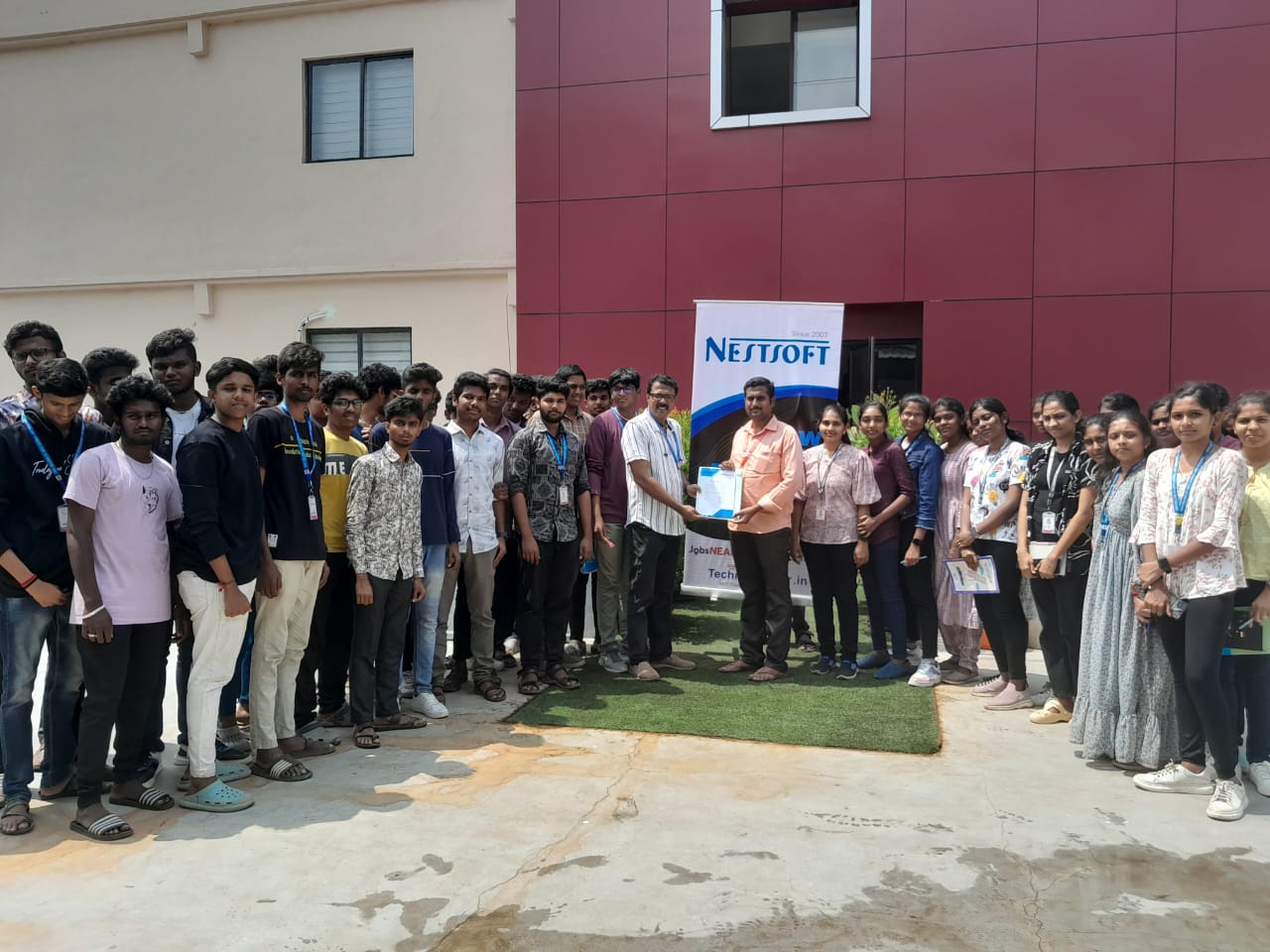
Photos of Training / Internships

Internship/projects in sabah

Trained more than 10000+ students who trust Nestsoft TechnoMaster

Get Your Personal Trainer