Send enquiry ⏎

Server Administration Online Live Class by Experts

Our Training/Internship Process

Server Administration Online Live Classes in Labuan | Free Demo Training

Server Administration - Syllabus, Fees & Duration

MODULE 1

  • What is Server?
  • Client and Server Operating System
  • What are Workgroup and Domain?
  • How a Workgroup Environment is created
  • How a Domain Environment is created
  • Difference between Workgroup and Domain
  • Types of Role in Server
  • Overview of VMware Workstation
  • Creation of Server in VMware Workstation

MODULE 2

  • Understanding of Active Directory(AD) Service
  • Understanding of Domain Name System (DNS) Service
  • Check the Port Numbers related to Service
  • Troubleshooting using Ping and Telnet
  • Installing of Active Directory (AD) Service in Server
  • Creation of Domain Controller (DC)
  • Joining a PC to Domain Environment
  • Checking the health of Active Directory Service (AD)
  • Understanding services of Active Directory (AD)
  • Creation of Users & Group in Active Directory (AD)
  • Adding Users in the group in Active Directory (AD)

MODULE 3

  • NTFS Permission(Share & Security)
  • Configuring Read/Write/Modify & Special Permission
  • Understanding Explicit & Inherited Permission
  • Configuring Access Based Enumeration (ABE)
  • Configuring Shadow Copies & Home Folder
  • Installation of FSRM (File Server Resource Manager)
  • Applying Soft & Hard Quota on Folder
  • Applying File Screening on Folder

MODULE 4

  • Need of Group Policy & How Group Policy Works
  • User Policy & Computer Policy
  • Default Domain Policy & Default Domain Controller Policy
  • Group Policy Order and Precedence
  • Configuring Recycle Bin Policy & Wallpaper Policy
  • Configuring Audio Policy & Screen Saver Policy
  • Benefits of Organization Unit (OU) & Creation of OU
  • Blocking Inheritance & Enforce Policy
  • Software Installation using Group Policy
  • Group Policy Backup & Restore
  • Prevent Policy Application using WMI Filter
  • Domain Password Policy & Fine Grain Password Policy
  • Configure Password Length, History & Complexity
  • Account Lock Policy and Account Lock Troubleshooting
  • Delegate access to User/Group for User Management
  • Performing Mapped Drive using Group Policy
  • Group Policy Troubleshooting steps

MODULE 5

  • Need of Additional Domain Controller(ADC) & Creation of ADC
  • Multi-Master Replication between DC & ADC
  • Understanding of RODC (Read-Only Domain Controller)
  • Replication between DC & ADC
  • Checking ADC when DC is down
  • Creation of Site & Subnet
  • Understanding of Replication Schedule
  • Replication between Domain Controllers (DC & ADC)
  • Intra-Site & Inter-Site Replication
  • Understanding of IFM (Install from Media)
  • Working of KCC & Selection of Bridgehead Server

MODULE 6

  • Importance of Flexible Single Master Operation (FSMO) Roles
  • Understanding Forest level and Domain Level Roles
  • Deep Dive into the working of each Role
  • Perform Transfer of Schema Master, DNM Master
  • Perform Transfer of RID, PDC, Infra Master Operations
  • Impact on Domain when Role Holder DC is down
  • Perform FSMO Role Seizure
  • Active Directory Database Partition
  • Understanding of Schema & Configuration Partition
  • Understanding of Domain & Application Partition

MODULE 7

  • Need of Child Domain & Creation of Child Domain
  • Understanding of Multi-Domain Environments
  • Adding New Domain to Existing Forest
  • Understanding DNS Delegation & Forwarders
  • Understanding of Multi-Forest Environments
  • Creation of Trust between 2 Forest
  • Type of Trust and Nature of Trust
  • Type of Groups in Active Directory
  • Security & Distribution Group
  • Global, Domain Local & Universal Group
  • Understanding of Global Catalog Server

MODULE 8

  • Need of DNS & Active Directory Integrated DNS
  • Host File, DNS Cache & DNS Zone
  • DNS Forwarders, Delegation & Conditional Forwarders
  • DNS A record, SRV Record, CNAME Record
  • Recovering Active Directory from Disaster
  • Active Directory Recycle Bin
  • System State Backup of Domain Controller

MODULE 9

  • Installing DFS Role on the Server
  • DFS Namespace & Replication
  • How SYSVOL Replication Works
  • Installing DHCP Role on the Server
  • How DHCP Works
  • Understanding of APIPA & DORA Process
  • Configure Scope, Exclusion, Lease, Reservation in DHCP
  • Installing Windows Deployment Service (WDS) Role
  • Configure Boot Image & Install Image
  • Deployment of Operating System via Network (PXE Boot)
  • Understanding of Windows Server Update Service (WSUS)

MODULE 10

  • Installing IIS Role on the Server
  • Creation of Website
  • Performing DNS Round Robin
  • Installing NLB and Creation of Load Balancer
  • Need of Redundant Array of Independent Disk (RAID)
  • Configure RAID 0 - Stripping, RAID 1 – Mirroring, RAID 5 - Strip Parity
  • Understanding RAID 10 - Strip Mirror
  • Understanding & Need of Virtualization Technologies

MODULE 11

  • Need of Failover Cluster
  • Installing Failover Cluster (FOC) Role on the Server
  • Creation of SAN & ISCSI Disk
  • Perform Failover Cluster
  • Installing Active Directory Certificate Service (ADCS) Role on the Server
  • Creation of Certificate Server
  • Enterprise & Standalone CA
  • Creation of Domain Certificate using CA
  • Applying Certificate to the Webserver

MODULE 12

  • Understand the Need for Migration
  • Migrate Active Directory Domain from 2012 to 2016
  • Perform the Check after Successful Migration
  • Upgrade Forest & Domain Functional Levels
  • Resume Preparation and Interview Preparation Techniques
  • Download Syllabus - Server Administration
    This syllabus is not final and can be customized as per needs/updates
       
    10000+
    20+
    50+
    25+

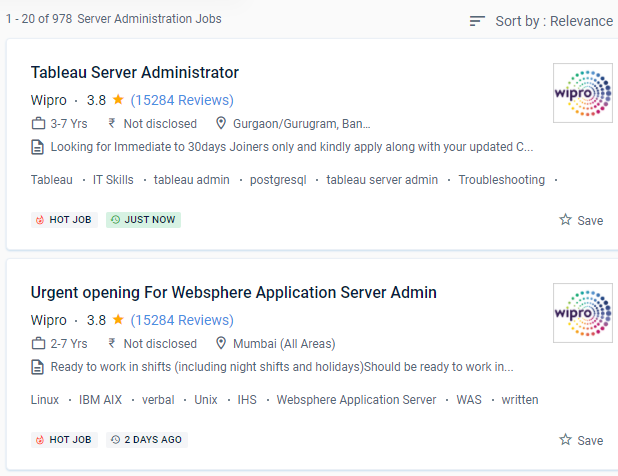
    Server Administration Jobs in Labuan

    Enjoy the demand

    Find jobs related to Server Administration in search engines (Google, Bing, Yahoo) and recruitment websites (monsterindia, placementindia, naukri, jobshybrid.com, indeed.co.in, shine.com etc.) based in Labuan, chennai and europe countries. You can find many jobs for freshers related to the job positions in Labuan.

    • System administrator
    • IT system administrator
    • Lead system administrator
    • Help desk [ system administer]
    • System and network administrator
    • Window server administrator
    • System admin
    • Senior operation administrator
    • Window server admin-administrator
    • Operating system administrator

    Server Administration Internship/Course Details

    Server Administration internship jobs in Labuan
    Server Administration Server administration encompasses all aspects of computer networking, including setup, storage, monitoring, and troubleshooting. This course covers a variety of passive and active approaches for avoiding security flaws and protecting sensitive data. When it comes to completing your administrative chores, the trainers will provide you with all of the bpracticesises and tips. Server Administration requires knowledge of TCP/IP, DNS, LAN, and WAN to maintain server functionality. Server serving is an important aspect of computer network operation in today's industry. Server administrators can be hired in any company that has networks and physical servers. The course offers a hands-on approach to learning. . After passing the course, you will be eligible to take certificate tests such as the Microsoft MDAA, CompTIA Project, and CompTIA Network. Server testing is an essential component of every operational computer network, particularly in today's businesses.


    Meet a Few of our Industry Experts 🚀 Your Pathway to IT Career

    Mrunali

    Mobile: +91 94975 90866
    Location: Online (Labuan, Malaysia)
    Qualification: MCA

    Experience: 3 2 years of experience in manual as well as Automation Testing load testing with jmeter knowledge of bdd framework  more..

    Avoy

    Mobile: +91 91884 77559
    Location: Online (Labuan, Malaysia)
    Qualification: Bachelor of technology

    Experience: Having good 2 experience in API testing Java - selenium FW designing and automated test scripts writing Good in writing  more..

    Sneha

    Mobile: +91 91884 77559
    Location: Online (Labuan, Malaysia)
    Qualification: Bachelors of Technology in Computer Science and Engineering

    Experience: I am a fresher but with intense urge to learn and contribute Though i don't have industrial experience but I  more..

    Manoj

    Mobile: +91 89210 61945
    Location: Online (Labuan, Malaysia)
    Qualification: Btech

    Experience: android developer firebase retrofit java kotlin flutter dart  more..

    Jitendra

    Mobile: +91 89210 61945
    Location: Online (Labuan, Malaysia)
    Qualification: MCA

    Experience: HTML CSS JavaScript Tailwind CSS Java MySQL Fresher Looking for Job Passionate about Web development  more..

    Ratnaparkhe

    Mobile: +91 9895490866
    Location: Online (Labuan, Malaysia)
    Qualification: Bsc computers

    Experience: Skills: 1 Manual & Automation Testing 2 selenium Java Experience: Developed automation for POC for SAP Fiori web application involves  more..

    Rahul

    Mobile: +91 9895490866
    Location: Online (Labuan, Malaysia)
    Qualification: BE

    Experience: Java c# net react node css html javascript  more..

    vishal

    Mobile: +91 89210 61945
    Location: Online (Labuan, Malaysia)
    Qualification: graduation(bba ca)

    Experience: fresher good team leafing English written and spoken languages-hindi English malayalam seo beginner   more..

    Hritik

    Mobile: +91 91884 77559
    Location: Online (Labuan, Malaysia)
    Qualification: B.E

    Experience: I’m proficient in React js boasting hands-on experience in developing dynamic web applications My skill set includes creating reusable components  more..

    Ankit

    Mobile: +91 91884 77559
    Location: Online (Labuan, Malaysia)
    Qualification: Web developer

    Experience: Ive good knowledge about web development including html css Javascript reactjs springboot etc   more..

    Gaurav

    Mobile: +91 91884 77559
    Location: Online (Labuan, Malaysia)
    Qualification: BE

    Experience: manual testing automation testing selenium api mysql jira unix git functional testing regrassion testing  more..

    Diya

    Mobile: +91 94975 90866
    Location: Online (Labuan, Malaysia)
    Qualification: B. Tech, ECE

    Experience: Good in C C++ programming beginner level python and Java knowledge Web designing basics  more..

    Aman

    Mobile: +91 9895490866
    Location: Online (Labuan, Malaysia)
    Qualification: BCA

    Experience: Html css and javascript Basic knowledge of programming language such as python c++ c Learning node js ajax  more..

    Avnish

    Mobile: +91 9895490866
    Location: Online (Labuan, Malaysia)
    Qualification: B. E.

    Experience: I have experience in front end developer and I want to change my job in software testing my skills are  more..

    MULIYA

    Mobile: +91 8301010866
    Location: Online (Labuan, Malaysia)
    Qualification: MCA

    Experience: Dear Sir I'm excited to apply for the Android Developer position as advertised With 4 5 years of Android app  more..

    Albin

    Mobile: +91 8301010866
    Location: Online (Labuan, Malaysia)
    Qualification: BCA

    Experience: 1 year and 3 month experience in manual and automation testing  more..

    Deependra

    Mobile: +91 89210 61945
    Location: Online (Labuan, Malaysia)
    Qualification: M.Tech

    Experience: Selenium with java Html Manual testing automation testing Cucumber testNG Junit and MySQL  more..

    Kamesh

    Mobile: +91 8301010866
    Location: Online (Labuan, Malaysia)
    Qualification: BE-ECE

    Experience: Accomplished Software Tester with 3 2 years of hands-on experience in manual and automation testing Extensive experience in test automation  more..

    Kaviya

    Mobile: +91 91884 77559
    Location: Online (Labuan, Malaysia)
    Qualification: B.Sc IT

    Experience: I have completed python full stack developer course  more..

    Abinisha

    Mobile: +91 98474 90866
    Location: Online (Labuan, Malaysia)
    Qualification: B.Tech

    Experience: SQL python Pandas Numpy PowerBI Excel Matplotlib Seaborn Scikit-learn multilingual polyglot adaptive team player problem solving skills   more..

    Vicky

    Mobile: +91 9895490866
    Location: Online (Labuan, Malaysia)
    Qualification: b.tech

    Experience: react and node js mongodb  more..

    Atufa

    Mobile: +91 8301010866
    Location: Online (Labuan, Malaysia)
    Qualification: Masters

    Experience: LS ● Cryptography Information Security Policies Digital Forensics Penetration Testing Network Security Cloud Threat Intelligence Incident Response Risk Assessments Intrusion  more..

    Akhila

    Mobile: +91 94975 90866
    Location: Online (Labuan, Malaysia)
    Qualification: Btech

    Experience: Trained in CCNA Academic projects are of from networking Project on firewall migration process Database management  more..

    Chaitanya

    Mobile: +91 89210 61945
    Location: Online (Labuan, Malaysia)
    Qualification: b.tech

    Experience: python pandas numpy matplotlib seaborn logistics regression linear model decision tree svm supervised and unsupervised machine learning sql excel   more..

    Success Stories

    The enviable salary packages and track record of our previous students are the proof of our excellence. Please go through our students' reviews about our training methods and faculty and compare it to the recorded video classes that most of the other institutes offer. See for yourself how TechnoMaster is truly unique.

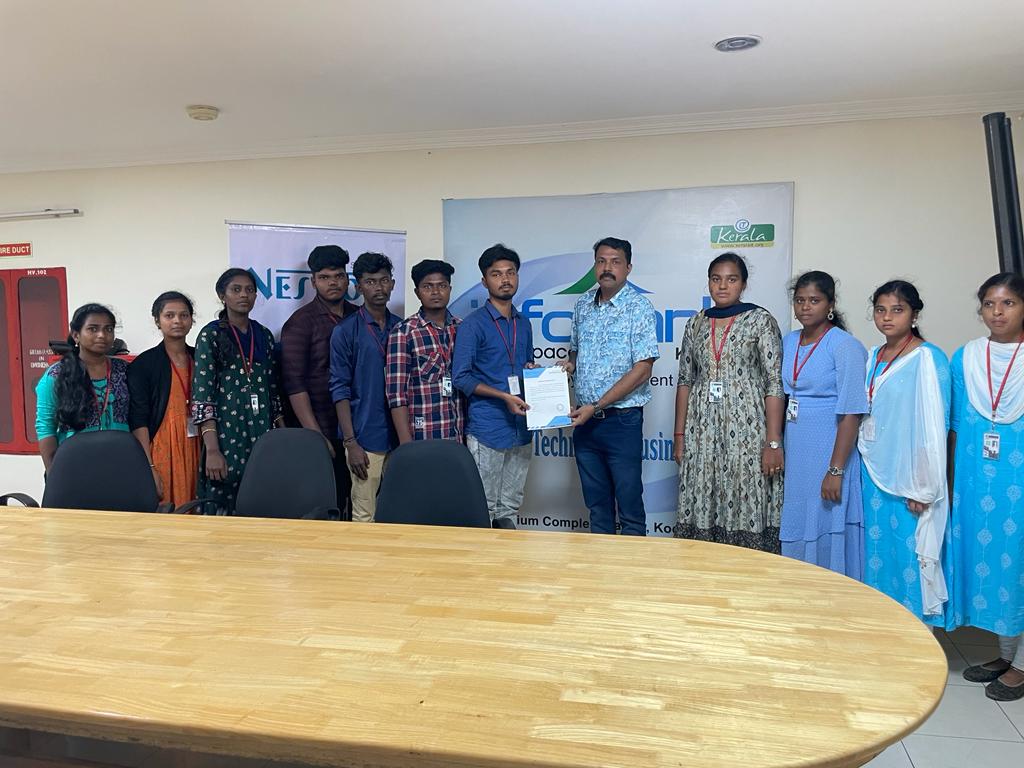
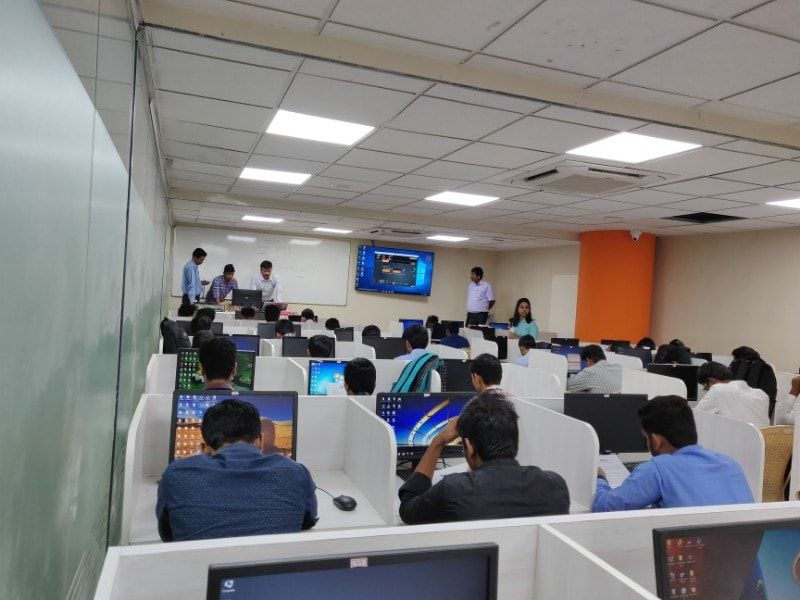
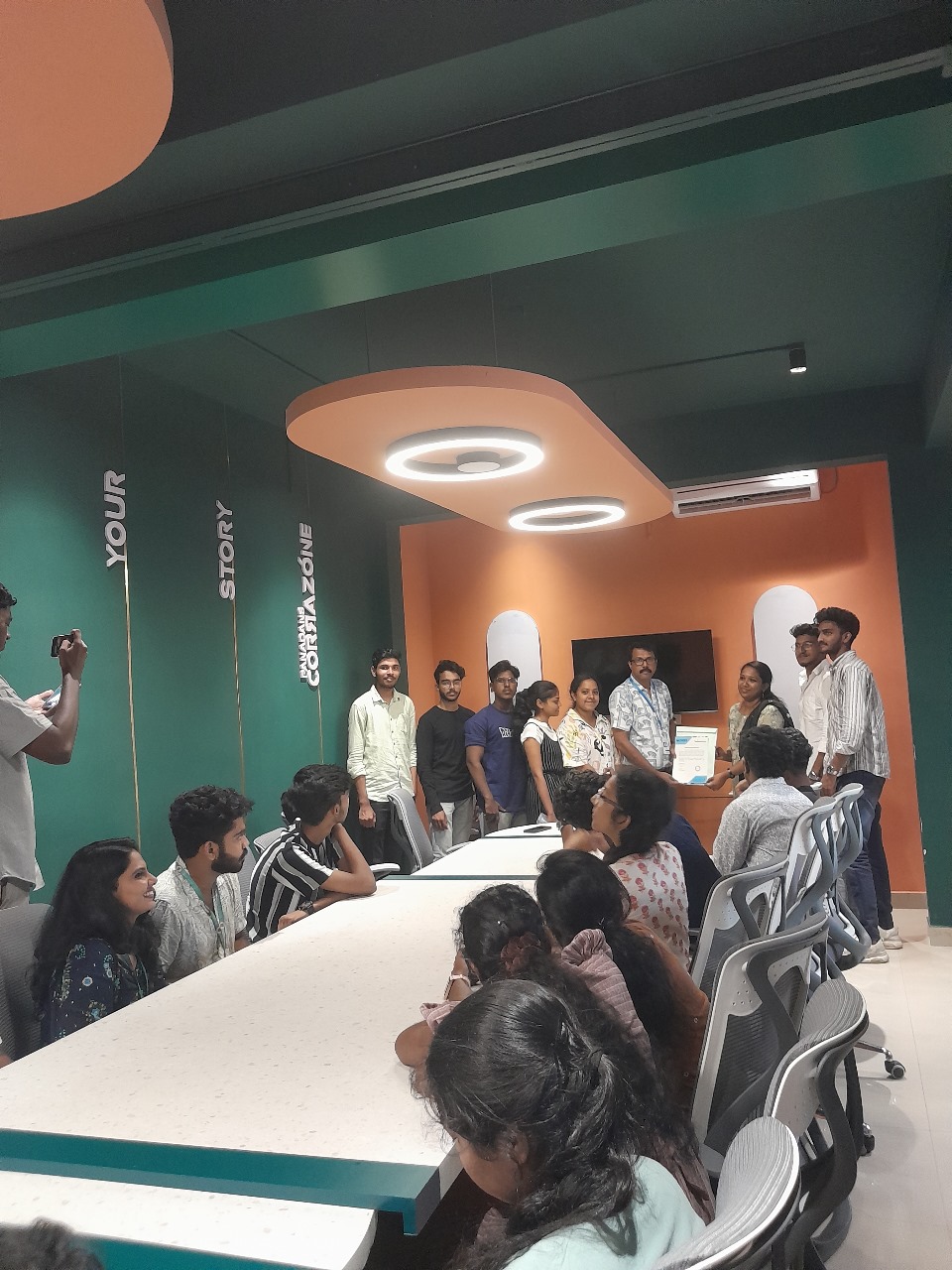
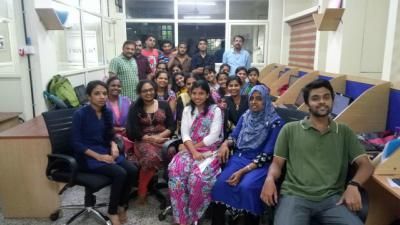
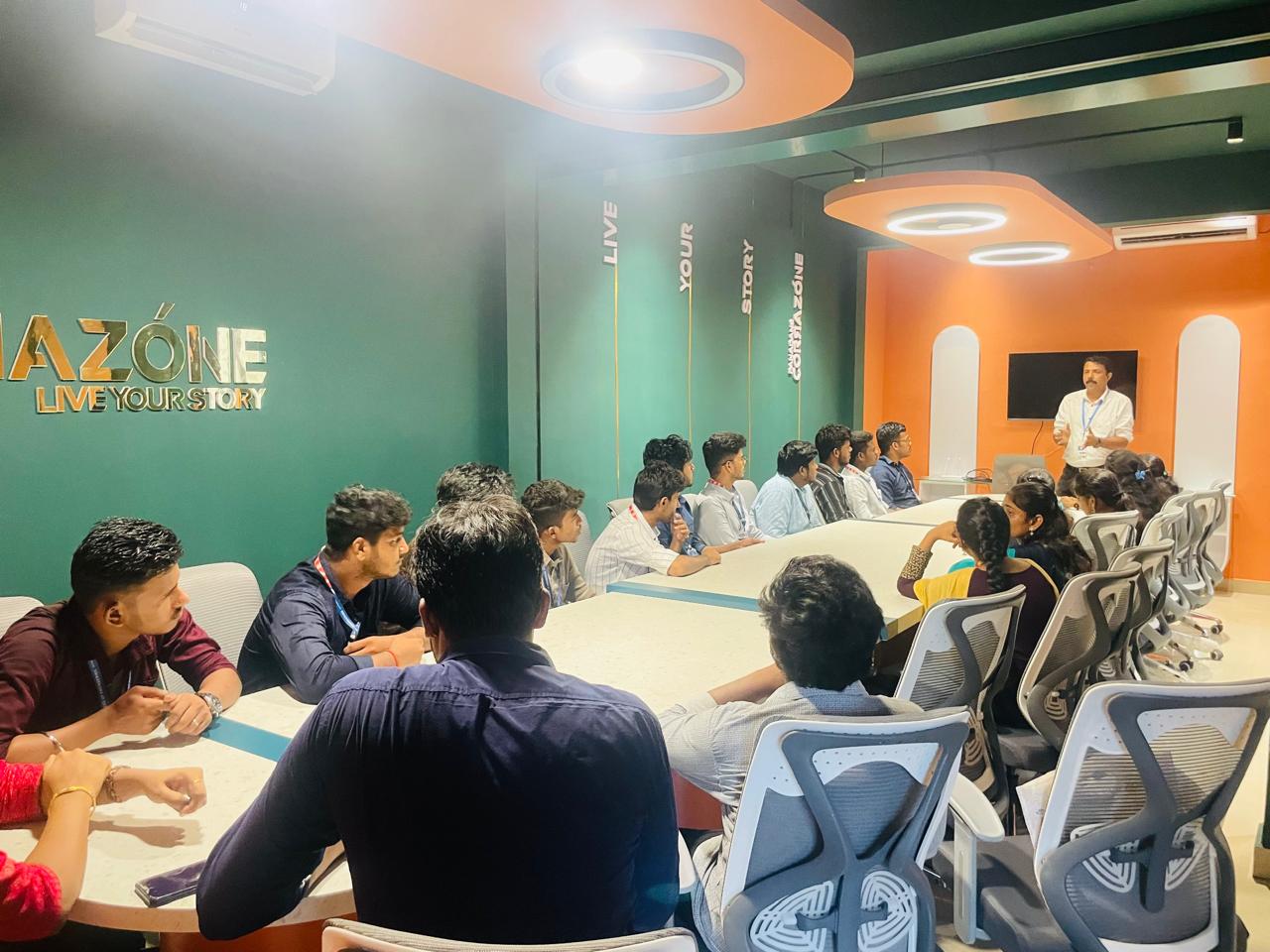
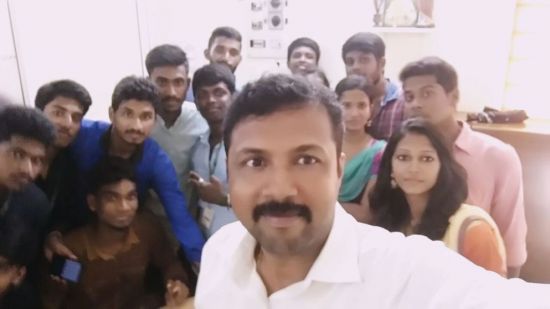
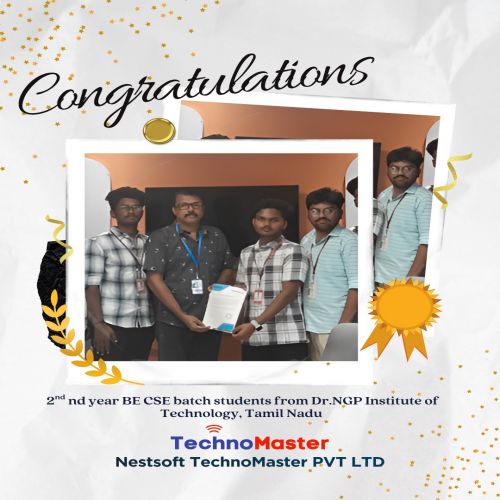
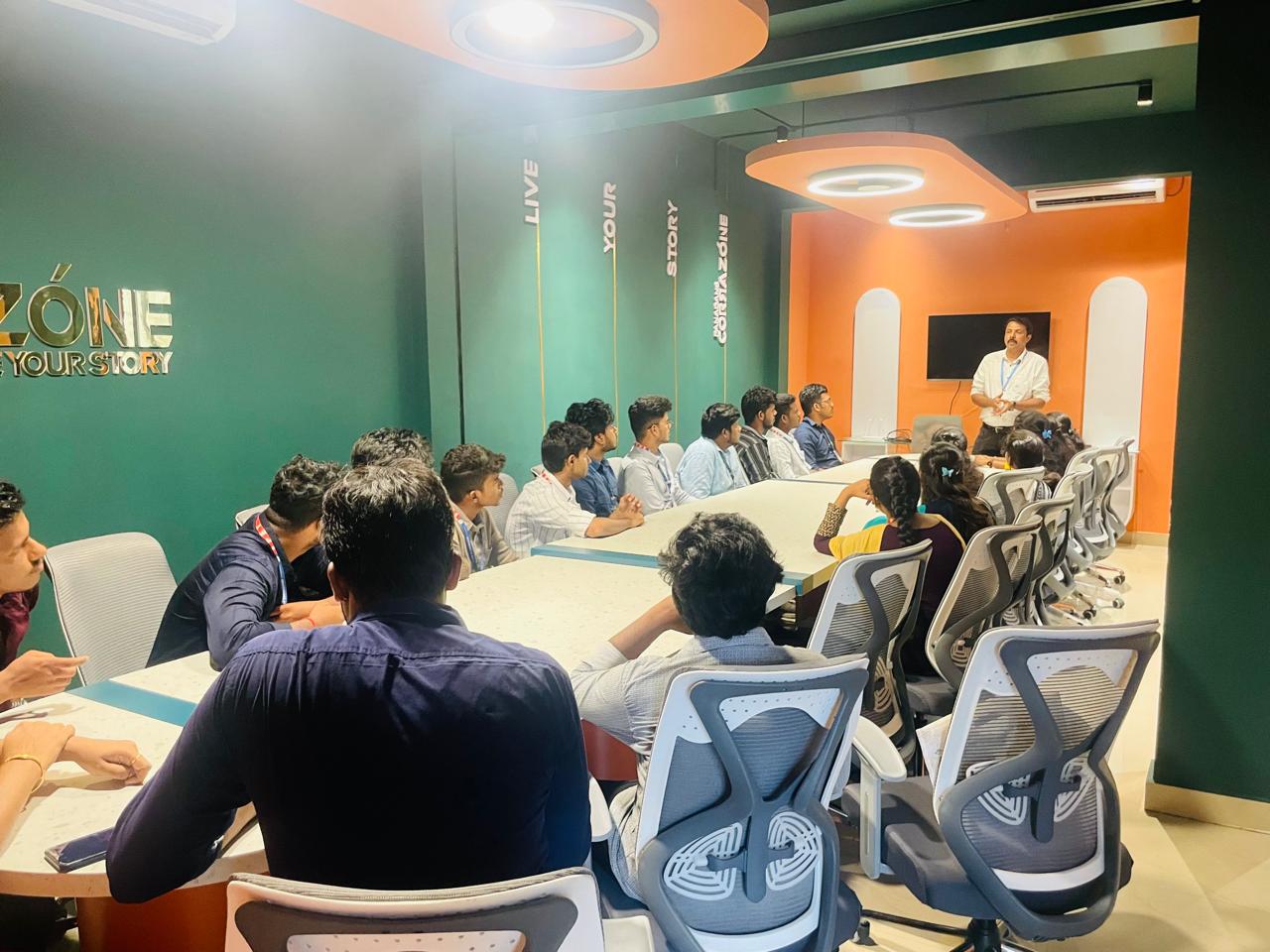
    Photos of Training / Internships

    Internship/projects in labuan
    Internship/projects in labuan
    Internship/projects in labuan
    Internship/projects in labuan
    Internship/projects in labuan
    Internship/projects in labuan
    Internship/projects in labuan
    Internship/projects in labuan
    Internship/projects in labuan
    Internship/projects in labuan
    Internship/projects in labuan
    Internship/projects in labuan

    Trained more than 10000+ students who trust Nestsoft TechnoMaster

    Get Your Personal Trainer