Send enquiry ⏎

Software Testing (Automation) Online Live Class by Experts

Our Training/Internship Process

Software Testing (Automation) Online Live Classes in Putrajaya | Free Demo Training

Software Testing (Automation) - Syllabus, Fees & Duration

Automation Testing Syllabus

    MODULE 1 - SQL
    • Sql introduction
    • Sql Datatypes Sql basics-DDL
    • DML,DCL,Comparison Operators
    • Constraints
    • Aggregate
    • Functions
    • Practice questions
    • Joins
    • Stored Procedures
    • Practice Question
    • Views
    • Group By
    • Having
    • Order By Clauses Practice Question
    MODULE 2 - JAVA
    • Introduction to the course
    • Java Installation
    • Features and JDK
    • First Sample Program Data Types and Variables
    • Operators Control Statements
    • Loops Scanner
    • Array Oops - Polymophism (Method overloading)
    • Constructor Overloading
    • Types of Inheritance and Method Overriding
    • This and Super keyword
    • final and static keyword
    • Abstraction, Encapsulation, Exception, Thread
    • Thread Synchronization
    • Events Collection - List & Set Collection - Map & Queue Exam - Java
    MODULE 3 - Selenium IDE
    • Selenium Introduction
    • IDE Features
    • creating script Using IDE
    • Recording
    • Selenese
    • Assert and verify Export Testcase
    MODULE 4 - Selenium Webdriver
    • Selenium Webdriver Introduction
    • Webdriver manager
    • Junit
    • Locators
    • Screenshot in selenium
    • Handling Alerts
    • BrokenLinks
    • Testng and its Features
    • Waits in Selenium
    • Javascript Executor in Selenium
    • Navigation Commands
    • Dropdown handling using select class
    • Button Text verification
    • Radio buttons Actions class
    • copy paste using action class
    • draganddrop program Double click and right click using Action class
    • Mouse Hover Program
    • File upload
    • File upload using AUTO IT and Robot class
    • Cross browser Testing
    • Handling multiple windows and tabs
    • Handle pops in Chrome
    • Datepicker
    • DataDrivenTesting
    • Extended Reports
    • POM Design Pattern Frameworks
    • Datadriven framework Maven
    • Importance of maven
    • Create Project in Maven
    • Project
    MODULE 5 - JMeter
    • Introduction to Jmeter
    • overview of performance testing
    • Jmeter workflow
    • components of Jmeter
    • Building a web Test plan
    • Report generation
    • Execution in NON-GUI mode Recording in Jmeter
    • Blaze meter plugin Assertions
    • Timers
    • CSV Data set configuration
    • Correlation
    MODULE 6 - POSTMAN
    • Introduction to Postman
    • API testing
    • Download and install postman
    • Collections
    • Request methods
    • Collection Runner
    • Test script
    • Variables
    • Data driven testing
    • API fetching
    • JsonPathfinder
    • Openweathermap API
    • Newman
    MODULE 7 - JIRA
    • Agile methodology
    • scrum
    • Introduction to Jira
    • Jira issue types
    • How to create an Epic/User stories in Jira
    • Creating sprints in Jira
    • Sprint lifecylce in Jira
    • Backlogs
    • Creating bugs
    • Write Test Cases in Jira with Zephyr plugin
    • Jira project flow
    MODULE 8 - GIR & GITH
    • Introduction
    • Git installation
    • Repository creation in GitHub
    • Commands in git

Download Syllabus - Software Testing (Automation)
This syllabus is not final and can be customized as per needs/updates
   
10000+
20+
50+
25+

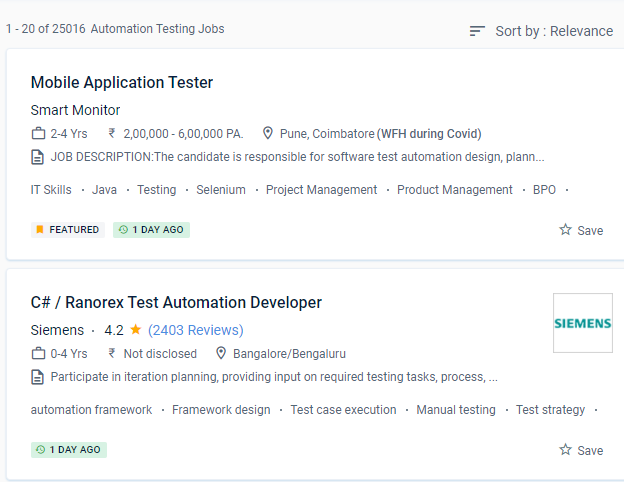
Software Testing (Automation) Jobs in Putrajaya

Enjoy the demand

Find jobs related to Software Testing (Automation) in search engines (Google, Bing, Yahoo) and recruitment websites (monsterindia, placementindia, naukri, jobshybrid.com, indeed.co.in, shine.com etc.) based in Putrajaya, chennai and europe countries. You can find many jobs for freshers related to the job positions in Putrajaya.

  • Network Test Engineer
  • Network Automation Testing
  • Automation Testing
  • Network Engineer
  • Test Automation Engineer
  • QA Test Automation Engineer
  • Automation Test Lead
  • Network Test Engineer
  • Software Test Engineer
  • Senior Network Engineer

Software Testing (Automation) Internship/Course Details

Software Testing (Automation) internship jobs in Putrajaya
Software Testing (Automation) Learn how to use web automation tools for Continuous Integration and put them into practice. Automation has a high rate of return on investment. Cases for Continuous Integration and/or Continuous Deliverables can be applied, designed, and executed. To keep track of your course enrollments and progress, go to the student dashboard. NESTSOFT training in Putrajayaprogramme is a collection of courses that will assist you in mastering a specific skill. Recognize the importance of software testing automation. Based on the foregoing, another crucial consideration is that, regardless of whether or not to automate, the context must be recognised. You will be automatically enrolled in the entire speciality programme if you enrol in a course that is part of a specialisation programme. Understand the complications and benefits of automation in diverse software projects and know how to spot them. Implement mechanisms for doing inspections and test code reviews that are accurate.

Meet a Few of our Industry Experts 🚀 Your Pathway to IT Career

Vishal

Mobile: +91 91884 77559
Location: Online (Putrajaya, Malaysia)
Qualification: Diploma

Experience: I have 2 years of experience in product designing I use framer and Figma for Ui design I’m curr Working  more..

Gurpreet

Mobile: +91 94975 90866
Location: Online (Putrajaya, Malaysia)
Qualification: Mca

Experience: 1year experience php devolper  more..

Diksha

Mobile: +91 8301010866
Location: Online (Putrajaya, Malaysia)
Qualification: Btech

Experience: C c++ python web development by youtube Time management documentation  more..

Shalu

Mobile: +91 91884 77559
Location: Online (Putrajaya, Malaysia)
Qualification: Bachelor of technology

Experience: We are working currently in it recruiterment We have knowledge in Python Html CSS Oops SDLC STLC Agile methodology Regression  more..

Lavanya

Mobile: +91 91884 77559
Location: Online (Putrajaya, Malaysia)
Qualification: MSc Computer Science

Experience: Web development photoshop Java c c++ SQL  more..

Rahul

Mobile: +91 94975 90866
Location: Online (Putrajaya, Malaysia)
Qualification: Bsc.IT

Experience: Automation testing as well As Manual Testing POM Design Patterns TestNG SQL Stored procedure API Testing Using Postman   more..

Nitesh

Mobile: +91 91884 77559
Location: Online (Putrajaya, Malaysia)
Qualification: B.tech

Experience: Ticketing System tools Windows administration Multiple O S envirnment experience firewall and access point lab experience networking Over 7 years  more..

Isha

Mobile: +91 91884 77559
Location: Online (Putrajaya, Malaysia)
Qualification: Mca

Experience: I have a good technical knowledge of java C my sql and well versed with web technology like html css  more..

Rishabh

Mobile: +91 91884 77559
Location: Online (Putrajaya, Malaysia)
Qualification: B.SC.Computer Science and PGDCA

Experience: Python c c++ front-end development sql  more..

Srinivas

Mobile: +91 89210 61945
Location: Online (Putrajaya, Malaysia)
Qualification: Bachelors of engineering

Experience: AWS devop linux and python   more..

Sadaf

Mobile: +91 9895490866
Location: Online (Putrajaya, Malaysia)
Qualification: 10th qualified from IGCSE board and IB diploma program graduate

Experience: I have experieinced IGCSE since I myself graduated from igcse school and I did 12th from IB board I have  more..

Anna

Mobile: +91 9895490866
Location: Online (Putrajaya, Malaysia)
Qualification: BTech

Experience: I've participated in logo design contests and prepared posters and flyers for my friends; I'm an artist and I love  more..

dharmendra

Mobile: +91 98474 90866
Location: Online (Putrajaya, Malaysia)
Qualification: BFA

Experience: Print Media Adobe illustrator Photoshop animatic Premiere Pro Adobe after effects Blender3D Spine 2D UI design Figma   more..

Jesteena

Mobile: +91 94975 90866
Location: Online (Putrajaya, Malaysia)
Qualification: MSc computer science

Experience: I am recently pass out postgraduate in MSc computer science with top honours I have knowledge in python Machine learning  more..

Umaira

Mobile: +91 91884 77559
Location: Online (Putrajaya, Malaysia)
Qualification: B. E computer science

Experience: I am an innovative Front End Developer and Wordpress with 4 years experience building and maintaining responsive websites in the  more..

Shalvi

Mobile: +91 94975 90866
Location: Online (Putrajaya, Malaysia)
Qualification: Btech graduate

Experience: Fullstack developer Software engineer   more..

Ajsal

Mobile: +91 91884 77559
Location: Online (Putrajaya, Malaysia)
Qualification: BTech

Experience: I have solid foundation in python and have basic knowledge in SQL I have worked with PostgreSQL database and have  more..

Ankita

Mobile: +91 94975 90866
Location: Online (Putrajaya, Malaysia)
Qualification: Graduate

Experience: 1 Year Experience of Data entry Diploma in computer basics Basic knowledge of programming   more..

Anjani

Mobile: +91 9895490866
Location: Online (Putrajaya, Malaysia)
Qualification: Msc.Computer Science

Experience: I have total 5+ Years of experience in wordpress Elementor WP Bakery page builder and also additional MERN Stack experience  more..

Tarun

Mobile: +91 89210 61945
Location: Online (Putrajaya, Malaysia)
Qualification: MCA

Experience: I have 6-8 months of experience in manual testing   more..

Tanuj

Mobile: +91 91884 77559
Location: Online (Putrajaya, Malaysia)
Qualification: B.E. in ECE

Experience: I have worked as an Academic counsellor in inurture Skills: Technical skills including Computer programming and MS Excel my soft  more..

Hasan

Mobile: +91 8301010866
Location: Online (Putrajaya, Malaysia)
Qualification: Diploma

Experience: 2 years Experience in graphic design with intermediate knowledge of ui ux Software I use Photoshop illustrator figma Corel drawn  more..

Ankit

Mobile: +91 89210 61945
Location: Online (Putrajaya, Malaysia)
Qualification: B.Sc.Physical Science in computer science

Experience: Fresher Problem solving using python Microsoft azure 900 Analytical skills  more..

Arun

Mobile: +91 89210 61945
Location: Online (Putrajaya, Malaysia)
Qualification: BE

Experience: Dear Sir Madam Hope you are doing well I am interested in applying for the position of Odoo Python developer  more..

Success Stories

The enviable salary packages and track record of our previous students are the proof of our excellence. Please go through our students' reviews about our training methods and faculty and compare it to the recorded video classes that most of the other institutes offer. See for yourself how TechnoMaster is truly unique.


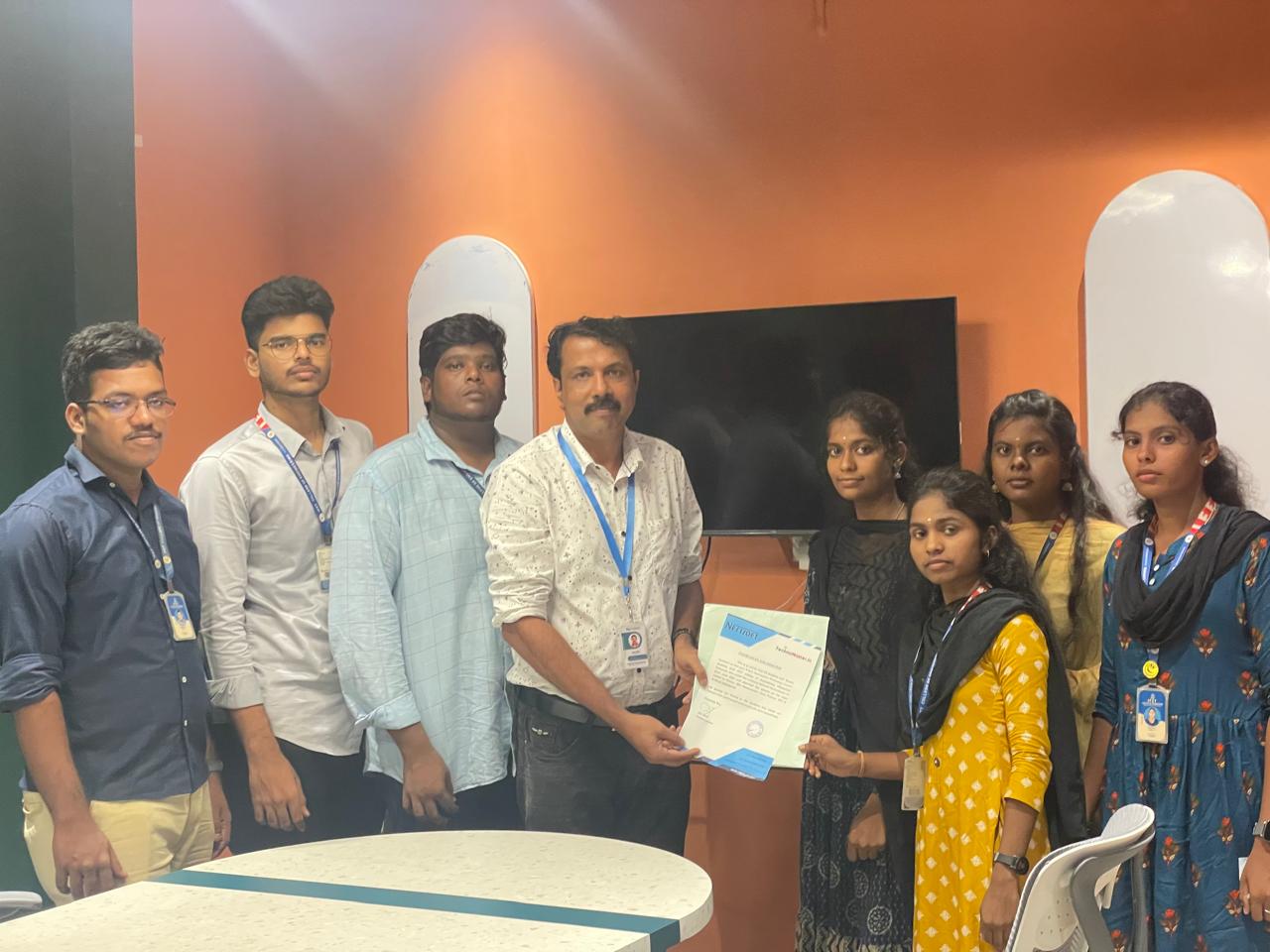
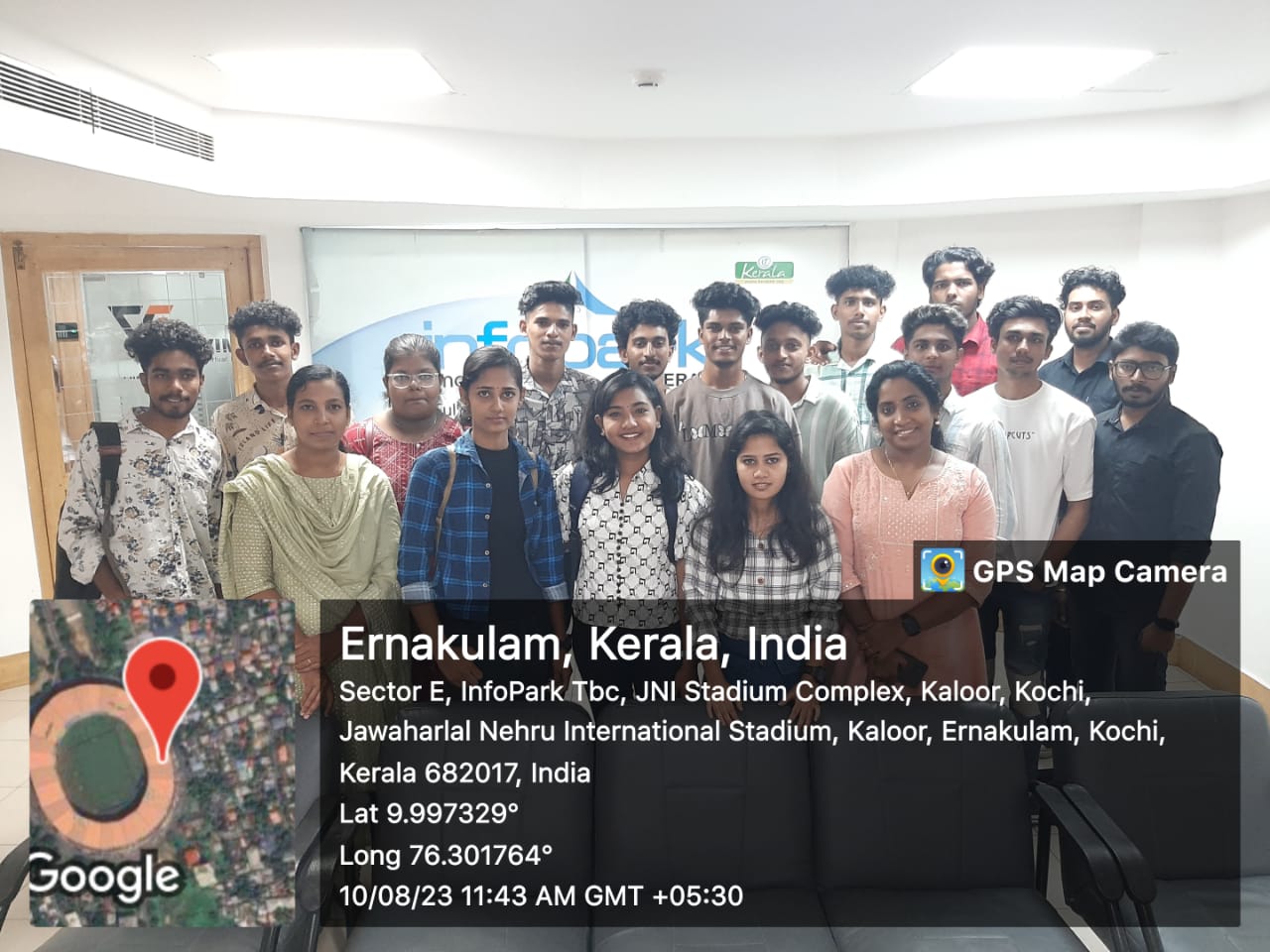
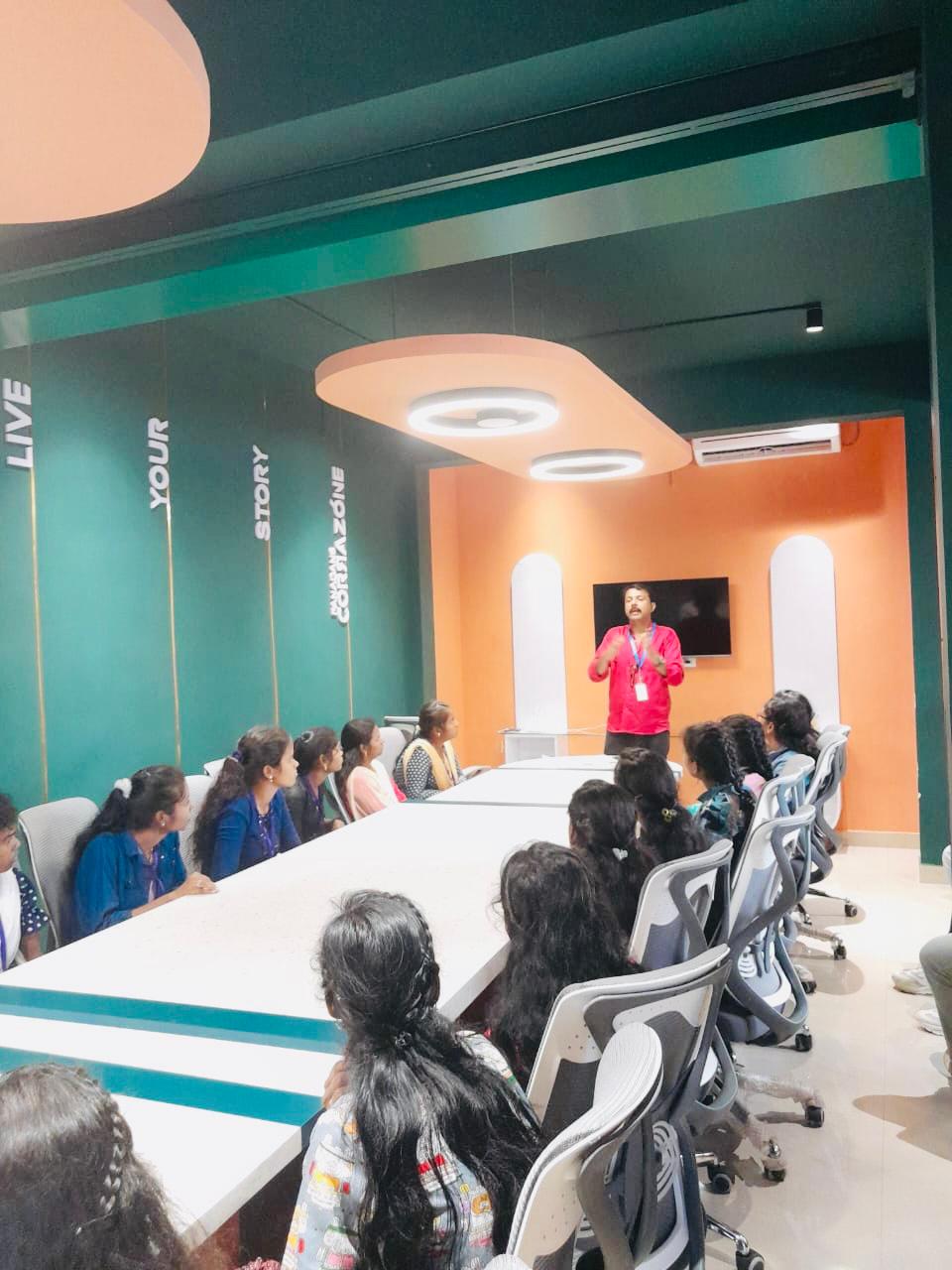
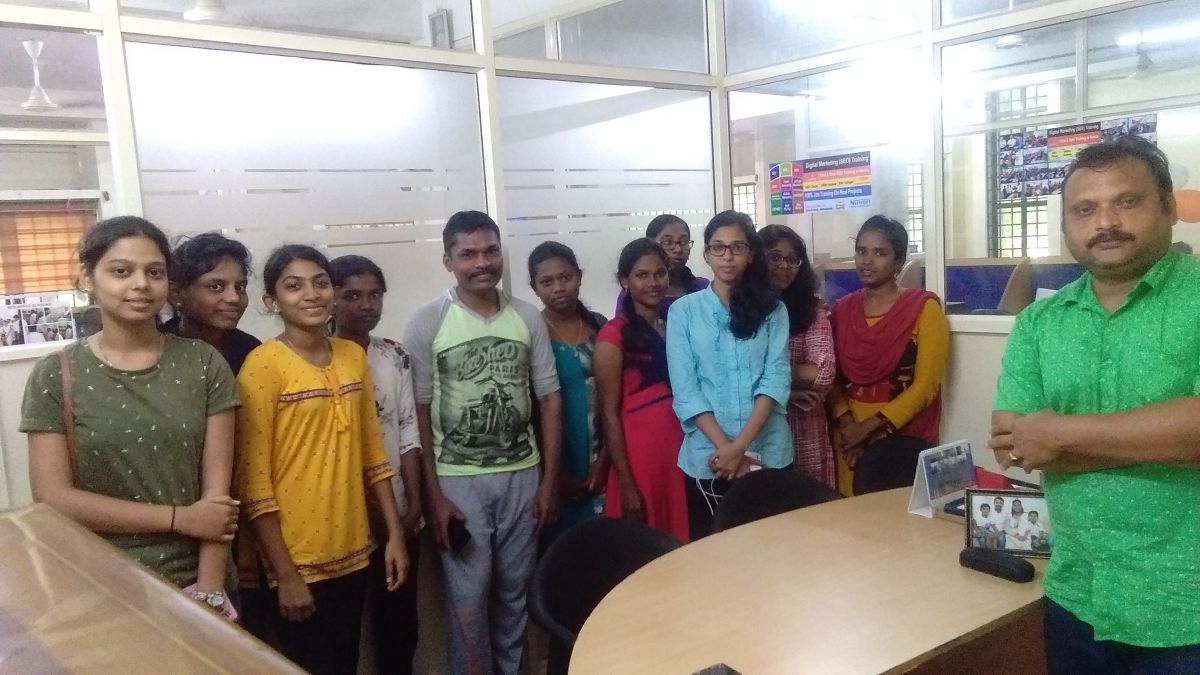
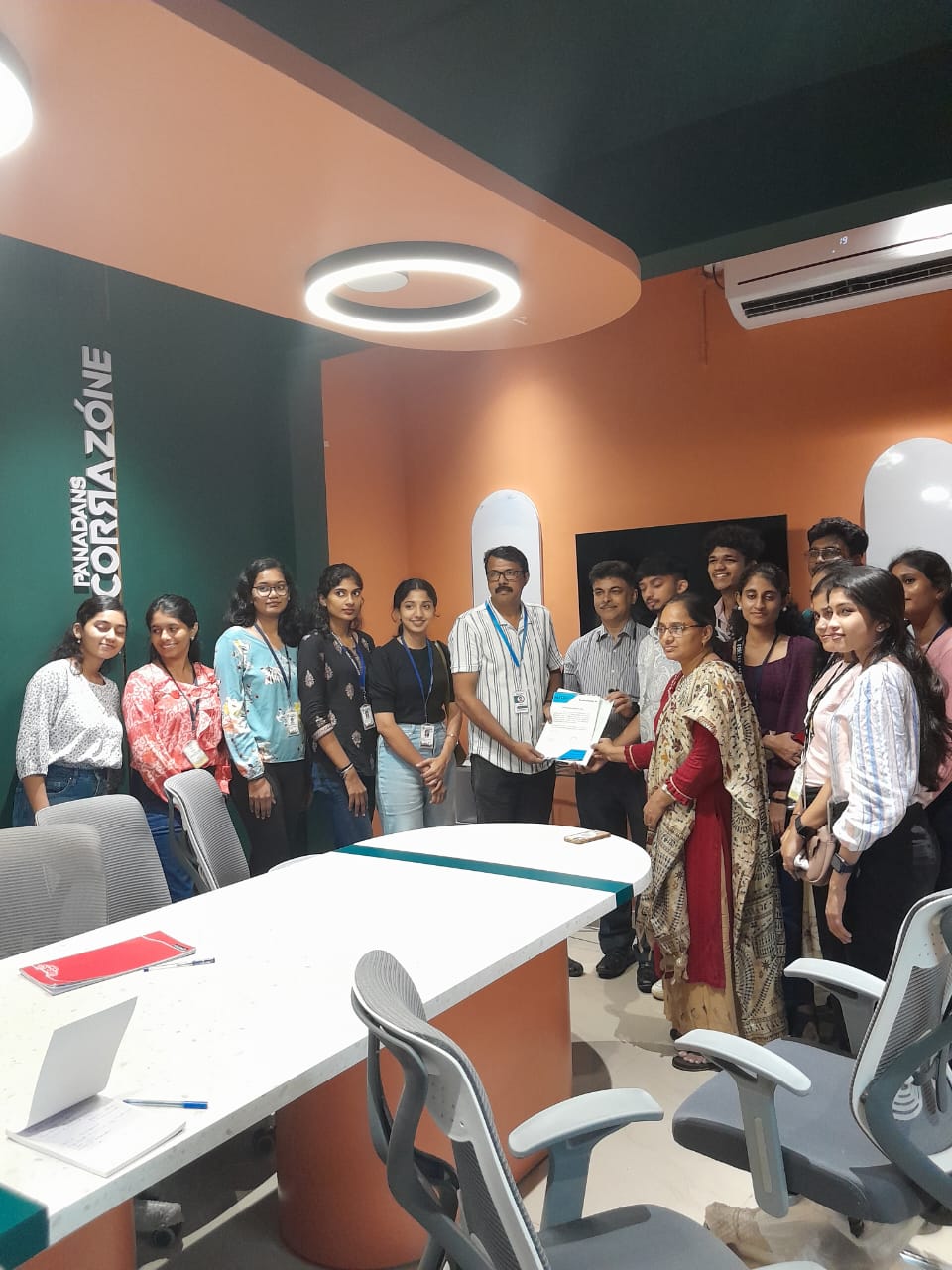
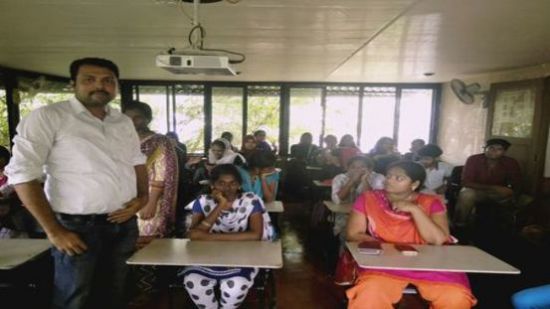
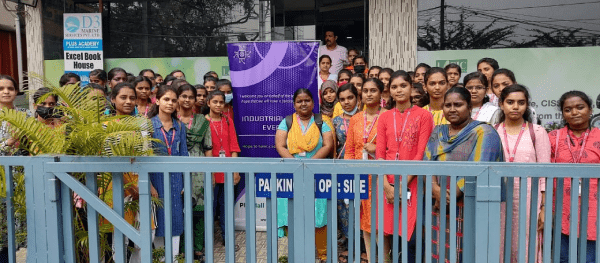
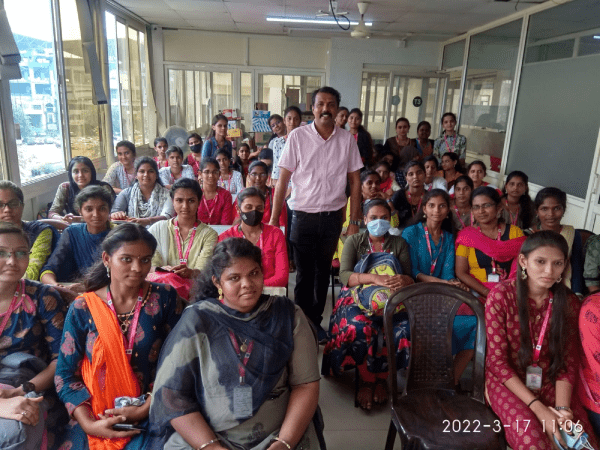
Photos of Training / Internships

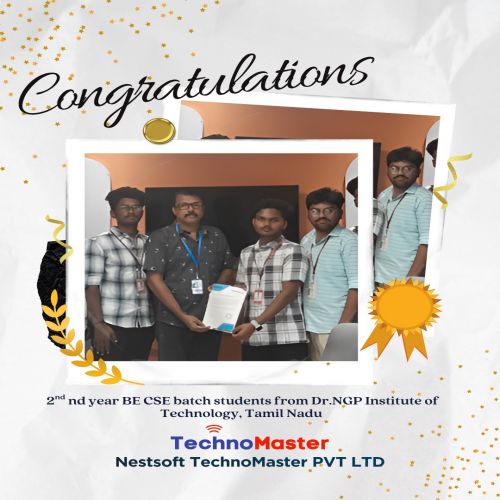
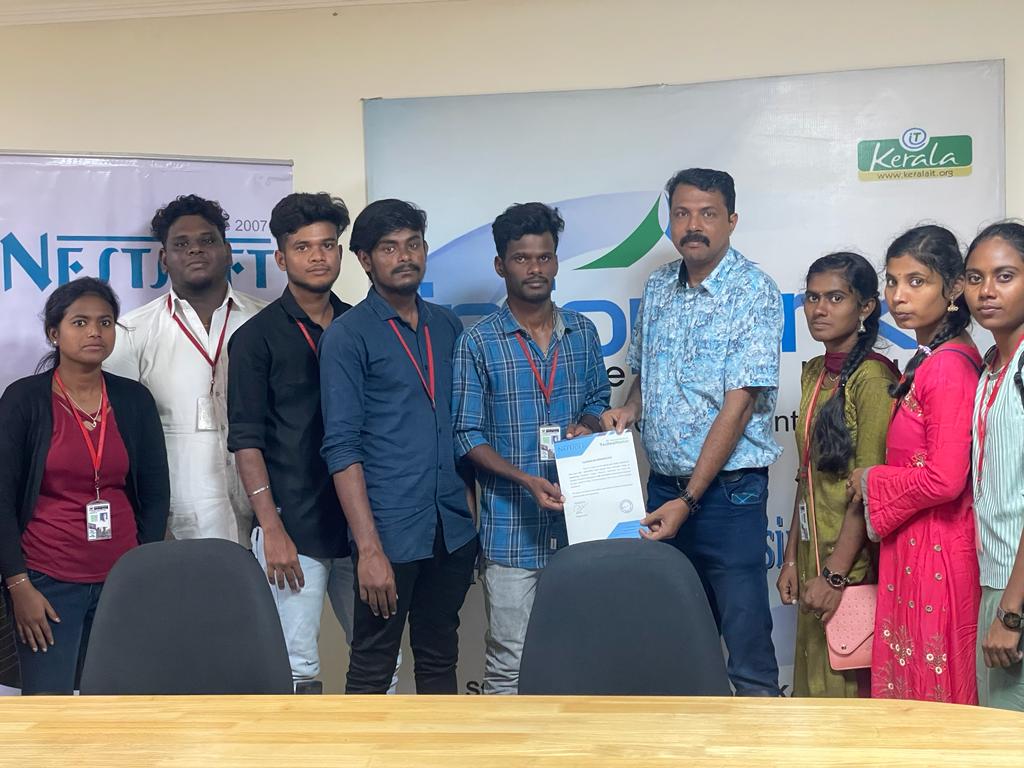
Internship/projects in putrajaya

Trained more than 10000+ students who trust Nestsoft TechnoMaster

Get Your Personal Trainer