Send enquiry ⏎

Adobe Dreamweaver Online Live Class by Experts

Our Training/Internship Process

Adobe Dreamweaver Online Live Classes in Pahang | Free Demo Training

Adobe Dreamweaver - Syllabus, Fees & Duration

Module 1: Introducing Dreamweaver

  • Understanding the course
  • Reviewing the course objectives and prerequisites
  • Reviewing the course format
  • Outlining the course content
  • Understanding static page architecture

Module 2: Getting Started

  • Introducing Dreamweaver
  • Learning the interface
  • Defining a local site
  • Creating a website

Module 3: Adding Content to a Site

  • Adding content
  • Controlling document structure
  • Making lists
  • Adding horizontal rules
  • Adding special characters

Module 4: Formatting with CSS

  • Formatting text
  • Introducing CSS
  • Creating styles
  • Exporting CSS rule definitions
  • Creating class styles
  • Attaching external style sheets
  • Creating advanced styles
  • Creating a new external style sheet
  • Displaying styles
  • Understanding cascading order and inheritance of styles
  • Creating internal styles with the Property inspector

Module 5: Working with Graphics

  • Using graphics on web pages
  • Placing graphics on the page
  • Modifying image properties
  • Editing images
  • Doing roundtrip editing with Fireworks
  • Customizing the Insert bar
  • Adding Flash content
  • Adding Flash Video

Module 6: Navigating Your Site

  • Understanding site navigation
  • Linking to files in your site
  • Linking to sites
  • Linking to named anchors
  • Adding e-mail links
  • Linking from images
  • Creating a jump menu

Module 7: Designing Page Layouts with CSS

  • Understanding page layout
  • Using layers for layout
  • Adding CSS to layers
  • Using absolute and relative positioning
  • Designing with DIV's
  • Designing navigation links with CSS
  • Importing tabular data
  • Using table layout view

Module 8: Using Libraries and Templates

  • Using site library items
  • Creating site templates
  • Defining editable regions
  • Using templates
  • Applying a template to an existing page
  • Modifying templates

Module 9: Creating Forms

  • Understanding forms
  • Processing a form
  • Setting focus in a form
  • Validating a form

Module 10: Testing, Maintenance, and Uploading

  • Testing your site
  • Maintaining your files and folders
  • Connecting to a remote site
  • Synchronizing files

Download Syllabus - Adobe Dreamweaver
This syllabus is not final and can be customized as per needs/updates
   
10000+
20+
50+
25+

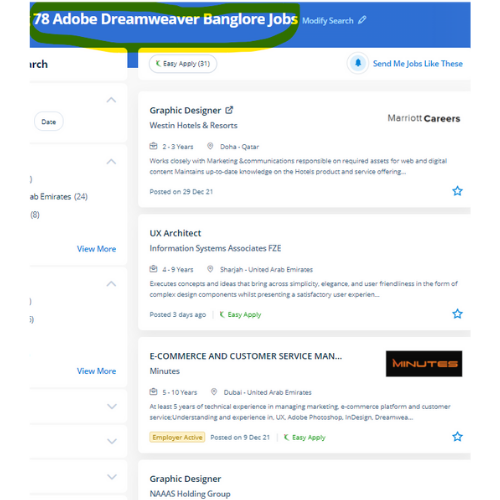
Adobe Dreamweaver Jobs in Pahang

Enjoy the demand

Find jobs related to Adobe Dreamweaver in search engines (Google, Bing, Yahoo) and recruitment websites (monsterindia, placementindia, naukri, jobshybrid.com, indeed.co.in, shine.com etc.) based in Pahang, chennai and europe countries. You can find many jobs for freshers related to the job positions in Pahang.

  • Graphic Designer
  • Creative Designer
  • CorelDraw Trainer
  • Web graphic designer
  • UI/UX Designer
  • Digital Designer
  • Designing Trainer
  • GUI Designer
  • Creative Graphic Designer
  • Web designer intern

Adobe Dreamweaver Internship/Course Details

Adobe Dreamweaver internship jobs in Pahang
Adobe Dreamweaver With Dreamweaver you will go from setting out to end, creating and maintaining basic websites to advanced applications that support best practices and additionally the newest technologies. This course assumes no previous knowledge of HTML, CSS, or Dreamweaver we'll we'll offer you the advanced coaching which is able to assist you to become a talented web designer. Students can learn to spice up the web pages by suggests that of adding advanced functions like guidance controls, media parts, and forms. Dreamweaver is not the only Adobe web design tool. Students could register at any time. As you type a hypertext mark-up language tag it'll list all the accessible tags allowing you to key among the primary letter of a tag then select the specified tag from the list. This tool is unbelievably useful because it'll allow us to figure directly on a style terribly like visitors to the future website. This software includes templates for websites to assist within the design method. DreamWeaver has predesigned templates are offered or, alternatively, template files will be created by the user. Dreamweaver highlights your mistakes, If any, and rectifies them on an immediate basis.


Meet a Few of our Industry Experts 🚀 Your Pathway to IT Career

Asesh

Mobile: +91 9895490866
Location: Online (Pahang, Malaysia)
Qualification: Bca

Experience: C C++ python  more..

ANUSREE

Mobile: +91 94975 90866
Location: Online (Pahang, Malaysia)
Qualification: B Tech

Experience: Manual Testing Proficiency Strong in SDLC STLC and Bug Life Cycle Knowledge on Test Plan writing reviewing and executing Test  more..

deepthy

Mobile: +91 8301010866
Location: Online (Pahang, Malaysia)
Qualification: btech

Experience: more than one year experience in IOS development   more..

Ankita

Mobile: +91 94975 90866
Location: Online (Pahang, Malaysia)
Qualification: BscIt

Experience: Wordpress Bootestrap Html Css Javscript php  more..

Anjali

Mobile: +91 98474 90866
Location: Online (Pahang, Malaysia)
Qualification: Btech computer science and engineering

Experience: I have 2 years of experience as a php developer  more..

Dheeraj

Mobile: +91 91884 77559
Location: Online (Pahang, Malaysia)
Qualification: Btech

Experience: I have 2 years experience in web developer my skills are html css javascript bootstrap Adobe   more..

Bhavana

Mobile: +91 9895490866
Location: Online (Pahang, Malaysia)
Qualification: Mca

Experience: Html5 Css3 Sass wordpress  more..

Deepshika

Mobile: +91 94975 90866
Location: Online (Pahang, Malaysia)
Qualification: BE

Experience: Core java Manual testing Automation testing using selenium framework   more..

Aadi

Mobile: +91 9895490866
Location: Online (Pahang, Malaysia)
Qualification: MDes

Experience: UX Research Primary research secondary research wireframing user flow mapping user interviews qualitative research quantitative research competitive analysis UI design  more..

Anagha

Mobile: +91 8301010866
Location: Online (Pahang, Malaysia)
Qualification: B tech in ECE

Experience: Manual testing Automation testing java selenium jmeter  more..

irfan

Mobile: +91 89210 61945
Location: Online (Pahang, Malaysia)
Qualification: B.E

Experience: react javascript tailwind css html wordpress woocommerce elementor builder bootstrap mui front end figma canva  more..

Sudhakar

Mobile: +91 91884 77559
Location: Online (Pahang, Malaysia)
Qualification: Bachelor of Engineering

Experience: Hi Sir Madam I'm Sudhakar having 2 6 years of experience in web development as a full stack developer My  more..

Rahul

Mobile: +91 98474 90866
Location: Online (Pahang, Malaysia)
Qualification: MBA in marketing

Experience: On-page seo Off-page seo Website Audits Keyword research Content analysis   more..

Akash

Mobile: +91 98474 90866
Location: Online (Pahang, Malaysia)
Qualification: Bsc-IT

Experience: I have total 3 years of experience in the SEO field i have handled 5+ websites during this timestamp by  more..

Aswathy

Mobile: +91 9895490866
Location: Online (Pahang, Malaysia)
Qualification: Bsc computer science

Experience: 6 month experience in web developer at Amrita Vishwavidyapeeth   more..

Mahalakshmi

Mobile: +91 94975 90866
Location: Online (Pahang, Malaysia)
Qualification: B.Tech

Experience: 1 HTML 2 CSS 3 Java Programming 4 Web development 5 Microsoft word 6 Video editing 7 Git and github  more..

Sandip

Mobile: +91 89210 61945
Location: Online (Pahang, Malaysia)
Qualification: Mca

Experience: C and cop Core java android flutter   more..

Dilli

Mobile: +91 94975 90866
Location: Online (Pahang, Malaysia)
Qualification: Bachelor of technology

Experience: Working on design and Execution of test cases Participated in iteration walkthrough calls and understands the new changes Participated in  more..

Jasmin

Mobile: +91 98474 90866
Location: Online (Pahang, Malaysia)
Qualification: MCA

Experience: I am very much interested in applying for software testing position My educational qualifications and internship experience match the required  more..

Krishna

Mobile: +91 8301010866
Location: Online (Pahang, Malaysia)
Qualification: B.E in Cyber Security

Experience: I've explored a vast backdoor in Cyber Security domain (Mostly Black hat) I've worked on variety of black hat project  more..

Anusaya

Mobile: +91 91884 77559
Location: Online (Pahang, Malaysia)
Qualification: B.E

Experience: Web development graphics design Digital marketing C C++ Aws Devops  more..

Fahid

Mobile: +91 91884 77559
Location: Online (Pahang, Malaysia)
Qualification: Diploma

Experience: Strong analytical skills >Troubleshooting computer problems and solutions > Information security > Burp suite > Mobile Security Framework >Wireshark >  more..

Sumit

Mobile: +91 91884 77559
Location: Online (Pahang, Malaysia)
Qualification: Btech

Experience: Looking for nodejs developer And working in flyweis technology for 1 5 years Proficient in using TWILIO to get otp  more..

Mohtasham

Mobile: +91 89210 61945
Location: Online (Pahang, Malaysia)
Qualification: 12th

Experience: Digital marketer social media marketer seo brand marketing google ads meta ads  more..

Success Stories

The enviable salary packages and track record of our previous students are the proof of our excellence. Please go through our students' reviews about our training methods and faculty and compare it to the recorded video classes that most of the other institutes offer. See for yourself how TechnoMaster is truly unique.

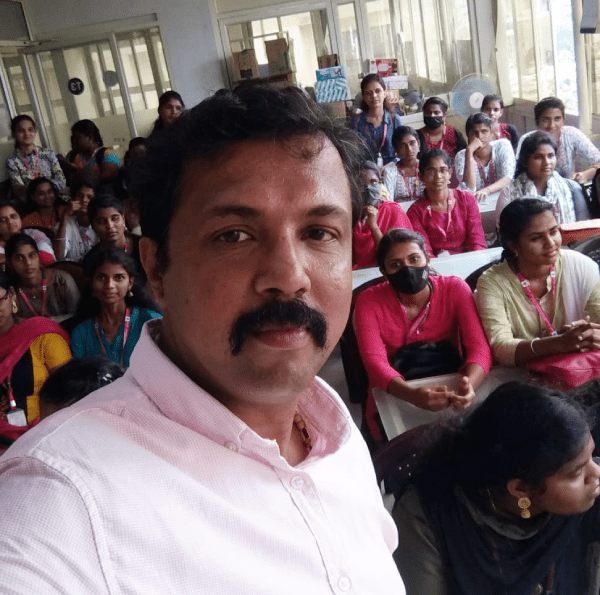
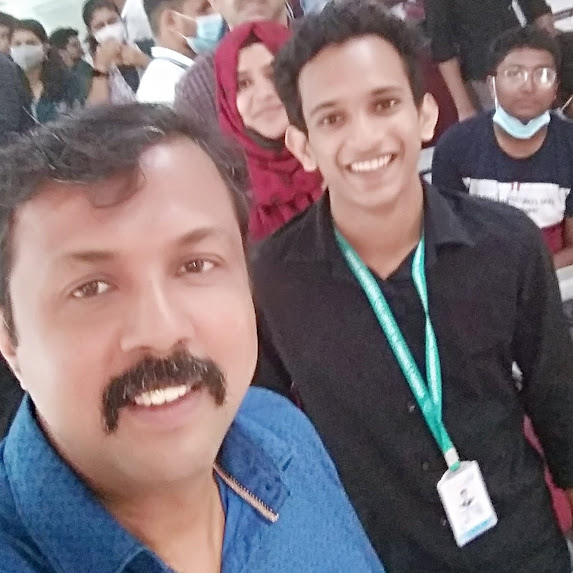
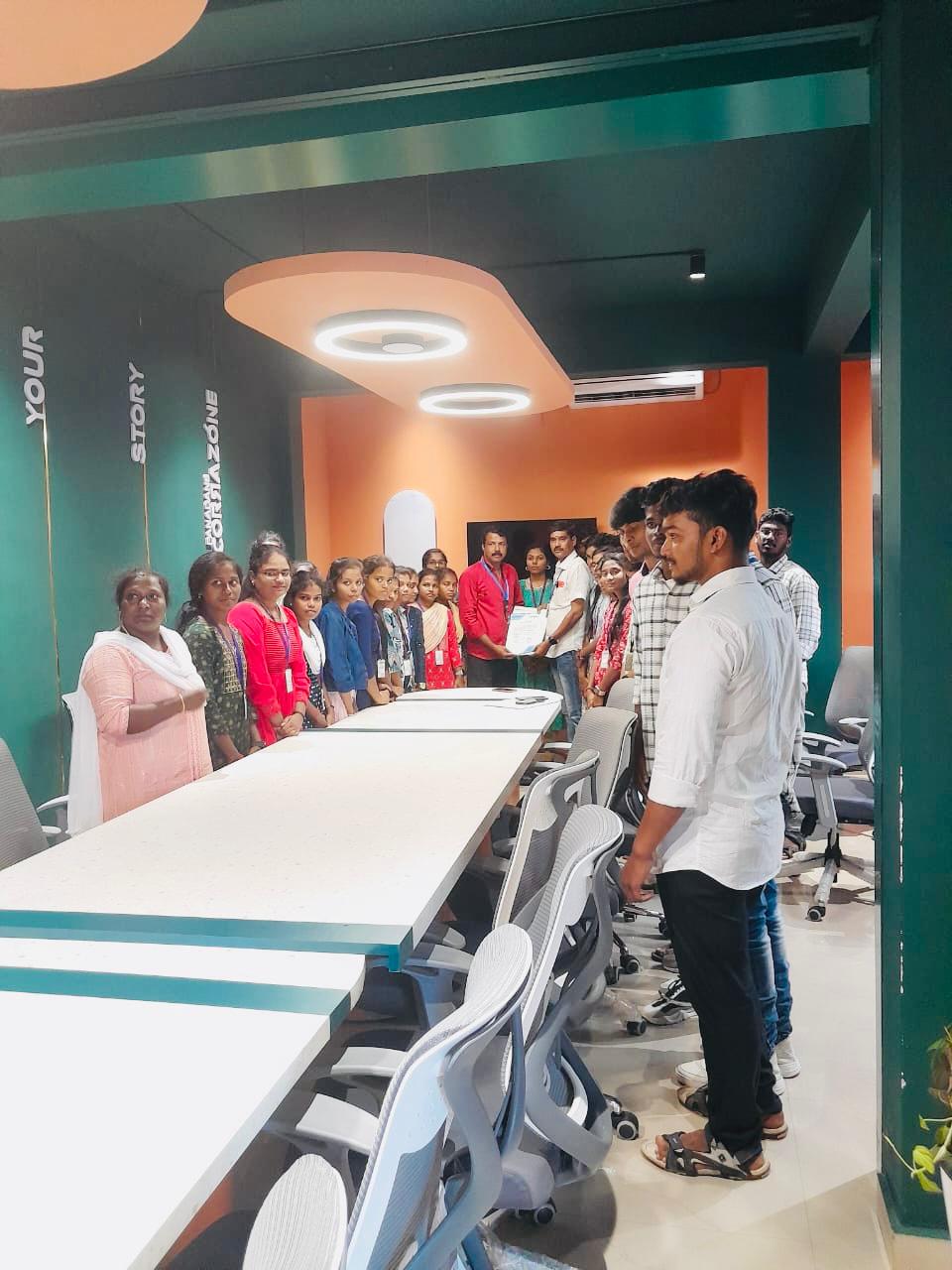
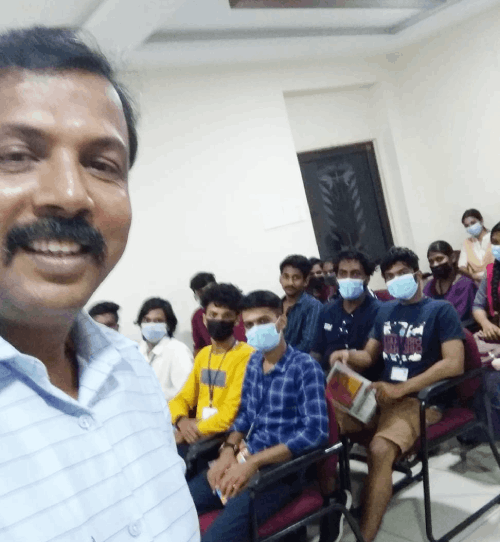
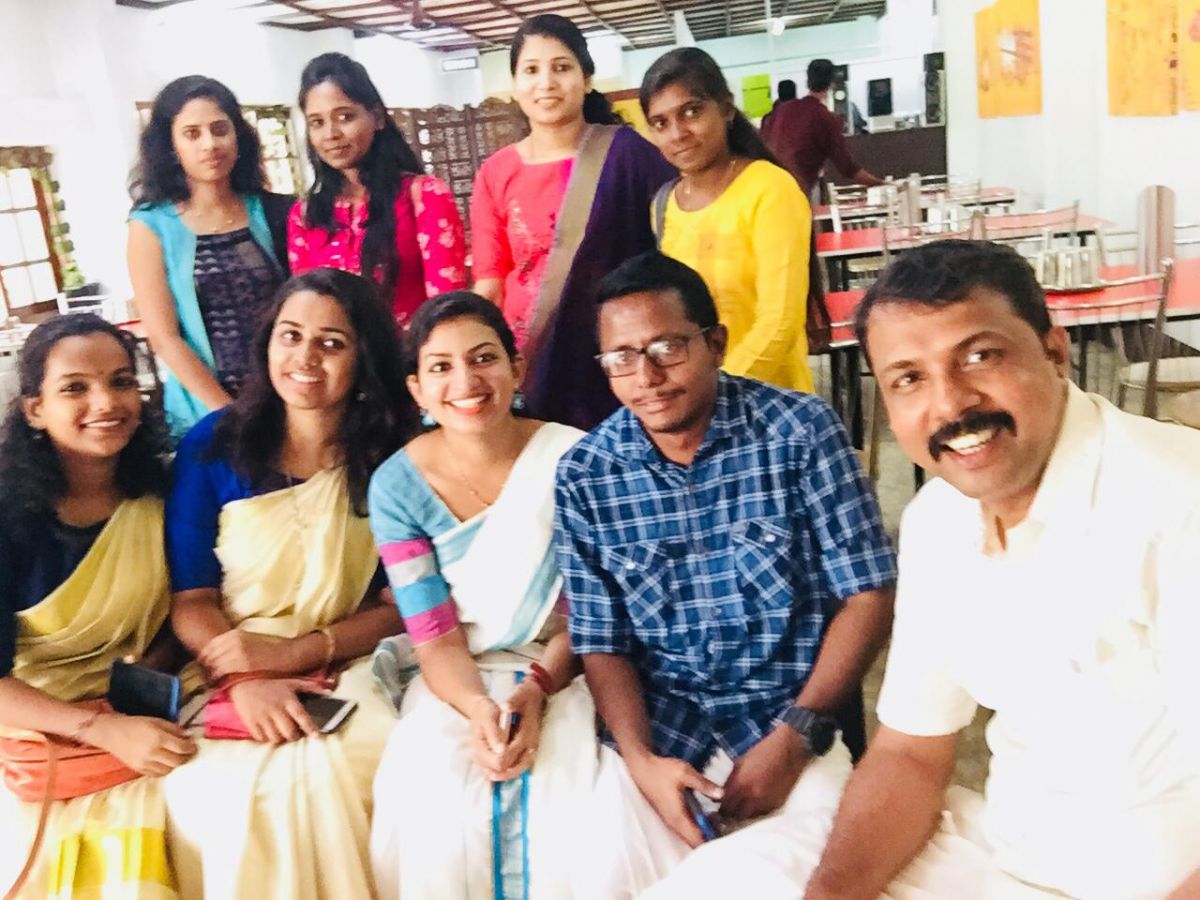
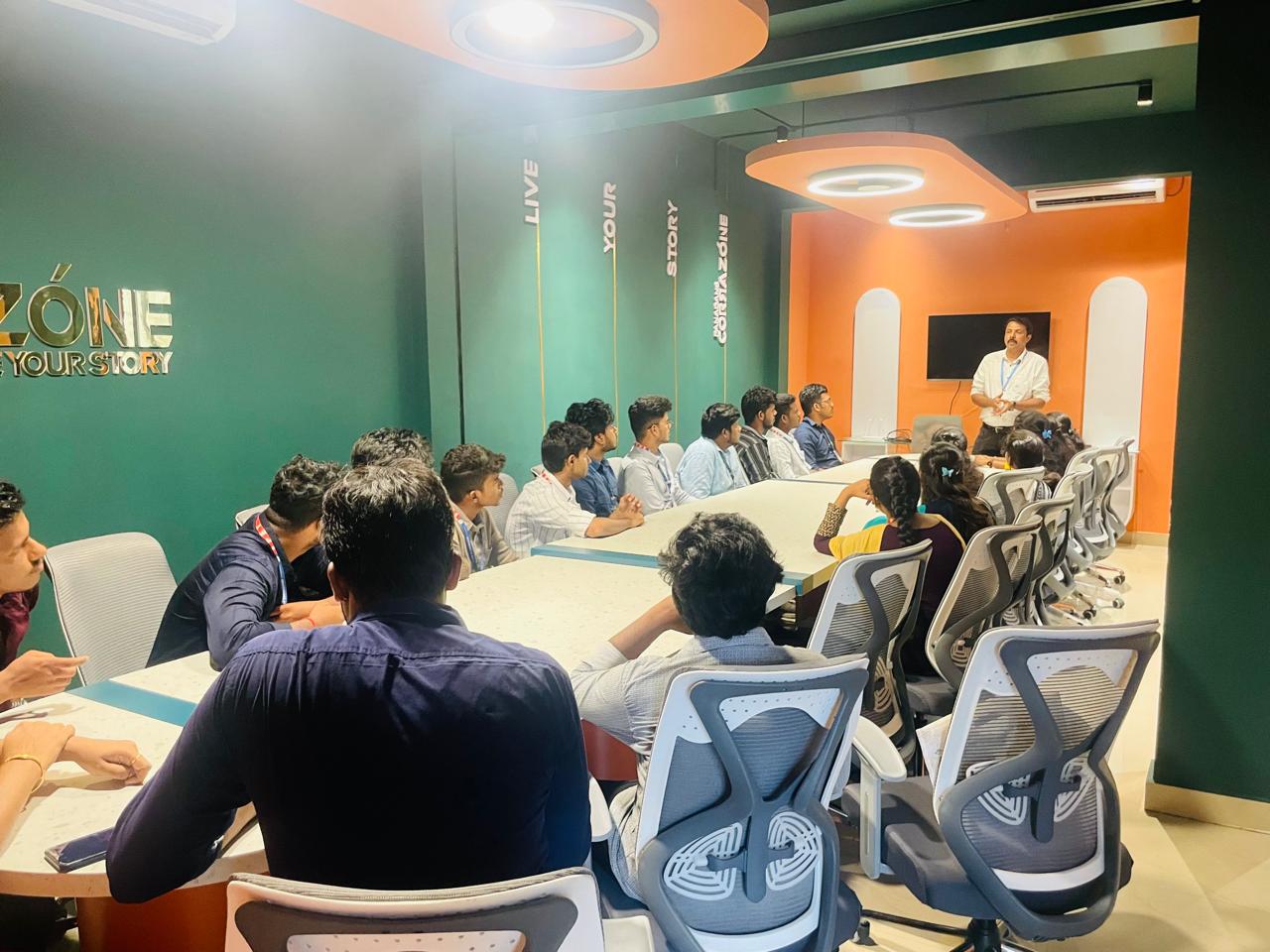
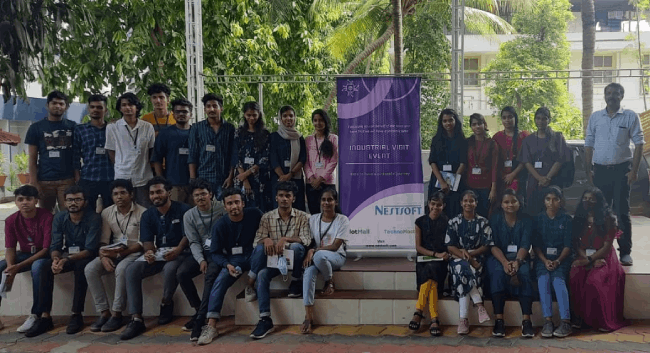
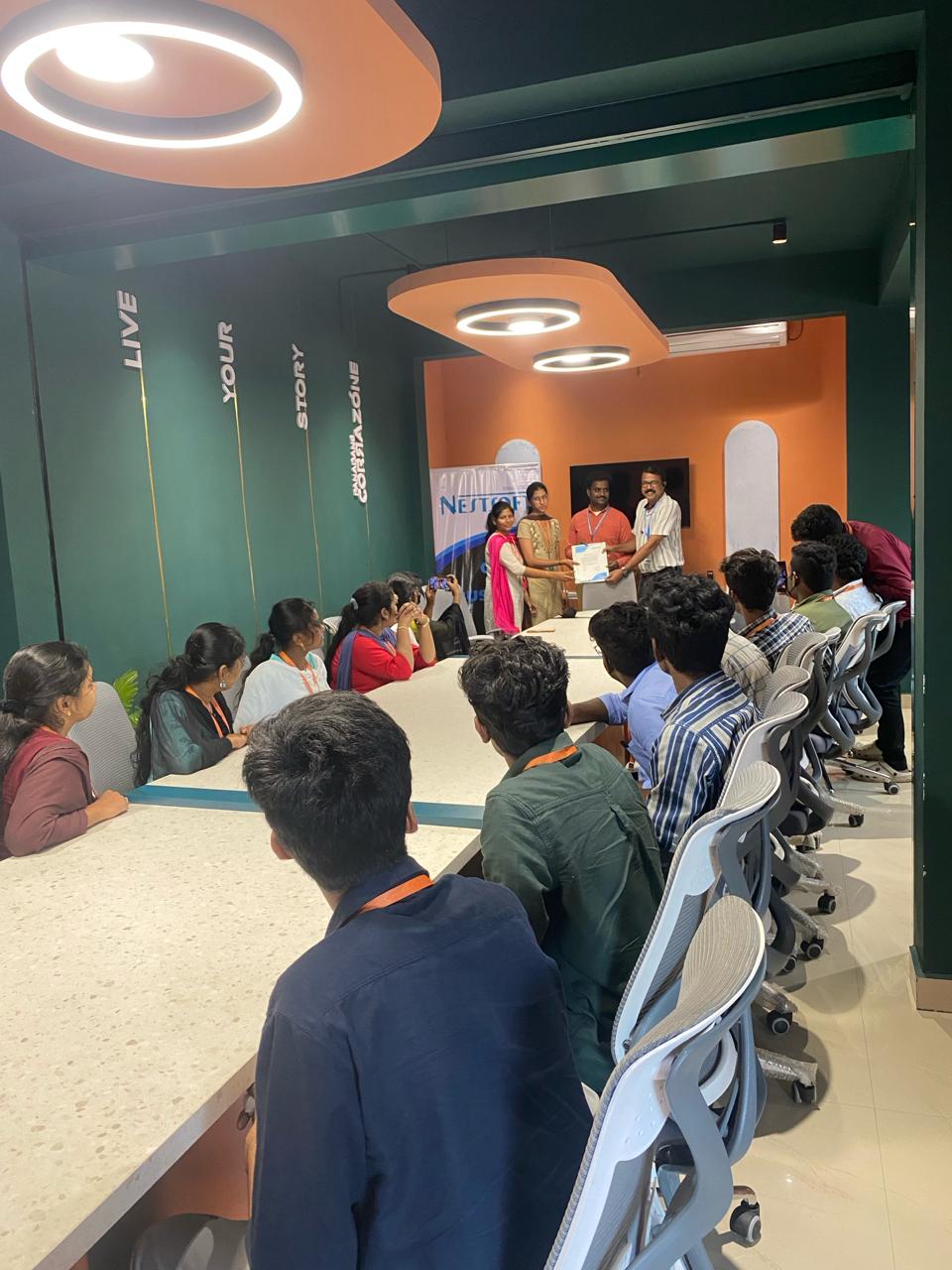
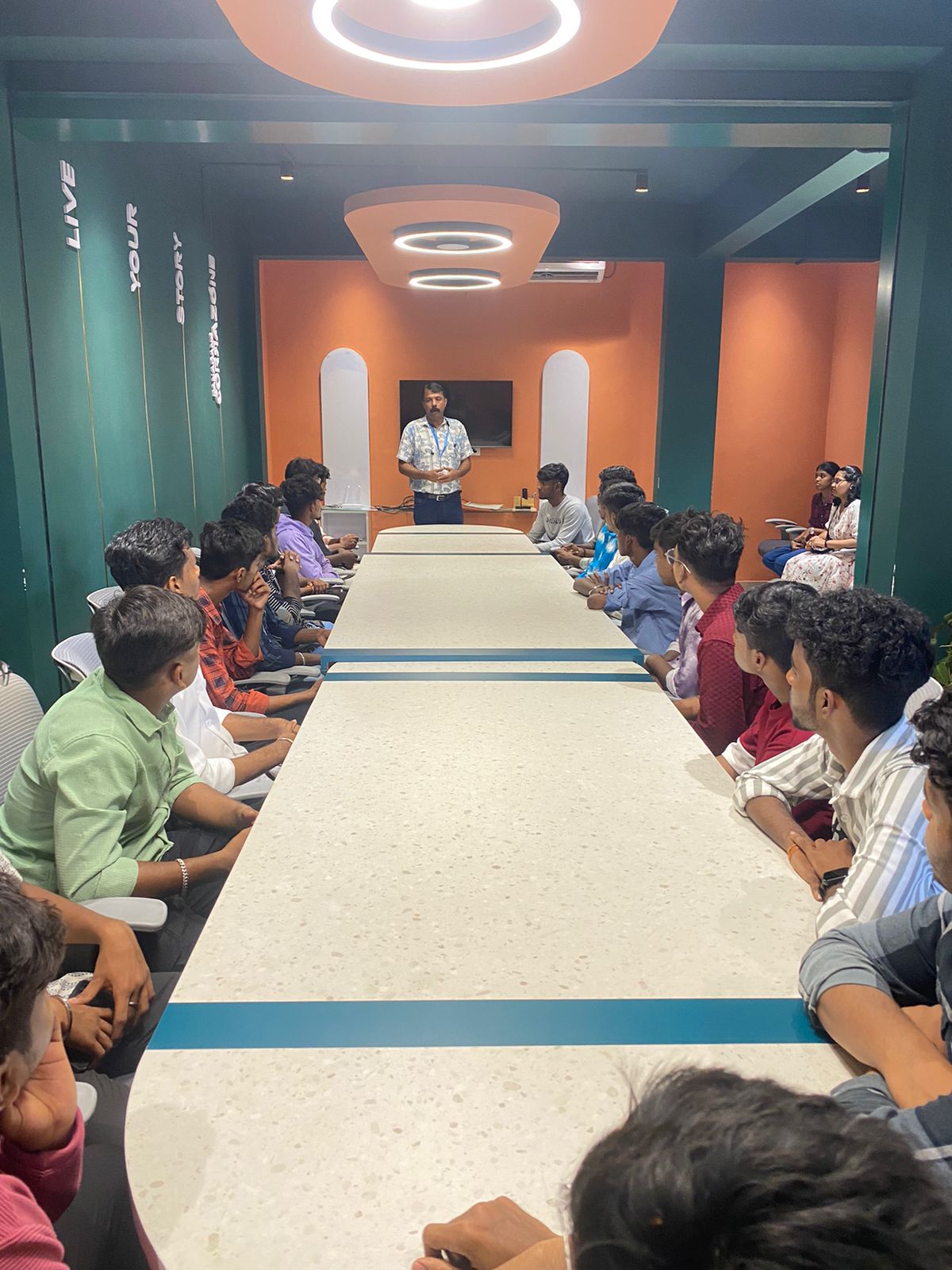
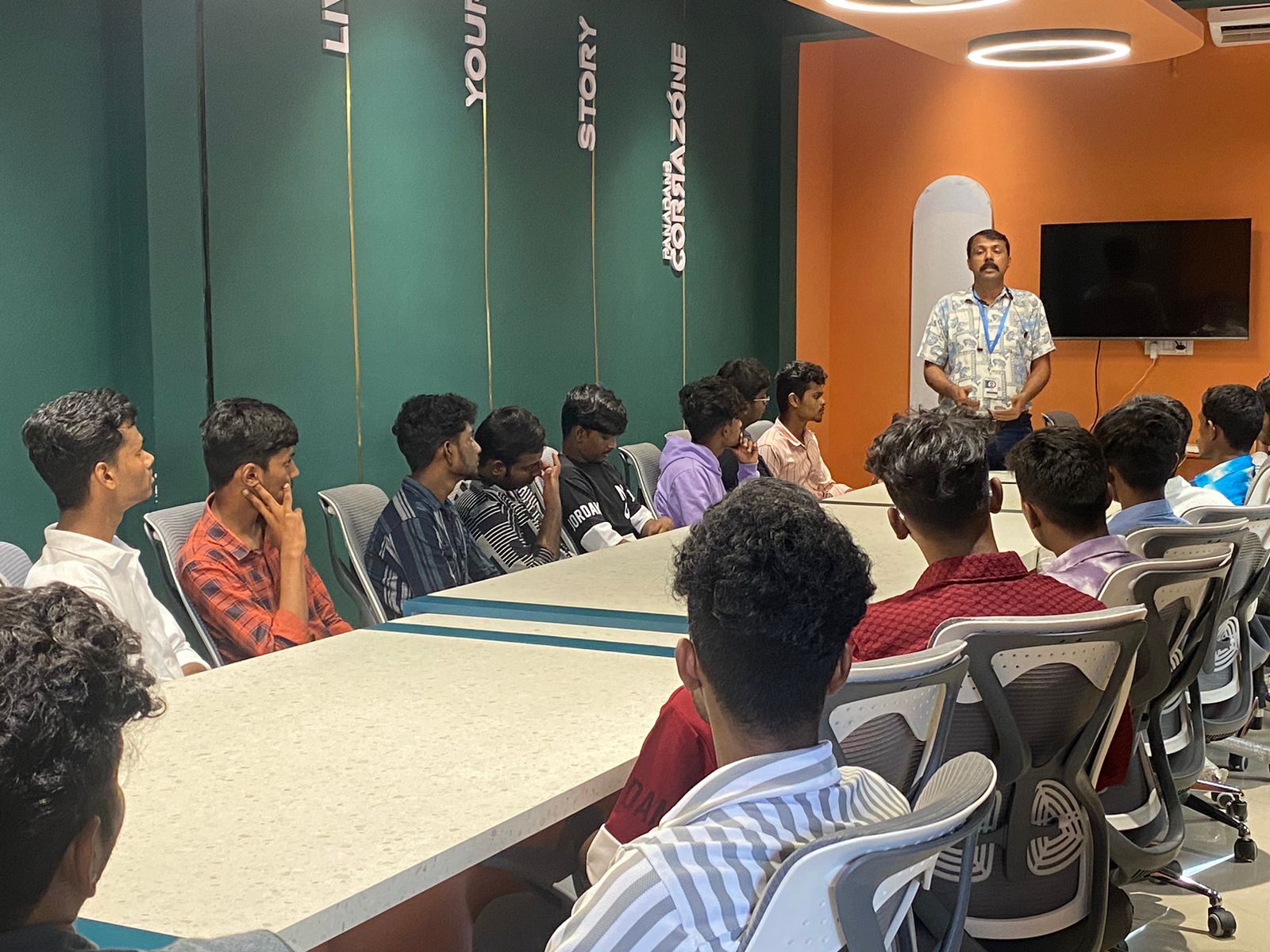
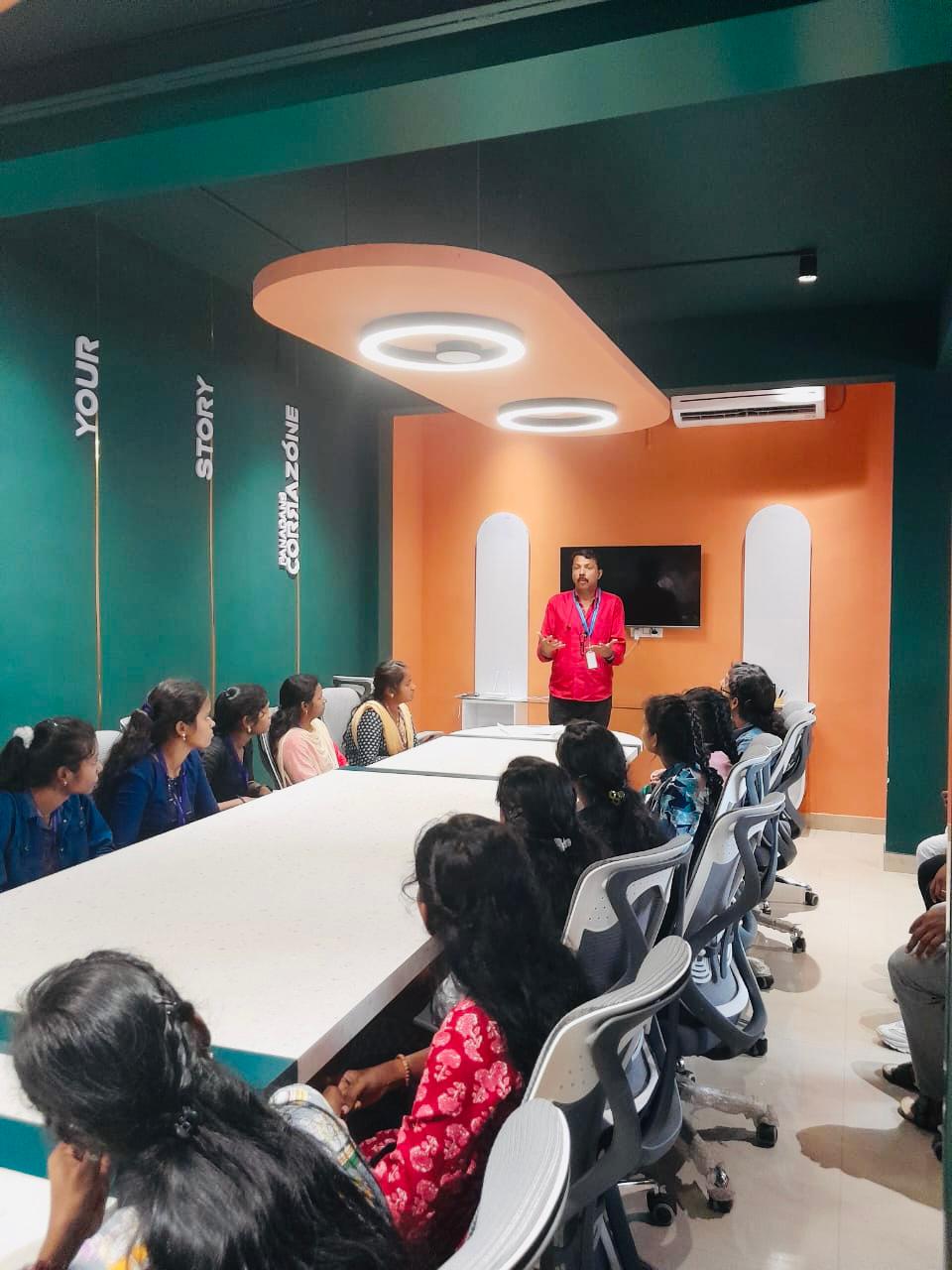
Photos of Training / Internships

Internship/projects in pahang

Trained more than 10000+ students who trust Nestsoft TechnoMaster

Get Your Personal Trainer