Send enquiry ⏎

Adobe Dreamweaver Online Live Class by Experts

Our Training/Internship Process

Adobe Dreamweaver Online Live Classes in Johor | Free Demo Training

Adobe Dreamweaver - Syllabus, Fees & Duration

Module 1: Introducing Dreamweaver

  • Understanding the course
  • Reviewing the course objectives and prerequisites
  • Reviewing the course format
  • Outlining the course content
  • Understanding static page architecture

Module 2: Getting Started

  • Introducing Dreamweaver
  • Learning the interface
  • Defining a local site
  • Creating a website

Module 3: Adding Content to a Site

  • Adding content
  • Controlling document structure
  • Making lists
  • Adding horizontal rules
  • Adding special characters

Module 4: Formatting with CSS

  • Formatting text
  • Introducing CSS
  • Creating styles
  • Exporting CSS rule definitions
  • Creating class styles
  • Attaching external style sheets
  • Creating advanced styles
  • Creating a new external style sheet
  • Displaying styles
  • Understanding cascading order and inheritance of styles
  • Creating internal styles with the Property inspector

Module 5: Working with Graphics

  • Using graphics on web pages
  • Placing graphics on the page
  • Modifying image properties
  • Editing images
  • Doing roundtrip editing with Fireworks
  • Customizing the Insert bar
  • Adding Flash content
  • Adding Flash Video

Module 6: Navigating Your Site

  • Understanding site navigation
  • Linking to files in your site
  • Linking to sites
  • Linking to named anchors
  • Adding e-mail links
  • Linking from images
  • Creating a jump menu

Module 7: Designing Page Layouts with CSS

  • Understanding page layout
  • Using layers for layout
  • Adding CSS to layers
  • Using absolute and relative positioning
  • Designing with DIV's
  • Designing navigation links with CSS
  • Importing tabular data
  • Using table layout view

Module 8: Using Libraries and Templates

  • Using site library items
  • Creating site templates
  • Defining editable regions
  • Using templates
  • Applying a template to an existing page
  • Modifying templates

Module 9: Creating Forms

  • Understanding forms
  • Processing a form
  • Setting focus in a form
  • Validating a form

Module 10: Testing, Maintenance, and Uploading

  • Testing your site
  • Maintaining your files and folders
  • Connecting to a remote site
  • Synchronizing files

Download Syllabus - Adobe Dreamweaver
This syllabus is not final and can be customized as per needs/updates
   
10000+
20+
50+
25+

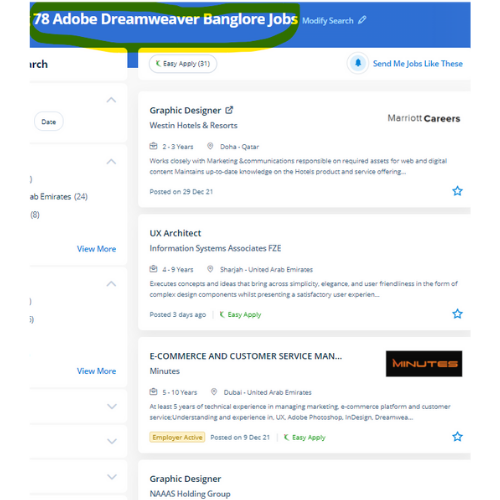
Adobe Dreamweaver Jobs in Johor

Enjoy the demand

Find jobs related to Adobe Dreamweaver in search engines (Google, Bing, Yahoo) and recruitment websites (monsterindia, placementindia, naukri, jobshybrid.com, indeed.co.in, shine.com etc.) based in Johor, chennai and europe countries. You can find many jobs for freshers related to the job positions in Johor.

  • Graphic Designer
  • Creative Designer
  • CorelDraw Trainer
  • Web graphic designer
  • UI/UX Designer
  • Digital Designer
  • Designing Trainer
  • GUI Designer
  • Creative Graphic Designer
  • Web designer intern

Adobe Dreamweaver Internship/Course Details

Adobe Dreamweaver internship jobs in Johor
Adobe Dreamweaver Dreamweaver highlights your mistakes, If any, and rectifies them on an immediate basis. This software has not just for beginners but has also been designed with advanced level users in mind. DreamWeaver has predesigned templates are offered or, alternatively, template files will be created by the user. Adobe, however, has stopped supporting Muse and the application will still be used. Students can learn to spice up the web pages by suggests that of adding advanced functions like guidance controls, media parts, and forms. This software includes templates for websites to assist within the design method. The course materials are designed as self-study courses, however, if you have got any issues you will email our support service. easy and complex websites are going to be designed using a purpose and click-on technique. Students could register at any time. .

Meet a Few of our Industry Experts 🚀 Your Pathway to IT Career

Pooja

Mobile: +91 9895490866
Location: Online (Johor, Malaysia)
Qualification: BBA

Experience: I am a energetic ambitious person I have all leadership qualities and completed my full digital marketing course seo on  more..

Prince

Mobile: +91 89210 61945
Location: Online (Johor, Malaysia)
Qualification: B.tech

Experience: I have a good knowledge of object oriented programming language (java) and along with database knowledge Oracle SQL Pl-SQL C  more..

manoj

Mobile: +91 91884 77559
Location: Online (Johor, Malaysia)
Qualification: BA

Experience: html css bootstrap besic javascript phpotoshop figma mysql core php wordpress   more..

Ritu

Mobile: +91 94975 90866
Location: Online (Johor, Malaysia)
Qualification: Btech

Experience: I have 20 months of experience with html CSS js and php wordpress webflow bootstrap tailwind filezilla unbounce elementor wp  more..

MEERA

Mobile: +91 8301010866
Location: Online (Johor, Malaysia)
Qualification: B.E-CS

Experience: I am fresher now i am studying techolas techology i have completed manual testing now i am studying automation testing  more..

suhaila

Mobile: +91 94975 90866
Location: Online (Johor, Malaysia)
Qualification: electronics and communication engineering

Experience: html css bootstrap javascript angular js react js node js mongodbApplication for Meanstack Developer Mean Stack  more..

Subashchandrabose

Mobile: +91 91884 77559
Location: Online (Johor, Malaysia)
Qualification: MCA

Experience: HTML CSS bootstrap angular sql python  more..

Anandhu

Mobile: +91 98474 90866
Location: Online (Johor, Malaysia)
Qualification: Bachelor's of computer Application

Experience: I Anandhu Narayanan i am bca graduate i completed my graduation in 2023 after my graduation i have done 6  more..

Aiswarya

Mobile: +91 94975 90866
Location: Online (Johor, Malaysia)
Qualification: BTech

Experience: Java Core java Manual Testing Functional and non-functional testing Basics of Git and Maven Project   more..

Tejaswini

Mobile: +91 9895490866
Location: Online (Johor, Malaysia)
Qualification: BCA

Experience: Communication skill Ambitious Known with programming languages  more..

Harish

Mobile: +91 91884 77559
Location: Online (Johor, Malaysia)
Qualification: MA - ENGLISH

Experience: Content Writing Customer Support firewall |   more..

Merin

Mobile: +91 89210 61945
Location: Online (Johor, Malaysia)
Qualification: Btech

Experience: Digital marketing and seo   more..

Karthick

Mobile: +91 91884 77559
Location: Online (Johor, Malaysia)
Qualification: B.com

Experience: I have the skills in sem seo smm i done a internship for 3 months in inmakes infotech pvt ltd  more..

Neetu

Mobile: +91 91884 77559
Location: Online (Johor, Malaysia)
Qualification: MCA

Experience: Data Structures algorithms c++ SQL DBMS Golang Object oriented programming Operating system Computer networking  more..

Vinodha

Mobile: +91 89210 61945
Location: Online (Johor, Malaysia)
Qualification: M.C.A

Experience: java Seleniunm manual testing and Automation testing  more..

Kamesh

Mobile: +91 91884 77559
Location: Online (Johor, Malaysia)
Qualification: BE-ECE

Experience: Accomplished Software Tester with 3 2 years of hands-on experience in manual and automation testing Extensive experience in test automation  more..

Neha

Mobile: +91 91884 77559
Location: Online (Johor, Malaysia)
Qualification: MBA-IT

Experience: 6 months experience at Synchronik as a jr developer and project co-ordinator   more..

Saurabh

Mobile: +91 98474 90866
Location: Online (Johor, Malaysia)
Qualification: B.tech cse

Experience: With experience in Software Development I have worked as a Node js and Solidity developer at Nineteen Realtech My expertise  more..

Jayesh

Mobile: +91 9895490866
Location: Online (Johor, Malaysia)
Qualification: B.C.A

Experience: I have 6 year of experience in Wordpress development I’m Wordpress backend developer an able to integrate custom theme development  more..

Albin

Mobile: +91 94975 90866
Location: Online (Johor, Malaysia)
Qualification: BCA

Experience: 1 year and 3 month experience in manual and automation testing  more..

K.

Mobile: +91 8301010866
Location: Online (Johor, Malaysia)
Qualification: Btech

Experience: Python Web development |   more..

divya

Mobile: +91 98474 90866
Location: Online (Johor, Malaysia)
Qualification: btech mtech

Experience: software testing   more..

Sruti

Mobile: +91 94975 90866
Location: Online (Johor, Malaysia)
Qualification: MCA

Experience: Java python networking security+ sql  more..

VAIBHAV

Mobile: +91 94975 90866
Location: Online (Johor, Malaysia)
Qualification: B Tech

Experience: I have experience of working in php mysql for 10 years ang would like to share my knowledge  more..

Success Stories

The enviable salary packages and track record of our previous students are the proof of our excellence. Please go through our students' reviews about our training methods and faculty and compare it to the recorded video classes that most of the other institutes offer. See for yourself how TechnoMaster is truly unique.

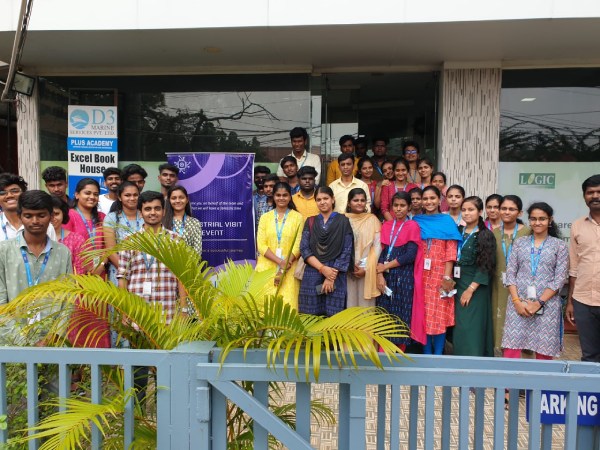
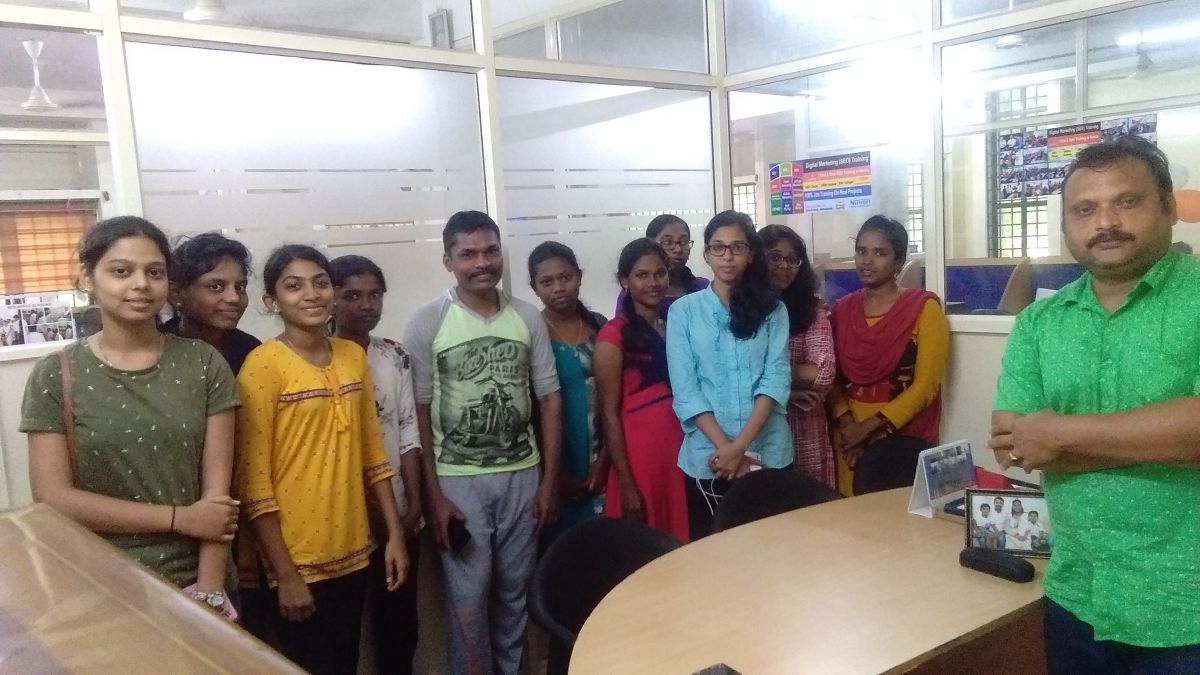
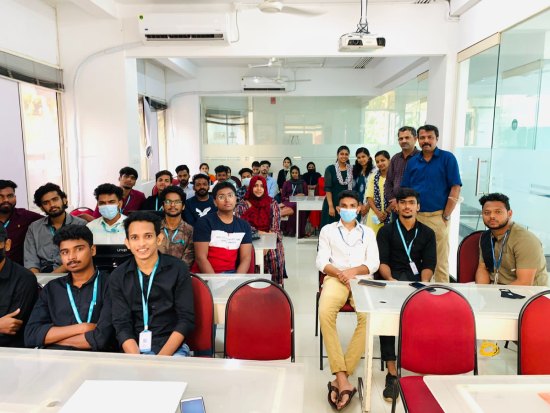
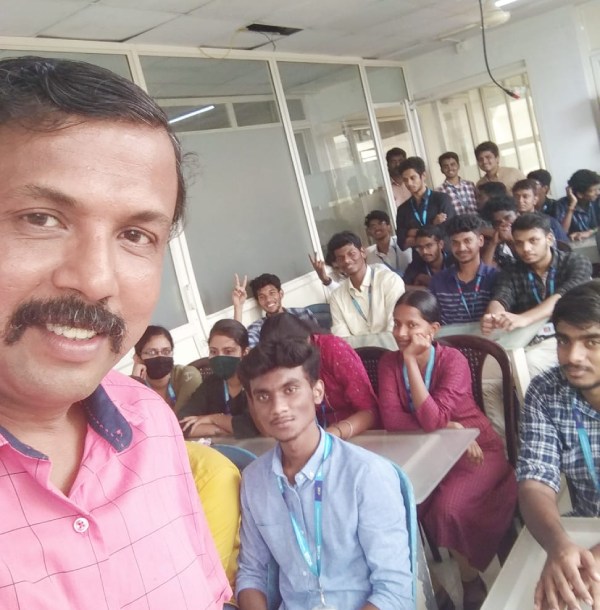
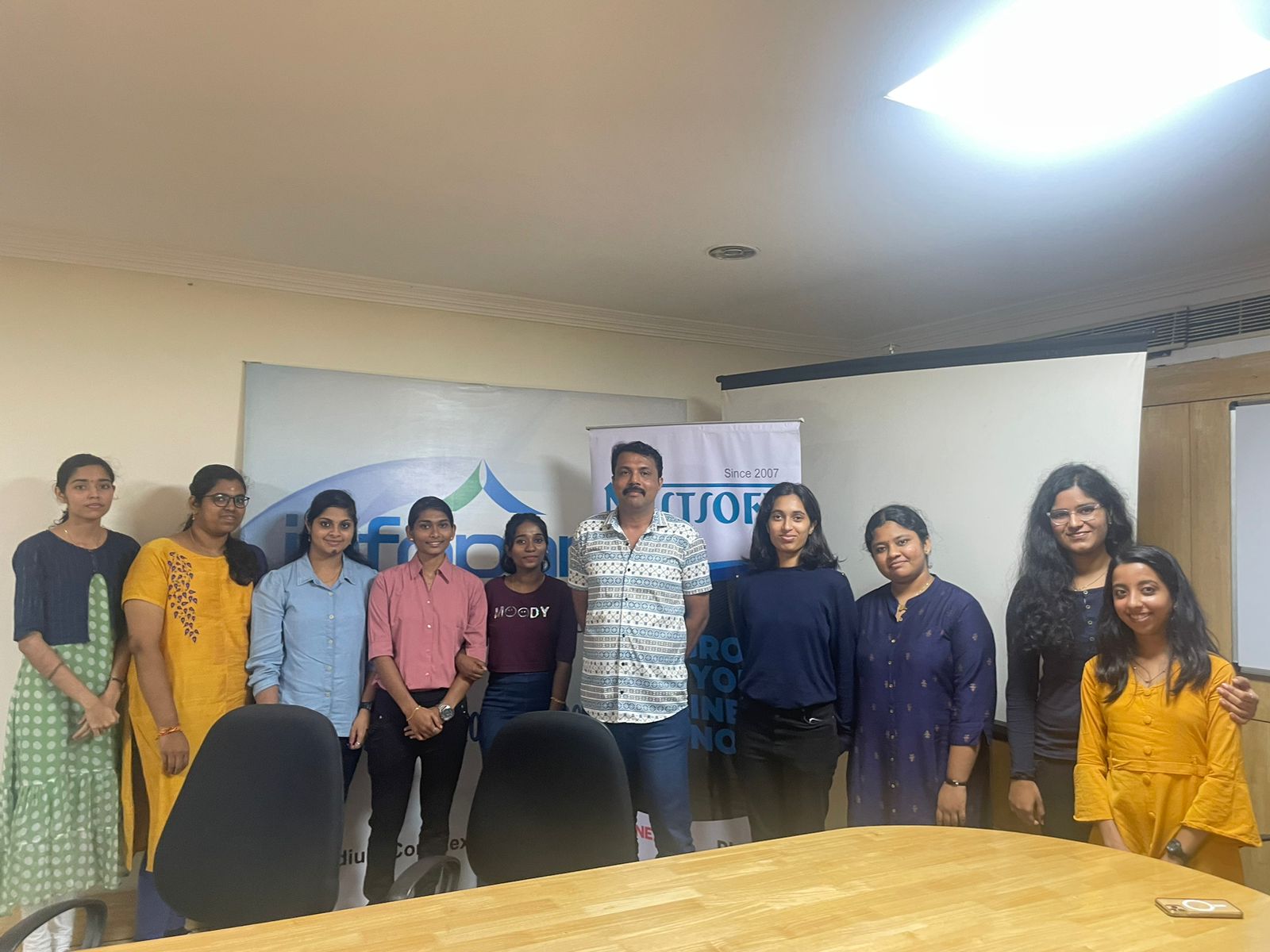
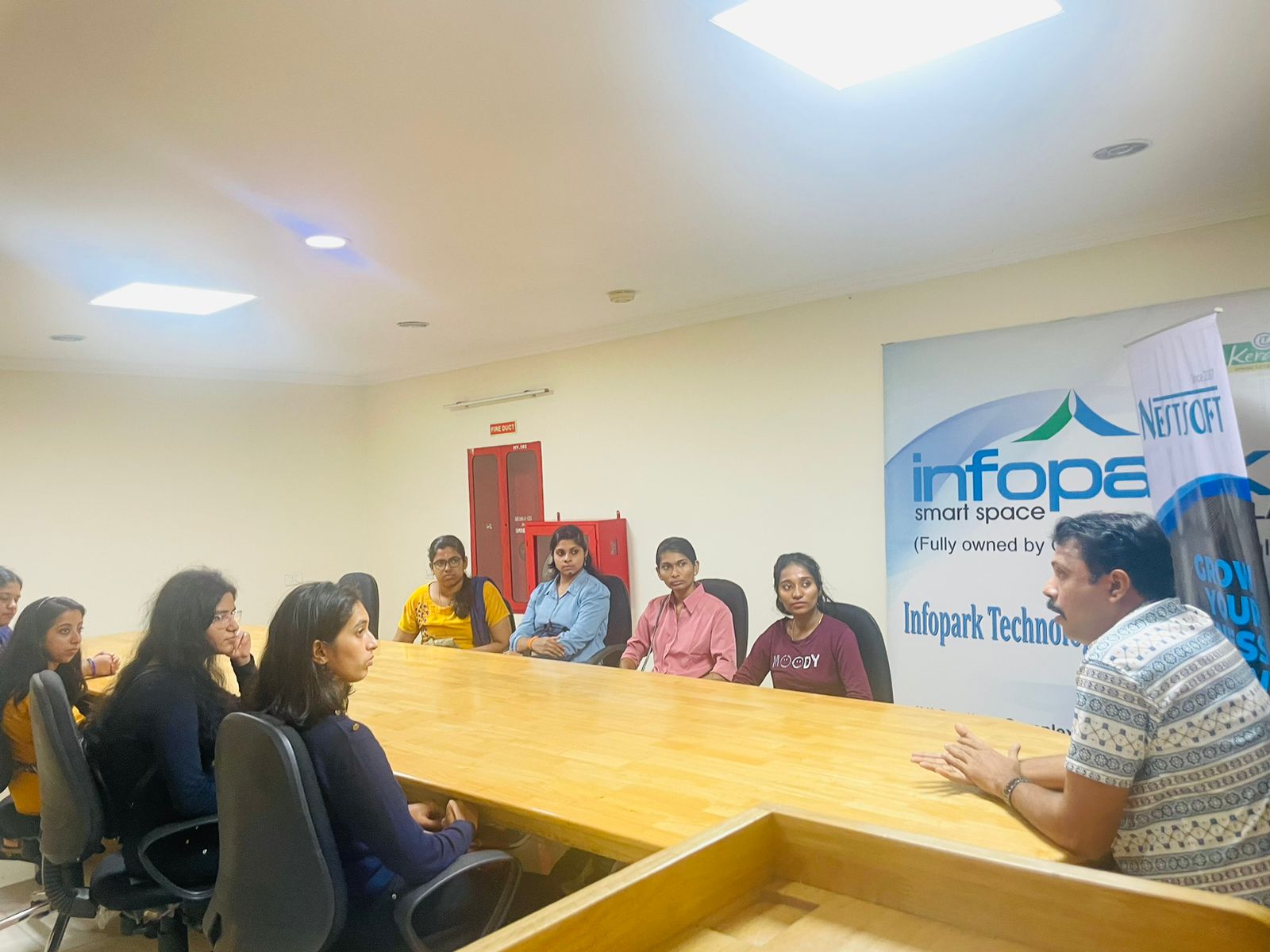
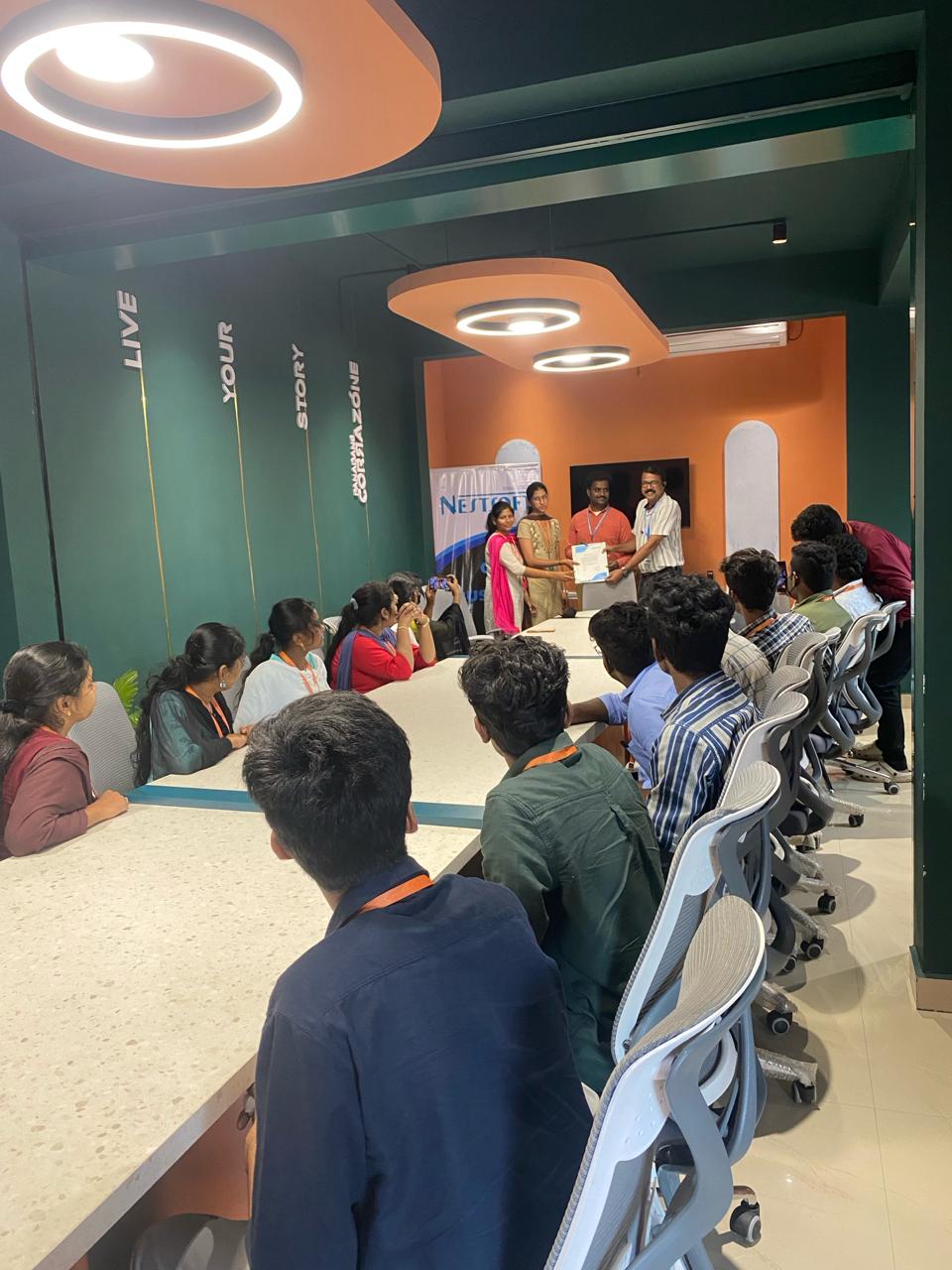
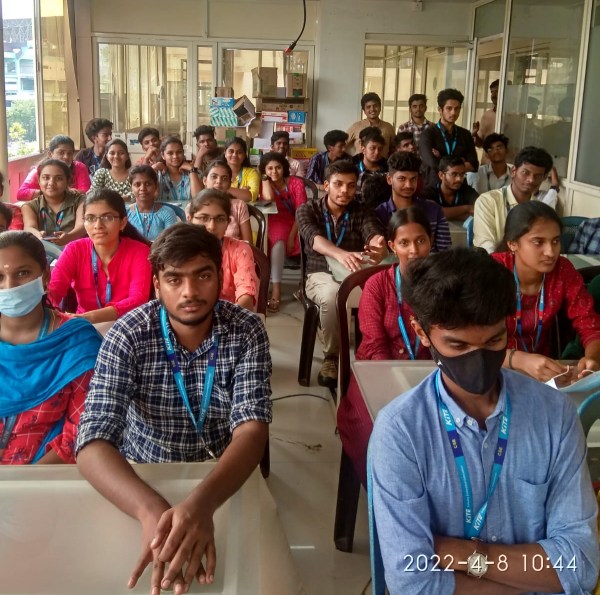
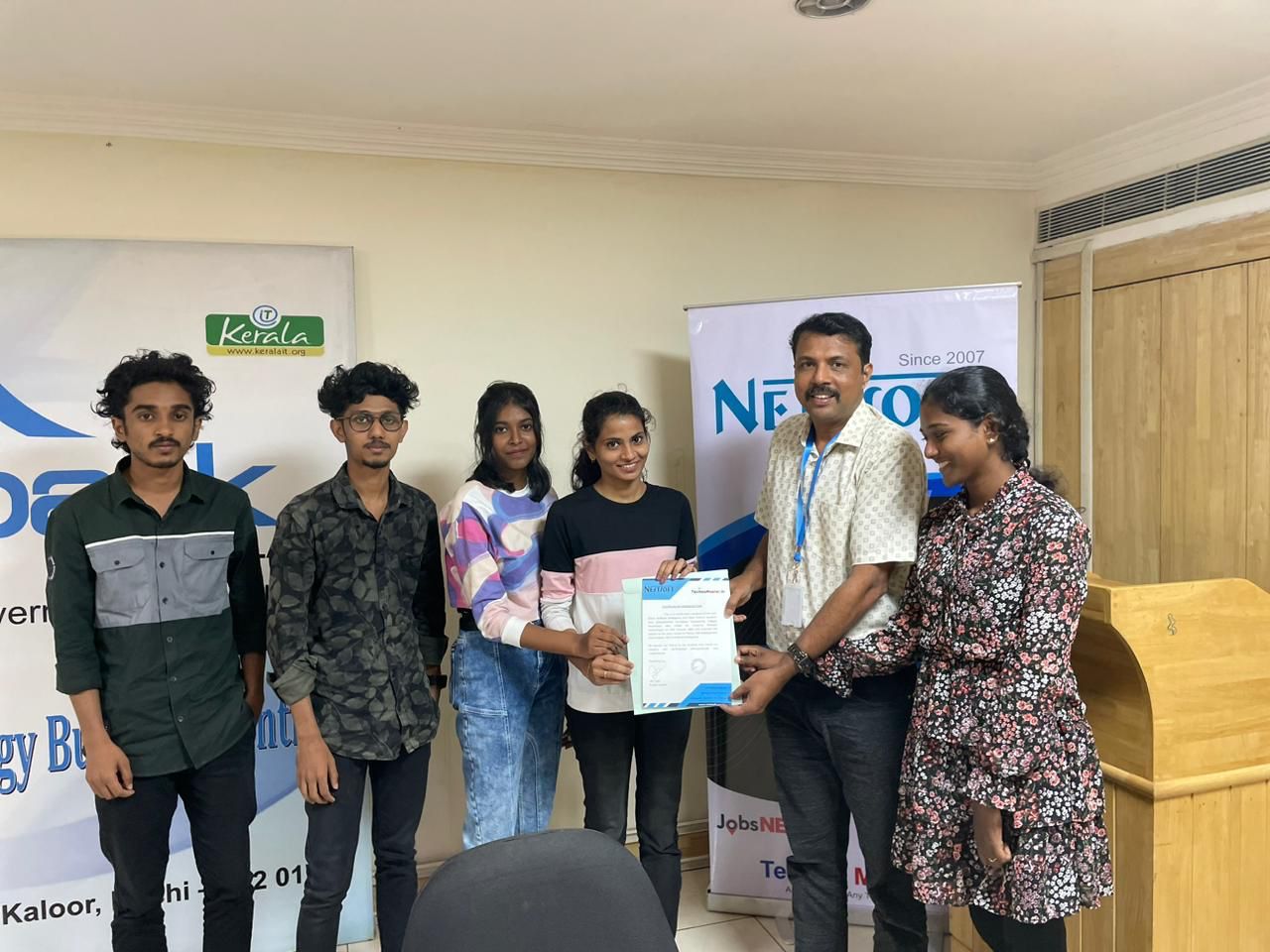
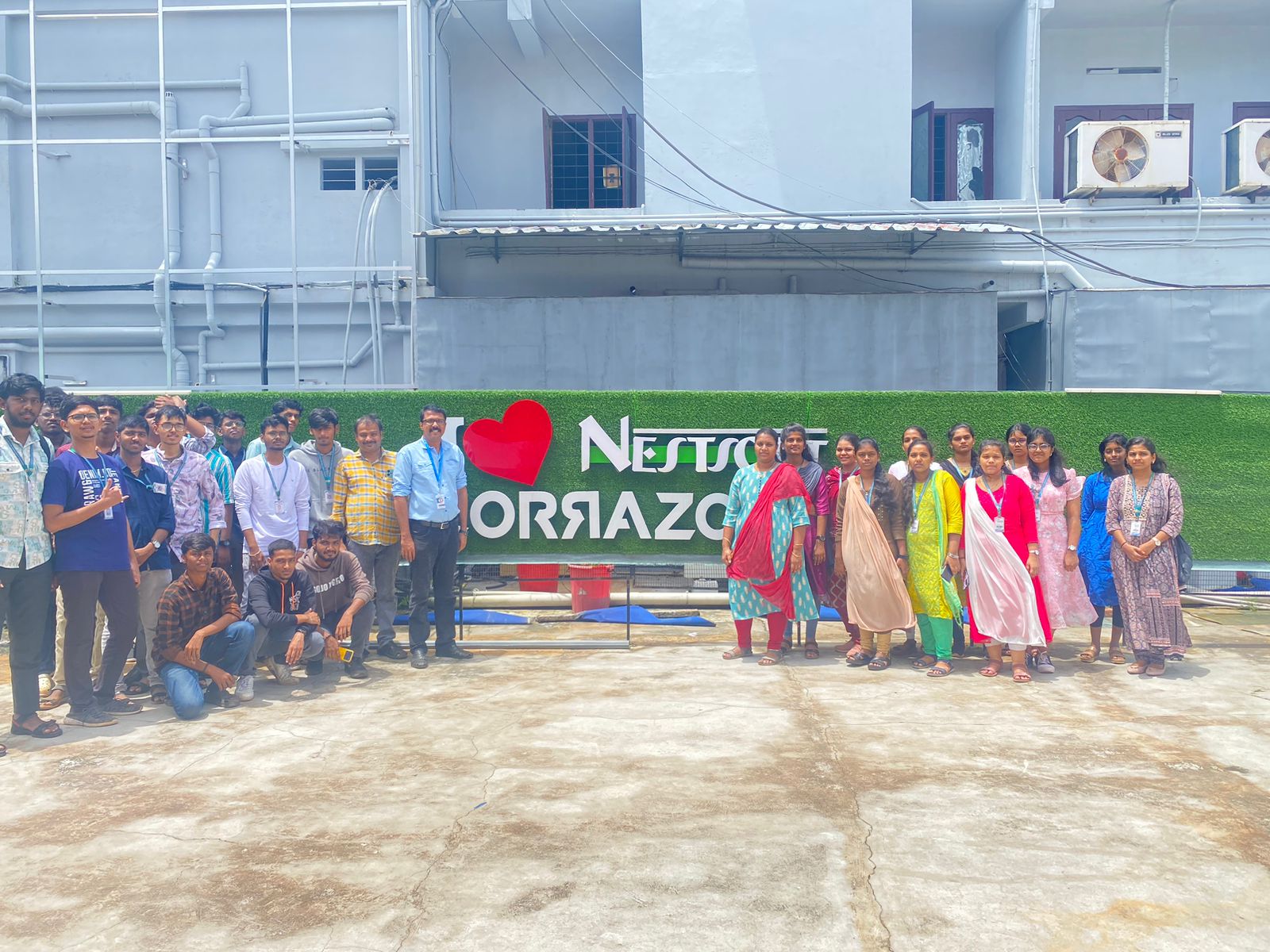
Photos of Training / Internships

Internship/projects in johor

Trained more than 10000+ students who trust Nestsoft TechnoMaster

Get Your Personal Trainer