Send enquiry ⏎

Autodesk Maya Online Live Class by Experts

Our Training/Internship Process

Autodesk Maya Online Live Classes in Melaka | Free Demo Training

Autodesk Maya - Syllabus, Fees & Duration

Overview of Maya

  • Understanding the Maya interface
  • Setting up files and Maya projects
  • Configuring viewports
  • Customizing the interface
  • Navigating the Maya workspace
  • Using the hotbox and marking menus
  • Selecting objects
  • Using the Move tool
  • Rotating and scaling objects
  • Working with pivots
  • Understanding the Channel Box
  • The Attribute Editor

Maya Scenes

  • Organizing Maya Scenes
  • Working with the Outliner
  • Dealing with hierarchies
  • Object groups
  • Exploring Hypergraph
  • Hiding and showing objects
  • Working with layers
  • Working with selection masks

Working with Polygons

  • Creating Polygonal Models
  • Differences between NURBS and polys
  • Selecting polygonal components
  • Using Soft Select and reflection
  • Sculpting with the Sculpt tool
  • The Combine and Separate commands
  • Working with subdivision surfaces

Working with Meshes

  • Working with edge loops
  • Using Edge Flow for smooth geometry
  • Reorienting geometry using Spin Edge
  • Drawing detail with the Connect tool
  • Mirroring geometry
  • Modeling with nonlinear deformers
  • Modeling with lattices

NURBS-based Modelling

  • Refining NURBS Models
  • Extracting NURBS curves from surfaces
  • Open/ Close curves and surfaces
  • Creating curves on a surface
  • Projecting curves on surfaces
  • Trimming NURBS surfaces
  • Using fillets to connect surfaces
  • Converting NURBS to polygons

Using Materials

  • Creating Materials
  • Overview of Maya renderers
  • The basics of materials
  • Creating and applying maps
  • Using bitmaps as texture
  • Working with the Hype shade window
  • Using the Ramp material
  • Displacement and bump maps
  • Mental ray materials

Using Textures

  • Applying Textures
  • Texture mapping
  • Projecting textures on surfaces
  • Applying multiple materials
  • UV mapping
  • The UV Texture Editor

Rendering your Scene

  • Render Settings
  • Lights and lighting types
  • Rendering shadows
  • Camera basics
  • Depth of field
  • Motion Blur
  • Reflections and refractions
  • Matching lights and shadows to images
  • Batch rendering

Animating in Maya

  • The animation interface
  • Set Key
  • The Graph Editor
  • The Dope Sheet
  • Animating objects along spline paths
  • Ghosting animation
  • Animation playback using Playblast
  • Creating animation cycles

Download Syllabus - Autodesk Maya
This syllabus is not final and can be customized as per needs/updates
   
10000+
20+
50+
25+

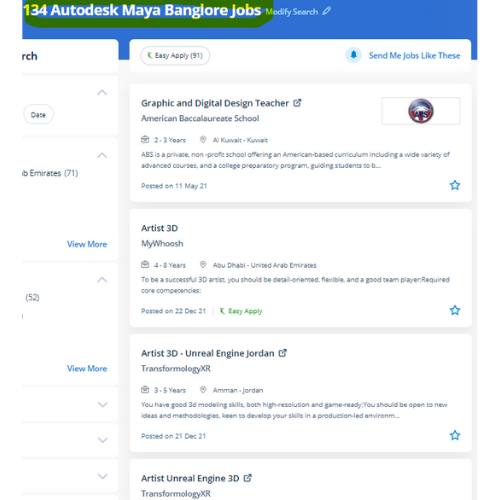
Autodesk Maya Jobs in Melaka

Enjoy the demand

Find jobs related to Autodesk Maya in search engines (Google, Bing, Yahoo) and recruitment websites (monsterindia, placementindia, naukri, jobshybrid.com, indeed.co.in, shine.com etc.) based in Melaka, chennai and europe countries. You can find many jobs for freshers related to the job positions in Melaka.

  • Graphic Designer
  • Maya Trainer
  • Motion Graphic Designer
  • Generalist 3d
  • Technical Designer
  • Interior Designer
  • Designing Trainer
  • Freelance Graphic Designer
  • 3d designer
  • AutoCAD Draftsman

Autodesk Maya Internship/Course Details

Autodesk Maya internship jobs in Melaka
Autodesk Maya It offers wonderful support for scripting languages and everybody can produce plugins for Autodesk Maya with C++ and smart memory handling. Our live training classes are handled by specialists in this field and the syllabus starts from the basics to the most advanced of the subject our team can assist you If a candidate gets any doubts or errors while using this. On the big and little studio of Maya, you'll see various pipelines build, add their own plugins, and establish work routines. This software provides actual live 3D effects with us North American nation a large kind of scope to make live models. . However, it is a good deal over a modeling code Maya is an ecosystem. Maya software is widely used so probably everybody with eyes has been exposed to one factor designed with Maya software. Nestsoft provides the most effective Autodesk Maya online training course. whether or not you’re wanting to begin a new career within the 3D animation industry, or incorporate 3D animations into your existing work for broadcast or the web. Upon victorious completion of this course you will be able to: work in a production environment, perceive the mechanics of Maya, be able to create 3d models using a kind of techniques, work with materials to the texture you models, perceive the way to light a scene, be able to create animations, stage a scene and understand photography and know how to make output to be used in post-production.


Meet a Few of our Industry Experts 🚀 Your Pathway to IT Career

Manish

Mobile: +91 8301010866
Location: Online (Melaka, Malaysia)
Qualification: BSC.IT

Experience: I have good knowledge at java full stack i have trained at naresh i technology in Hyderabad I know both  more..

Kartik

Mobile: +91 9895490866
Location: Online (Melaka, Malaysia)
Qualification: mscit

Experience: wordpress html css js sql  more..

Swathi

Mobile: +91 94975 90866
Location: Online (Melaka, Malaysia)
Qualification: B-Tech

Experience: User interface design User persona creation Wireframing Prototyping Empathy mapping Competitive analysis User research Adobe xd Figma Sketch Adobe photoshop  more..

Shivaprasad

Mobile: +91 89210 61945
Location: Online (Melaka, Malaysia)
Qualification: Diploma in computer science

Experience: Skills- Hardware and networking programming language in C web development and others Experience - Hospital field work ( XRAY Machine  more..

K.RAKHI

Mobile: +91 89210 61945
Location: Online (Melaka, Malaysia)
Qualification: BTECH

Experience: Manual testting Automation-Selenium testing postman Agile technology Jira(basic concepts) Html Css Bootstrap  more..

Souvick

Mobile: +91 91884 77559
Location: Online (Melaka, Malaysia)
Qualification: Doctorate

Experience: Problem Solving Business development Leadership coaching Analysis Optimization  more..

Nivin

Mobile: +91 91884 77559
Location: Online (Melaka, Malaysia)
Qualification: BTech CSE

Experience: I have completed Java full stack development course and I am familiar with Core Java Spring Boot Angular MySQL HTML  more..

Shilpa

Mobile: +91 98474 90866
Location: Online (Melaka, Malaysia)
Qualification: Be

Experience: Training in software testing   more..

Lekshmi

Mobile: +91 91884 77559
Location: Online (Melaka, Malaysia)
Qualification: MCA (Final year)

Experience: Java python c c++  more..

Thasni

Mobile: +91 89210 61945
Location: Online (Melaka, Malaysia)
Qualification: MCA

Experience: Working as a Software Engineer and completed a course on MERN Stack full developer   more..

Ankit

Mobile: +91 89210 61945
Location: Online (Melaka, Malaysia)
Qualification: Btech

Experience: Git GitHub Linux networking Nginx Docker AWS & It's Services Terraform Kubernetes Grafana & Prometheus  more..

Ramathota

Mobile: +91 8301010866
Location: Online (Melaka, Malaysia)
Qualification: Btech

Experience: Experience I have over 1 5 years of focused experience in UI UX design starting with internships that transitioned into  more..

Vishnu

Mobile: +91 91884 77559
Location: Online (Melaka, Malaysia)
Qualification: B.E

Experience: I am writing to express 3 years experience in Android Developer position I successful completed and published play store in  more..

Aayush

Mobile: +91 8301010866
Location: Online (Melaka, Malaysia)
Qualification: 12pass

Experience: I used for canava for 2year experience for logo design   more..

Karthick

Mobile: +91 9895490866
Location: Online (Melaka, Malaysia)
Qualification: B.com

Experience: I have the skills in sem seo smm i done a internship for 3 months in inmakes infotech pvt ltd  more..

Siddangouda

Mobile: +91 91884 77559
Location: Online (Melaka, Malaysia)
Qualification: B.E Computer Science

Experience: Seo on page off page technical seo back links link building Google Analytics   more..

Dolly

Mobile: +91 94975 90866
Location: Online (Melaka, Malaysia)
Qualification: Diploma(IT)

Experience: I have 2 5 experience in IT industry in asp net c# ajax jQuery css HTML and SQL server  more..

Kajal

Mobile: +91 8301010866
Location: Online (Melaka, Malaysia)
Qualification: BTECH

Experience: NodeJS ExpressJS javascript python AWS Socket IO HTML CSS TypeScript  more..

Piyush

Mobile: +91 9895490866
Location: Online (Melaka, Malaysia)
Qualification: 10th pass

Experience: Good evening sir or mam This is piyush from navyug school Sarojini Nagar I have an experienced on canva graphic  more..

prabhav

Mobile: +91 89210 61945
Location: Online (Melaka, Malaysia)
Qualification: graduate

Experience: Currently i am a fresher and i am practicing android development from past 1 year   more..

Aditya

Mobile: +91 89210 61945
Location: Online (Melaka, Malaysia)
Qualification: be mechanical

Experience: java selenium spring api bavkend testing manual testing  more..

Dipak

Mobile: +91 94975 90866
Location: Online (Melaka, Malaysia)
Qualification: Bachelor of computer application

Experience: Firstly I want to said that if you mentally strong to your work then no work hard for you self  more..

Sumayya

Mobile: +91 94975 90866
Location: Online (Melaka, Malaysia)
Qualification: B.tech

Experience: Attented python bootcamp Java HtmlApplication for Java Spring  more..

Abdul

Mobile: +91 9895490866
Location: Online (Melaka, Malaysia)
Qualification: Bachelor of computer science engineering

Experience: i have 1 yesr experience in Ui Ux designing role and i have skilled in figma adobe illustrator Adobe photoshop  more..

Success Stories

The enviable salary packages and track record of our previous students are the proof of our excellence. Please go through our students' reviews about our training methods and faculty and compare it to the recorded video classes that most of the other institutes offer. See for yourself how TechnoMaster is truly unique.

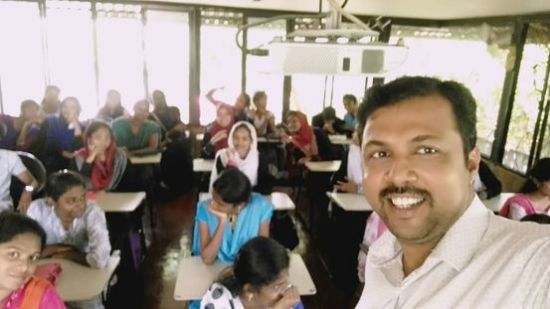
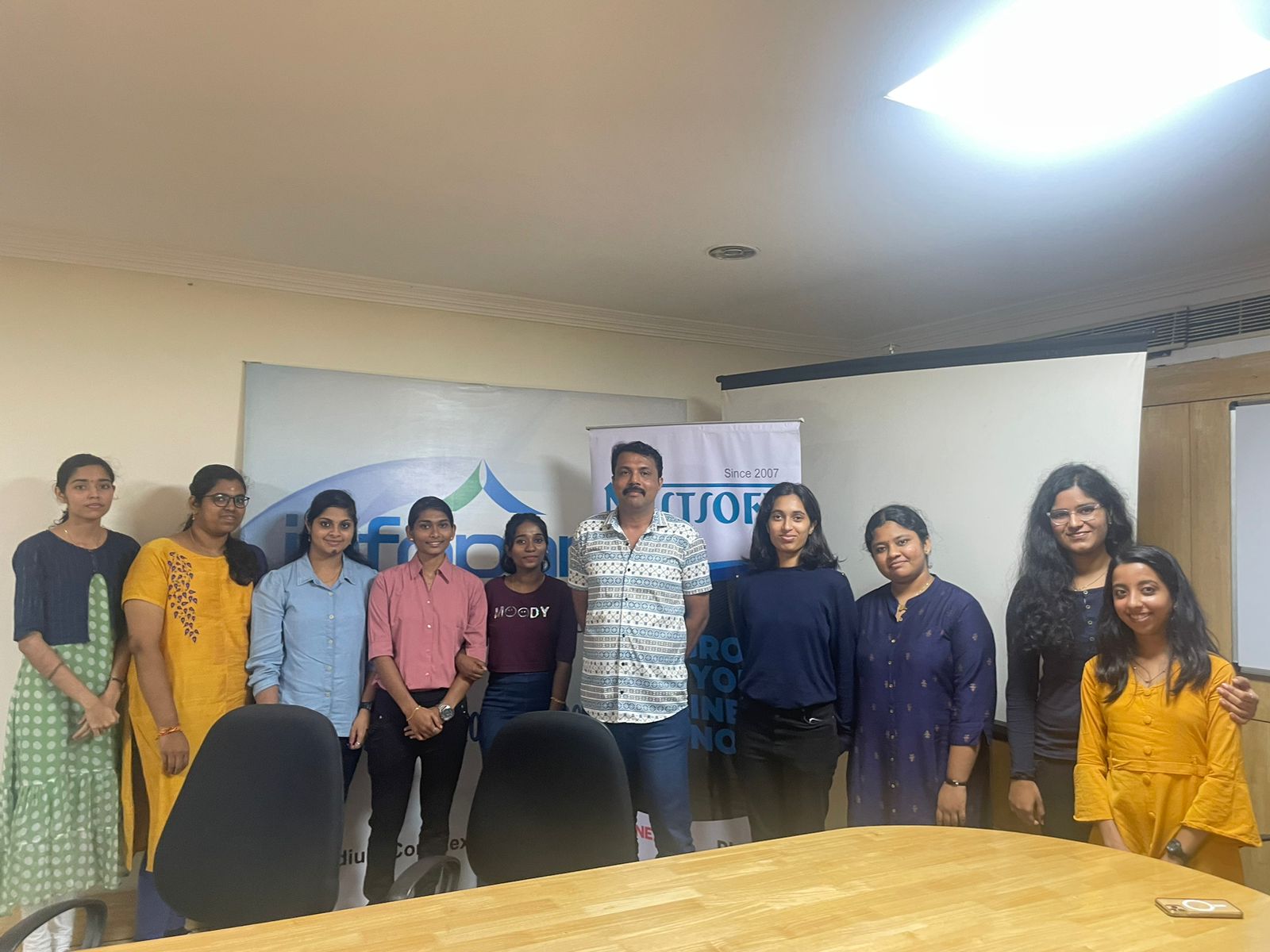
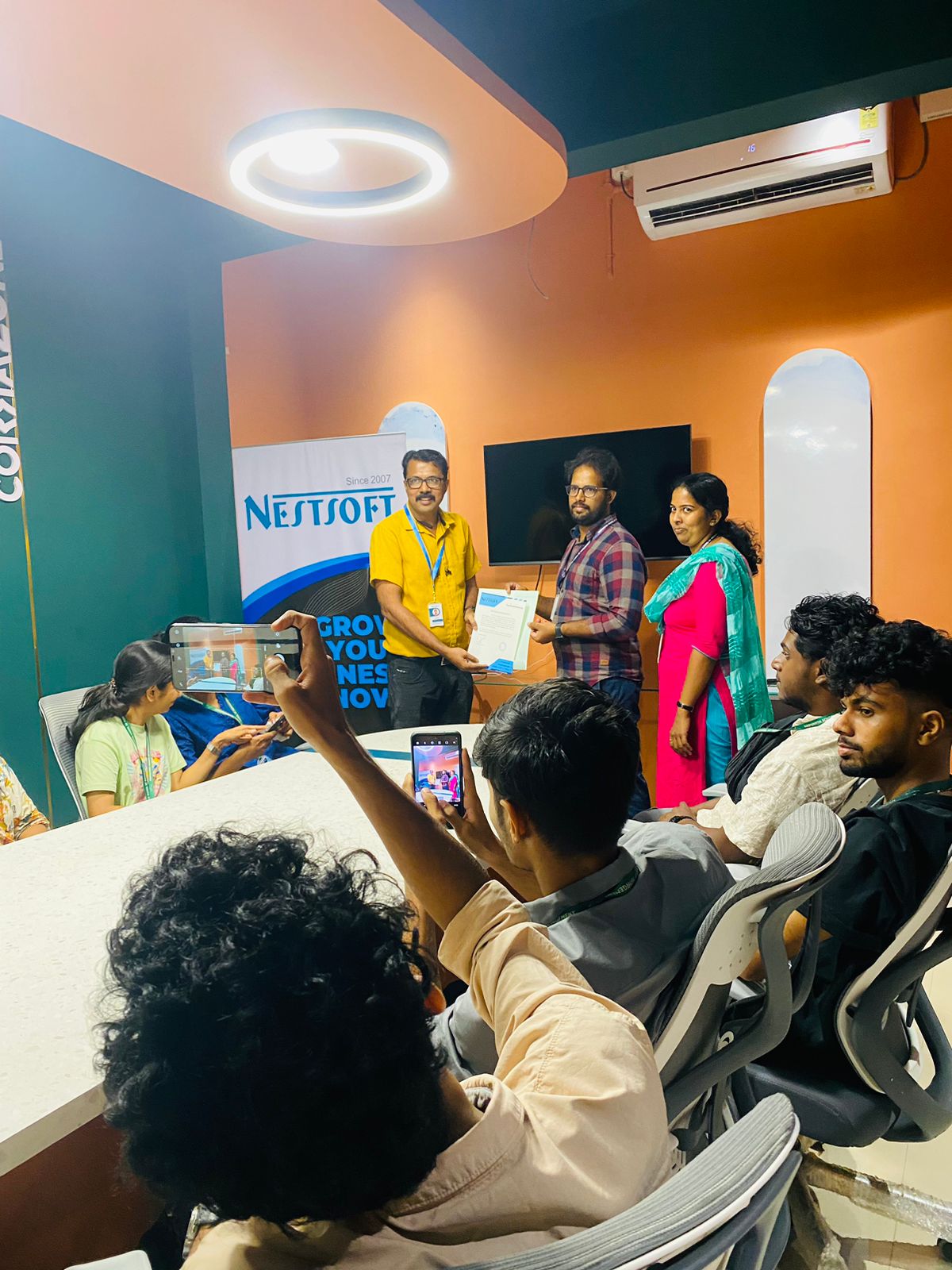
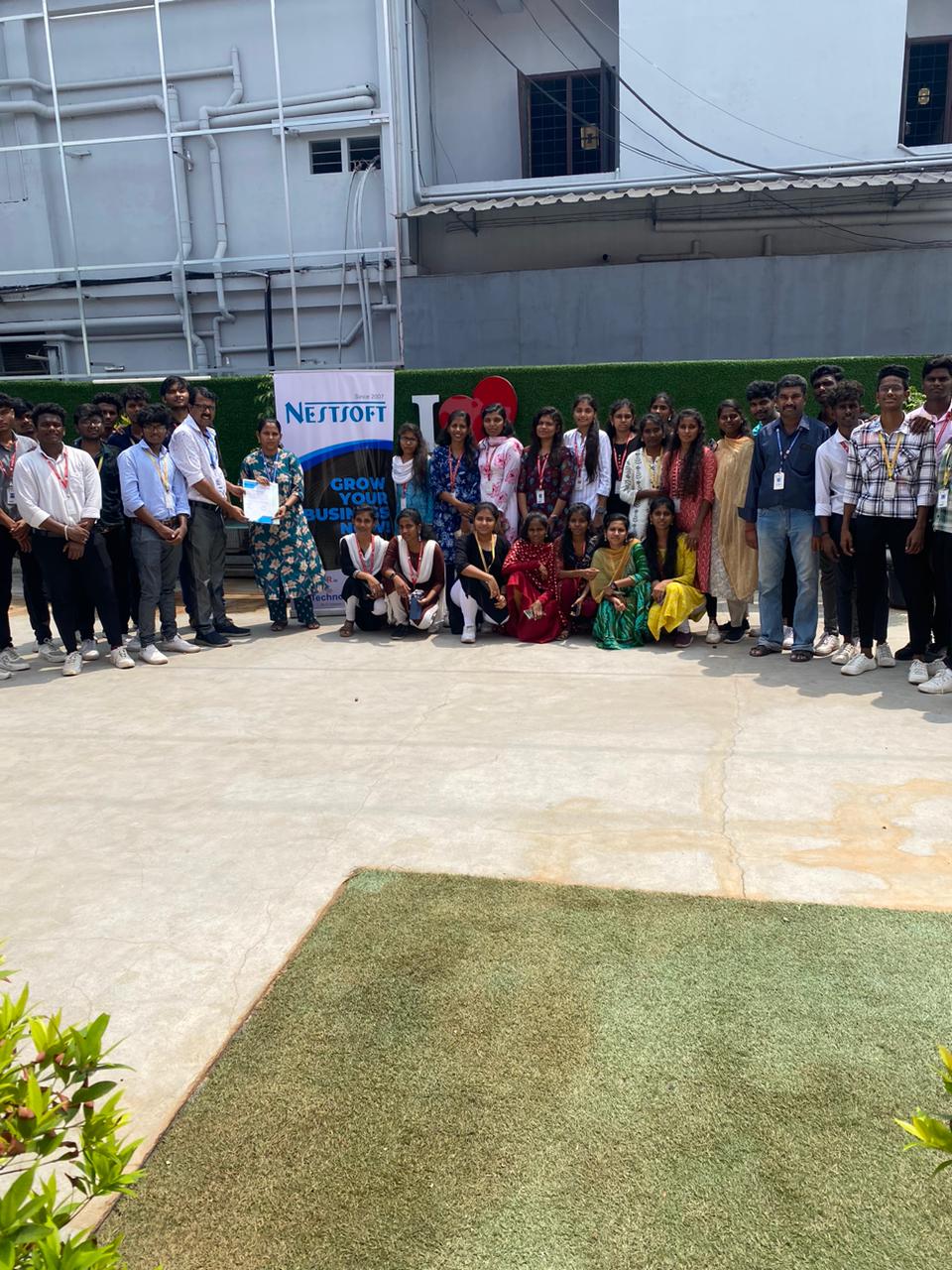
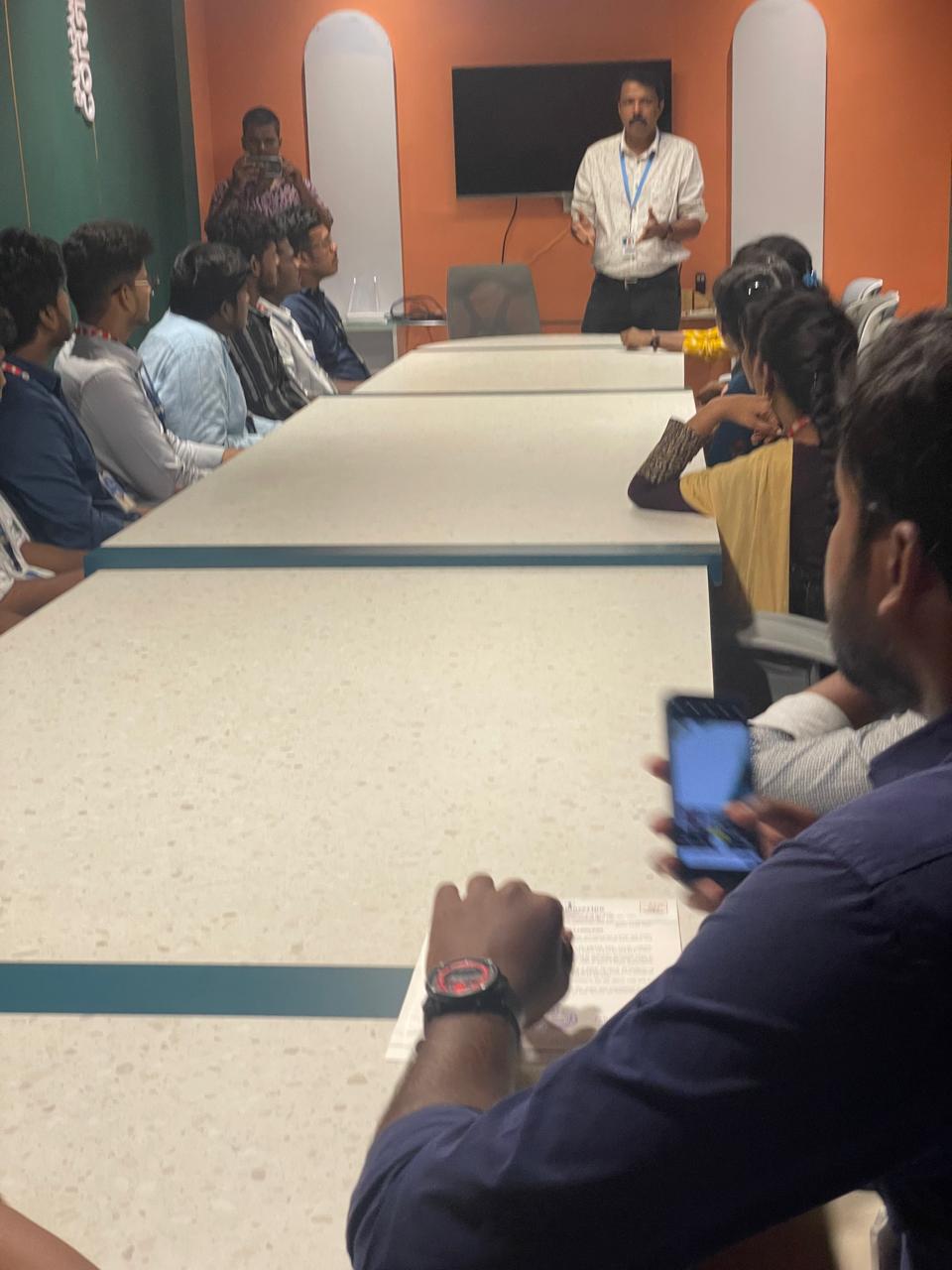
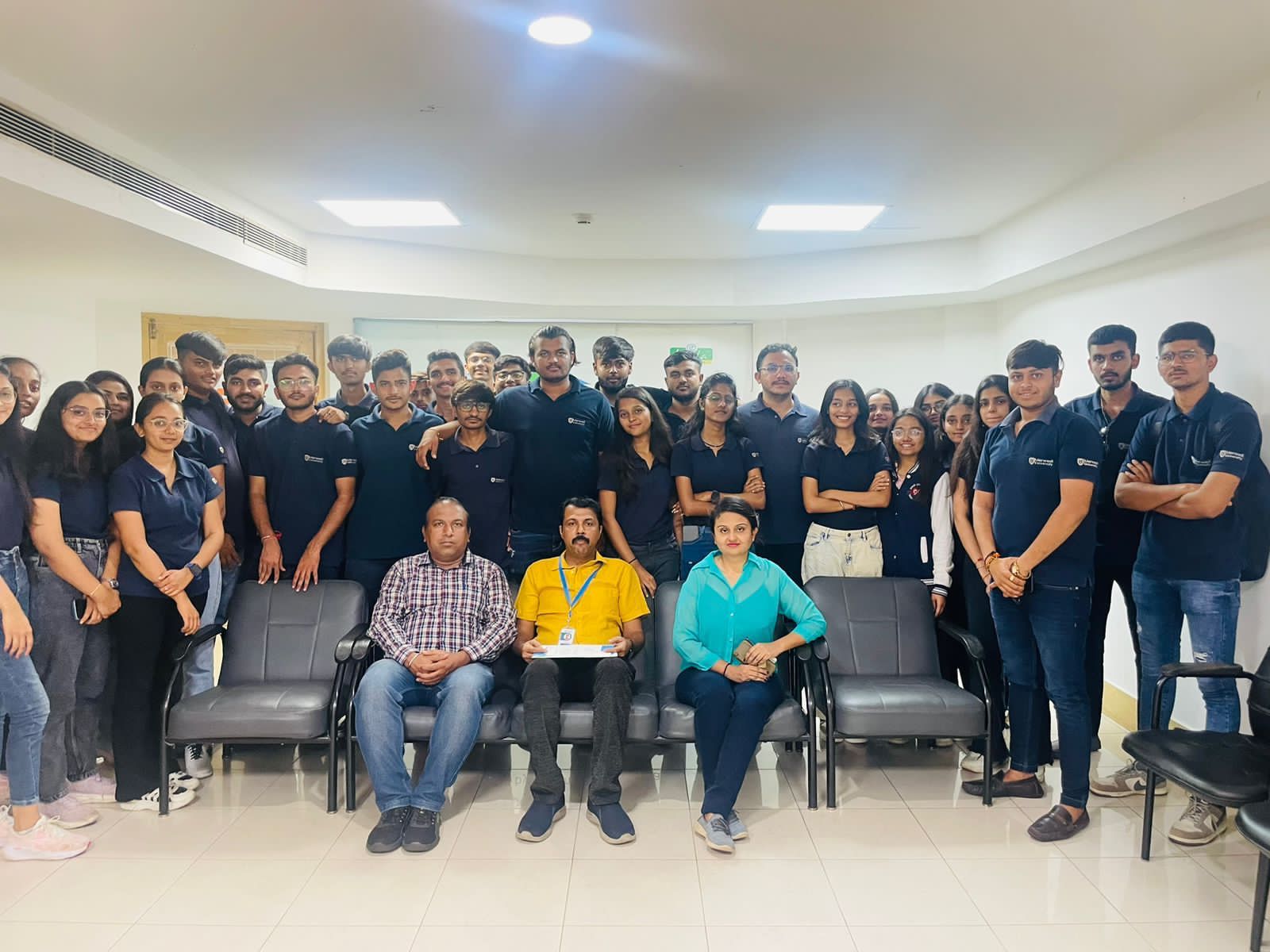
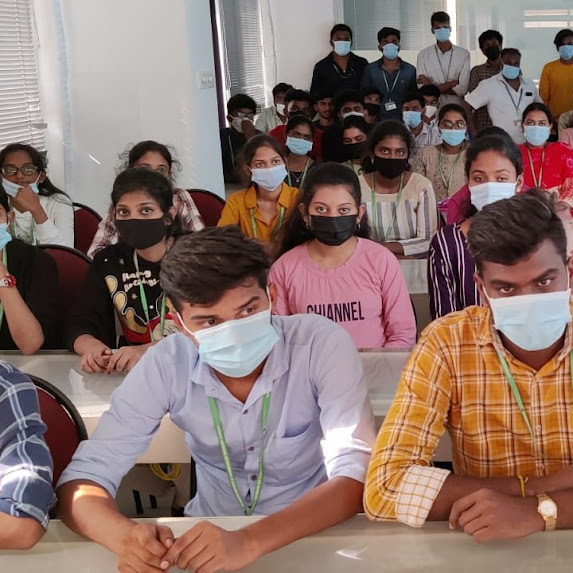
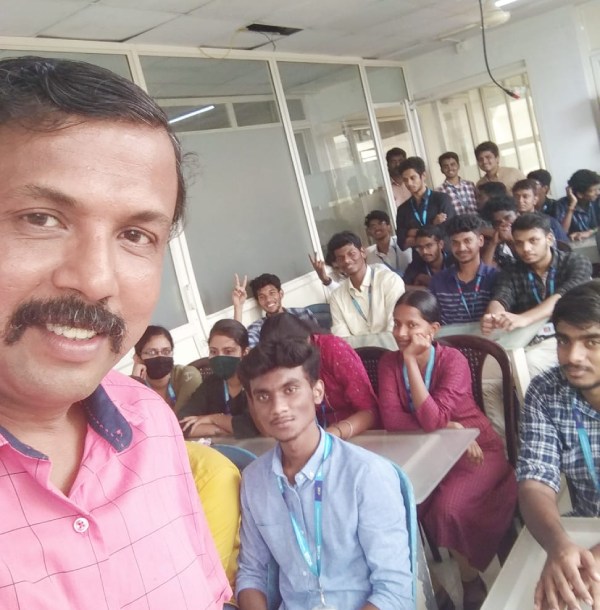
Photos of Training / Internships

Internship/projects in melaka

Trained more than 10000+ students who trust Nestsoft TechnoMaster

Get Your Personal Trainer