Send enquiry ⏎

UI/UX Design Online Live Class by Experts

Our Training/Internship Process

UI/UX Design Online Live Classes in Kedah | Free Demo Training

UI/UX Design - Syllabus, Fees & Duration

Figma Syllabus (15 Hours)

      Module 1: Figma Fundamentals (3 Hours)

        Introduction to Figma

      • Understanding the Figma interface and tools.
      • Layers, frames, and pages.
      • Shapes, text, and alignment.

        Design Basics

      • Color theory and typography basics.
      • Grids and layout principles.
      Module 2: Prototyping with Figma (3 Hours)

        Wireframing Basics

      • Creating low-fidelity wireframes for mobile and web apps.

        Prototyping Features

      • Adding interactions and transitions.
      • Clickable prototypes for user testing.
      Module 3: Mobile App Design Project (4 Hours)

        Designing a Mobile App

      • Screens for a sample app (e.g., task manager or food delivery).
      • Login, home, and profile pages.

        Components and Variants

      • Reusable buttons, icons, and cards.
      • Typography and color styles.

        Prototyping and Feedback

      • Linking screens and testing navigation.
      Module 4: Web App Design Project (5 Hours)

        Designing a Web App

      • Landing page, login screen, and dashboard for a web app.
      • Auto-layout for responsive designs.

        Final Prototype

      • Responsive breakpoints for desktop, tablet, and mobile.
      • Functional prototype with interactions.
    Web Development Syllabus (15 Hours)
      Module 1: HTML, CSS, and Bootstrap Basics (5 Hours)

        HTML Fundamentals (2 Hours)

      • Structuring web pages (header, footer, sections).
      • Essential tags: headings, lists, images, and links tables etc..

        CSS Basics (2 Hours)

      • Styling text and layout using CSS.
      • Box model, positioning, and Flexbox basics.

        Bootstrap Basics (1 Hour)

      • Setting up Bootstrap in a project.
      • Grid system and responsive layouts.
      • Common components: navbar, buttons, and cards.
      Module 2: Responsive Landing Page Conversion (5 Hours)

        Figma to Code Workflow (2 Hours)

      • Importing Figma designs for reference.
      • Structuring HTML and CSS with Bootstrap.

        Responsive Design (3 Hours)

      • Using media queries and Bootstrap utilities.
      • Creating a responsive navigation bar and hero section.
      • Ensuring design consistency with the Figma prototype.
      Module 3: Interactivity with JavaScript & Advanced Bootstrap (3 Hours)

        JavaScript Basics

      • Adding interactivity with JavaScript (e.g., form validation).
      • Bootstrap JavaScript components: modals, dropdowns, and carousels.

        CSS Animations & Transitions

      • Enhancing visuals with hover effects and animations.
      Module 4: Final Project and Deployment (2 Hours)

        Final Project: Responsive Landing Page

      • Convert a complete Figma design into a functional landing page.
      • Use Bootstrap and JavaScript for responsiveness and interactivity.

        Hosting and Deployment

      • Publish the project online using GitHub Pages or Netlify.
      Deliverables

        Figma:

      • Prototyped mobile app and web app designs.

        Web Development:

      • Fully responsive landing page with Bootstrap and interactivity.
      • Hosted live project link.

Download Syllabus - UI/UX Design
This syllabus is not final and can be customized as per needs/updates
   
10000+
20+
50+
25+

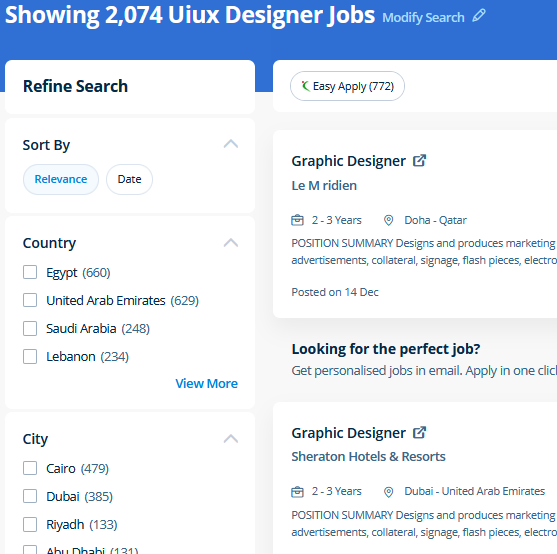
UI/UX Design Jobs in Kedah

Enjoy the demand

Find jobs related to UI/UX Design in search engines (Google, Bing, Yahoo) and recruitment websites (monsterindia, placementindia, naukri, jobshybrid.com, indeed.co.in, shine.com etc.) based in Kedah, chennai and europe countries. You can find many jobs for freshers related to the job positions in Kedah.

  • ui designer
  • ux designer
  • ui/ux designer
  • ui/ux developer
  • graphic designer
  • multimedia creator
  • photoshop
  • adobe illustrator
  • web design
  • html developer

UI/UX Design Internship/Course Details

UI/UX Design internship jobs in Kedah
UI/UX Design We offer Adobe InDesign training online that will prepare you for the Adobe Certified skilled Exam. At the end of this course at nestsoft inDubai we cover advanced topics such as Script validations, Building modular tests, Developing automation test suites for a broad range of desktop Web Applications. Adobe Photoshop is specially designed to permit users to edit and make multiple designs. Additionally as people who want to boost their current workflows to work quicker and more efficiently. Your works on the projects make easier and more efficient by adding special effects or interesting features on plugins and you can use various tools like brushes, overlays, fonts, and textures etc. Our online training course in Dubai learn how a Vector application Creates shapes Composed of points, lines, and curves that are stored as mathematical instructions as opposed to a bitmap application, which creates shapes composed of pixel dots. concepts such as clusters, variables, operators, functions, and control structure in JavaScript Demonstrable knowledge of Functions - Passing the data to functions, JavaScript Function Syntax, Concise Body syntax, Return Keyword, and ES6 arrow functions basics of jQuery that assist you to boost your skills in Scriptwriting. Our aim is that each delegate leaves our InDesign Course with the confidence to apply their new skills effectively within the real world. Photoshop includes a selection of quality tools and is easily customizable to fit your work style. The Illustrator CC interface contains the tools, panels, menu, commanda, document, window, and artboards you will use when creating or editing an illustrator document.


Meet a Few of our Industry Experts 🚀 Your Pathway to IT Career

Parveena

Mobile: +91 89210 61945
Location: Online (Kedah, Malaysia)
Qualification: B.Tech

Experience: CCNA CCNP ROUTING JNCIA and networking concepts  more..

Akbar

Mobile: +91 91884 77559
Location: Online (Kedah, Malaysia)
Qualification: B.Tech

Experience: Computer hardware and networking CCNA |   more..

Ninad

Mobile: +91 91884 77559
Location: Online (Kedah, Malaysia)
Qualification: B.Tech

Experience: I have good knowledge of linux SQL and cybersecurity With this i have 6 months hands on experience on full  more..

Yaswanth

Mobile: +91 91884 77559
Location: Online (Kedah, Malaysia)
Qualification: btech

Experience: c java python html css javascript sql mongodb figma react tiledwindcss  more..

Jitendra

Mobile: +91 91884 77559
Location: Online (Kedah, Malaysia)
Qualification: B.tech Mechincal engineering

Experience: Sap ERP Power Bi Inventory management Procurement operations Vendor development Localization of import  more..

nimagalu

Mobile: +91 8301010866
Location: Online (Kedah, Malaysia)
Qualification: Btech

Experience: javascript react js html css  more..

Shadab

Mobile: +91 91884 77559
Location: Online (Kedah, Malaysia)
Qualification: High School

Experience: Working with php wordpress and all related technologies from 10 years   more..

Rohit

Mobile: +91 91884 77559
Location: Online (Kedah, Malaysia)
Qualification: Bachelor of engineering

Experience: Java selenium testng api testing Java selenium Maven postman MySQL agile waterfall test scripts jira Sdlc stlc etc I have  more..

Rupamudra

Mobile: +91 91884 77559
Location: Online (Kedah, Malaysia)
Qualification: Mca

Experience: 1 5 years experience in frontend developer my skill Html Css javascript And SEO bootstrap SSL update   more..

Akshara

Mobile: +91 89210 61945
Location: Online (Kedah, Malaysia)
Qualification: B.Des

Experience: Digital design contribution for catalogs flyers and newsletters for a company using Photoshop and Indesign as tools Designed and cataloged  more..

Putta

Mobile: +91 89210 61945
Location: Online (Kedah, Malaysia)
Qualification: B.tech

Experience: HTML Java SQL Python programming languages  more..

Priyanshi

Mobile: +91 98474 90866
Location: Online (Kedah, Malaysia)
Qualification: B.TECH in computer science

Experience: Designed vector logos marketing assets and social media creatives for small businesses individuals and university events Designed marketing collateral such  more..

Dhanalakshmi

Mobile: +91 94975 90866
Location: Online (Kedah, Malaysia)
Qualification: BE

Experience: Back end developer C c++ AI ML  more..

Tarun

Mobile: +91 8301010866
Location: Online (Kedah, Malaysia)
Qualification: MCA

Experience: Docker AWS GCP Jenkins linux git github terraform ansible bash script python django postgres   more..

Aravindh

Mobile: +91 94975 90866
Location: Online (Kedah, Malaysia)
Qualification: BE

Experience: Experience - 1 year Skill : 1 Manual Testing (Functional testing) 2 Automation Testing ( Selenium Maven Junit Testing BDD  more..

Abhishek

Mobile: +91 91884 77559
Location: Online (Kedah, Malaysia)
Qualification: Master in Computer Application

Experience: Linux dot net Aws devops python problem solving critical thinking extrovert time management information gathering  more..

Shraddha

Mobile: +91 9895490866
Location: Online (Kedah, Malaysia)
Qualification: Bacholer of computer engineering

Experience: I have good knowledge of cyber security and ethical Hacking I have also done internship in cyber security and Ethical  more..

Rajinder

Mobile: +91 98474 90866
Location: Online (Kedah, Malaysia)
Qualification: BE CSE

Experience: Web development: HTML CSS Javascript Reactjs Firebase Bootstrap MaterialUI Sass Expressjs MongoDB Computer Networking Operating Systems  more..

Beena

Mobile: +91 91884 77559
Location: Online (Kedah, Malaysia)
Qualification:

Experience: I am very much interested in applying for the QA position in your company My Name is Beena Babu I  more..

shreedevi

Mobile: +91 8301010866
Location: Online (Kedah, Malaysia)
Qualification: B.E

Experience: I m having 5 years of experience in developing websites using wordpress   more..

Achinth

Mobile: +91 89210 61945
Location: Online (Kedah, Malaysia)
Qualification: bcom finance

Experience: seo on page & off page optimization google adwords google search console social media marketing youtube ads facebook ads instagram  more..

Rohan

Mobile: +91 8301010866
Location: Online (Kedah, Malaysia)
Qualification: Bca

Experience: I worked on node js angular js javascript mongo dB server also completed core java html css webtect certification from  more..

Nitesh

Mobile: +91 89210 61945
Location: Online (Kedah, Malaysia)
Qualification: B.tech

Experience: Ticketing System tools Windows administration Multiple O S envirnment experience firewall and access point lab experience networking Over 7 years  more..

vijender

Mobile: +91 9895490866
Location: Online (Kedah, Malaysia)
Qualification: B.A.

Experience: Microsoft office python html  more..

Success Stories

The enviable salary packages and track record of our previous students are the proof of our excellence. Please go through our students' reviews about our training methods and faculty and compare it to the recorded video classes that most of the other institutes offer. See for yourself how TechnoMaster is truly unique.

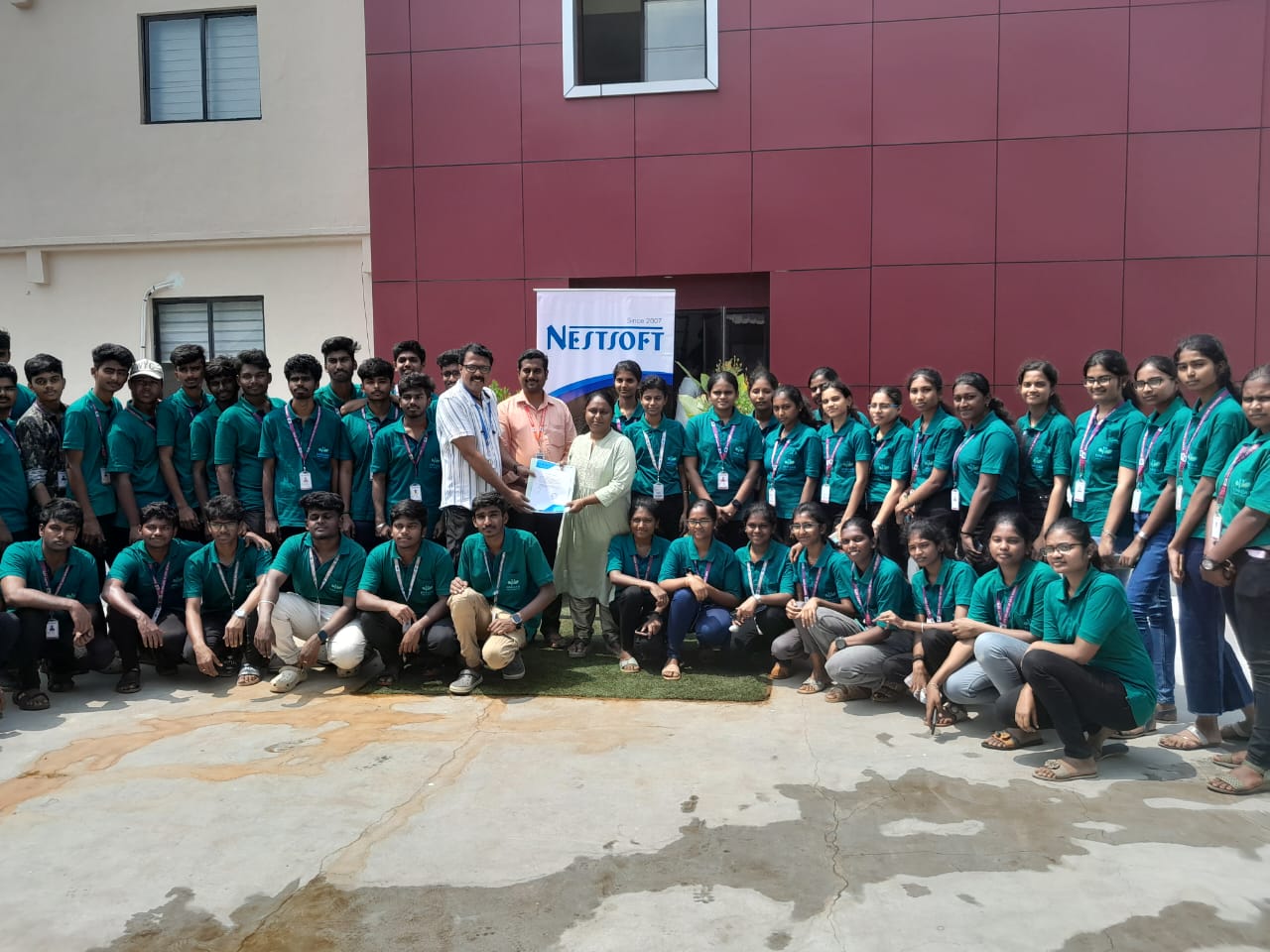
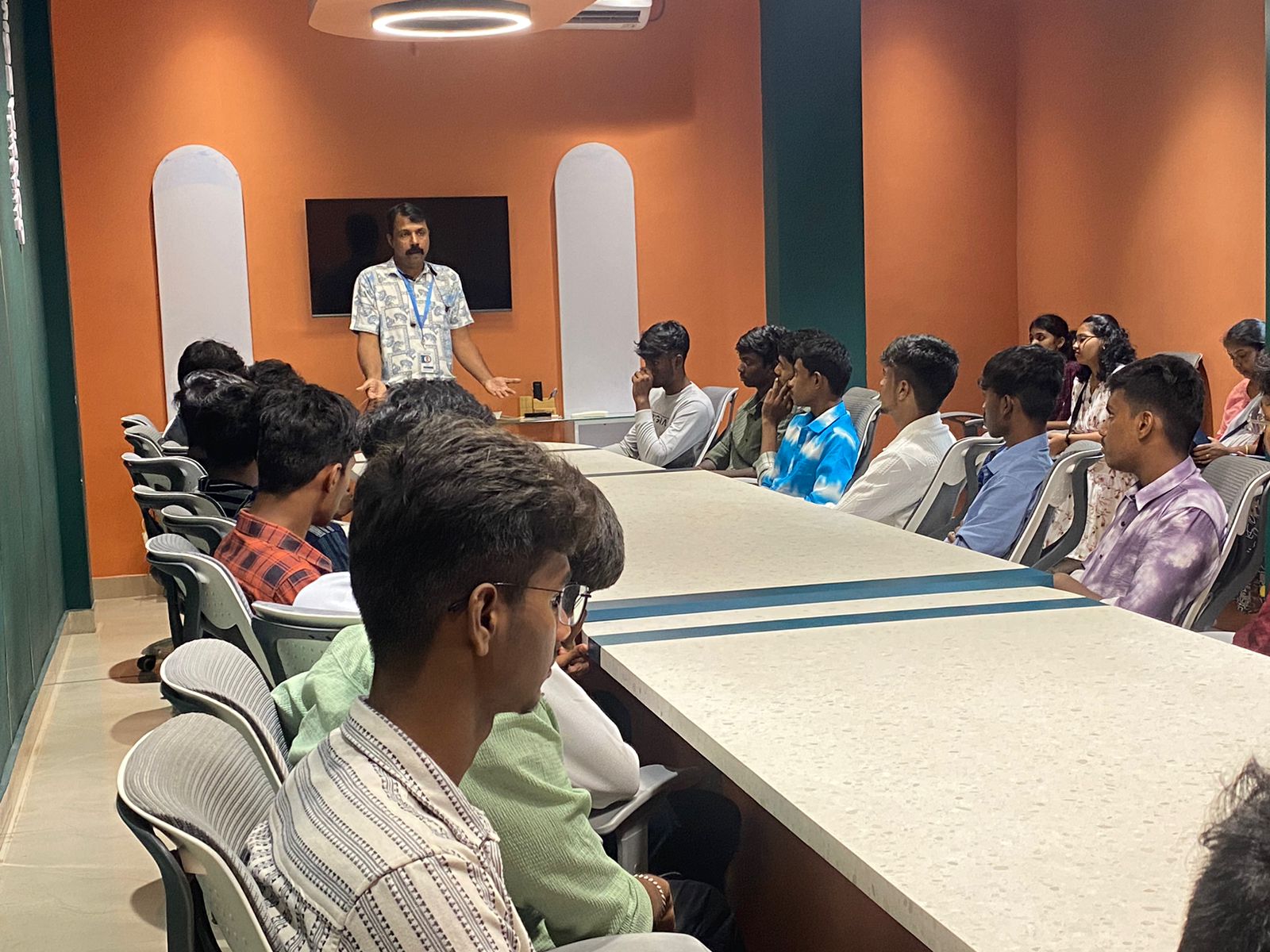
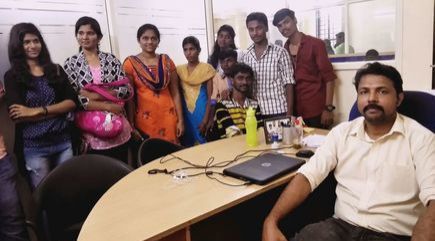
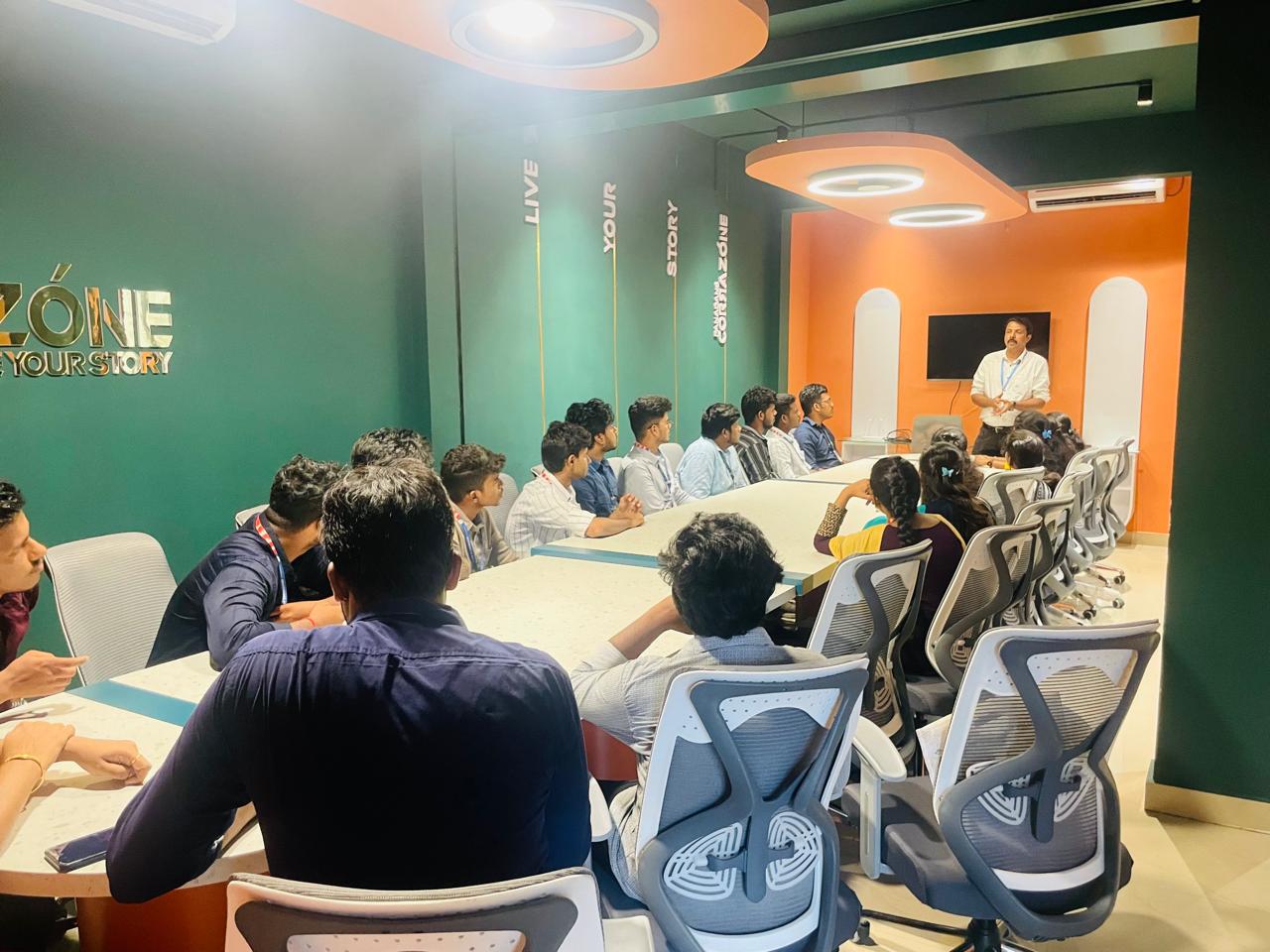
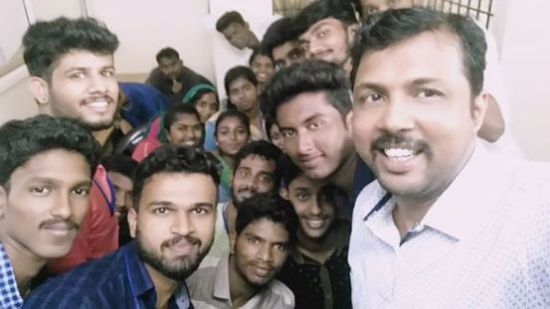
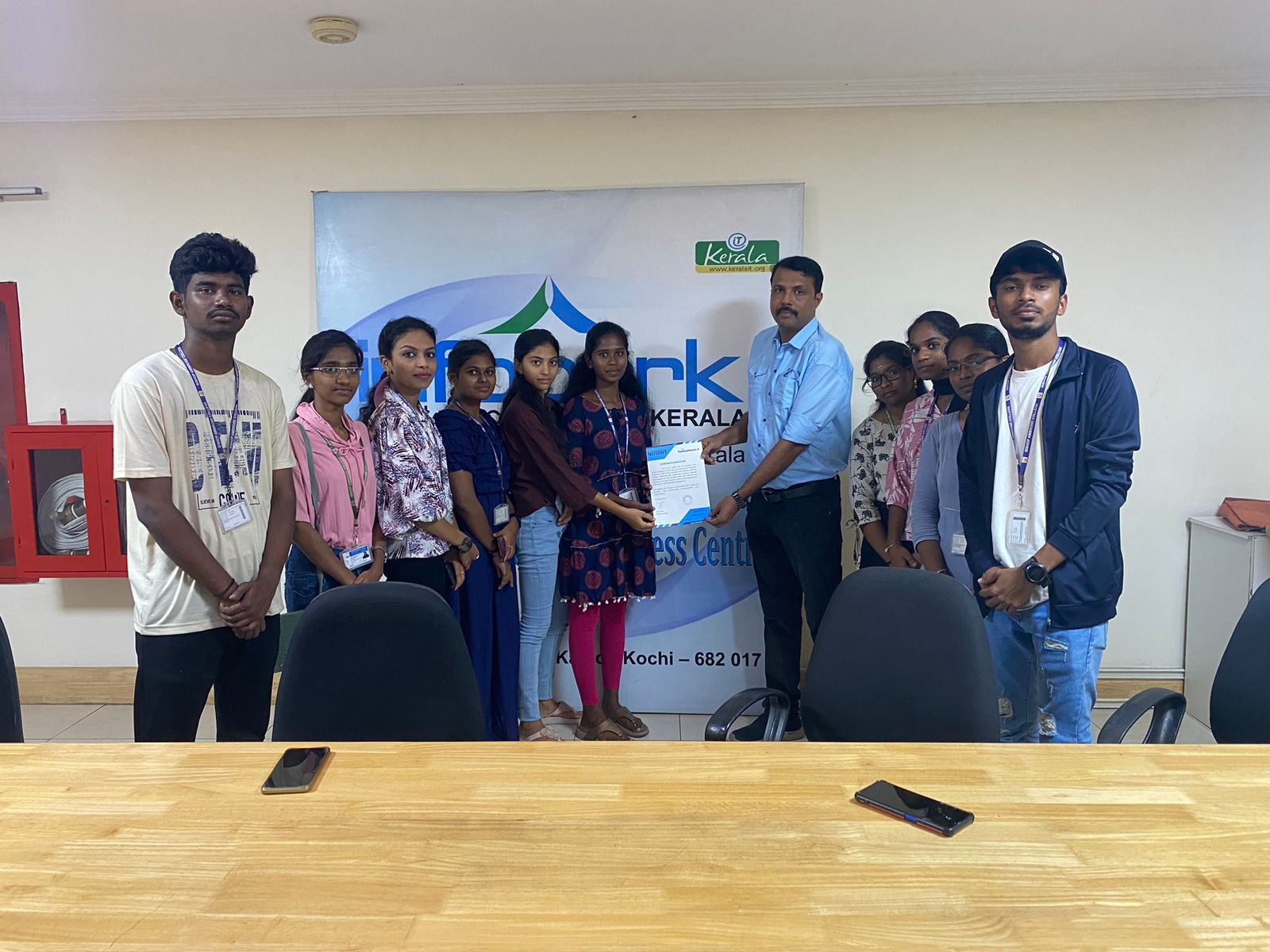
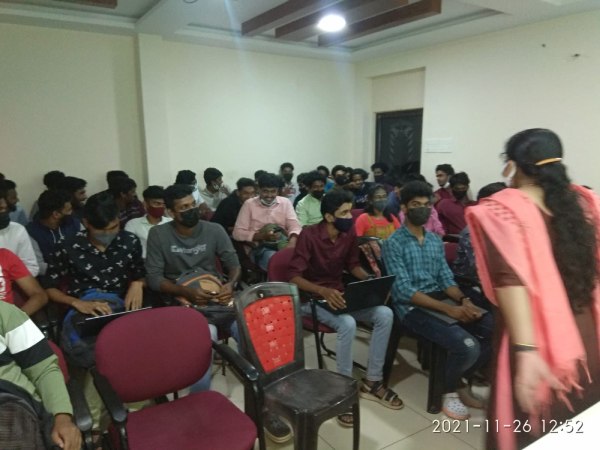
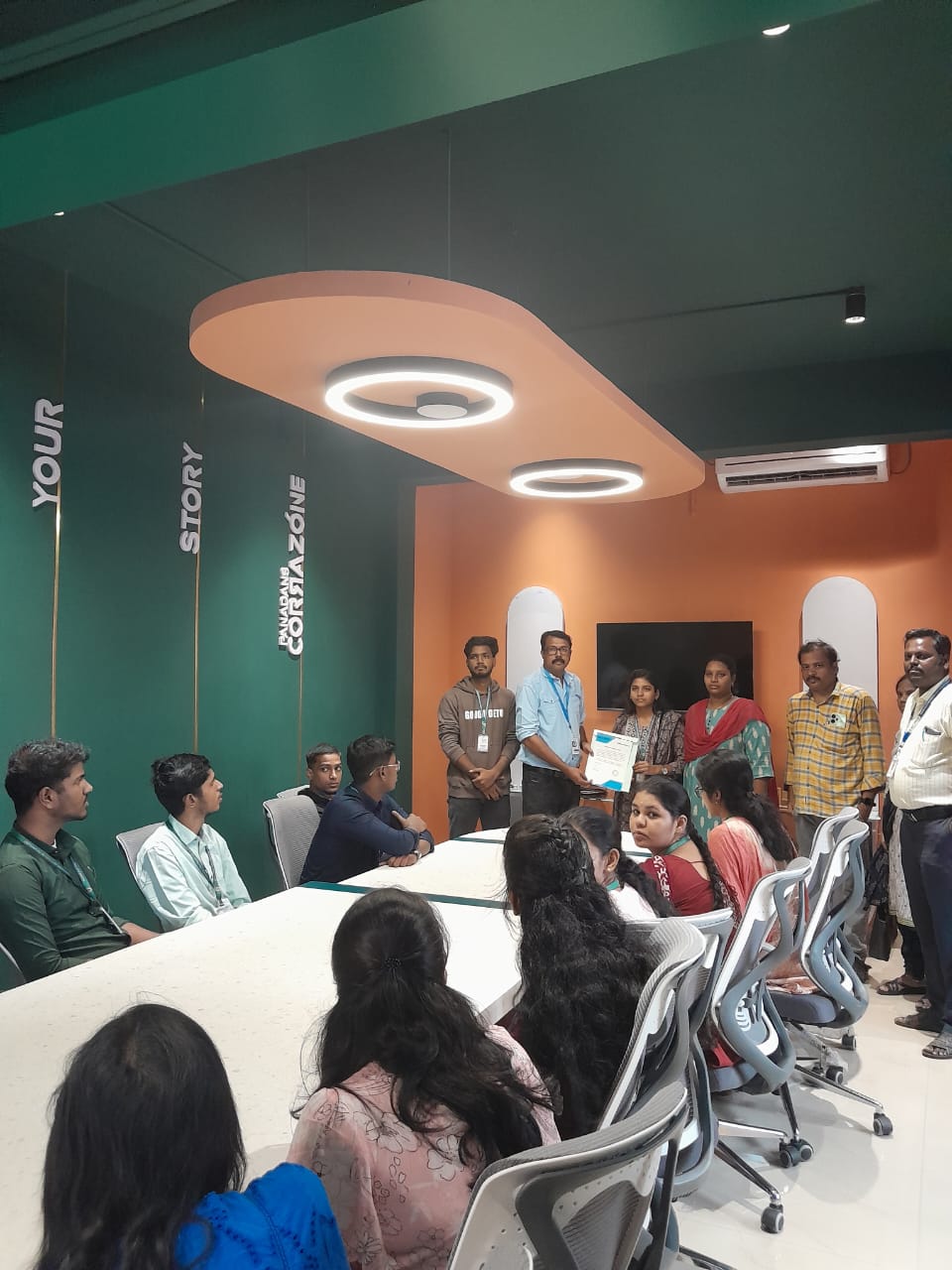
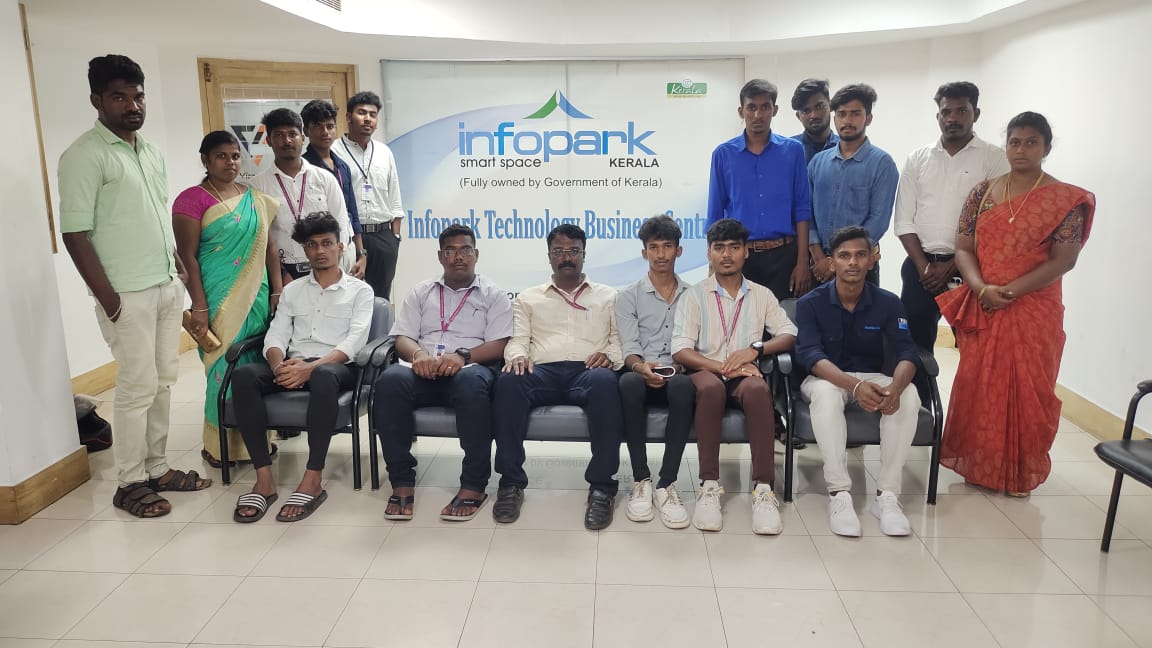
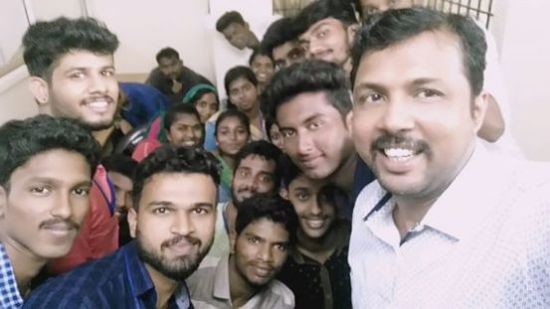
Photos of Training / Internships

Internship/projects in kedah

Trained more than 10000+ students who trust Nestsoft TechnoMaster

Get Your Personal Trainer