Send enquiry ⏎

Final Cut Pro X Online Live Class by Experts

Our Training/Internship Process

Final Cut Pro X Online Live Classes in Subang Jaya | Free Demo Training

Final Cut Pro X - Syllabus, Fees & Duration

MODULE 1: Working with the Interface

  • Final Cut Pro Interface
  • Following a Workflow
  • Working with Projects
  • Working with Bins
  • Working with the Timeline and Canvas
  • Adjusting the Timeline

MODULE 2: Marking and Editing

  • Playing Clips in the Viewer
  • Marking Clips
  • Preparing to Edit
  • Making Overwrite Edits
  • Adding Audio
  • Backing Up Sequences
  • Inserting Clips

MODULE 3: Editing in the Timeline

  • Manipulating Clips in the Timeline
  • Editing in the Timeline

MODULE 4: Other Editing Options

  • Editing Sound Bites
  • Marking in the Timeline
  • Replacing Edits
  • Deleting Clips and Gaps
  • Storyboard Editing

MODULE 5: Single-Sided Trimming

  • Trimming
  • Dragging to Trim
  • Rippling Edits
  • Using the Razor Blade Tool
  • Trimming in the Viewer
  • Extending an Edit

MODULE 6 : Two-Sided Trimming

  • Trimming Two Edit Points
  • Rolling Edit Points
  • Slipping Clip Content
  • Slipping by Numbers and Shortcuts
  • Adjusting Clip Placement
  • Using the Trim Edit Window

MODULE 7: Master Clips, Sub clips, and Markers

  • Working with Master Clips
  • Working with Sub Clips
  • Working with Markers

MODULE 8: Customizing a Project

  • Customizing Browser Columns
  • Customizing the Interface
  • Choosing Settings and Preferences

MODULE 9: Capturing Video

  • Connecting Sources for Capture
  • Previewing and Marking Your Source
  • Logging Your Clips
  • Preparing to Capture
  • Capturing Options
  • Setting Capture Preferences

MODULE 10: Importing and Exporting

  • Importing
  • Exporting Files
  • Exporting with Compressor
  • Reconnecting Media

MODULE 11: Working with Audio

  • Hearing and Seeing Audio
  • Adjusting Audio Levels
  • Working with Audio Clips
  • Working with Sync

MODULE 12: Applying Transitions

  • Understanding Transitions
  • Applying Audio Transitions
  • Applying Video Transitions
  • Working with Other Transitions
  • Rendering Transitions
  • Favorite and Default Transitions

MODULE 13: Mixing Audio Tracks

  • Adding and Organizing Audio Tracks
  • Applying Audio Key frames
  • Mixing Tracks in Real Time
  • Using the Voice Over Tool

MODULE 14: Adding Filters

  • Understanding Filters
  • Applying Video Filters
  • Sharing and Saving Filters
  • Applying Audio Filters
  • Applying Corrective Filters

MODULE 15: Building a Composite Image

  • Compositing Clips
  • Adding Generated Items
  • Changing Filter Parameters in the Timeline
  • Rendering and Exporting Comps

MODULE 16: Creating Motion Effects

  • Adjusting Views
  • Creating Motion Effects

MODULE 17: Adding Text and Graphics

  • Working with Text Generators

MODULE 18: Finishing and Outputting

  • Finishing Audio and Video
  • Exporting Finished Sequences
  • Outputting to Tape
  • Recapturing an Offline Project
  • Backing Up Projects

MODULE 19: Video Transition Effects

  • Applying Video Transitions
  • Removing Transitions
  • Render Bars and RT Extreme
  • Rendering
  • RAM Previews
  • Adjusting Transition Settings
  • Saving Favorite Transitions
  • Default Transition

MODULE 20: Video Filter Effects

  • Applying Video Filters
  • djusting Filter Settings
  • Removing Filters
  • Saving Favorite Filters
  • Saving Window Layouts for Effects
  • Recommended Window Layouts for Effects

MODULE 21: Speed Effects

  • Constant Speed Effects
  • Variable Speed Effects
  • Freeze Frames

MODULE 22: Motion Effects

  • Basic Motion
  • Crop
  • Distort
  • Opacity
  • Drop Shadow
  • Motion Blur
  • Motion Paths
  • Working with Color Mattes
  • Working with Garbage Mattes
  • Pan and Zoom
  • Viewing Options

MODULE 23: Compositing with Nests

  • Superimpose Edits
  • Nesting
  • Exporting a QuickTime Self-Contained Movie
  • Exporting a QuickTime Reference Movie

MODULE 24: Additional Effects Techniques

  • Add Edits to Minimize Rendering
  • Paste Attributes
  • Auto Render
  • Render Manager
  • Applying Filters as Transitions
  • Creating Perspective

MODULE 25: Composite Modes

  • Add
  • Difference
  • Subtract
  • Multiply
  • Screen

MODULE 26: Chroma Keyer

  • Chroma Keyer
  • Color Smoothing, 4:1:1 and 4:2:2
  • Spill Suppressor, Blue and Green

MODULE 27: Color Correction Concepts

  • Color Correction Environment
  • Color Correction Goals
  • Neutralizing Mac OS X
  • Calibrating Broadcast Monitors

MODULE 28: Working with Broadcast Safe Video

  • Video Scopes
  • Color Correction Window Layouts
  • Range Check
  • Color Corrector 3-way

MODULE 29: Correcting White Balance

  • Correcting White Balance

MODULE 30: Balancing a Scene

  • Copying Filter Controls
  • Frame Viewer

MODULE 31: Secondary Color Correction

  • Changing a Specific Color
  • Isolating a Color for a Black and White Background

MODULE 32: Additional Color Effects

  • Combining Color Correction with Composite Modes
  • Isolating Multiple Colors for a Black and White Background

MODULE 33: Media Management

  • Reconnecting Media
  • Deleting Media Files
  • Find
  • Render Manager
  • Media Manager

MODULE 34: Compressor

  • Preparing for Compressor
  • Adding Files to the Batch Window
  • Selecting Presets
  • Preview
  • Creating Presets
  • Setting Destinations
  • Setting Output Files
  • Submitting to the Batch Monitor
  • Droplets

Download Syllabus - Final Cut Pro X
This syllabus is not final and can be customized as per needs/updates
   
10000+
20+
50+
25+

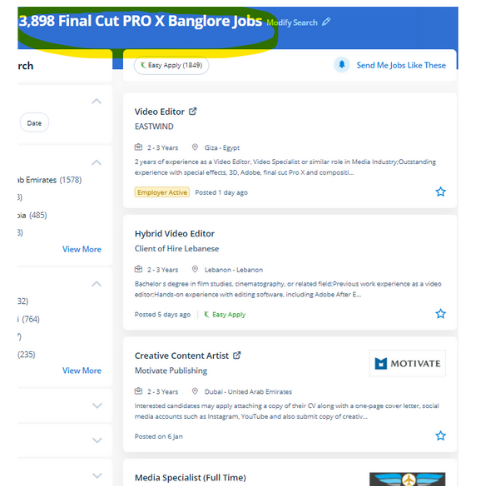
Final Cut Pro X Jobs in Subang Jaya

Enjoy the demand

Find jobs related to Final Cut Pro X in search engines (Google, Bing, Yahoo) and recruitment websites (monsterindia, placementindia, naukri, jobshybrid.com, indeed.co.in, shine.com etc.) based in Subang Jaya, chennai and europe countries. You can find many jobs for freshers related to the job positions in Subang Jaya.

  • Videographer
  • Creative Designer
  • Photo & Video Editor
  • Video Editor Intern
  • UI/UX Designer
  • Creative Video Editor
  • Assistant Video Editor
  • Social Media Video Editor
  • Creative Graphic Designer
  • Motion Designer

Final Cut Pro X Internship/Course Details

Final Cut Pro X internship jobs in Subang Jaya
Final Cut Pro X whether or not you wish to create a movie from start to end, edit a video, or just discover the way to upload titles in your opener, our final cut pro tutorials can allow you to grasp this famed nonlinear editing tool. this is often a comprehensive program and it covers totally different functions of this application . . In whatever field of activity, you are engaged, we are able to assist you to enforce the most daring come and attain the most effective results. you will find out concerning essential video editing skills throughout this program. it has several job opportunities like creative Graphic Designer, photograph Editor, creative Designer, and Video Editor. Interested candidates might register in our final cut pro coaching. Nestsoft final cut pro training can train you our industry expert trainers with live classes. Fixing the issues simply just have now, whereas not spending hours exploring through YouTube Tutorials. This course can teach you about the final cut pro software.


Meet a Few of our Industry Experts 🚀 Your Pathway to IT Career

Rahul

Mobile: +91 91884 77559
Location: Online (Subang Jaya, Malaysia)
Qualification: BE IT

Experience: Ccna switching routing routing protocol trouble shoot any of networking |   more..

Saksham

Mobile: +91 9895490866
Location: Online (Subang Jaya, Malaysia)
Qualification: B.Tech

Experience: I have 1 year of experience as dotnet developer  more..

Sreerag

Mobile: +91 91884 77559
Location: Online (Subang Jaya, Malaysia)
Qualification: Bsc graduated

Experience: Skills: -User interface design -User experience design -User centric design -User research -User flow -Visual hierarchy -Design principles Experience: I  more..

somasundarm

Mobile: +91 94975 90866
Location: Online (Subang Jaya, Malaysia)
Qualification: master of computer appliacation

Experience: python sql java fdata analiytics  more..

Bhavani

Mobile: +91 98474 90866
Location: Online (Subang Jaya, Malaysia)
Qualification: BTech

Experience: 4 years of experience in software testing including manual and automation functional testing Selenium Java cucumber BDD API testing Using  more..

Sugandha

Mobile: +91 8301010866
Location: Online (Subang Jaya, Malaysia)
Qualification: Interior Designer

Experience: Keen sense of creativity adaptability and ability to meet deadlines in a fast-paced environment Can create Artworks Proficient in Canva  more..

Ganesh

Mobile: +91 98474 90866
Location: Online (Subang Jaya, Malaysia)
Qualification: BE(computer science & engineering)

Experience: I am an  Android developer with a diverse portfolio that includes projects ranging from implementing PhonePe's payment gateway to creating  more..

Lalitha

Mobile: +91 9895490866
Location: Online (Subang Jaya, Malaysia)
Qualification: BE

Experience: I have 5 years of experience in java development I knew Java Hibernate Spring and Spring Boot I had handled  more..

Anagha

Mobile: +91 89210 61945
Location: Online (Subang Jaya, Malaysia)
Qualification: B-tech

Experience: I have completed internship from luminar technolab in the area of software testing Through the internship i gained knowledge in  more..

Chandana

Mobile: +91 94975 90866
Location: Online (Subang Jaya, Malaysia)
Qualification: MCA

Experience: SIEM Splunk IBM Qrader firewall |   more..

Patrick

Mobile: +91 94975 90866
Location: Online (Subang Jaya, Malaysia)
Qualification: BTECH CST (AIML) 1st year

Experience: I am a hard working individual looking for a challenging position where I can showcase my skills and contribute to  more..

Kamlesh

Mobile: +91 89210 61945
Location: Online (Subang Jaya, Malaysia)
Qualification: B.Sc

Experience: Computer web design YouTube channel ms office excel PowerPoint etc  more..

Harkesh

Mobile: +91 94975 90866
Location: Online (Subang Jaya, Malaysia)
Qualification: 12th and BCA persuing

Experience: excel word ppt python c data entry speak english and many more  more..

Neeraj

Mobile: +91 91884 77559
Location: Online (Subang Jaya, Malaysia)
Qualification: Mca

Experience: Laravl php jquery html css 3+Application for PHP Laravel  more..

Gamini

Mobile: +91 91884 77559
Location: Online (Subang Jaya, Malaysia)
Qualification: MCA

Experience: HTML5 CSS3 JavaScript SCSS Bootstrap Jquery Ant design REST API JSON SOAP API ReactNative Hasura Graphql Socket IO websockets AWS  more..

Sudarsan

Mobile: +91 91884 77559
Location: Online (Subang Jaya, Malaysia)
Qualification: Bachelor degree

Experience: I have 2 years of experience in the area of automation and well versed in programming languages   more..

MOHAMMED

Mobile: +91 91884 77559
Location: Online (Subang Jaya, Malaysia)
Qualification: BTECH

Experience: over all the years I have spent time in upskilling myself & experiencing more & I have good knowledge of  more..

Murali

Mobile: +91 94975 90866
Location: Online (Subang Jaya, Malaysia)
Qualification: Bsc computer science

Experience: Fresher Web design i know   more..

Shalvi

Mobile: +91 9895490866
Location: Online (Subang Jaya, Malaysia)
Qualification: Btech graduate

Experience: Fullstack developer Software engineer   more..

Manoj

Mobile: +91 8301010866
Location: Online (Subang Jaya, Malaysia)
Qualification: Bachelors

Experience: I am Manoj P having a total of 3 5 years of hands-on experience in software testing Key Skills :  more..

ARAKANTI

Mobile: +91 91884 77559
Location: Online (Subang Jaya, Malaysia)
Qualification: Btech mechanical engineering

Experience: I have skills like python CFD AUTO CAD I am a fresher I am very eager to learn new things  more..

Abdul

Mobile: +91 89210 61945
Location: Online (Subang Jaya, Malaysia)
Qualification: Bachelor of computer science engineering

Experience: i have 1 yesr experience in Ui Ux designing role and i have skilled in figma adobe illustrator Adobe photoshop  more..

Vanshika

Mobile: +91 8301010866
Location: Online (Subang Jaya, Malaysia)
Qualification: B.A. Hons English

Experience: I possess a background in instructing German language courses at Sarvodaya Co-ed Vidyalaya where I demonstrated proficiency in curriculum development  more..

Kantha

Mobile: +91 94975 90866
Location: Online (Subang Jaya, Malaysia)
Qualification: B.E.Computer Science

Experience: I have 4 years experience in frontend development And i working awesome technologies html css bootstrap and wordpress   more..

Success Stories

The enviable salary packages and track record of our previous students are the proof of our excellence. Please go through our students' reviews about our training methods and faculty and compare it to the recorded video classes that most of the other institutes offer. See for yourself how TechnoMaster is truly unique.


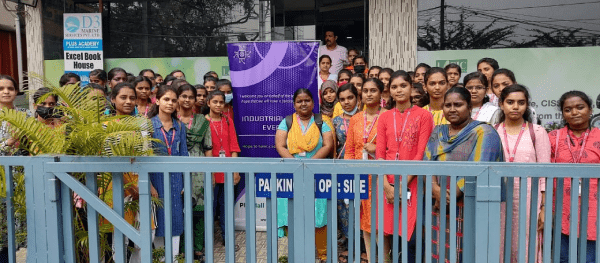
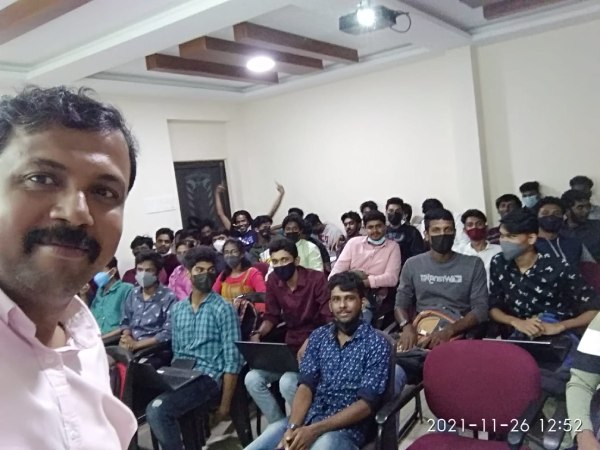
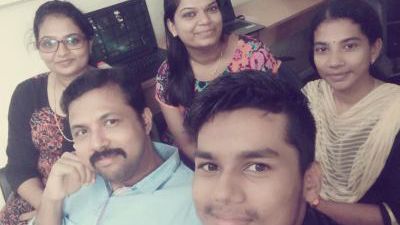
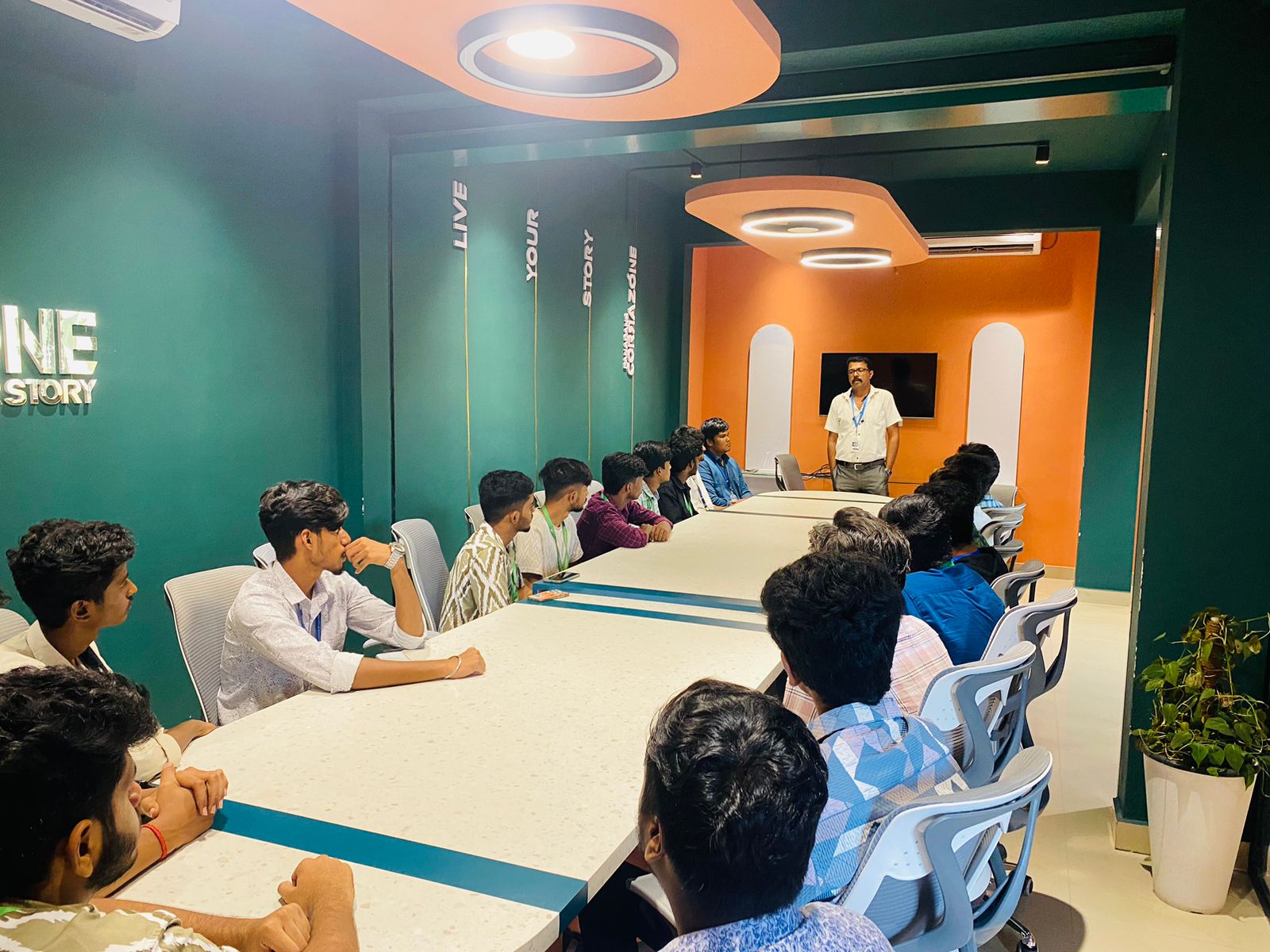
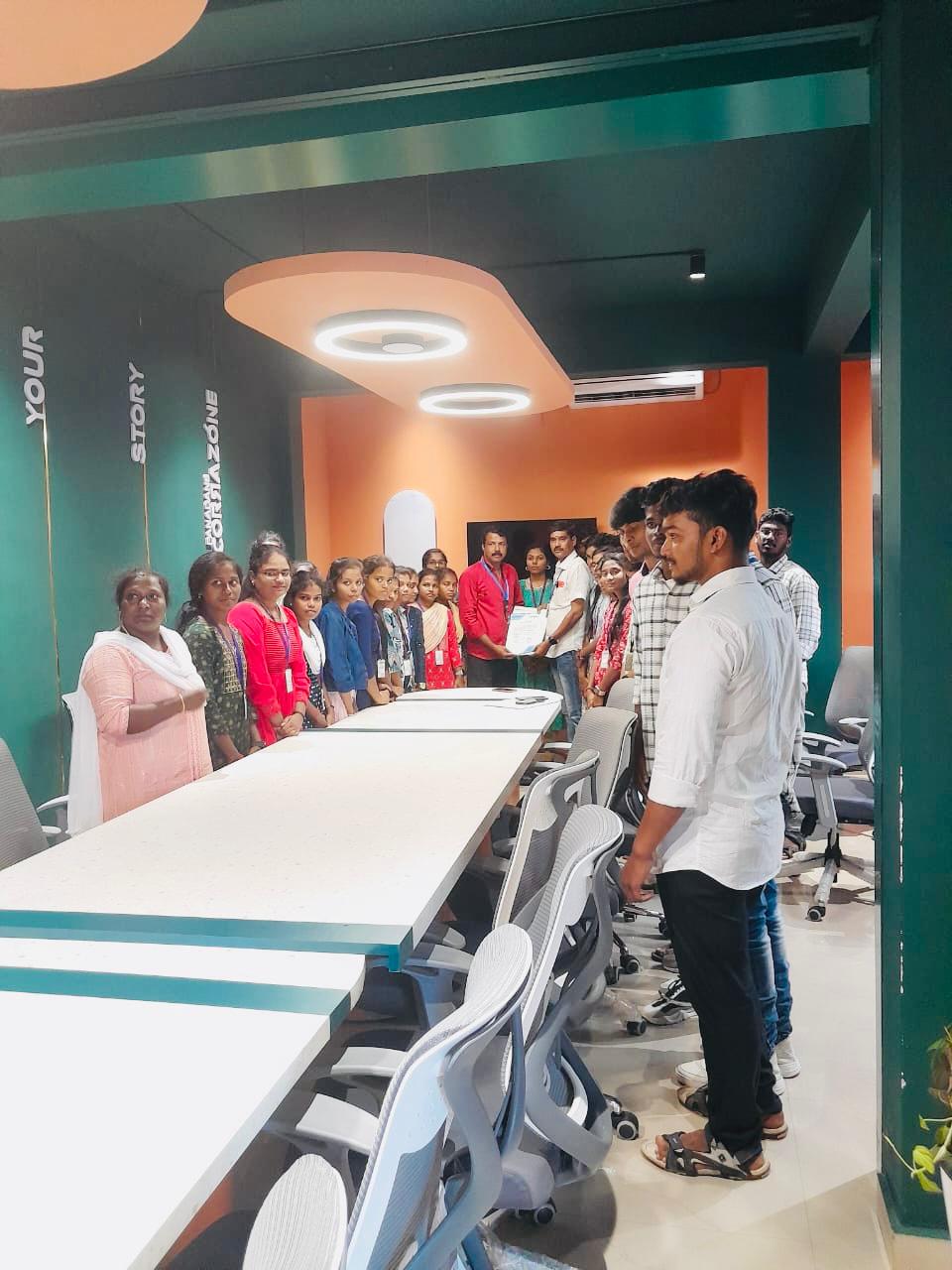
Photos of Training / Internships

Internship/projects in subang-jaya

Trained more than 10000+ students who trust Nestsoft TechnoMaster

Get Your Personal Trainer