Send enquiry

Adobe Illustrator Online Live Class by Experts

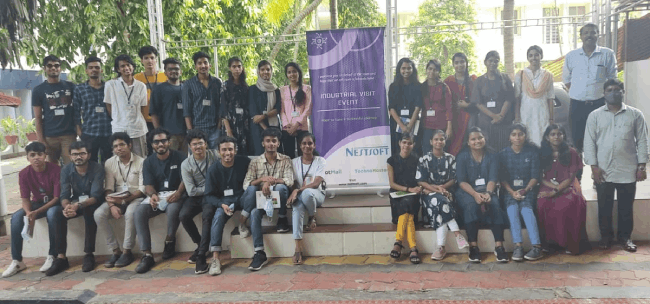
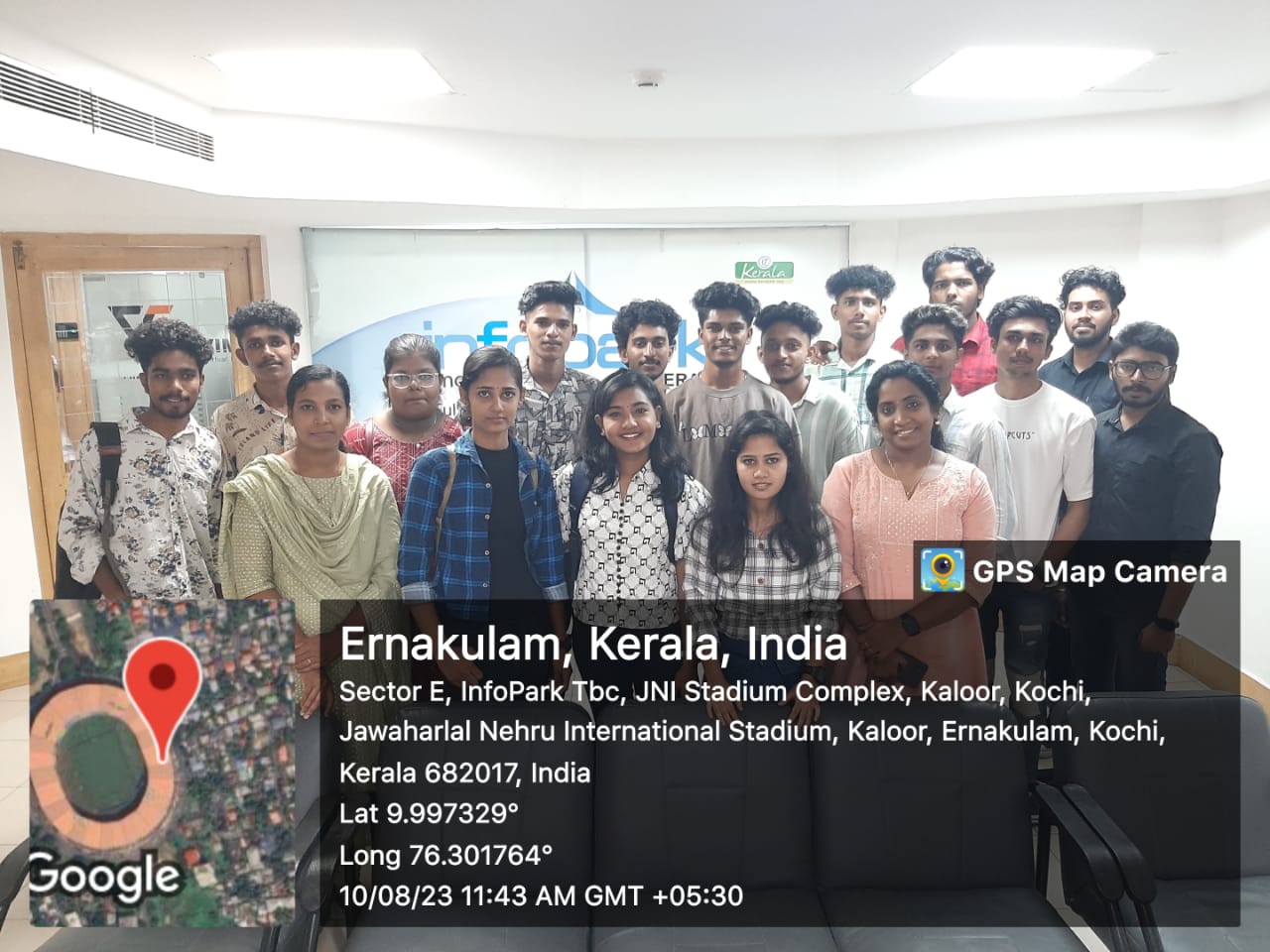
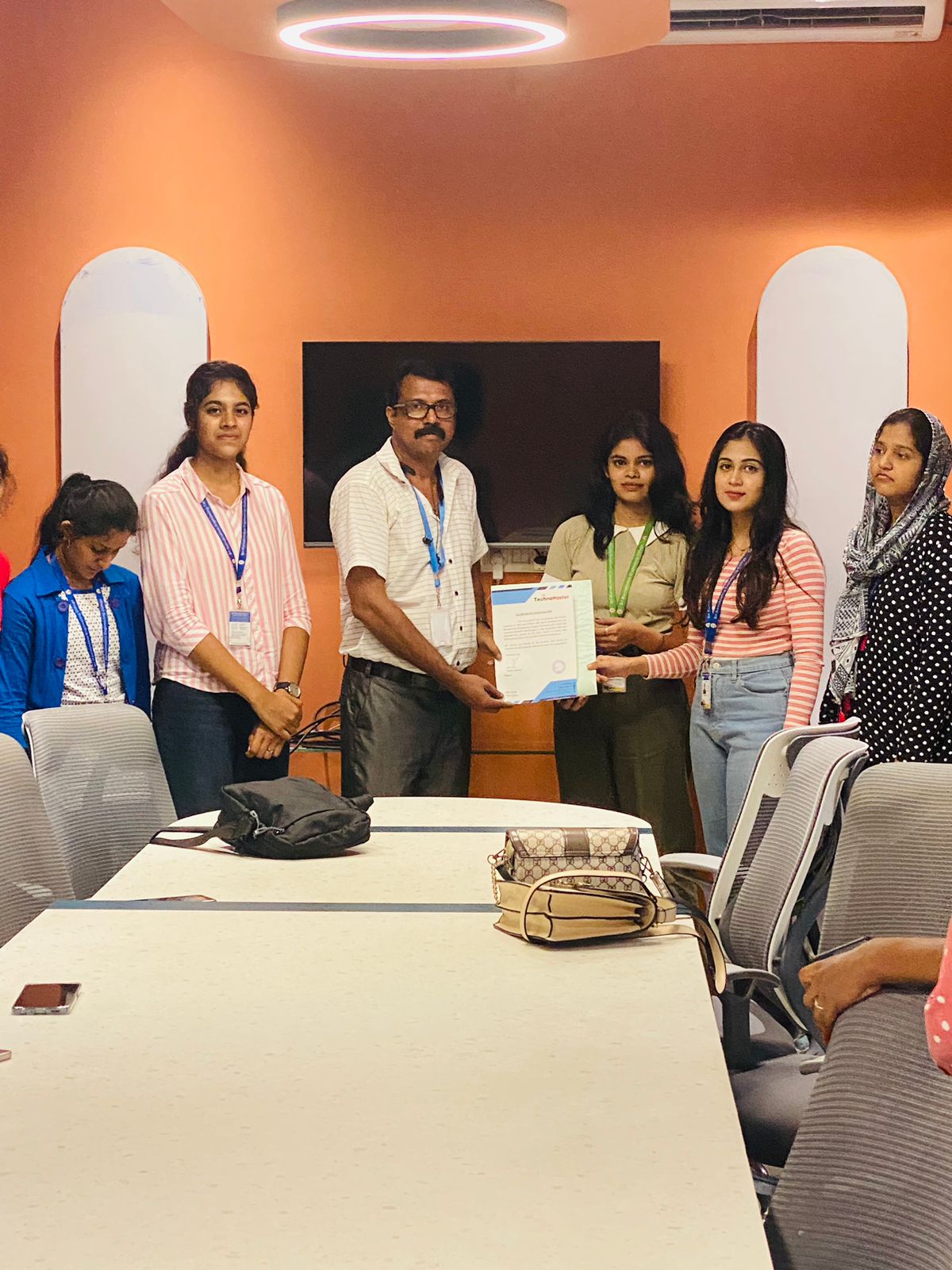
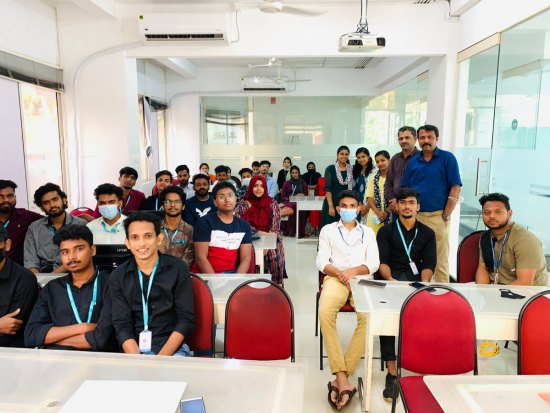
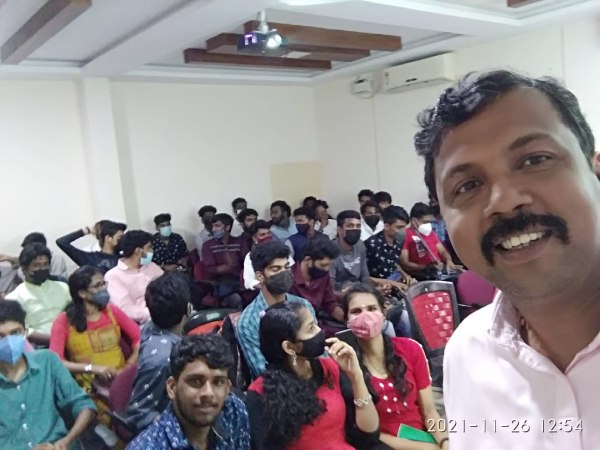
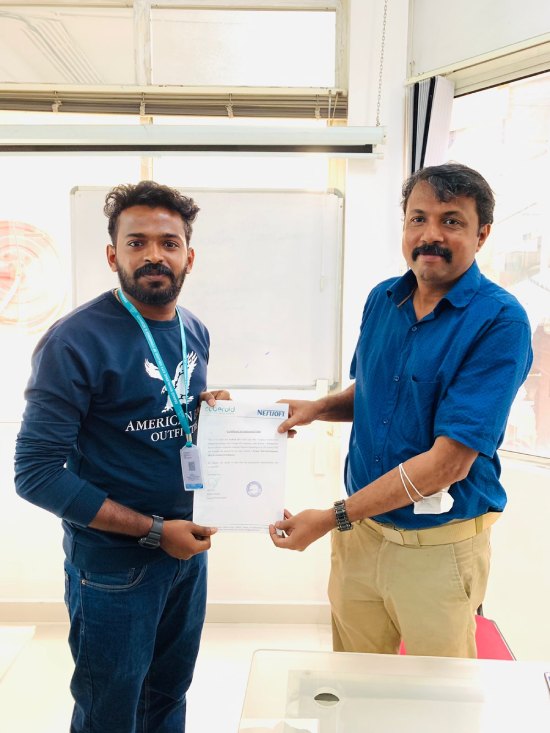
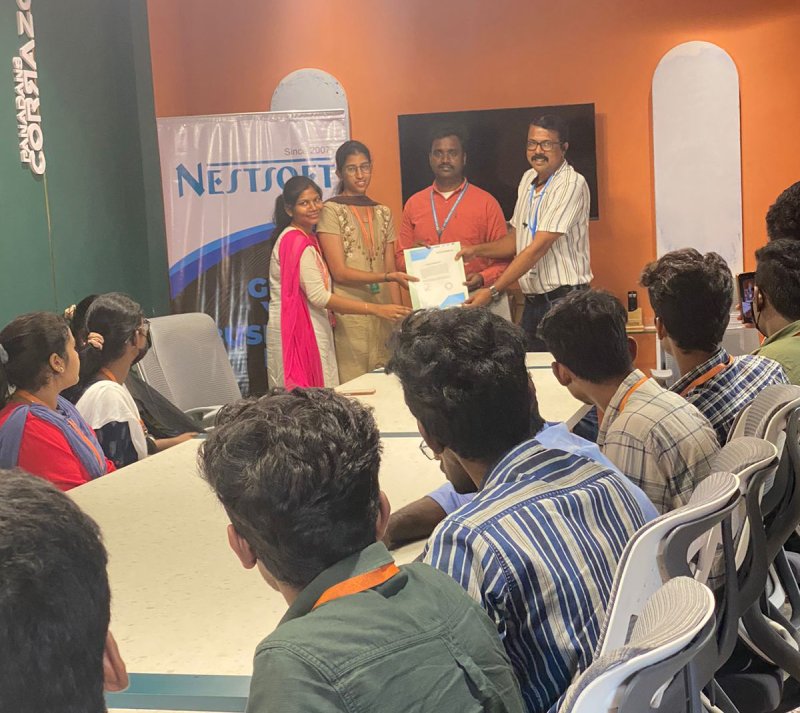
Our Training/Internship Process

Adobe Illustrator Online Live Classes in Subang Jaya | Free Demo Training

Adobe Illustrator - Syllabus, Fees & Duration

      Module 1: Introduction to Illustrator (1.5 hrs)

    • Overview of Vector Graphics vs. Raster Graphics

    • Illustrator Interface and Navigation
      • Artboards and Workspaces
      • Tools Panel and Properties Panel
    • Creating and Saving Documents
    • Understanding File Formats (AI, EPS, SVG, PDF)

      Module 2: Basic Drawing Tools (2 hrs)

    • Shapes and Paths
      • Rectangle, Ellipse, Polygon, Line tools
      • Working with Fill and Stroke
    • Pen Tool Basics
      • Drawing and Editing Paths
      • Anchor Points and Handles
    • Using the Pencil and Brush Tools

      Module 3: Colors and Gradients (1.5 hrs)

    • Understanding the Color Panel
      • RGB vs. CMYK Modes
      • Swatches and Global Colors
    • Gradients and Gradient Mesh
    • Applying Transparency and Blending Modes

      Module 4: Working with Text (1.5 hrs)

    • Creating and Formatting Text
      • Character and Paragraph Panels
    • Converting Text to Outlines
    • Text on a Path and Text Wrap

      Module 5: Layers and Organizing Artwork (1.5 hrs)

    • Layers Panel Overview
      • Grouping and Ungrouping Objects
      • Locking, Hiding, and Rearranging Layers
    • Clipping Masks
    • Using Guides, Grids, and Smart Guides

      Module 6: Advanced Tools and Effects (2 hrs)

    • Pathfinder and Shape Builder Tools
    • Using the Appearance Panel
      • Applying Effects (Drop Shadow, Outer Glow, etc.)
    • Working with Symbols
    • Creating Patterns

      Module 7: Image Tracing and Masking (1.5 hrs)

    • Image Trace Tool
    • Creating and Using Clipping Masks
    • Opacity Masks for Advanced Effects

      Module 8: Exporting and Finalizing Projects (1.5 hrs)

    • Preparing Artwork for Print vs. Digital
    • Exporting File Formats (PNG, SVG, PDF, etc.)
    • Packaging Files for Clients or Printers

      Module 9: Hands-on Project (2 hrs)

    • Creating a Simple Logo Design
    • Designing a Business Card or Poster
    • Applying Learned Skills to a Practical Task

Download Syllabus - Adobe Illustrator
This syllabus is not final and can be customized as per needs/updates
 
10000+
20+
50+
25+

Adobe Illustrator Jobs in Subang Jaya

Enjoy the demand

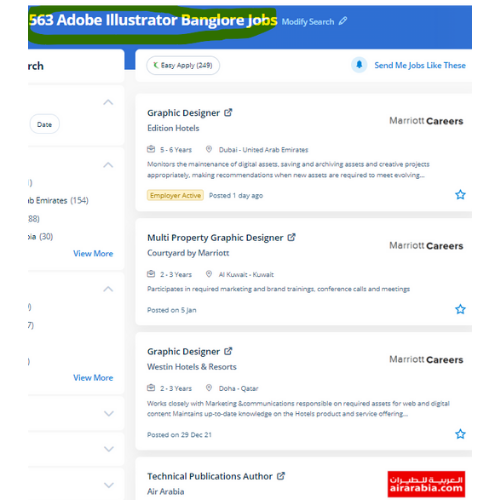
Find jobs related to Adobe Illustrator in search engines (Google, Bing, Yahoo) and recruitment websites (monsterindia, placementindia, naukri, jobsNEAR.in, indeed.co.in, shine.com etc.) based in Subang Jaya, chennai and europe countries. You can find many jobs for freshers related to the job positions in Subang Jaya.

  • Graphic Designer
  • Graphic Trainer
  • Industrial Designer
  • Web Designer
  • Freelance Graphic Designer
  • Illustrator Designer
  • Design Assistant
  • Creative Designer
  • Digital UI/UX Designer
  • Female Graphic Designer

Adobe Illustrator Internship/Course Details

Adobe Illustrator internship jobs in Subang Jaya
Adobe Illustrator we assure you that after you complete your illustrator Course at Nestsoft, you'd be ready to begin your work as our major focus is on all kinds of practical training. illustrator has several tools in order that you'll show needed tools and additionally hide unwanted tools as a result of all tools are users rarely use, thus it’s vital to arrange them. you will learn all illustrator tools and techniques abundant from basics to advanced. Attain hands-on coaching via live projects with our team. using this you'll turn out attractive logos, detailed illustrations, leaflets, web content designs, and plenty of more additionally produce a number of different sized artboards all in a similar document simply and quickly. Most of the print and screen designers use illustrator to make styles and artwork. probably illustrator is the best editor for vector graphics and it produces artworks with pixel-perfect accuracy. There are various further capabilities to be had to modify the graphics being created via this method also. Why Adobe Illustrator is so Good ?: It gives a helpful user interface Print at high resolution Good for drawing illustrations Files create in manageable sizes It Is Compatible with All Computer Systems Adobe illustrator could be a sensible tool as you'll see from the deserves we shared. This provides you the advantage of getting hands-on experience on illustrator projects whereas you are still learning.

Meet a Few of our Industry Experts 🚀 Your Pathway to IT Career

Chintan

Mobile: +91 91884 77559
Location: Online (Subang Jaya, Malaysia)
Qualification: Diploma in computer engineering

Experience: I'm a have good knowledge about professional android deployment like jetpack component MVVM Kotlin  more..

ARDRA

Mobile: +91 89210 61945
Location: Online (Subang Jaya, Malaysia)
Qualification: bca

Experience: Install configure and maintain Linux operating systems Set up and manage user accounts and permissions Routing and Switching: Proficient in  more..

Archana

Mobile: +91 91884 77559
Location: Online (Subang Jaya, Malaysia)
Qualification: MCA

Experience: I have knowlegde in Php wordpress sql codeigniter frameworks   more..

Shweta

Mobile: +91 89210 61945
Location: Online (Subang Jaya, Malaysia)
Qualification: BCA

Experience: Myself Shweta Sutar I have completed my Bachelors in computer application from GSS College I have worked 6 months as  more..

Asif

Mobile: +91 98474 90866
Location: Online (Subang Jaya, Malaysia)
Qualification: B-Tech Computer Science and Engineering

Experience: • Angular AngularJS • MongoDB • Expressjs • NodeJS • javascript typescript • ES6 • Rxjs • React • Git  more..

Abhishekh

Mobile: +91 94975 90866
Location: Online (Subang Jaya, Malaysia)
Qualification: Post Graduate

Experience: With a passion for Hindi language and culture I bring extensive experience and expertise as a Hindi teacher Over the  more..

Prince

Mobile: +91 9895490866
Location: Online (Subang Jaya, Malaysia)
Qualification: B.Tech in Computer Science

Experience: 1+ year of experience with php JavaScript Laravel Html Css BootstrapApplication for PHP Laravel  more..

Josmy

Mobile: +91 9895490866
Location: Online (Subang Jaya, Malaysia)
Qualification: BCA

Experience: One year of experience in software testing   more..

Sanjay

Mobile: +91 94975 90866
Location: Online (Subang Jaya, Malaysia)
Qualification: BCom

Experience: UI design and development UX design UX research prototyping wireframing Visual design front end development created websites and landing pages  more..

Aneesh

Mobile: +91 91884 77559
Location: Online (Subang Jaya, Malaysia)
Qualification: B.Tech in Information Technology

Experience: Android Kotlin Java Android Architecture MVVM Coroutines Dependency Injection using Dagger2 and Hilt GIT design patterns   more..

Ajay

Mobile: +91 91884 77559
Location: Online (Subang Jaya, Malaysia)
Qualification: BE

Experience: manual testing automation testing Api testing core java selenium jira jmeter appium SQL cucumber framework  more..

Bhuvaneswari

Mobile: +91 91884 77559
Location: Online (Subang Jaya, Malaysia)
Qualification: Bsc

Experience: I learned java selenium automation testing i have good skills on the automation testing I'm a fresher i completed my  more..

Arjun

Mobile: +91 8301010866
Location: Online (Subang Jaya, Malaysia)
Qualification: Bachelors in Visual design and comm

Experience: Proficiency in design and all fields of visual communication 4 years of working experience in the design industry  more..

Suhail

Mobile: +91 89210 61945
Location: Online (Subang Jaya, Malaysia)
Qualification: Bsc computer science

Experience: I have contributed in e-commerce website as a developer using html css Java script and node js and mongo db  more..

John

Mobile: +91 91884 77559
Location: Online (Subang Jaya, Malaysia)
Qualification: BCA

Experience: Ceh networking networking security  more..

Aayush

Mobile: +91 8301010866
Location: Online (Subang Jaya, Malaysia)
Qualification: 12pass

Experience: I used for canava for 2year experience for logo design   more..

Kajal

Mobile: +91 89210 61945
Location: Online (Subang Jaya, Malaysia)
Qualification: mca

Experience: Html css js react js basic cloud zure  more..

Sonal

Mobile: +91 98474 90866
Location: Online (Subang Jaya, Malaysia)
Qualification: MCA

Experience: net oracle unix  more..

Success Stories

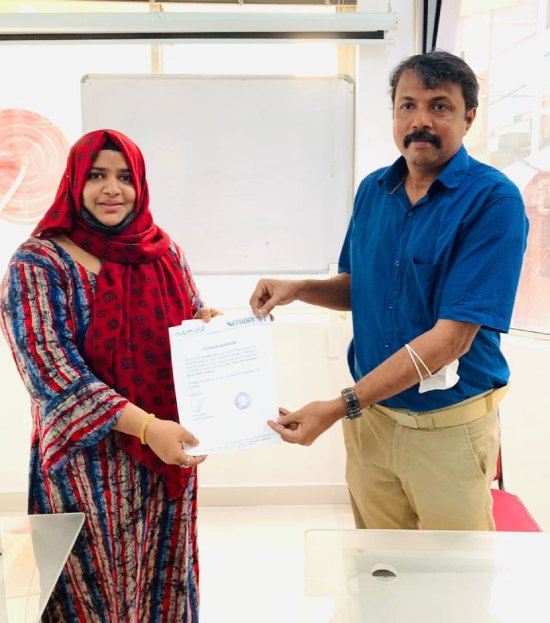
The enviable salary packages and track record of our previous students are the proof of our excellence. Please go through our students' reviews about our training methods and faculty and compare it to the recorded video classes that most of the other institutes offer. See for yourself how TechnoMaster is truly unique.

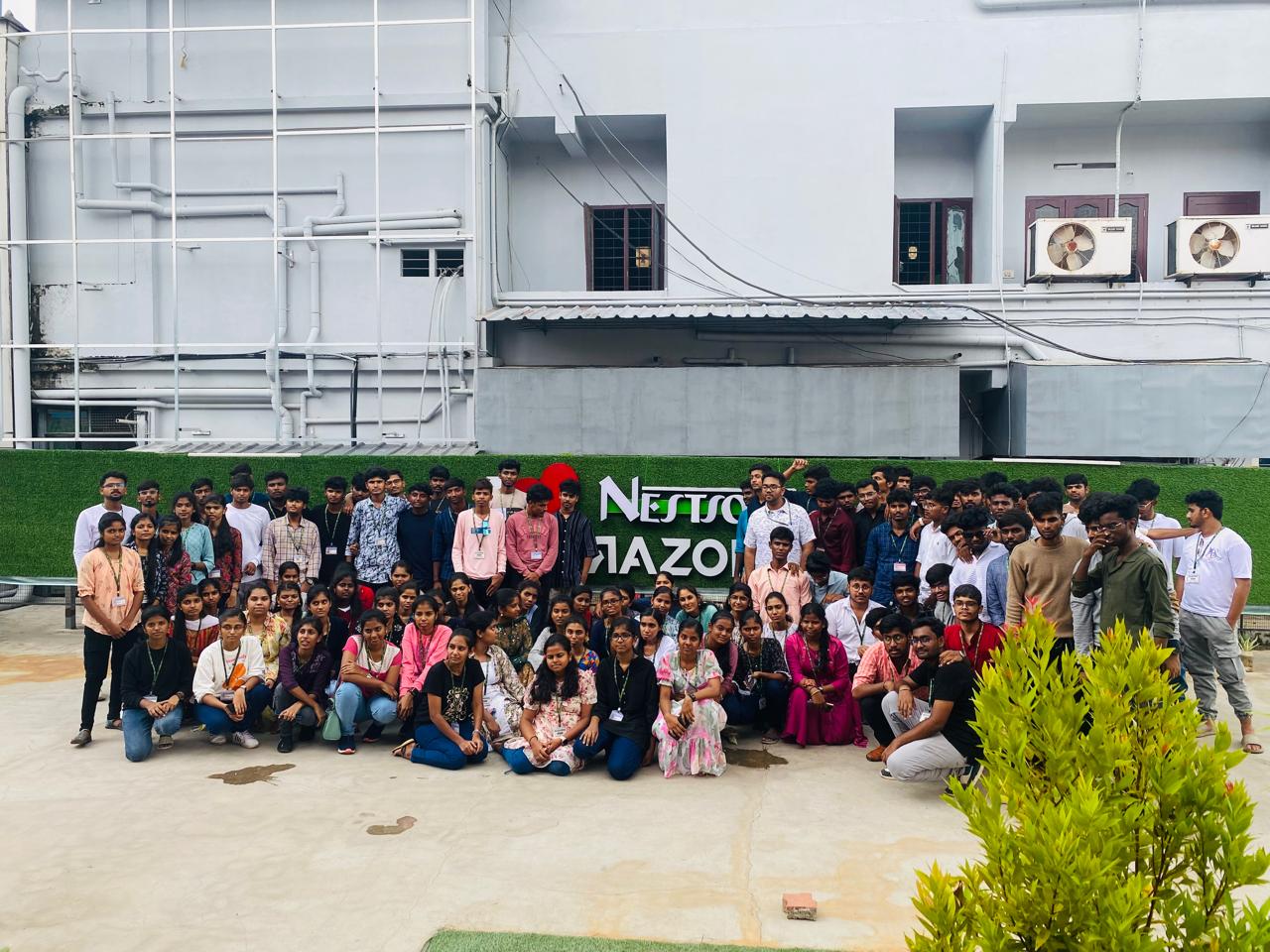
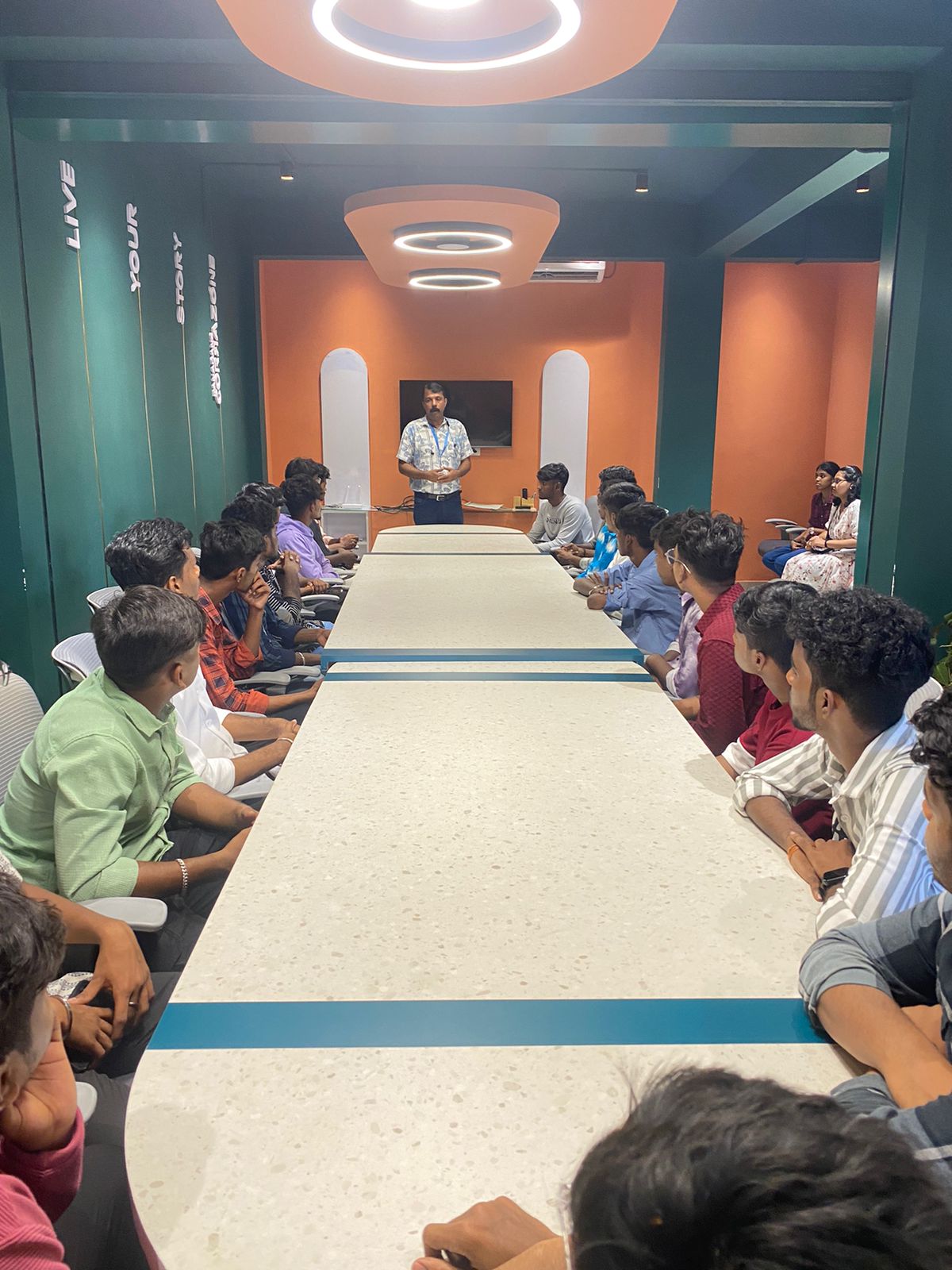
Photos of Training / Internships

Internship/projects in subang-jaya

Trained more than 10000+ students who trust Nestsoft TechnoMaster

Get Your Personal Trainer