Send enquiry ⏎

Microsoft Azure Online Live Class by Experts

Our Training/Internship Process

Microsoft Azure Online Live Classes in Negeri Sembilan | Free Demo Training

Microsoft Azure - Syllabus, Fees & Duration

Module 1. Introduction

Module 2. Manage Azure AD objects

  • create users and groups
  • manage user and group properties
  • manage device settings
  • perform bulk user updates
  • manage guest accounts
  • configure Azure AD Join
  • configure self-service password reset

Module 3. Manage role-based access control (RBAC)

  • create a custom role
  • Provide access to Azure resources by assigning roles
    1. resource groups
    2. resources (VM, disk, etc.)
  • interpret access assignments
  • manage multiple directories

Module 4. Manage subscriptions and governance

  • configure Azure policies
  • configure resource locks
  • apply tags
  • manage subscriptions
  • configure Cost Management
  • configure management groups

Module 5. Manage storage accounts

  • configure network access to storage accounts
  • create and configure storage accounts
  • generate shared access signature
  • manage access keys
  • implement Azure storage replication
  • Configure Azure AD Authentication for a storage Account

Module 6. Manage data in Azure storage

  • Export from Azure Job
  • import into Azure job
  • install and use Azure Storage Explorer
  • copy data by using AZCopy

Module 7. Configure Azure files and Azure blob storage

  • create an Azure file share
  • create and configure Azure File Sync service
  • configure Azure blob storage
  • configure storage tiers for Azure blobs

Module 8. Configure VMs for high availability and scalability

  • configure high availability
  • deploy and configure scale sets
  • Automate deployment and configuration of VMs
  • modify Azure Resource Manager (ARM) template
  • configure VHD template
  • deploy from template
  • save a deployment as an ARM template
  • Automate Configuration Management

Module 9. Create and configure VMs

  • configure Azure Disk Encryption
  • move VMs from one resource group to another
  • manage VM sizes
  • add data discs
  • configure networking
  • redeploy VMs

Module 10. Create and configure Containers

  • create and configure Azure Kubernetes Service (AKS)
  • create and configure Azure Container Instances (ACI)

Module 11. Create and configure Web Apps

  • create and configure App Service
  • create and configure App Service Plans

Module 12. Implement and manage virtual networking

  • create and configure VNET peering
  • configure private and public IP addresses, network routes, network interface, subnets, and virtual network

Module 13. Configure name resolution

  • configure Azure DNS
  • configure custom DNS settings
  • Configure a private or public DNS

Module 14. None Secure access to Virtual Network

  • create security rules
  • associate an NSG to a subnet or network interface
  • evaluate effective security rules
  • deploy and configure Azure Firewall
  • deploy and configure Azure Bastion Service

Module 15. Configure load balancing

  • configure Application Gateway
  • configure an internal load balancer
  • configure load balancing rules
  • configure a public load balancer
  • troubleshoot load balancing

Module 16. Monitor and troubleshoot virtual networking

  • monitor on-premises connectivity
  • use Network Performance Monitor
  • use Network Watcher
  • troubleshoot external networking
  • troubleshoot virtual network connectivity

Module 17. Integrate an on-premises network with an Azure virtual network

  • create and configure Azure VPN Gateway
  • create and configure VPNs
  • configure ExpressRoute
  • configure Azure Virtual WAN

Module 18. Monitor resources by using Azure Monitor

  • configure and interpret metrics
  • a analyze metrics across subscriptions
  • configure Log Analytics
  • query and analyses logs create a query
  • set up alerts and actions
  • Create and test alerts
  • View alerts in Azure
  • configure Application Insights

Module 19. Implement backup and recovery

  • configure and review backup reports
  • perform backup and restore operations by using Azure Backup
  • create a Recovery Services Vault
  • create and configure backup policy
  • perform site-to-site recovery by using Azure Site Recovery

Download Syllabus - Microsoft Azure
This syllabus is not final and can be customized as per needs/updates
   
10000+
20+
50+
25+

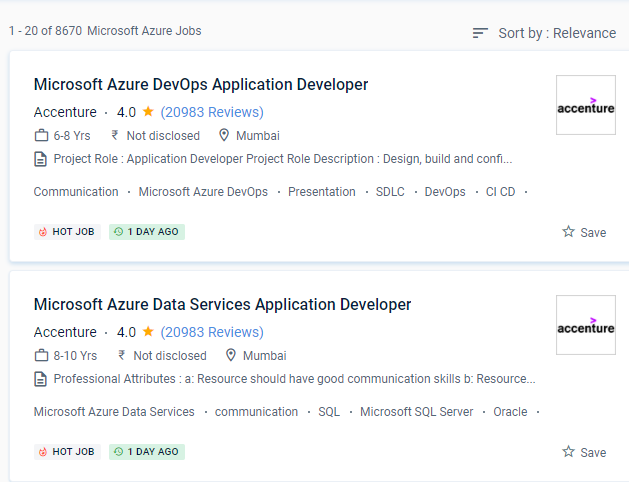
Microsoft Azure Jobs in Negeri Sembilan

Enjoy the demand

Find jobs related to Microsoft Azure in search engines (Google, Bing, Yahoo) and recruitment websites (monsterindia, placementindia, naukri, jobshybrid.com, indeed.co.in, shine.com etc.) based in Negeri Sembilan, chennai and europe countries. You can find many jobs for freshers related to the job positions in Negeri Sembilan.

  • Microsoft Azure Developer
  • Solution Architect
  • Azure Data Engineer
  • Systems Administrator
  • Data Architect
  • Solution Specialist
  • Support Engineer
  • Data Scientist
  • Cloud Engineer
  • System Engineer

Microsoft Azure Internship/Course Details

Microsoft Azure internship jobs in Negeri Sembilan
Microsoft Azure It is intended for the creation and management of apps using Microsoft's data centers. SDL is a critical development technique that will improve software reliability by eliminating defects and vulnerabilities while also lowering software maintenance expenses. . We help you get there with our online classes and offline videos under the supervision of skilled trainers, and we're ready to help you land your ideal career. Because of Microsoft's large geographical footprint, Azure delivers excellent accessibility and redundancy, in contrast to several other cloud service providers. Be knowledgeable about Azure Services, such as computation, networking, storage, and databases. Because of their ability to store data and provide easily accessible services, cloud platforms are gaining popularity. Microsoft Azure provides tools and services that can help you integrate and manage your hybrid cloud environment from a single Negeri Sembilan. Microsoft follows some of the strictest security and compliance guidelines in the world. This technology is easy to use and readily available, with numerous IT behemoths snatching up a sizable portion of the market.


Meet a Few of our Industry Experts 🚀 Your Pathway to IT Career

Riddhi

Mobile: +91 9895490866
Location: Online (Negeri Sembilan, Malaysia)
Qualification: Mca

Experience: 3 years of experience in advance android Firebase room database rest api good designing etc   more..

Sumit

Mobile: +91 89210 61945
Location: Online (Negeri Sembilan, Malaysia)
Qualification: Btech

Experience: Looking for nodejs developer And working in flyweis technology for 1 5 years Proficient in using TWILIO to get otp  more..

Anirudh

Mobile: +91 91884 77559
Location: Online (Negeri Sembilan, Malaysia)
Qualification: Bsc.it

Experience: I have 10 months of experience as an odoo developer   more..

Subashchandrabose

Mobile: +91 94975 90866
Location: Online (Negeri Sembilan, Malaysia)
Qualification: MCA

Experience: HTML CSS bootstrap angular sql python  more..

GLADSON

Mobile: +91 8301010866
Location: Online (Negeri Sembilan, Malaysia)
Qualification: B.Tech

Experience: Language like java and kotlin dart Flutter Rest Api integration 2 android app published in play Store 1 year experience  more..

Sona

Mobile: +91 98474 90866
Location: Online (Negeri Sembilan, Malaysia)
Qualification: B tech

Experience: Html css react l fresher  more..

Roshani

Mobile: +91 91884 77559
Location: Online (Negeri Sembilan, Malaysia)
Qualification: B.E

Experience: Kotlin android GitHub coroutine jetpack compose compose test rule  more..

Sadiq

Mobile: +91 91884 77559
Location: Online (Negeri Sembilan, Malaysia)
Qualification: B.E Electrical and electronics

Experience: WordPress design SEO SOCIAL MEDIA MARKETING GOOGLE ADS  more..

Umaira

Mobile: +91 8301010866
Location: Online (Negeri Sembilan, Malaysia)
Qualification: B. E computer science

Experience: I am an innovative Front End Developer and Wordpress with 4 years experience building and maintaining responsive websites in the  more..

Narendra

Mobile: +91 91884 77559
Location: Online (Negeri Sembilan, Malaysia)
Qualification: Bsc

Experience: I have 6 months experience in muanal testing basics knowledge of automation testing  more..

Jasjit

Mobile: +91 91884 77559
Location: Online (Negeri Sembilan, Malaysia)
Qualification: B. E. Electrical

Experience: Product technical support experience of 8+ yrs for clients namely Dell HP Cisco(Linksys) Microsoft Have used fortinet firewall while working  more..

Manasi

Mobile: +91 91884 77559
Location: Online (Negeri Sembilan, Malaysia)
Qualification: Bca

Experience: Good in typing expert in language like c c++ python  more..

MOHAMMED

Mobile: +91 98474 90866
Location: Online (Negeri Sembilan, Malaysia)
Qualification: BTECH

Experience: over all the years I have spent time in upskilling myself & experiencing more & I have good knowledge of  more..

Babita

Mobile: +91 89210 61945
Location: Online (Negeri Sembilan, Malaysia)
Qualification: Diploma

Experience: I have 3 5 year experience as web developer Also making website responsive I have knowledge of html5 css3 bootstarap4  more..

saurav

Mobile: +91 9895490866
Location: Online (Negeri Sembilan, Malaysia)
Qualification: BCA

Experience: Golang python Rust Backend postgres mongodb linux  more..

Veldandi

Mobile: +91 8301010866
Location: Online (Negeri Sembilan, Malaysia)
Qualification: Post graduation

Experience: Manual testing SDLC STLC automation Testing Selenium Web driver Java  more..

Reshma

Mobile: +91 89210 61945
Location: Online (Negeri Sembilan, Malaysia)
Qualification: B.Tech

Experience: UX UI design - 2 years User research Figma Wireframing Prototyping Design system  more..

kuldeep

Mobile: +91 9895490866
Location: Online (Negeri Sembilan, Malaysia)
Qualification: MCA

Experience: Hello sir madam First of all thank you for giving me this opportunity I am Kuldeep Dubey from Indore (Madhya  more..

Krishna

Mobile: +91 91884 77559
Location: Online (Negeri Sembilan, Malaysia)
Qualification: Bca

Experience: 2 years experience in Android kotlin and java 6 months experience of flutter dart  more..

neethu

Mobile: +91 94975 90866
Location: Online (Negeri Sembilan, Malaysia)
Qualification: MCA

Experience: Myself Neethu a freelance web developer and trainer with 5 years of experience and ready to take online classes in  more..

Abhishek

Mobile: +91 91884 77559
Location: Online (Negeri Sembilan, Malaysia)
Qualification: BCA

Experience: C++ programming Html Css SQL Udemy Certified AWS Cloud practitioner   more..

anokhilal

Mobile: +91 9895490866
Location: Online (Negeri Sembilan, Malaysia)
Qualification: B.tech

Experience: I have 2year experience asp net mvc and c# winform Using technology java script ajax html css  more..

Siddharth

Mobile: +91 8301010866
Location: Online (Negeri Sembilan, Malaysia)
Qualification: Btech and Mtech

Experience: Greetings A few highlights: - Combined professional experience of 2+ years - Masters in Computer Science & Engineering - Blog  more..

Vishnuteja

Mobile: +91 9895490866
Location: Online (Negeri Sembilan, Malaysia)
Qualification: B. Tech

Experience: Android development java c c++ json parsing rest api  more..

Success Stories

The enviable salary packages and track record of our previous students are the proof of our excellence. Please go through our students' reviews about our training methods and faculty and compare it to the recorded video classes that most of the other institutes offer. See for yourself how TechnoMaster is truly unique.

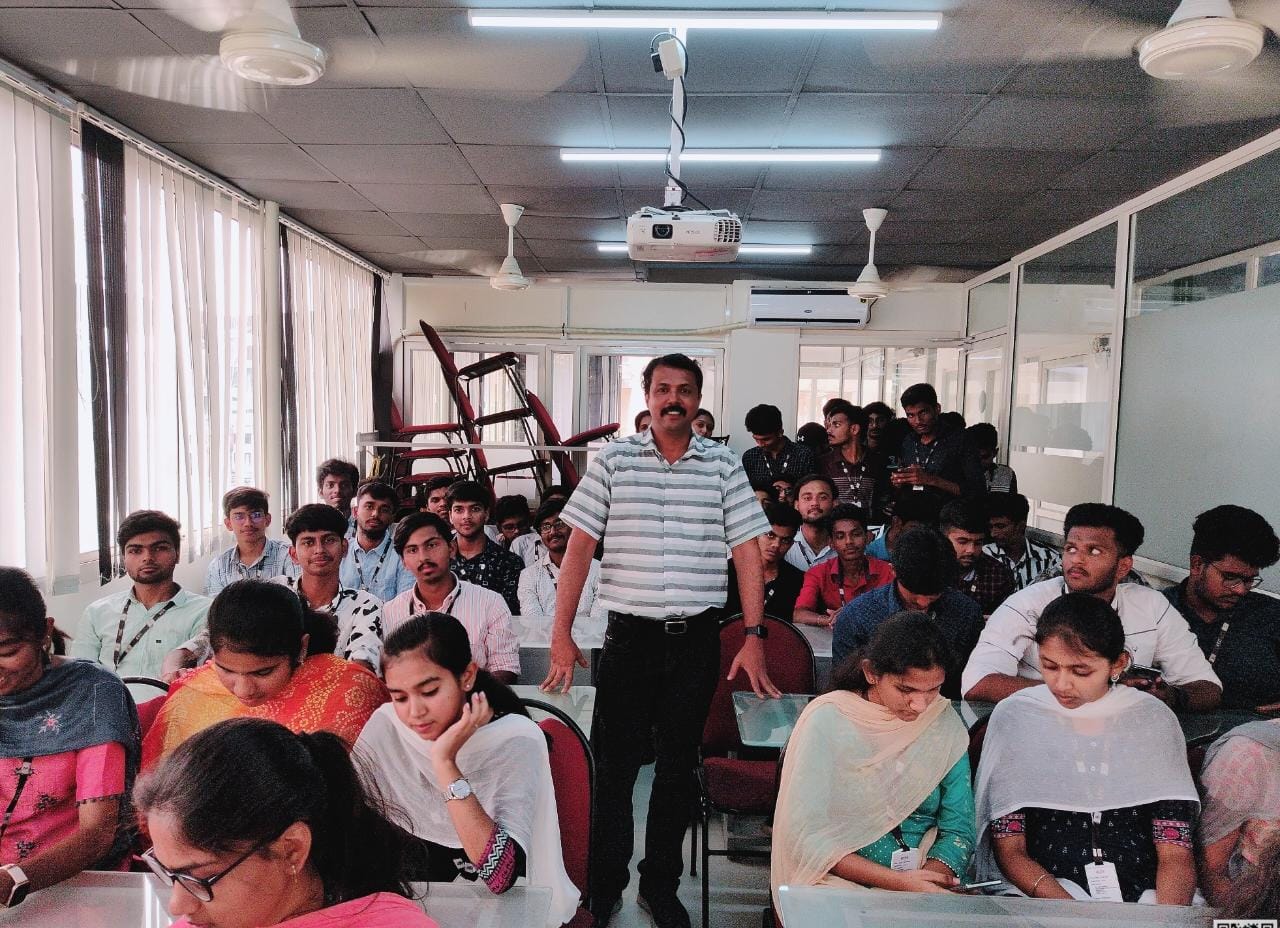
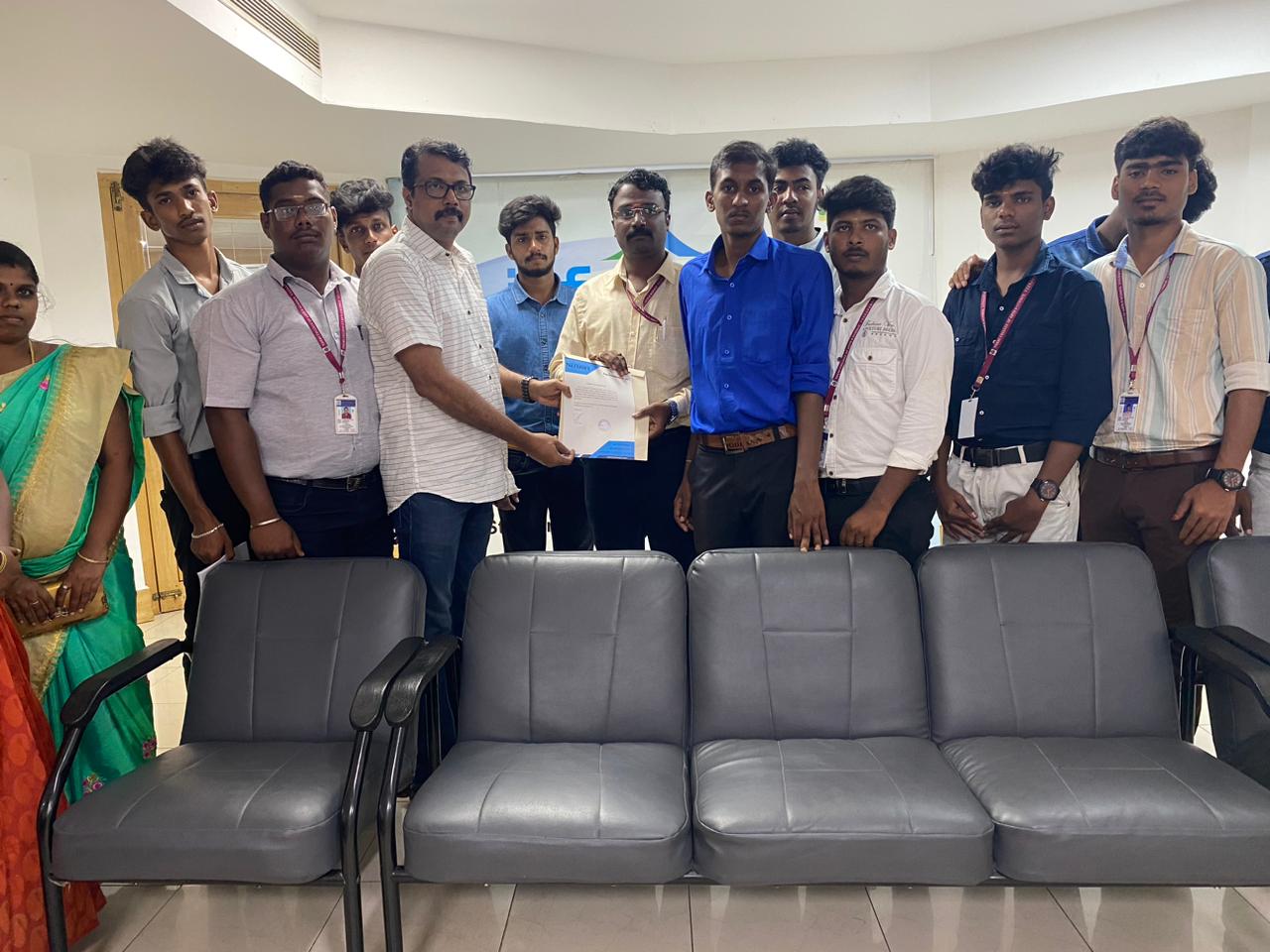
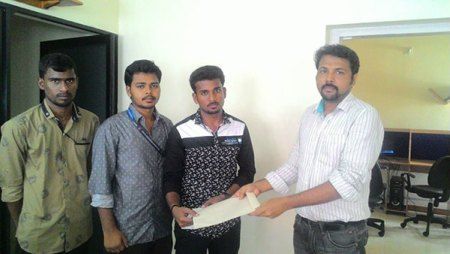
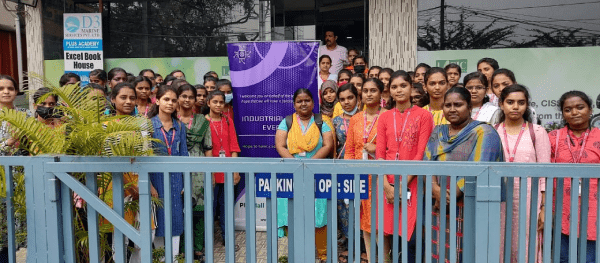
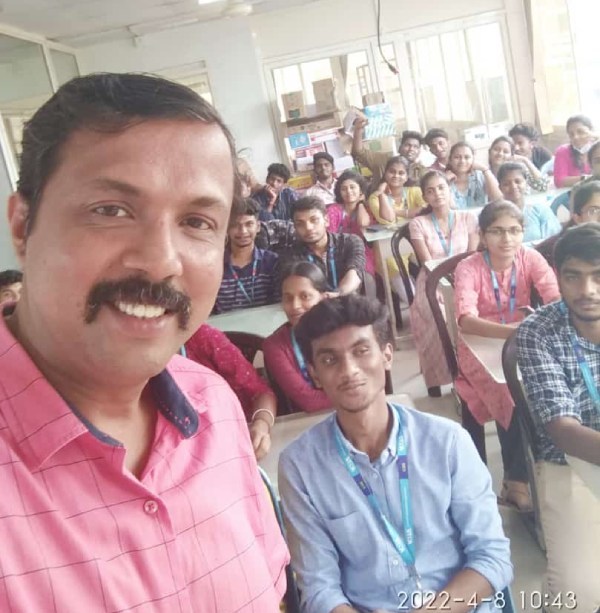
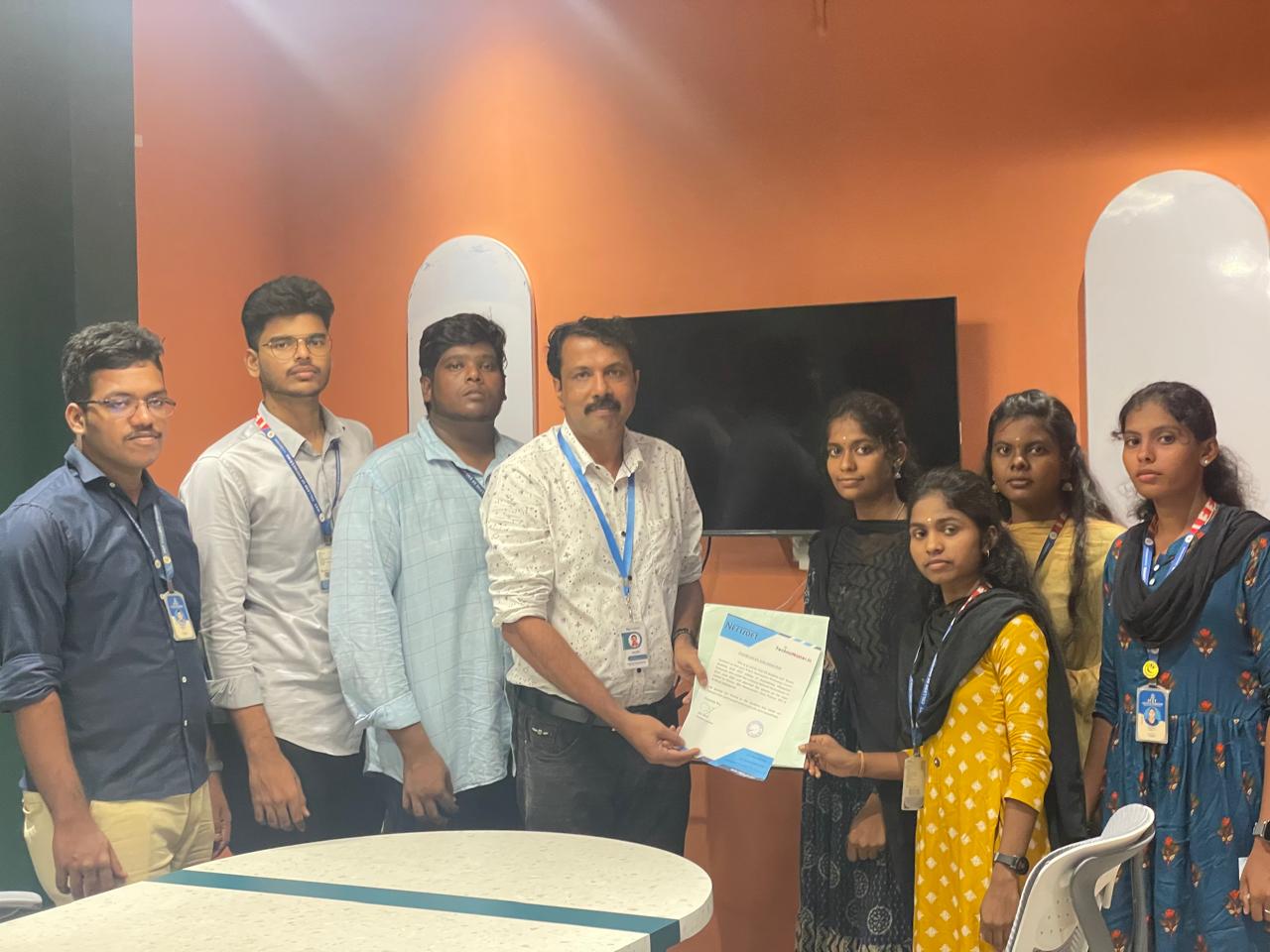
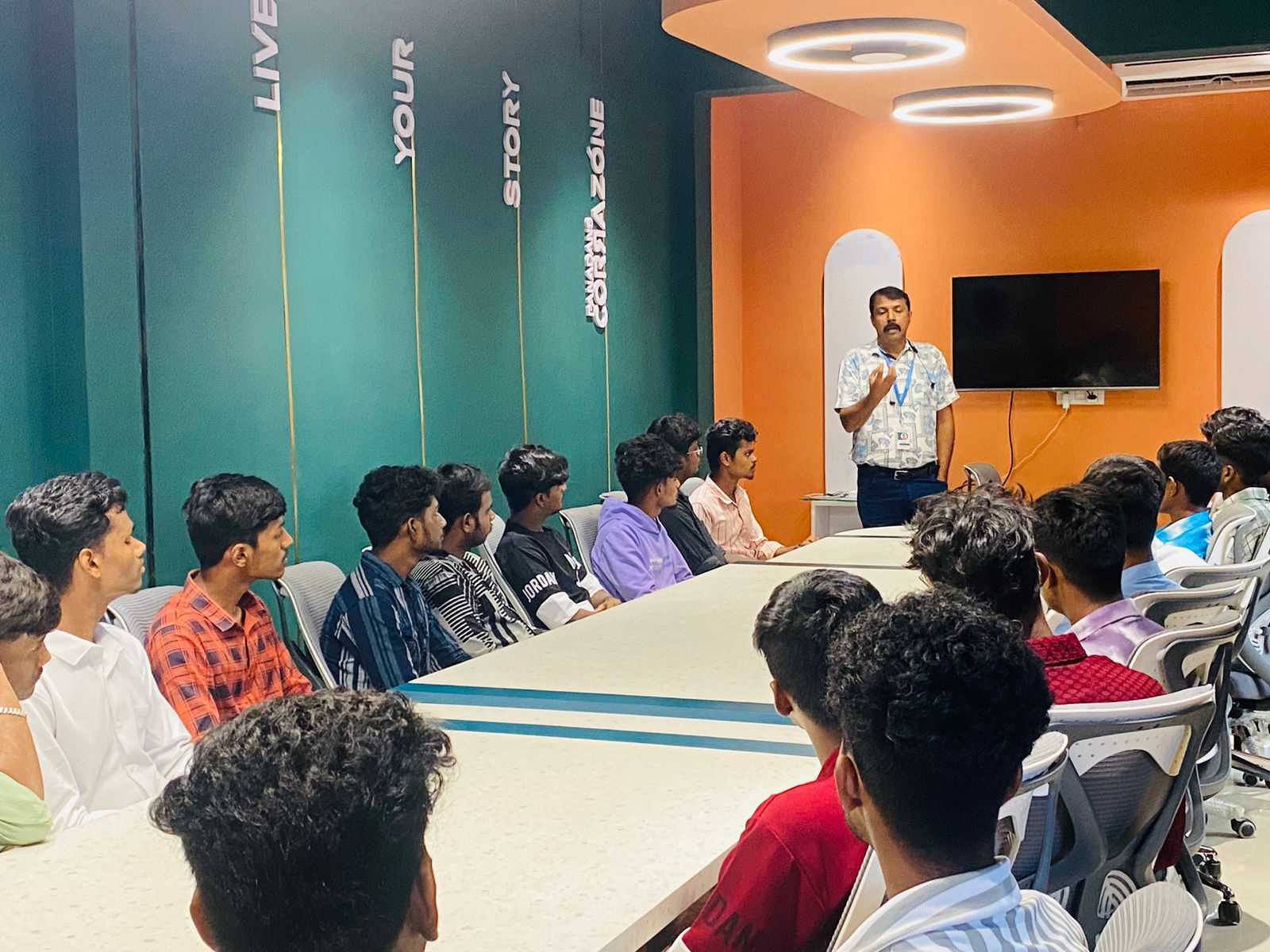
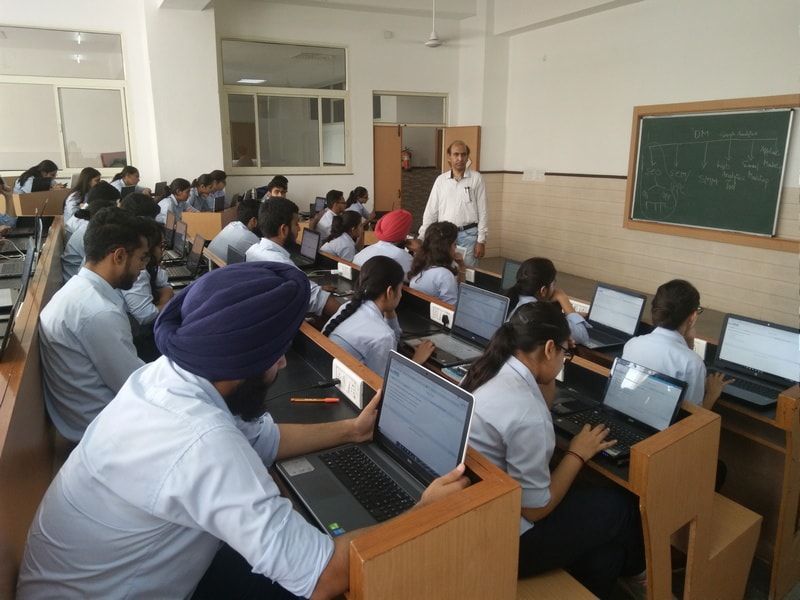
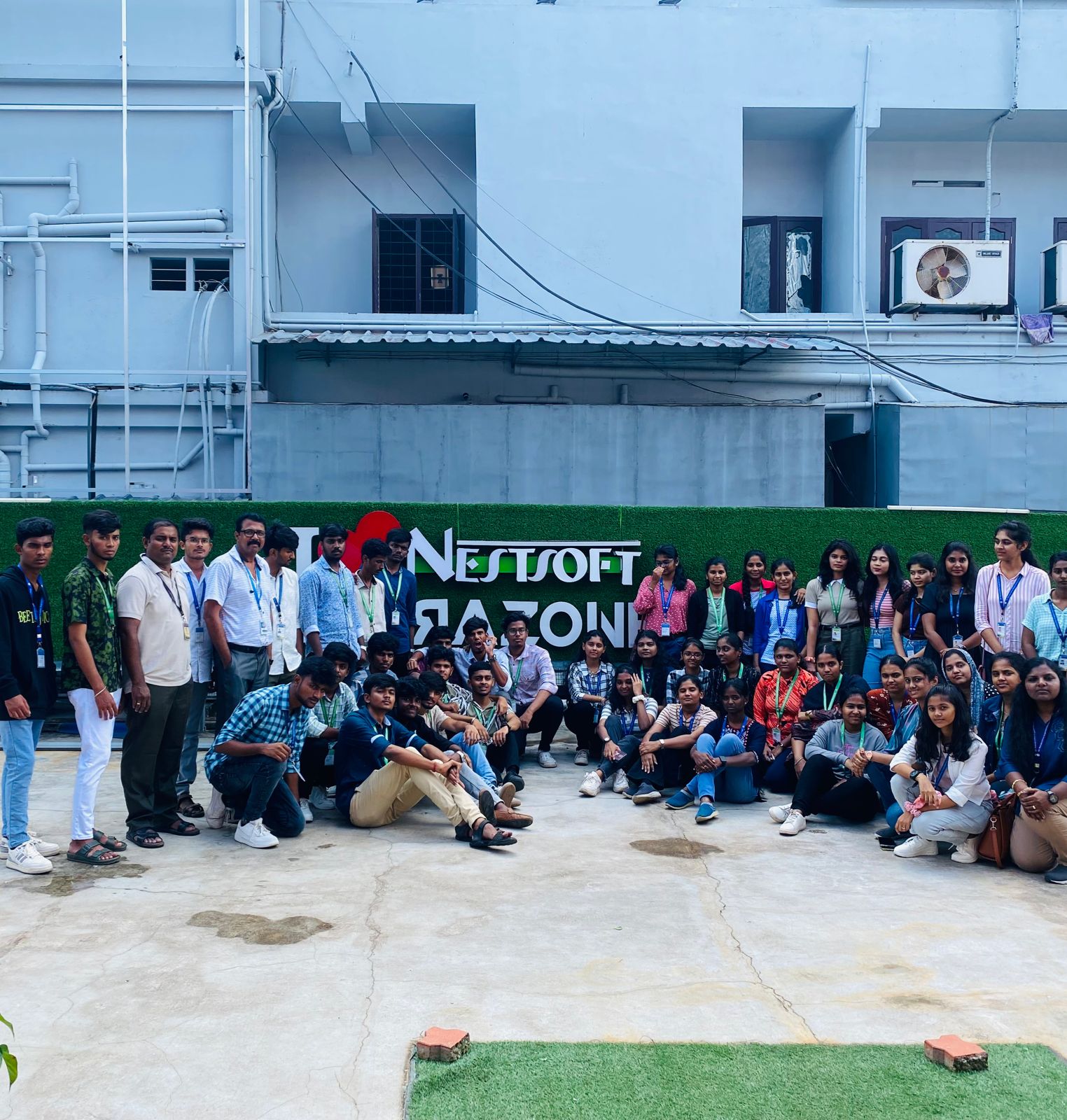
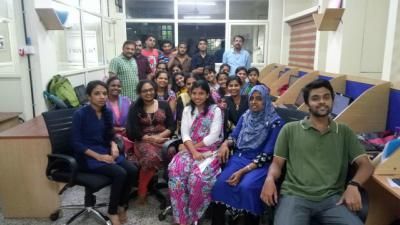
Photos of Training / Internships

Internship/projects in negeri-sembilan

Trained more than 10000+ students who trust Nestsoft TechnoMaster

Get Your Personal Trainer