Send enquiry ⏎

UI/UX Design Online Live Class by Experts

Our Training/Internship Process

UI/UX Design Online Live Classes in Kelantan | Free Demo Training

UI/UX Design - Syllabus, Fees & Duration

Figma Syllabus (15 Hours)

      Module 1: Figma Fundamentals (3 Hours)

        Introduction to Figma

      • Understanding the Figma interface and tools.
      • Layers, frames, and pages.
      • Shapes, text, and alignment.

        Design Basics

      • Color theory and typography basics.
      • Grids and layout principles.
      Module 2: Prototyping with Figma (3 Hours)

        Wireframing Basics

      • Creating low-fidelity wireframes for mobile and web apps.

        Prototyping Features

      • Adding interactions and transitions.
      • Clickable prototypes for user testing.
      Module 3: Mobile App Design Project (4 Hours)

        Designing a Mobile App

      • Screens for a sample app (e.g., task manager or food delivery).
      • Login, home, and profile pages.

        Components and Variants

      • Reusable buttons, icons, and cards.
      • Typography and color styles.

        Prototyping and Feedback

      • Linking screens and testing navigation.
      Module 4: Web App Design Project (5 Hours)

        Designing a Web App

      • Landing page, login screen, and dashboard for a web app.
      • Auto-layout for responsive designs.

        Final Prototype

      • Responsive breakpoints for desktop, tablet, and mobile.
      • Functional prototype with interactions.
    Web Development Syllabus (15 Hours)
      Module 1: HTML, CSS, and Bootstrap Basics (5 Hours)

        HTML Fundamentals (2 Hours)

      • Structuring web pages (header, footer, sections).
      • Essential tags: headings, lists, images, and links tables etc..

        CSS Basics (2 Hours)

      • Styling text and layout using CSS.
      • Box model, positioning, and Flexbox basics.

        Bootstrap Basics (1 Hour)

      • Setting up Bootstrap in a project.
      • Grid system and responsive layouts.
      • Common components: navbar, buttons, and cards.
      Module 2: Responsive Landing Page Conversion (5 Hours)

        Figma to Code Workflow (2 Hours)

      • Importing Figma designs for reference.
      • Structuring HTML and CSS with Bootstrap.

        Responsive Design (3 Hours)

      • Using media queries and Bootstrap utilities.
      • Creating a responsive navigation bar and hero section.
      • Ensuring design consistency with the Figma prototype.
      Module 3: Interactivity with JavaScript & Advanced Bootstrap (3 Hours)

        JavaScript Basics

      • Adding interactivity with JavaScript (e.g., form validation).
      • Bootstrap JavaScript components: modals, dropdowns, and carousels.

        CSS Animations & Transitions

      • Enhancing visuals with hover effects and animations.
      Module 4: Final Project and Deployment (2 Hours)

        Final Project: Responsive Landing Page

      • Convert a complete Figma design into a functional landing page.
      • Use Bootstrap and JavaScript for responsiveness and interactivity.

        Hosting and Deployment

      • Publish the project online using GitHub Pages or Netlify.
      Deliverables

        Figma:

      • Prototyped mobile app and web app designs.

        Web Development:

      • Fully responsive landing page with Bootstrap and interactivity.
      • Hosted live project link.

Download Syllabus - UI/UX Design
This syllabus is not final and can be customized as per needs/updates
   
10000+
20+
50+
25+

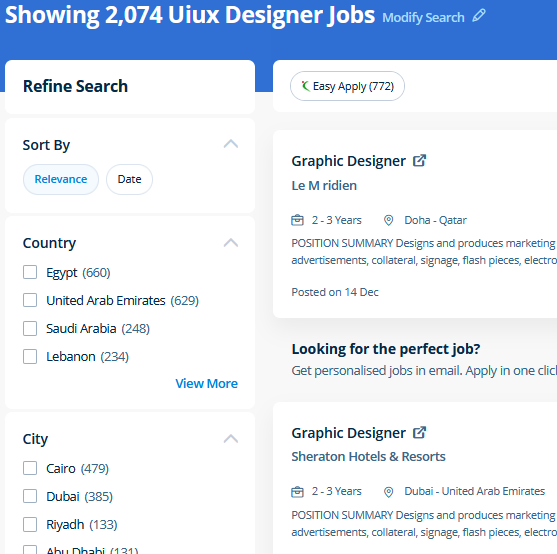
UI/UX Design Jobs in Kelantan

Enjoy the demand

Find jobs related to UI/UX Design in search engines (Google, Bing, Yahoo) and recruitment websites (monsterindia, placementindia, naukri, jobshybrid.com, indeed.co.in, shine.com etc.) based in Kelantan, chennai and europe countries. You can find many jobs for freshers related to the job positions in Kelantan.

  • ui designer
  • ux designer
  • ui/ux designer
  • ui/ux developer
  • graphic designer
  • multimedia creator
  • photoshop
  • adobe illustrator
  • web design
  • html developer

UI/UX Design Internship/Course Details

UI/UX Design internship jobs in Kelantan
UI/UX Design The Illustrator CC interface contains the tools, panels, menu, commanda, document, window, and artboards you will use when creating or editing an illustrator document. Usually, it produces the best products for a majority of the processing effects. Literally, you'll create anything with Adobe Photoshop software. Live classes are supported by an active class forum wherever your tutor provides extra information and feedback outside of class times. Most of graphic designers use photoshop for their professional work because photoshop is one of the most professional editing software available today. Completing this CSS training at nessoft inDubai u can step ahead in your career as a website designer and create the latest interactive pages for your website viewers. Our core features of the bootstrap training in Dubai includes: Design layouts adhering to a fluid grid Understand how the HTML, CSS and JavaScript components of Bootstrap work Customise a Bootstrap installation Optimise a Bootstrap design for target device features Create responsive images and graphics . Photoshop includes a selection of quality tools and is easily customizable to fit your work style. Live classes are recorded, so you'll be able to review them in your own time or log in to learn at a time that works best for you. Nestsoft come up with the best bootstrap training inDubai include all the major topics such as HTML, and CSS, essentials, Bootstrap 3, Bootstrap 4, UI Bootstrap components, Bootstrap themes and will prepare strong fundamentals and proficient in bootstrap web development.


Meet a Few of our Industry Experts 🚀 Your Pathway to IT Career

Abhishek

Mobile: +91 9895490866
Location: Online (Kelantan, Malaysia)
Qualification: Btech

Experience: Semi Conductor Laboratory Mohali Dept of space Govt of India FSG advantages over USG inter-metal dielectric (Thin Film) and Unit  more..

CHIPPY

Mobile: +91 98474 90866
Location: Online (Kelantan, Malaysia)
Qualification: BSc BEd

Experience: Curriculum development and lesson planningClassroom management and disciplineDifferentiated instruction to accommodate various learning stylesUtilization of technology in teaching (e g  more..

Surya

Mobile: +91 8301010866
Location: Online (Kelantan, Malaysia)
Qualification: BTech cse

Experience: Java python sql  more..

Sushmita

Mobile: +91 94975 90866
Location: Online (Kelantan, Malaysia)
Qualification: BCA

Experience: I'm working as a WordPress web developer and looking for a part-time position to work to enhance my technical skills  more..

Raj

Mobile: +91 94975 90866
Location: Online (Kelantan, Malaysia)
Qualification: B.sc. Animation and VFX

Experience: Hi I hope this find you well I have worked in features flim as an Assistant editor and also worked  more..

Tarunvarma

Mobile: +91 8301010866
Location: Online (Kelantan, Malaysia)
Qualification: Designeer Academy

Experience: Hey this is Tarun varma I'm a certified from the designerrs academy on basis of UX UI Designer I'm good  more..

Mrinal

Mobile: +91 94975 90866
Location: Online (Kelantan, Malaysia)
Qualification: H. S

Experience: 3 years experience in computer hardware and networking field at jdb itcare 3 years experience in php development 6 month  more..

Praveenesh

Mobile: +91 91884 77559
Location: Online (Kelantan, Malaysia)
Qualification: Mca

Experience: Manual testing  more..

Midhun

Mobile: +91 9895490866
Location: Online (Kelantan, Malaysia)
Qualification: Mca

Experience: 1 5 year experience in laravel Still working remotely I completed 6 project in laravel version 7 8 and 9  more..

Tejaswini

Mobile: +91 94975 90866
Location: Online (Kelantan, Malaysia)
Qualification: BE E&TC

Experience: Java my SQL react Android iOS  more..

Priyanka

Mobile: +91 98474 90866
Location: Online (Kelantan, Malaysia)
Qualification: B-tech

Experience: Google webmaster google analytics keyword planner semrush seo on page seo off page html wordpress  more..

Shaik

Mobile: +91 94975 90866
Location: Online (Kelantan, Malaysia)
Qualification: Bcom computers

Experience: 1 year of experience in front end development my skills are html css javascript react js wix   more..

Nandkishor

Mobile: +91 98474 90866
Location: Online (Kelantan, Malaysia)
Qualification: MCA

Experience: 1 Hotel Management Project The coding language using java Used mvc designed patter for using swing in front end and  more..

Priya

Mobile: +91 94975 90866
Location: Online (Kelantan, Malaysia)
Qualification: Btech

Experience: AWS cloud python linux  more..

Saurabh

Mobile: +91 9895490866
Location: Online (Kelantan, Malaysia)
Qualification: B.tech cse

Experience: With experience in Software Development I have worked as a Node js and Solidity developer at Nineteen Realtech My expertise  more..

Shithinkrishna

Mobile: +91 98474 90866
Location: Online (Kelantan, Malaysia)
Qualification: Be computer science and engineering

Experience: Javascript react manual testing automation testing html css  more..

Arpitha

Mobile: +91 8301010866
Location: Online (Kelantan, Malaysia)
Qualification: BE

Experience: I have 2 8years experience in front end devlopment skills html5 CSS3 bootstrap javascript jQuery react js   more..

Ramalakshmi

Mobile: +91 94975 90866
Location: Online (Kelantan, Malaysia)
Qualification: B.E(ECE)

Experience: Manual testing Java core basic queries in SQL  more..

MUKARA

Mobile: +91 9895490866
Location: Online (Kelantan, Malaysia)
Qualification: B>A

Experience: Experienced in all testing methodologies various levels of testing test-ability analysis & requirements definition test analysis & design techniques and  more..

Ghanshyam

Mobile: +91 91884 77559
Location: Online (Kelantan, Malaysia)
Qualification: graduate

Experience: php laravel Html MySql jQuery Ajax and basic Css  more..

Priya

Mobile: +91 8301010866
Location: Online (Kelantan, Malaysia)
Qualification: Diploma

Experience: UX UI Design Prototyping Visual design Brochure design  more..

Bhuvaneswari

Mobile: +91 98474 90866
Location: Online (Kelantan, Malaysia)
Qualification: Bsc

Experience: I learned java selenium automation testing i have good skills on the automation testing I'm a fresher i completed my  more..

laxman

Mobile: +91 91884 77559
Location: Online (Kelantan, Malaysia)
Qualification: b.tech

Experience: I am writing to express my interest in this position With a solid background in HTML XML JavaScript Python jQuery  more..

ARYA

Mobile: +91 91884 77559
Location: Online (Kelantan, Malaysia)
Qualification: B tech in ECE

Experience: I have 6 month experience in electronic firm as a PCB testing engineer I have computer knowledge and know  more..

Success Stories

The enviable salary packages and track record of our previous students are the proof of our excellence. Please go through our students' reviews about our training methods and faculty and compare it to the recorded video classes that most of the other institutes offer. See for yourself how TechnoMaster is truly unique.

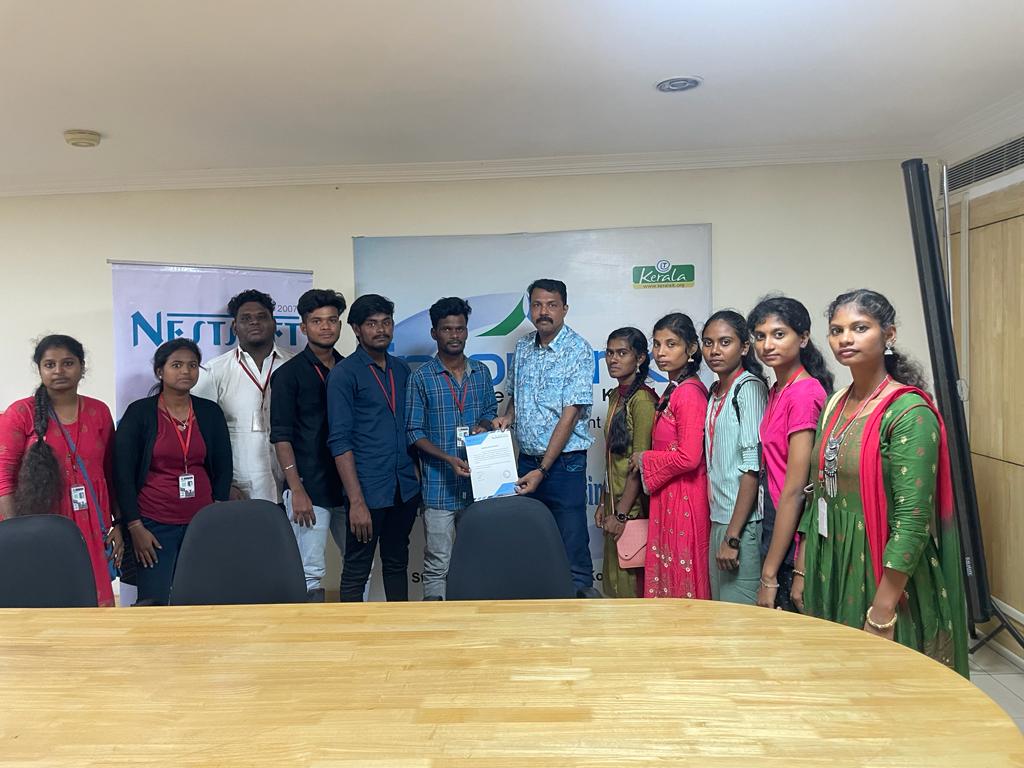
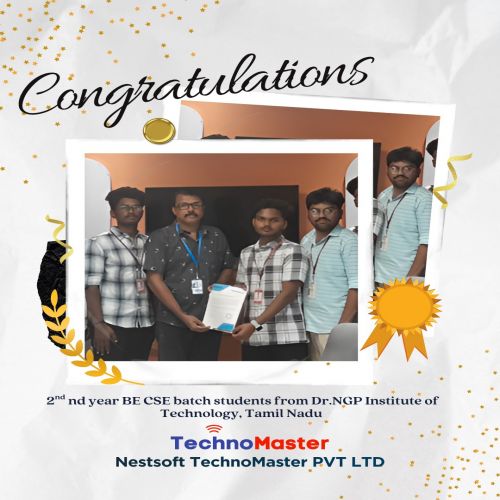
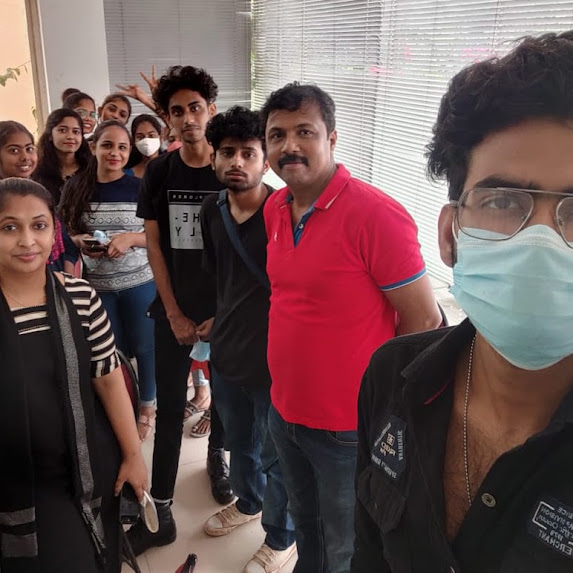
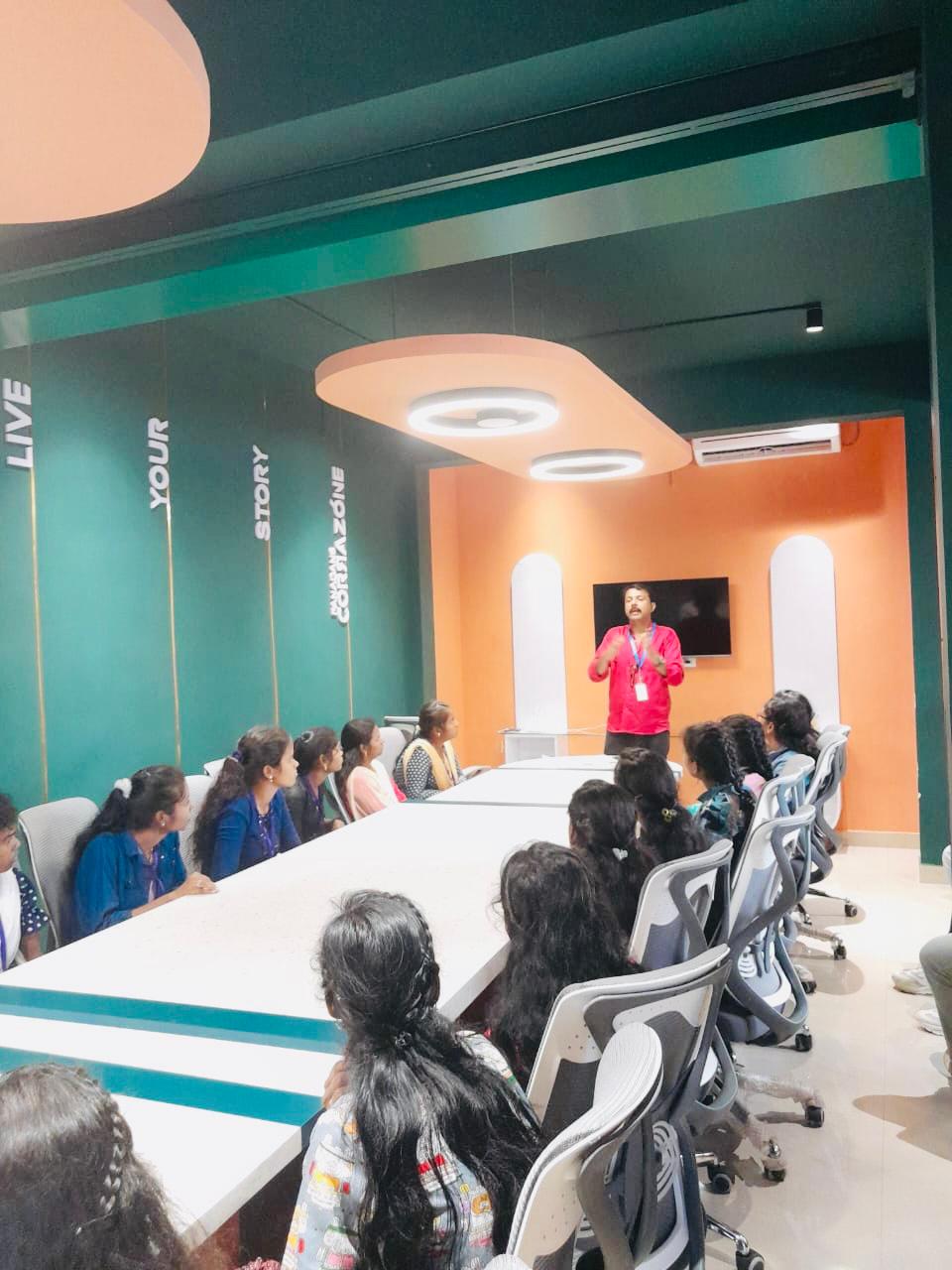
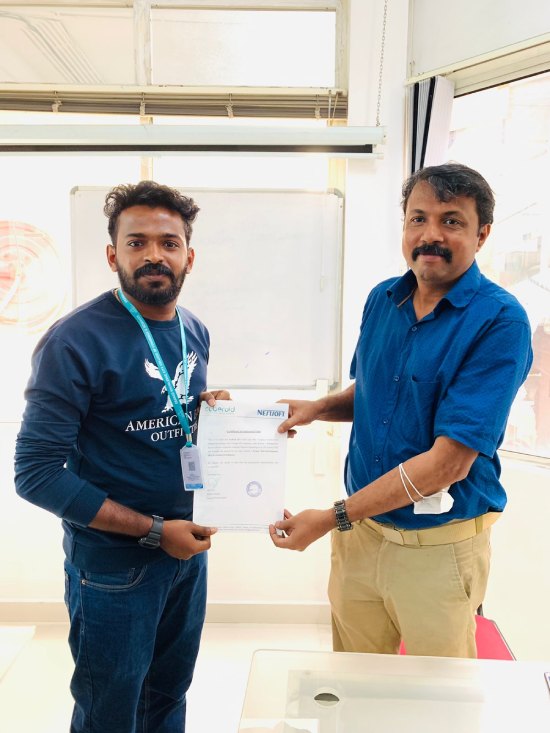
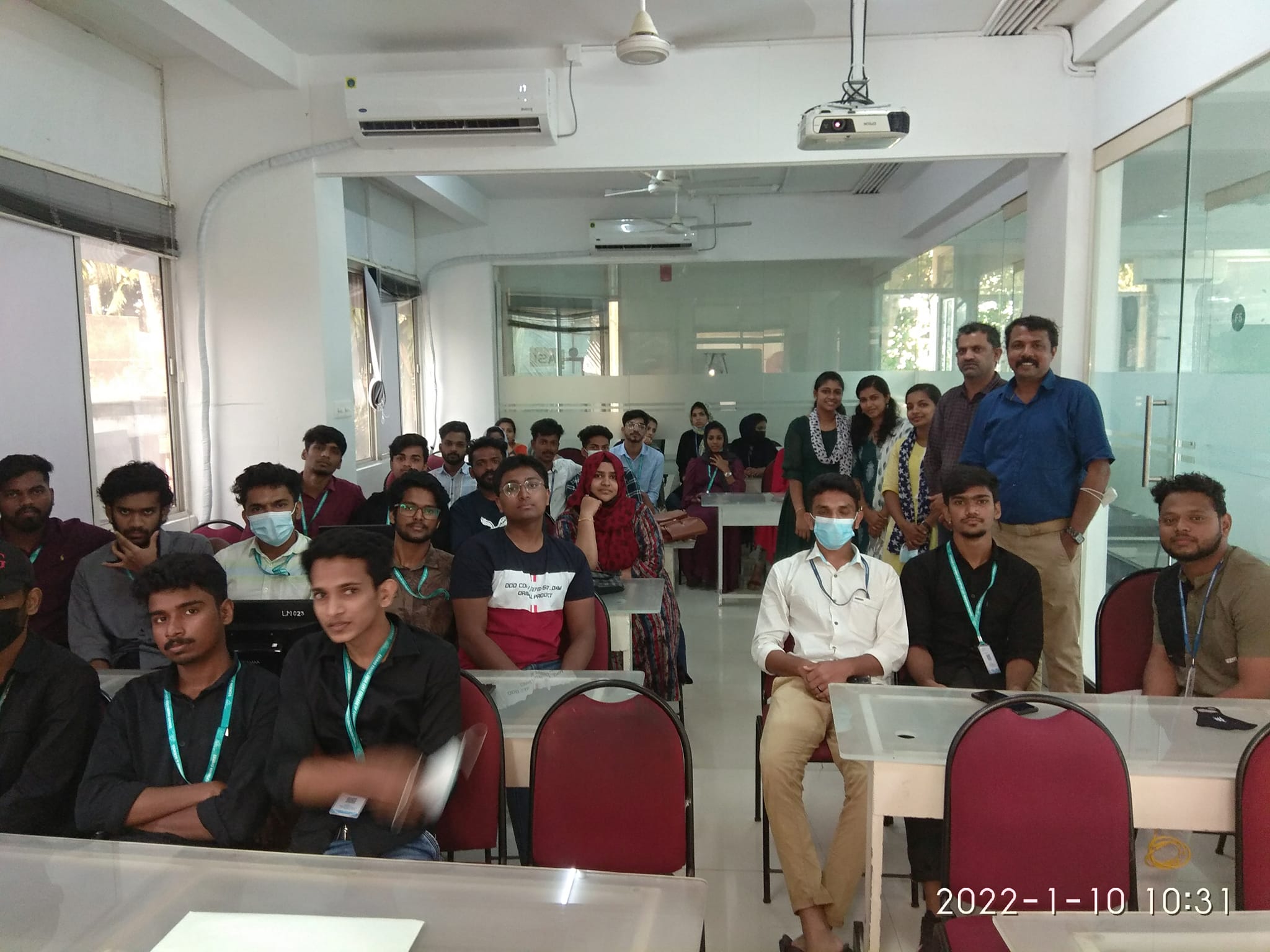
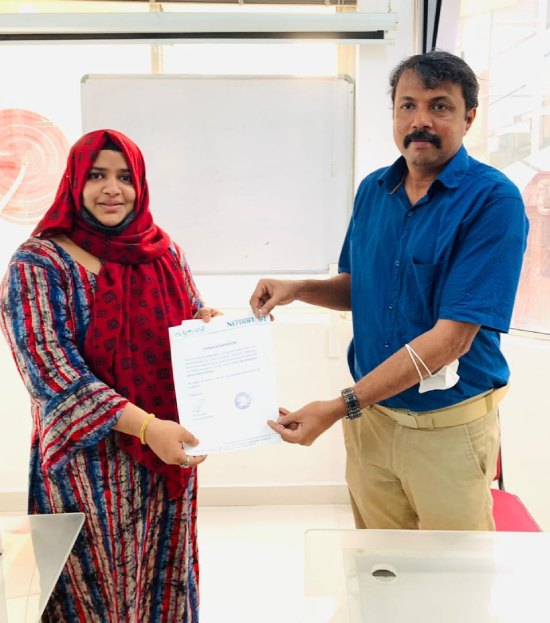
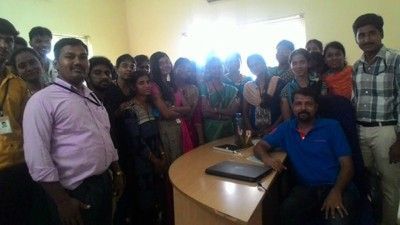
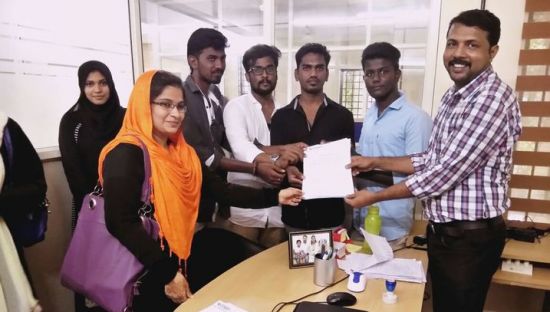
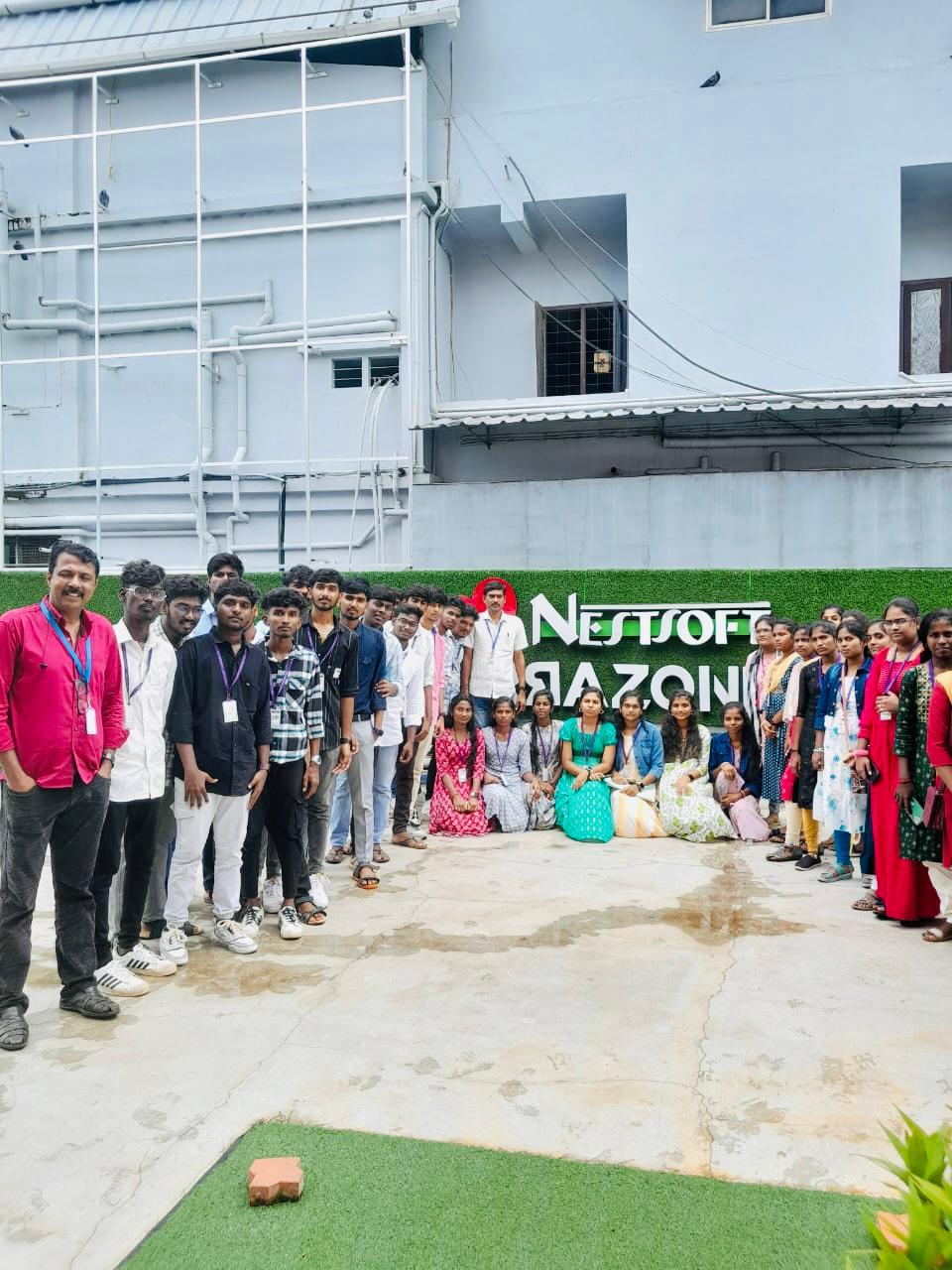
Photos of Training / Internships

Internship/projects in kelantan

Trained more than 10000+ students who trust Nestsoft TechnoMaster

Get Your Personal Trainer