Send enquiry

Microsoft Copilot & AI Productivity Online Live Class by Experts

Our Training/Internship Process

Microsoft Copilot & AI Productivity Online Live Classes in Selangor | Free Demo Training

Microsoft Copilot & AI Productivity - Syllabus, Fees & Duration

Introduction

The Microsoft Copilot & AI Productivity course is a 1-month practical training program designed to teach AI-powered productivity techniques using Microsoft Copilot and Microsoft 365 applications. Students will learn how to use Artificial Intelligence to automate tasks, create content, analyze data, and improve workplace efficiency.

Course Syllabus

Month 1: Microsoft Copilot & AI Productivity

Introduction to AI Productivity

  • Introduction to Artificial Intelligence
  • Generative AI Fundamentals
  • Role of AI in Workplace Productivity
  • AI Assistants and Copilot Technology
  • Benefits of AI Automation
  • Responsible AI Usage and Ethics

Microsoft Copilot Fundamentals

  • Introduction to Microsoft Copilot
  • Copilot Features and Capabilities
  • Understanding AI Prompts
  • Writing Effective Copilot Prompts
  • Context-Based Prompting
  • Copilot Security and Privacy

Microsoft Word with Copilot

  • AI-Assisted Document Creation
  • Generating Content Using Copilot
  • Document Summarization
  • Improving Writing Quality with AI
  • Creating Reports and Business Documents
  • Document Formatting and Editing Assistance

Microsoft Excel with Copilot

  • AI-Based Data Analysis
  • Creating Formulas Using Copilot
  • Data Cleaning and Summarization
  • Generating Insights from Data
  • Creating Charts and Reports
  • Spreadsheet Automation

Microsoft PowerPoint with Copilot

  • AI Presentation Creation
  • Generating Slide Content
  • Presentation Design Improvement
  • Creating Professional Business Presentations
  • Summarizing Presentation Content

Microsoft Outlook & Teams with Copilot

  • AI Email Writing Assistance
  • Email Summarization
  • Meeting Summary Generation
  • Task and Schedule Management
  • Team Collaboration Enhancement

AI Prompt Engineering for Productivity

  • Prompt Writing Basics
  • Role-Based AI Prompts
  • Business Productivity Prompts
  • Creative Content Prompts
  • Improving AI Generated Responses

AI Tools Integration & Automation

  • Microsoft 365 AI Tools Overview
  • Copilot Studio Introduction
  • Power Automate with AI
  • AI Workflow Automation
  • Connecting AI with Business Applications

Practical Projects

  • AI-Based Business Report Generator
  • Automated Excel Data Analysis Project
  • AI Presentation Creator
  • Smart Email Assistant
  • AI Productivity Workflow Project

Tools and Technologies

  • Microsoft Copilot
  • Microsoft 365
  • Microsoft Word Copilot
  • Microsoft Excel Copilot
  • Microsoft PowerPoint Copilot
  • Microsoft Outlook Copilot
  • Microsoft Teams Copilot
  • Copilot Studio
  • Power Automate
  • Generative AI Tools

Download Syllabus - Microsoft Copilot & AI Productivity
This syllabus is not final and can be customized as per needs/updates
 
10000+
20+
50+
25+

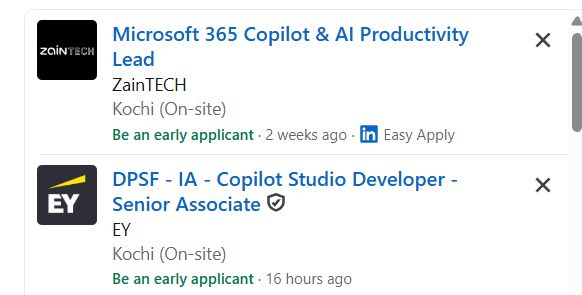
Microsoft Copilot & AI Productivity Jobs in Selangor

Enjoy the demand

Find jobs related to Microsoft Copilot & AI Productivity in search engines (Google, Bing, Yahoo) and recruitment websites (monsterindia, placementindia, naukri, jobsNEAR.in, indeed.co.in, shine.com etc.) based in Selangor, chennai and europe countries. You can find many jobs for freshers related to the job positions in Selangor.

  • AI Productivity Specialist
  • Microsoft Copilot Specialist
  • Microsoft 365 Administrator
  • AI Automation Assistant
  • Digital Workplace Consultant
  • Business Automation Specialist
  • AI Trainer
  • Productivity Analyst
  • AI Support Specialist
  • Digital Transformation Associate

Microsoft Copilot & AI Productivity Internship/Course Details

Microsoft Copilot & AI Productivity internship jobs in Selangor
Microsoft Copilot & AI Productivity . This course provides hands-on experience with Generative AI, AI prompting, Microsoft 365 automation, and modern productivity solutions. Join our **Microsoft Copilot AI Training in Selangor** to develop future-ready skills and improve professional performance using advanced AI technologies. **Course Description (Use Selangor)** Our **Microsoft Copilot & AI Productivity Course in Selangor** is a practical 1-month training program designed to help learners use Artificial Intelligence tools to improve workplace productivity, automate daily tasks, and enhance business efficiency. Students will learn how to use Microsoft Copilot with Word, Excel, PowerPoint, Outlook, and Teams for AI-powered content creation, data analysis, and workflow automation.


Meet a Few of our Industry Experts 🚀 Your Pathway to IT Career

Hassan

Mobile: +91 91884 77559
Location: Online (Selangor, Malaysia)
Qualification: Undergraduate degree

Experience: Seeking a challenging environment that encourages continuous learning and creativity providing exposure to new ideas and stimulate personal and professional  more..

Ranjana

Mobile: +91 91884 77559
Location: Online (Selangor, Malaysia)
Qualification: B. Tech computer engg

Experience: Training in core php html css wordpress   more..

Sahil

Mobile: +91 8301010866
Location: Online (Selangor, Malaysia)
Qualification: M.sc(Comp.Sci)

Experience: Skills : JavasScript Java C++ HTML5 CSS3 Tailwind CSS React js React Redux Git MongoDB SQL Building visually appealing user-friendly  more..

Meenu

Mobile: +91 91884 77559
Location: Online (Selangor, Malaysia)
Qualification: Btech ec

Experience: Knowledge in programming languages Good in team works Good communication skills Strong knowledge in manual testing   more..

Ravi

Mobile: +91 89210 61945
Location: Online (Selangor, Malaysia)
Qualification: Graduation (B.tech)

Experience: I have 2 years experience in website development my skills are: wordpress woo commerce html css bootstrap javascript   more..

Amit

Mobile: +91 9895490866
Location: Online (Selangor, Malaysia)
Qualification: B.Tech

Experience: Core Java TestNg Selenium Web driver 9 years experience RestAssured API Automation testing 5 years experience Manual Testing 9 years  more..

Santhiya

Mobile: +91 91884 77559
Location: Online (Selangor, Malaysia)
Qualification: Bsc Electronics

Experience: 1 year full stack developer role |   more..

Anshid

Mobile: +91 8301010866
Location: Online (Selangor, Malaysia)
Qualification: BCA

Experience: Worked as a software intern in a software development company for 3 years While studying in collage Now working as  more..

Sajith

Mobile: +91 89210 61945
Location: Online (Selangor, Malaysia)
Qualification: BCA , Cyber Security Professional

Experience: I have 3 months of internship from comprinno techinologies and have AWS certified cloud practitioner certification and my skills are  more..

Chitimelly

Mobile: +91 91884 77559
Location: Online (Selangor, Malaysia)
Qualification: B.tech

Experience: I am good at python programming c programming SQL and machine learning  more..

Reshma

Mobile: +91 98474 90866
Location: Online (Selangor, Malaysia)
Qualification: B.Tech

Experience: UX UI design - 2 years User research Figma Wireframing Prototyping Design system  more..

Shruti

Mobile: +91 91884 77559
Location: Online (Selangor, Malaysia)
Qualification: PGDHRM

Experience: I am an experienced trainer proficient in both online and in-person environments with a specialization in spoken English My expertise  more..

Sachin

Mobile: +91 89210 61945
Location: Online (Selangor, Malaysia)
Qualification: B.E. electrical engineering

Experience: Digital forensics owasp top 10 vulnerabilities vapt firewall etc  more..

Dhaval

Mobile: +91 94975 90866
Location: Online (Selangor, Malaysia)
Qualification: BE -EC

Experience: Hello Sir Dhaval here Greetings for the day ! I am an Odoo developer I want to apply for the  more..

Karishma

Mobile: +91 94975 90866
Location: Online (Selangor, Malaysia)
Qualification: BE

Experience: C web design and development android java SQL python 3 tears of experienceApplication for Java Spring  more..

Harshal

Mobile: +91 91884 77559
Location: Online (Selangor, Malaysia)
Qualification: MASTER OF COMPUTER APPLICATIONS

Experience: Senior android developer  more..

Abhijeet

Mobile: +91 91884 77559
Location: Online (Selangor, Malaysia)
Qualification: M.C.A

Experience: Having 6 yrs of experience in development using various technologies Primarily work in java Application for Java Spring  more..

Akhila

Mobile: +91 89210 61945
Location: Online (Selangor, Malaysia)
Qualification: Btech

Experience: Trained in CCNA Academic projects are of from networking Project on firewall migration process Database management  more..

Success Stories

The enviable salary packages and track record of our previous students are the proof of our excellence. Please go through our students' reviews about our training methods and faculty and compare it to the recorded video classes that most of the other institutes offer. See for yourself how TechnoMaster is truly unique.

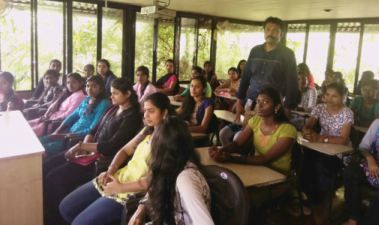
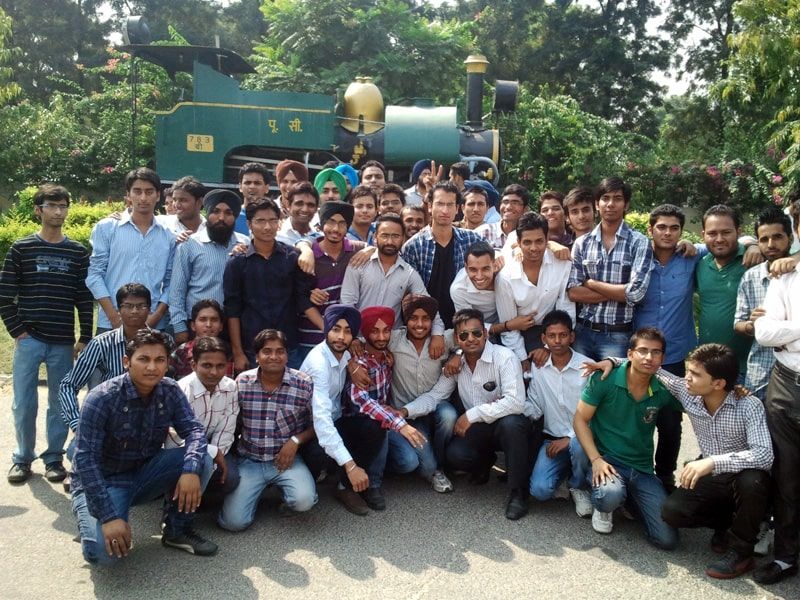
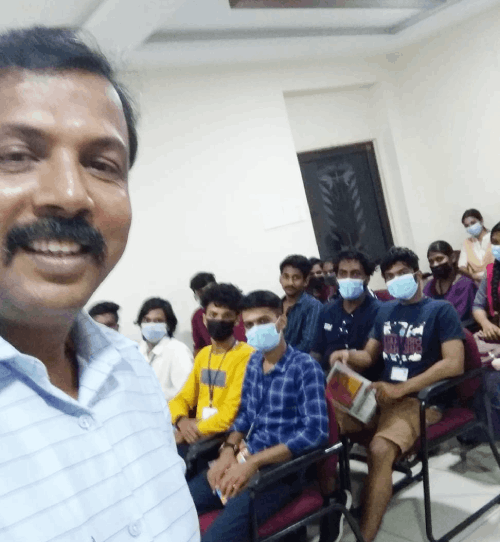
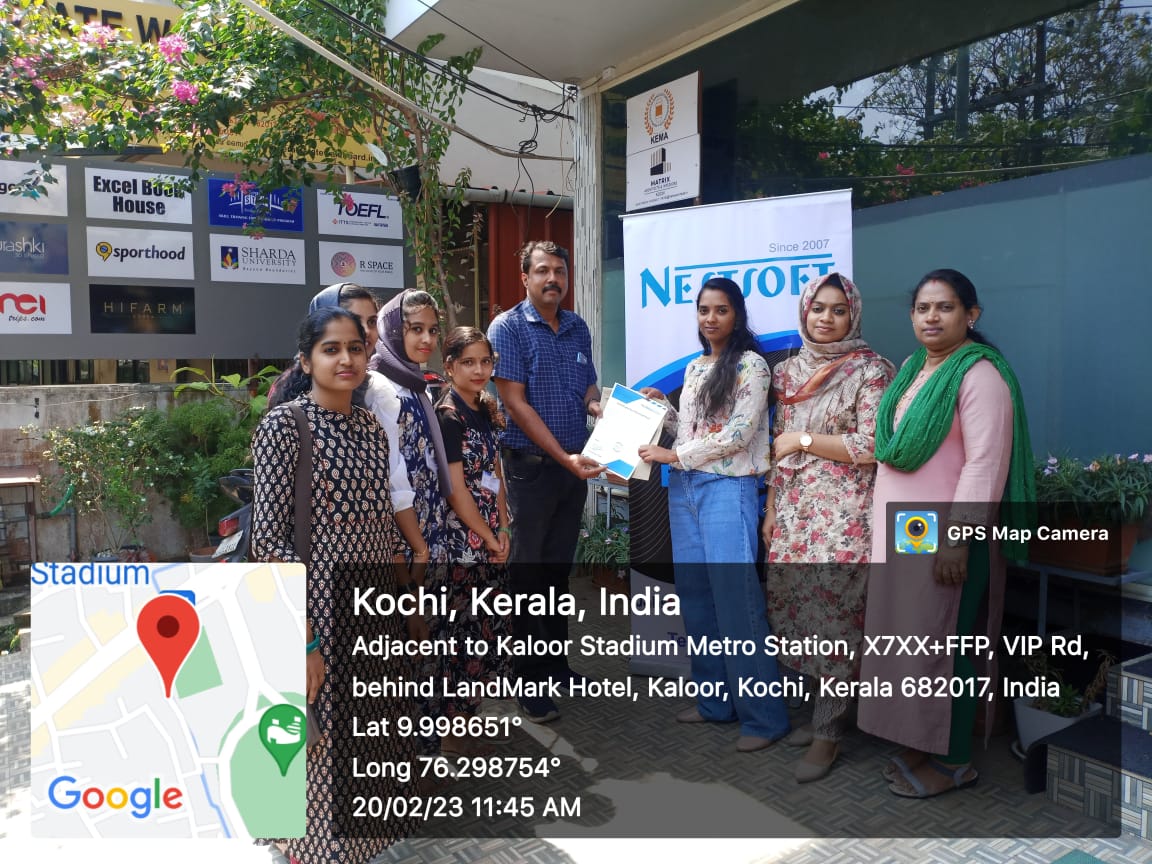
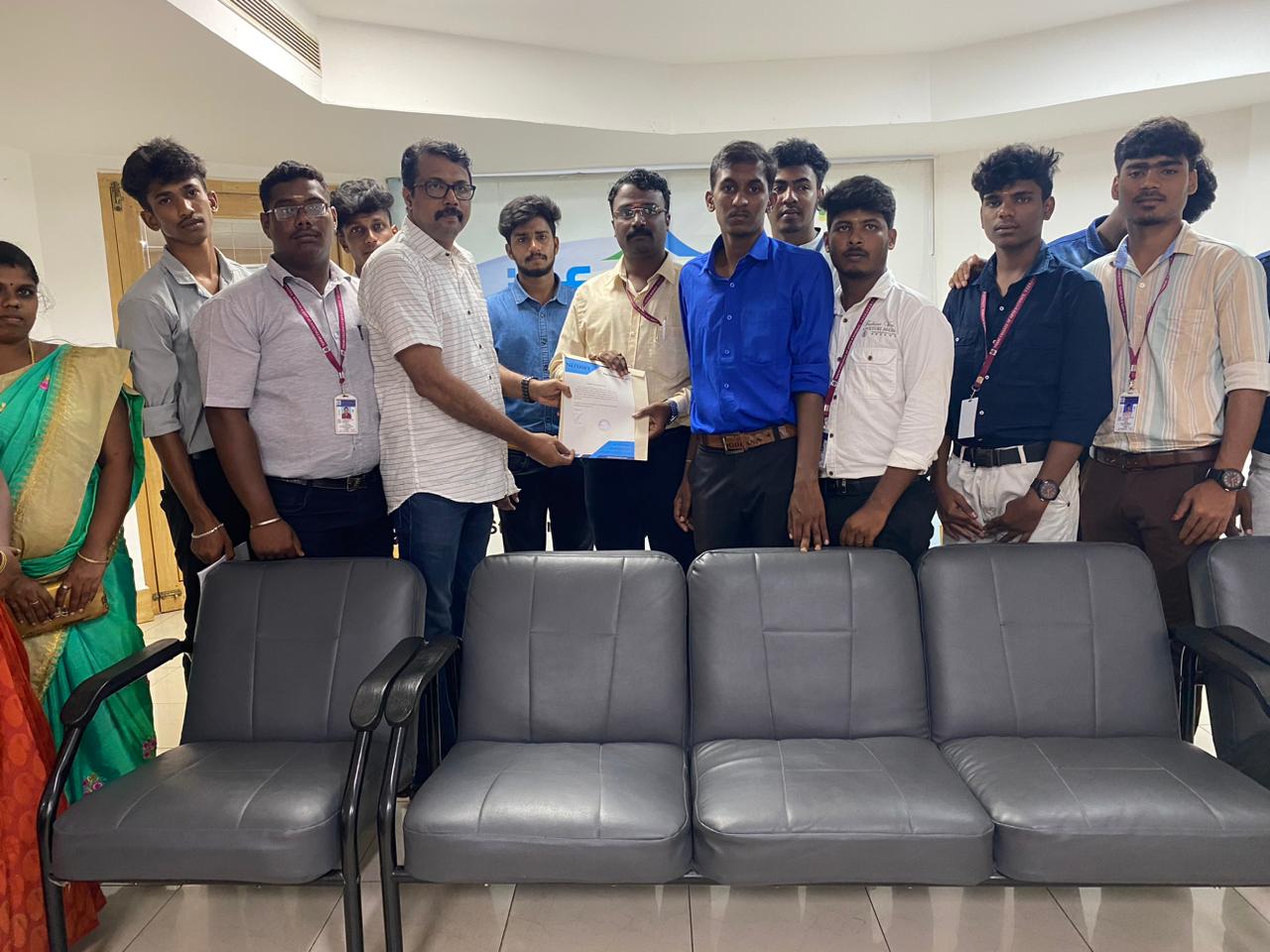
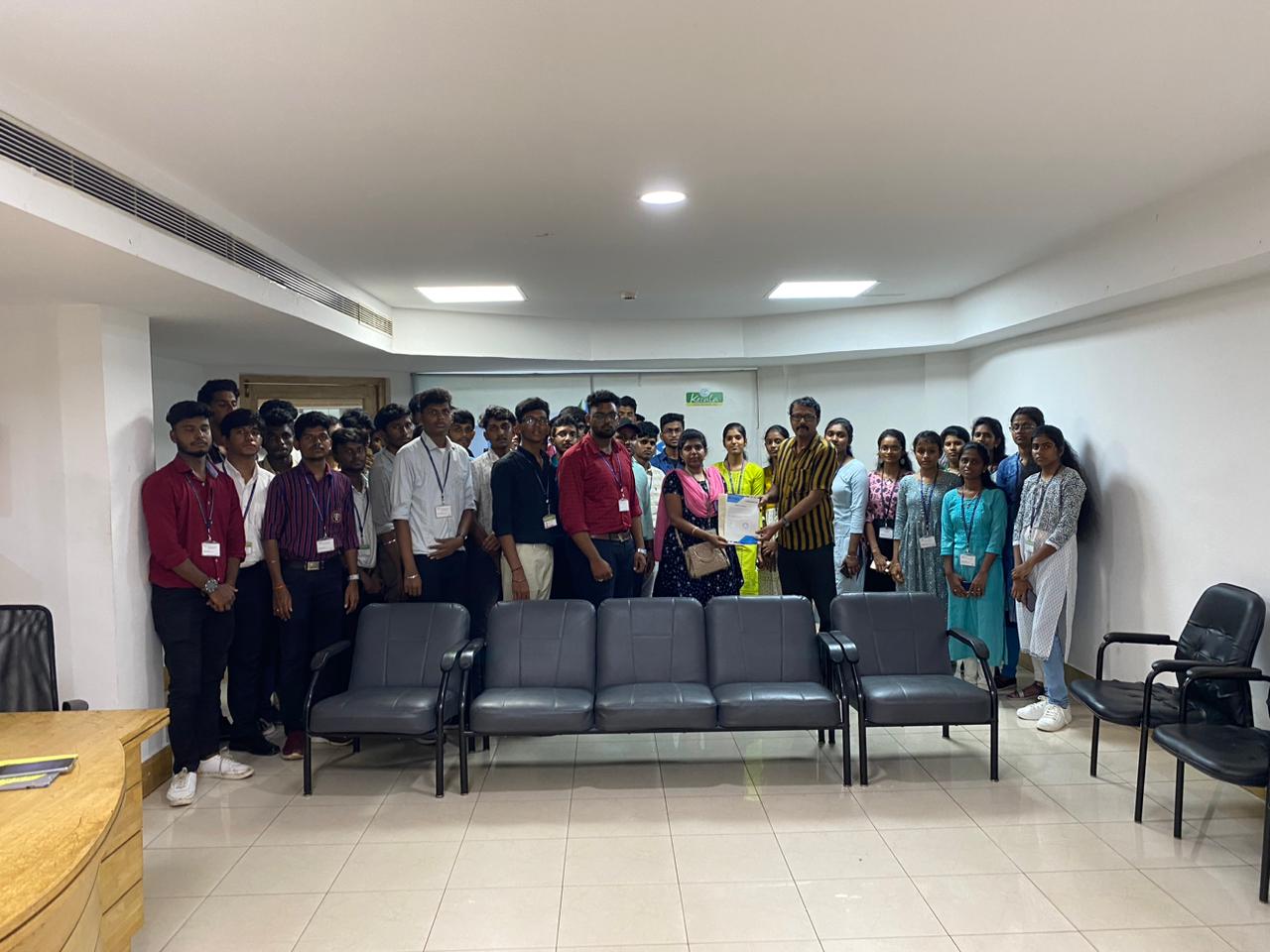
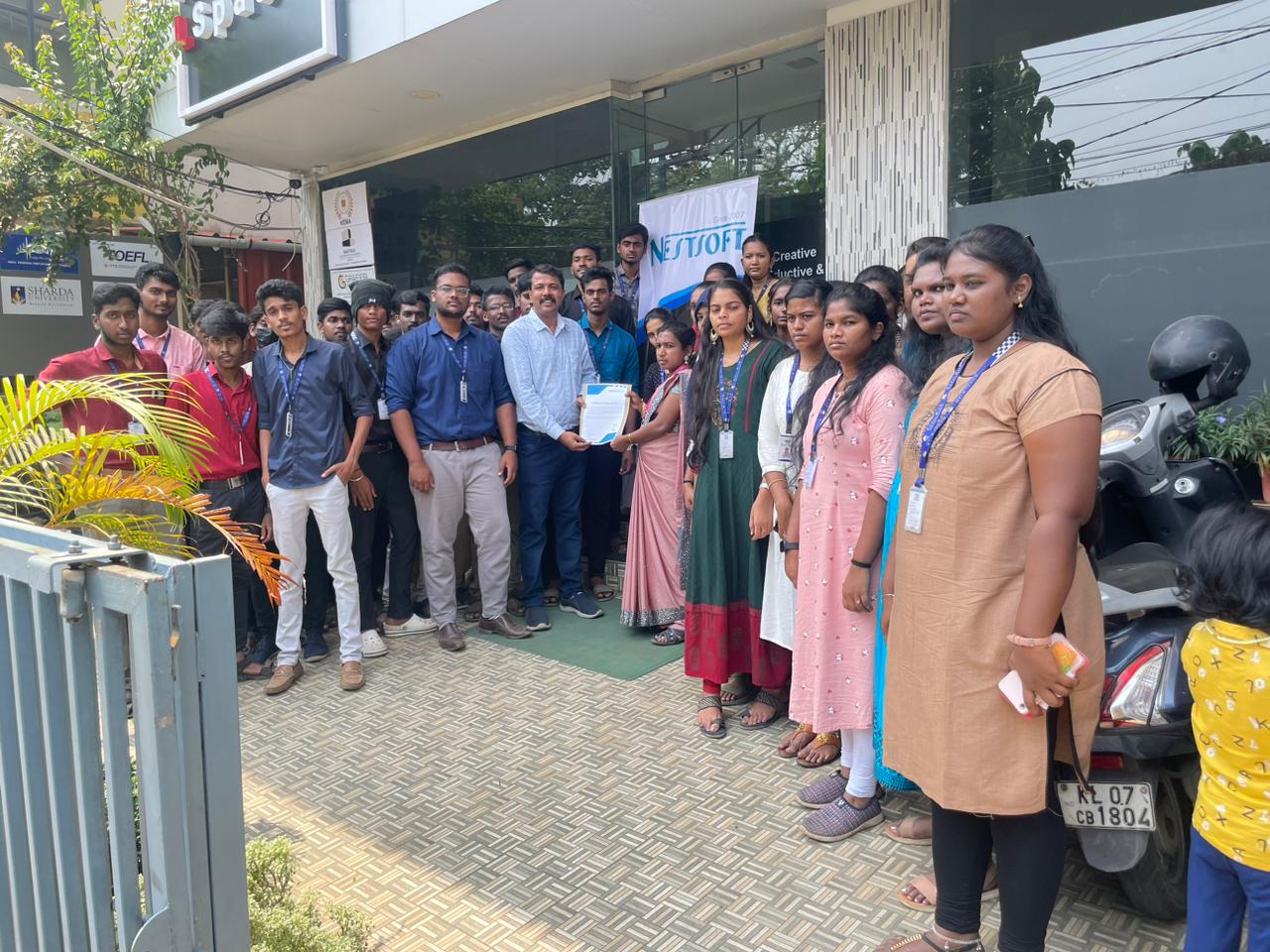
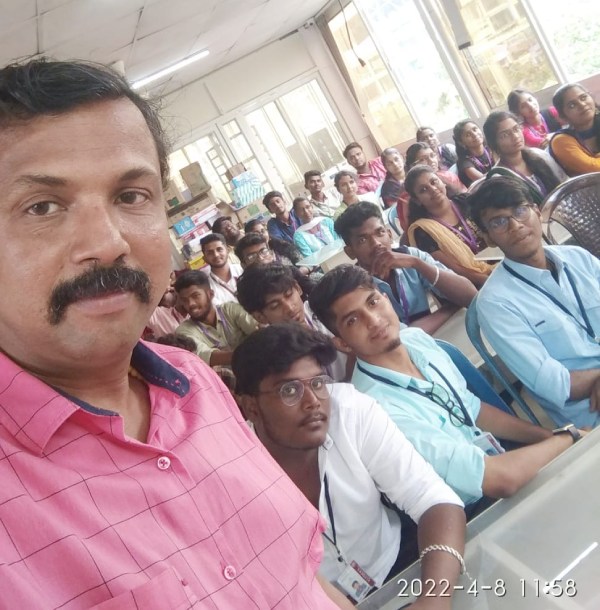
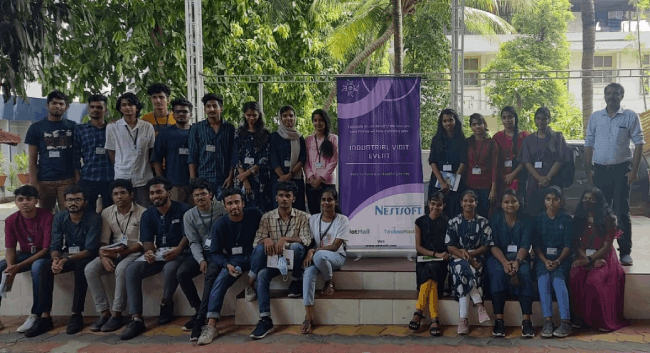
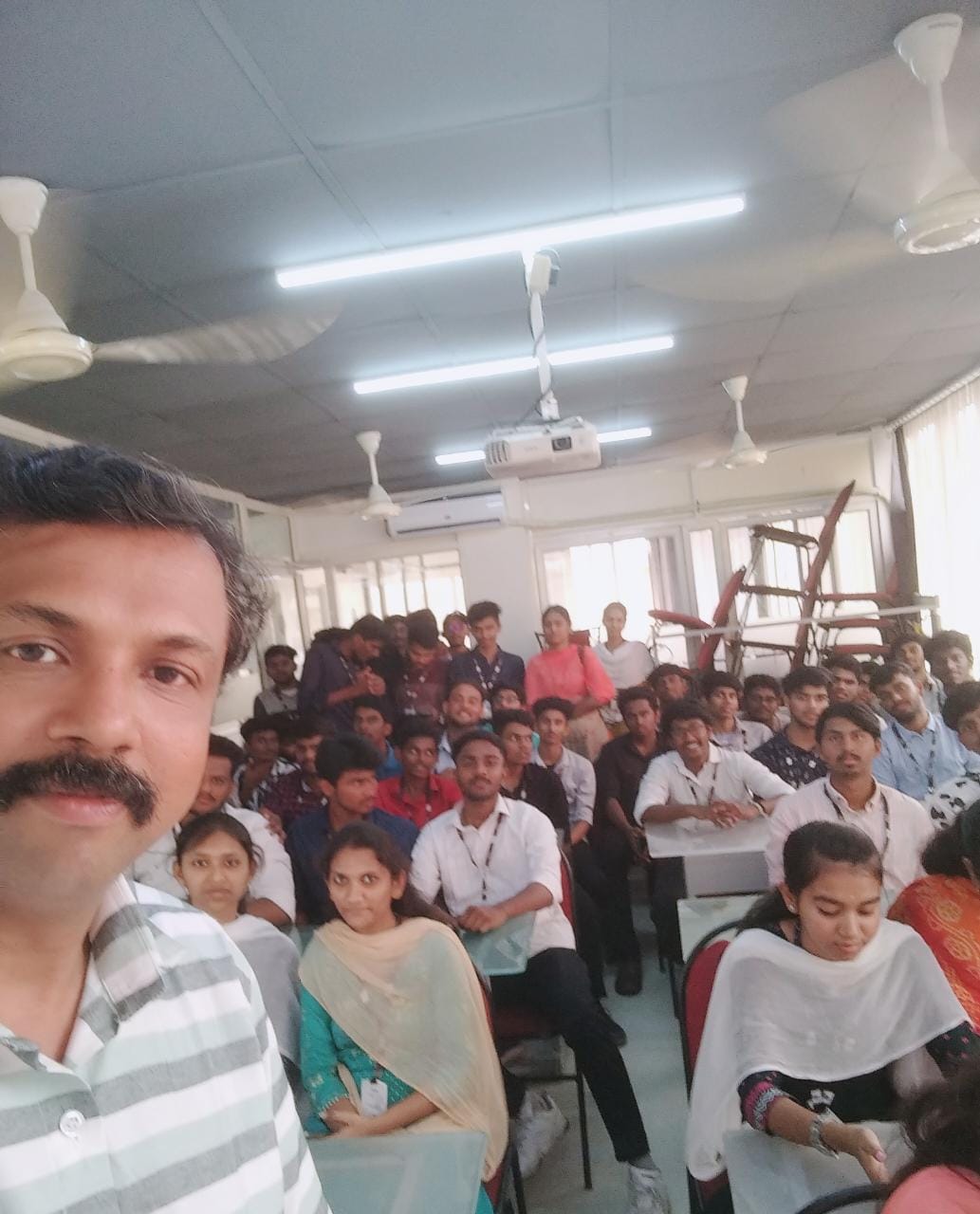
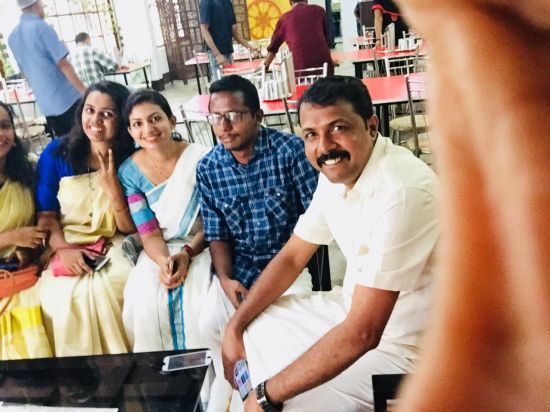
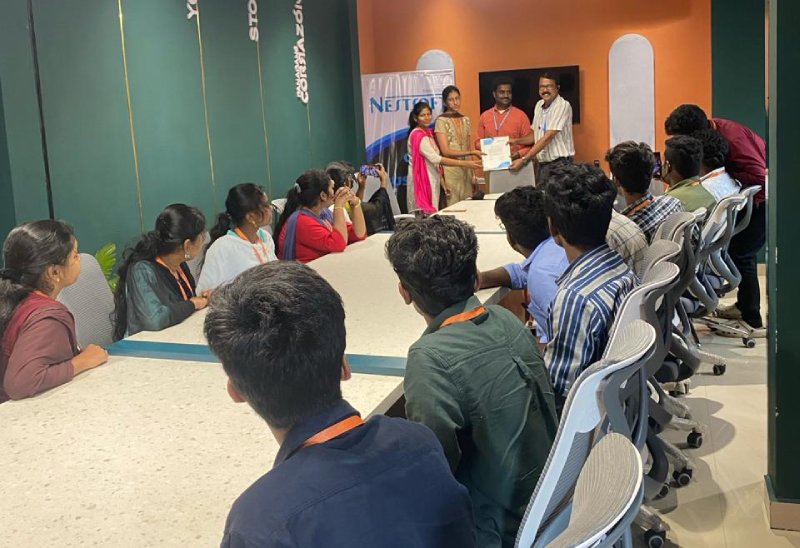
Photos of Training / Internships

Internship/projects in selangor

Trained more than 10000+ students who trust Nestsoft TechnoMaster

Get Your Personal Trainer