Send enquiry ⏎

Microsoft SharePoint Online Live Class by Experts

Our Training/Internship Process

Microsoft SharePoint Online Live Classes in Terengganu | Free Demo Training

Microsoft SharePoint - Syllabus, Fees & Duration

Here's a detailed syllabus for Microsoft SharePoint covering fundamental to advanced topics:


Microsoft SharePoint Course Syllabus

Module 1: Introduction to Microsoft SharePoint

  • Overview of SharePoint – Features and Benefits
  • SharePoint as a Collaboration Platform
  • Understanding SharePoint Architecture
  • On-Premises vs SharePoint Online
  • SharePoint Editions and Licensing
  • Navigating the SharePoint User Interface

Module 2: SharePoint Sites and Site Collections

  • Understanding Site Collections and Subsites
  • Creating and Managing Site Collections
  • Types of SharePoint Sites (Team, Communication, Hub)
  • Configuring Site Settings and Navigation
  • Customizing Site Look and Feel
  • Creating and Managing Pages with Web Parts
  • Understanding SharePoint Home Site and Hub Sites

Module 3: SharePoint Lists and Libraries

  • Creating and Managing Lists (Custom Lists, Task Lists, Calendar)
  • Document Libraries – Features and Versioning
  • Metadata and Content Types
  • Creating and Managing Views and Filters
  • Working with Large Lists – Indexing and Performance Optimization
  • Using Lookup Columns and Relationships

Module 4: SharePoint Content Management

  • Understanding SharePoint Content Management System (CMS)
  • Document Versioning and Check-in/Check-out Features
  • Implementing Content Approval Workflows
  • Document Co-Authoring and Collaboration
  • Records Management and Compliance Policies
  • Managing Document Retention Policies
  • Using Document Sets for Organizing Content

Module 5: SharePoint Permissions and Security

  • SharePoint Security Model Overview
  • User Roles and Permission Levels
  • Creating and Managing Permission Groups
  • Site and Item-Level Security
  • External Sharing and Guest Access
  • Managing Access Requests and Invitations
  • Auditing and Monitoring Security

Module 6: SharePoint Workflows and Automation

  • Introduction to SharePoint Workflows
  • Automating Tasks with Power Automate (Microsoft Flow)
  • Creating and Customizing Workflows
  • Approval Processes and Notification Workflows
  • Using SharePoint Designer for Workflows
  • Integrating Power Automate with SharePoint

Module 7: SharePoint Integration and Customization

  • Integrating SharePoint with Microsoft 365 (Teams, OneDrive, Outlook)
  • Using PowerApps for Custom Forms
  • Introduction to SharePoint Designer
  • Customizing SharePoint with JSON and PowerShell
  • Developing Custom Web Parts and Extensions
  • Using REST API and JavaScript for Customizations

Module 8: SharePoint Administration

  • Central Administration Overview (For On-Premises)
  • Managing SharePoint Online Admin Center
  • Creating and Managing Subsites
  • Managing Quotas and Storage Limits
  • Monitoring and Troubleshooting Issues
  • Performing Backup and Restore in SharePoint
  • Using SharePoint Health Analyzer

Module 9: SharePoint Search and Business Intelligence (BI)

  • Configuring SharePoint Search
  • Search Optimization with Managed Metadata
  • Enterprise Search and Query Rules
  • Business Intelligence Features in SharePoint
  • Integrating Power BI with SharePoint
  • Creating Dashboards and Reports
  • Using SharePoint Excel Services

Module 10: Advanced SharePoint Topics (Optional)

  • SharePoint Hybrid Deployment and Migration
  • Introduction to SharePoint Framework (SPFx) for Developers
  • Customizing SharePoint with JavaScript and REST APIs
  • Enterprise Content Management (ECM)
  • Governance and Compliance Best Practices
  • Performance Tuning and Optimization

Hands-On Projects and Real-Time Scenarios

  • Setting up a SharePoint Team Site for an Organization
  • Implementing a Document Approval Workflow
  • Integrating SharePoint with Microsoft Teams and PowerApps
  • Creating Custom SharePoint Dashboards with Power BI
  • Developing a Custom Web Part for SharePoint Online

Download Syllabus - Microsoft SharePoint
This syllabus is not final and can be customized as per needs/updates
   
10000+
20+
50+
25+

Microsoft SharePoint Jobs in Terengganu

Enjoy the demand

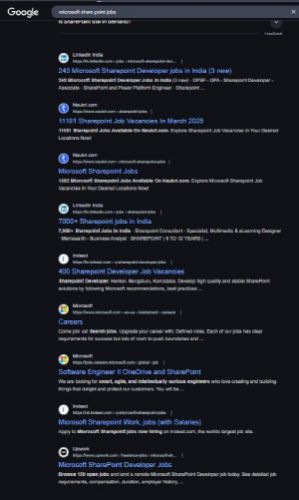
Find jobs related to Microsoft SharePoint in search engines (Google, Bing, Yahoo) and recruitment websites (monsterindia, placementindia, naukri, jobshybrid.com, indeed.co.in, shine.com etc.) based in Terengganu, chennai and europe countries. You can find many jobs for freshers related to the job positions in Terengganu.

  • SharePoint Administrator
  • SharePoint Developer
  • SharePoint Architect
  • SharePoint Consultant
  • SharePoint Business Analyst
  • SharePoint Support Engineer
  • SharePoint Content Manager
  • SharePoint Workflow Specialist
  • SharePoint Project Manager
  • SharePoint Trainer

Microsoft SharePoint Internship/Course Details

Microsoft SharePoint internship jobs in Terengganu
Microsoft SharePoint The Microsoft SharePoint Course by Nestsoft Technomaster provides expert-led training to help professionals master SharePoint's core functionalities, including site and content management, permissions, security, workflows, and integration with Microsoft 365 applications like Teams, OneDrive, and Outlook. Enroll now and boost your career with expert SharePoint training! 🚀. Whether you are an IT professional, business analyst, or developer, this course will guide you through creating and managing SharePoint sites, configuring document libraries, implementing workflows using Power Automate, and customizing SharePoint using PowerApps, JSON, and REST APIs. This hands-on training program covers both SharePoint Administration and Development, equipping learners with real-world skills to manage enterprise content effectively. With live interactive sessions, industry-relevant projects, and placement assistance, this course ensures you gain the practical expertise needed to excel in SharePoint-related roles. By the end of the training, you will be able to build, manage, and automate SharePoint solutions efficiently, enhancing organizational productivity. Microsoft SharePoint is a powerful platform designed for seamless collaboration, document management, and workflow automation, making it an essential tool for businesses worldwide.


Meet a Few of our Industry Experts 🚀 Your Pathway to IT Career

Manoj

Mobile: +91 89210 61945
Location: Online (Terengganu, Malaysia)
Qualification: B-Tech

Experience: I have a strong technical background with knowledge in software development life cycle testing life cycle and bug life cycle  more..

Aleena

Mobile: +91 98474 90866
Location: Online (Terengganu, Malaysia)
Qualification: Diploma in electronics engineering and digital marketing. Course completed

Experience: Iam 6 month experienced digital marker from soften technologies kadavanthra Seo Sem Smm Email marketing Layout design Canva These are  more..

Nishant

Mobile: +91 89210 61945
Location: Online (Terengganu, Malaysia)
Qualification: B. Tech (3rd year)

Experience: Im Inclined towards penetration testing but have also completed internship under godrej group ltd in the SOC team Worked on  more..

rishi

Mobile: +91 98474 90866
Location: Online (Terengganu, Malaysia)
Qualification: JCHNP

Experience: sophos firewall configuration and server support configuration  more..

Linkan

Mobile: +91 8301010866
Location: Online (Terengganu, Malaysia)
Qualification: M.E

Experience: Manual testing Automation Testing API Testing SQL  more..

Priyal

Mobile: +91 91884 77559
Location: Online (Terengganu, Malaysia)
Qualification: MCA

Experience: Skills & Experience: DevOps Engineer with expertise in independent web application development proficient in Python Bash Docker Kubernetes Jenkins AWS  more..

Chinmayee

Mobile: +91 98474 90866
Location: Online (Terengganu, Malaysia)
Qualification: MCA

Experience: Hello I have knowledge of Python odoo PostgreSql HTML5 CSS3 Bootstrap And I have 1 2 months of professional experience  more..

Sreenivasan

Mobile: +91 98474 90866
Location: Online (Terengganu, Malaysia)
Qualification: Diploma in Multimedia and animation

Experience: I am proficient in using software such as Adobe Photoshop Illustrator InDesign Corel DRAW and other graphic design programs i  more..

Vasantha

Mobile: +91 89210 61945
Location: Online (Terengganu, Malaysia)
Qualification: Graduation

Experience: I have 5 experience as Canva Designer and I am able to design logos posters ect as per client requirements  more..

Christy

Mobile: +91 91884 77559
Location: Online (Terengganu, Malaysia)
Qualification: Graduate

Experience: I am a recent graduate with a Bachelor's degree in Computer Science and Technology Throughout my academic journey I have  more..

surjayan

Mobile: +91 91884 77559
Location: Online (Terengganu, Malaysia)
Qualification: B.sc Hons graduate

Experience: MORE THAN 2 year of experience as a mern stack plus react native developer nodejs reactjs react native no sql  more..

SREEKUTTY

Mobile: +91 94975 90866
Location: Online (Terengganu, Malaysia)
Qualification: BSC.COMPUTER SCIENCE/DIPLOMA IN MULTIMEDIA WEBDESIGNING

Experience: Iam a good webdesigner and excellent creativity I known HTML CSS boostrap jquery php JavaScript Corel draw etc   more..

Debarpita

Mobile: +91 9895490866
Location: Online (Terengganu, Malaysia)
Qualification: B.Tech

Experience: Machine Learning: Predictive modelling Regression Classification Clustering Statistical modelling Feature Engineering Time Series Analysis Forecasting Natural Language Processing (NLP) and  more..

Kaushal

Mobile: +91 91884 77559
Location: Online (Terengganu, Malaysia)
Qualification: B.E CSE

Experience: iOS Developer with experience of 3 months I have not yet built any major project on iOS but I do  more..

Didymose

Mobile: +91 89210 61945
Location: Online (Terengganu, Malaysia)
Qualification: M.Tech

Experience: Hai Sir I Didymose Poovathumkal a Mechanical Engineer specializing in Production and Industrial Engineering am based in Vadavucode near Puthencruze  more..

Rajvi

Mobile: +91 91884 77559
Location: Online (Terengganu, Malaysia)
Qualification: Bachelor of Computer Applications

Experience: I am writing to express my interest in the iOS developer position at netsoft as advertised indeed With 2 5  more..

Yash

Mobile: +91 94975 90866
Location: Online (Terengganu, Malaysia)
Qualification: BTECH CSE

Experience: Actively pursuing a preeminent role in computer science leveraging extensive acumen in DSA DAA DBMS Networks IoT cybersecurity and ethical  more..

Dinesh

Mobile: +91 91884 77559
Location: Online (Terengganu, Malaysia)
Qualification: Bca

Experience: Software testing or6months experience  more..

KOMAL

Mobile: +91 89210 61945
Location: Online (Terengganu, Malaysia)
Qualification: Masters in Electronics and Telecommunication Engineering

Experience: Azure Data Factory Azure Databricks synapse keyvault pyspark SQL python  more..

Utkarsh

Mobile: +91 9895490866
Location: Online (Terengganu, Malaysia)
Qualification: BCA

Experience: I’ve an experience of 3months working as an UI UX intern with hands on FIGMA and UI designing along with  more..

neethu

Mobile: +91 91884 77559
Location: Online (Terengganu, Malaysia)
Qualification: MCA

Experience: Myself Neethu a freelance web developer and trainer with 5 years of experience and ready to take online classes in  more..

Hashim

Mobile: +91 91884 77559
Location: Online (Terengganu, Malaysia)
Qualification: Diploma

Experience: I am a passionate web developer with a deep expertise in Wix a platform I've mastered to create seamless and  more..

Mohammed

Mobile: +91 94975 90866
Location: Online (Terengganu, Malaysia)
Qualification: Diploma in computer engineering

Experience: 6 months experience in flutter development UI designing State management   more..

Afeefa

Mobile: +91 8301010866
Location: Online (Terengganu, Malaysia)
Qualification: BCA

Experience: Python full stack developer  more..

Success Stories

The enviable salary packages and track record of our previous students are the proof of our excellence. Please go through our students' reviews about our training methods and faculty and compare it to the recorded video classes that most of the other institutes offer. See for yourself how TechnoMaster is truly unique.


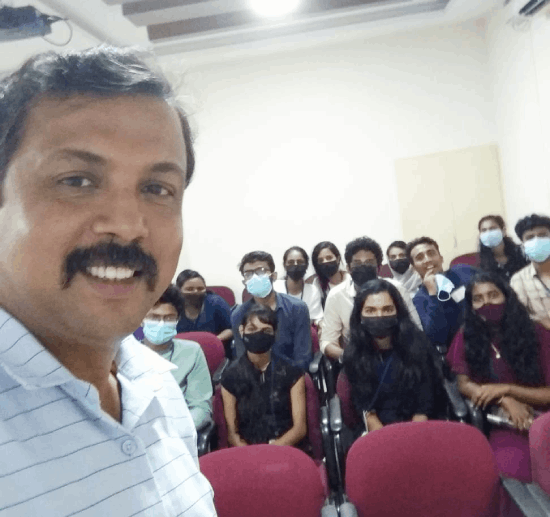
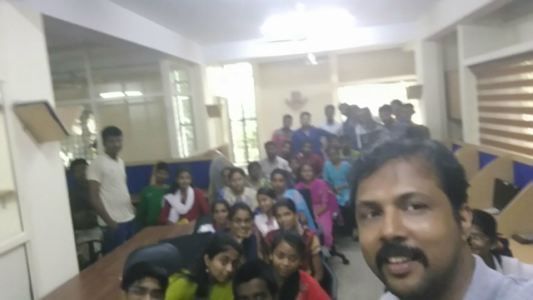
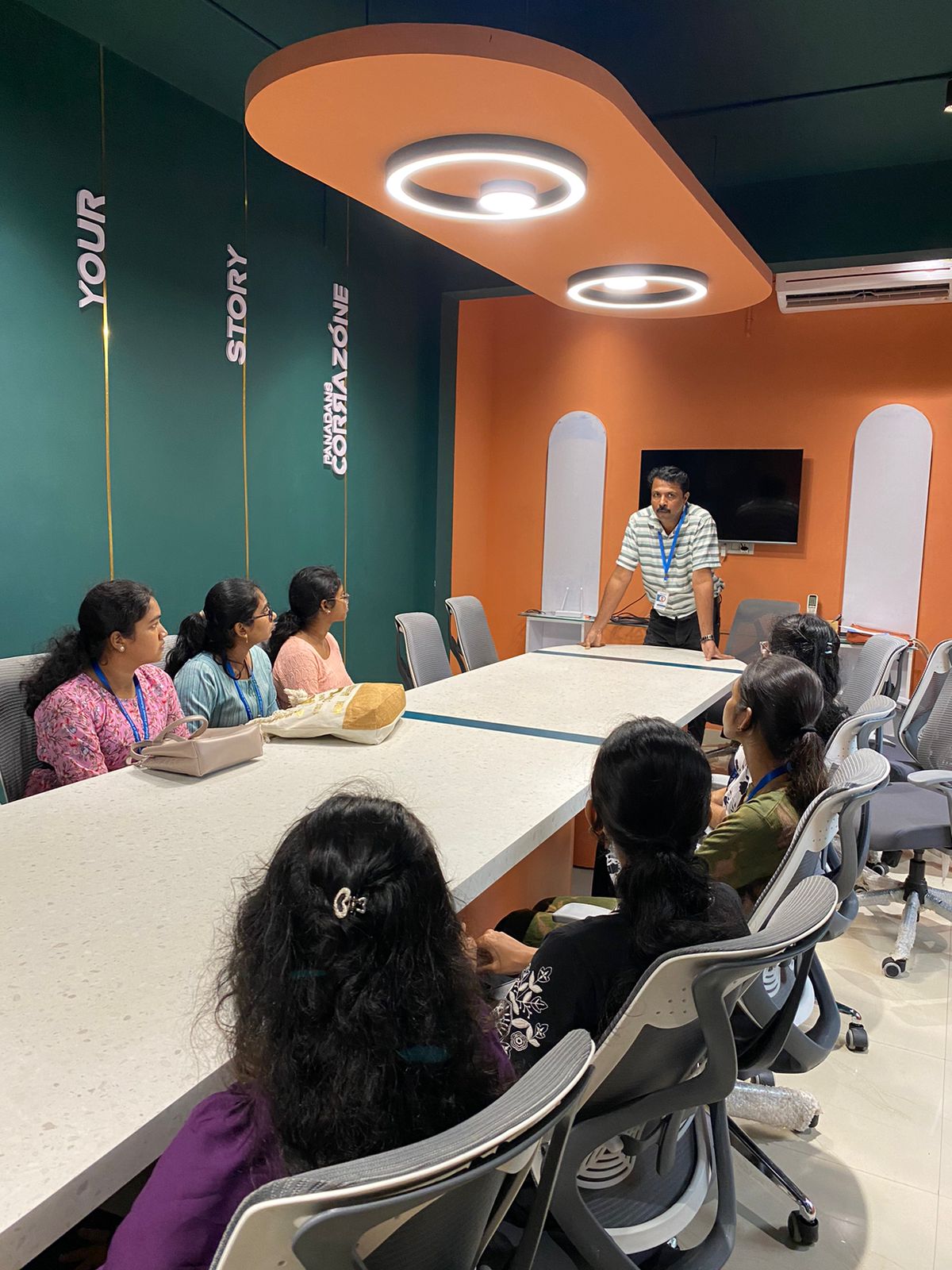
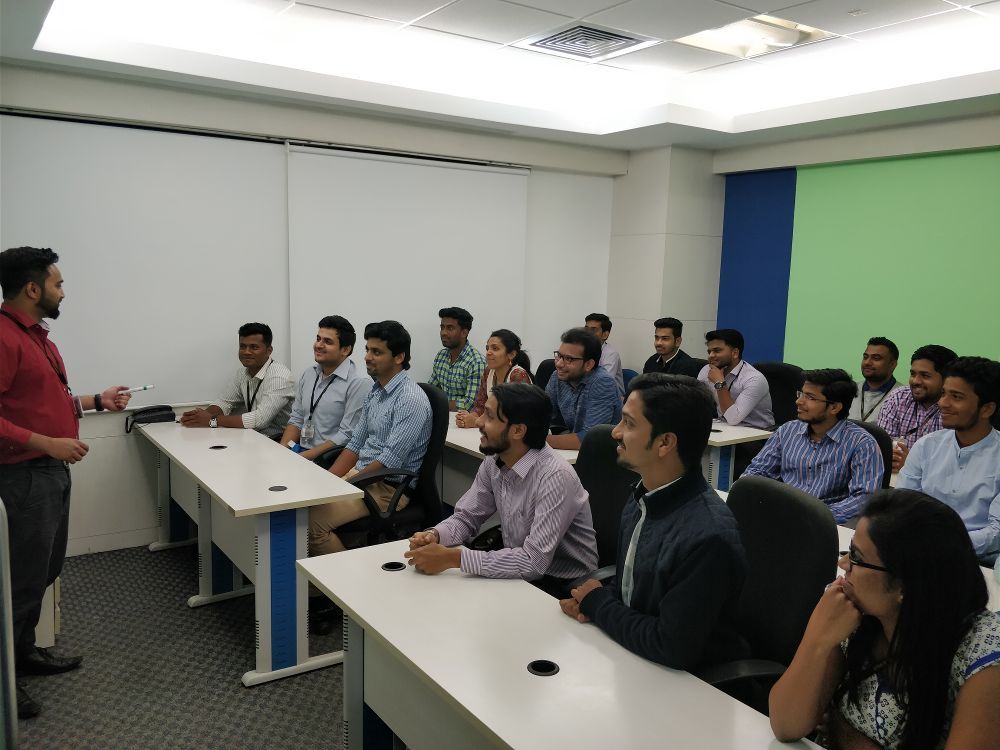
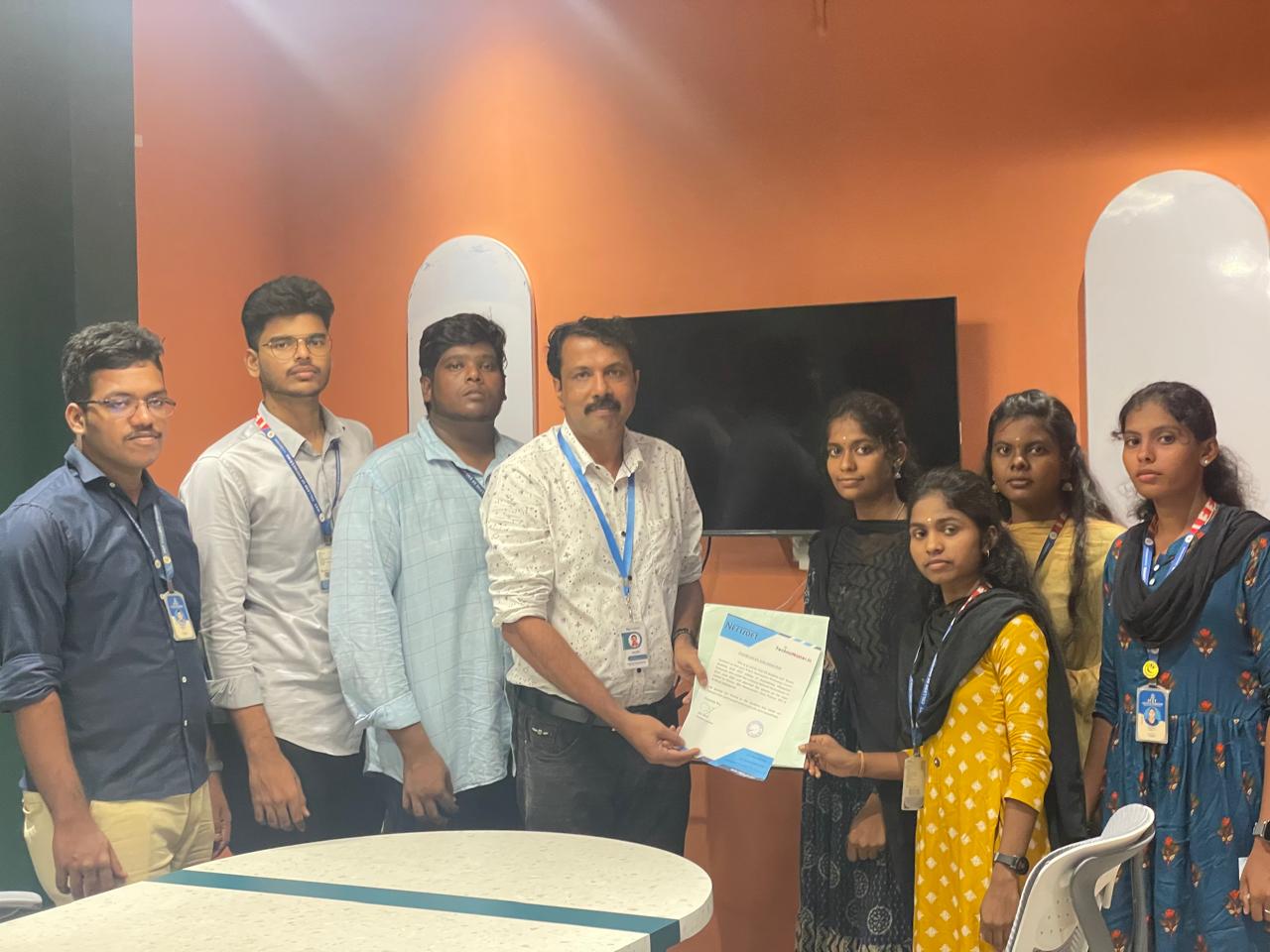
Photos of Training / Internships

Internship/projects in terengganu

Trained more than 10000+ students who trust Nestsoft TechnoMaster

Get Your Personal Trainer