Send enquiry ⏎

UI/UX Design Online Live Class by Experts

Our Training/Internship Process

UI/UX Design Online Live Classes in Sarawak | Free Demo Training

UI/UX Design - Syllabus, Fees & Duration

Figma Syllabus (15 Hours)

      Module 1: Figma Fundamentals (3 Hours)

        Introduction to Figma

      • Understanding the Figma interface and tools.
      • Layers, frames, and pages.
      • Shapes, text, and alignment.

        Design Basics

      • Color theory and typography basics.
      • Grids and layout principles.
      Module 2: Prototyping with Figma (3 Hours)

        Wireframing Basics

      • Creating low-fidelity wireframes for mobile and web apps.

        Prototyping Features

      • Adding interactions and transitions.
      • Clickable prototypes for user testing.
      Module 3: Mobile App Design Project (4 Hours)

        Designing a Mobile App

      • Screens for a sample app (e.g., task manager or food delivery).
      • Login, home, and profile pages.

        Components and Variants

      • Reusable buttons, icons, and cards.
      • Typography and color styles.

        Prototyping and Feedback

      • Linking screens and testing navigation.
      Module 4: Web App Design Project (5 Hours)

        Designing a Web App

      • Landing page, login screen, and dashboard for a web app.
      • Auto-layout for responsive designs.

        Final Prototype

      • Responsive breakpoints for desktop, tablet, and mobile.
      • Functional prototype with interactions.
    Web Development Syllabus (15 Hours)
      Module 1: HTML, CSS, and Bootstrap Basics (5 Hours)

        HTML Fundamentals (2 Hours)

      • Structuring web pages (header, footer, sections).
      • Essential tags: headings, lists, images, and links tables etc..

        CSS Basics (2 Hours)

      • Styling text and layout using CSS.
      • Box model, positioning, and Flexbox basics.

        Bootstrap Basics (1 Hour)

      • Setting up Bootstrap in a project.
      • Grid system and responsive layouts.
      • Common components: navbar, buttons, and cards.
      Module 2: Responsive Landing Page Conversion (5 Hours)

        Figma to Code Workflow (2 Hours)

      • Importing Figma designs for reference.
      • Structuring HTML and CSS with Bootstrap.

        Responsive Design (3 Hours)

      • Using media queries and Bootstrap utilities.
      • Creating a responsive navigation bar and hero section.
      • Ensuring design consistency with the Figma prototype.
      Module 3: Interactivity with JavaScript & Advanced Bootstrap (3 Hours)

        JavaScript Basics

      • Adding interactivity with JavaScript (e.g., form validation).
      • Bootstrap JavaScript components: modals, dropdowns, and carousels.

        CSS Animations & Transitions

      • Enhancing visuals with hover effects and animations.
      Module 4: Final Project and Deployment (2 Hours)

        Final Project: Responsive Landing Page

      • Convert a complete Figma design into a functional landing page.
      • Use Bootstrap and JavaScript for responsiveness and interactivity.

        Hosting and Deployment

      • Publish the project online using GitHub Pages or Netlify.
      Deliverables

        Figma:

      • Prototyped mobile app and web app designs.

        Web Development:

      • Fully responsive landing page with Bootstrap and interactivity.
      • Hosted live project link.

Download Syllabus - UI/UX Design
This syllabus is not final and can be customized as per needs/updates
   
10000+
20+
50+
25+

UI/UX Design Jobs in Sarawak

Enjoy the demand

Find jobs related to UI/UX Design in search engines (Google, Bing, Yahoo) and recruitment websites (monsterindia, placementindia, naukri, jobshybrid.com, indeed.co.in, shine.com etc.) based in Sarawak, chennai and europe countries. You can find many jobs for freshers related to the job positions in Sarawak.

  • ui designer
  • ux designer
  • ui/ux designer
  • ui/ux developer
  • graphic designer
  • multimedia creator
  • photoshop
  • adobe illustrator
  • web design
  • html developer

UI/UX Design Internship/Course Details

UI/UX Design internship jobs in Sarawak
UI/UX Design Our featured training constitute: Object Oriented JavaScript Functional Programming Asynchronous Programming in JavaScript sync with the recent standards that are set in the Web Development industry. Additionally as people who want to boost their current workflows to work quicker and more efficiently. Adobe Illustrators is a vector-based creative program designed for those involved with graphic design. Our core features of the bootstrap training in Dubai includes: Design layouts adhering to a fluid grid Understand how the HTML, CSS and JavaScript components of Bootstrap work Customise a Bootstrap installation Optimise a Bootstrap design for target device features Create responsive images and graphics . There are numerous extra capabilities to be had to personalize the graphics being created via this system as well. Our online training course in Dubai learn how a Vector application Creates shapes Composed of points, lines, and curves that are stored as mathematical instructions as opposed to a bitmap application, which creates shapes composed of pixel dots. The most recent unleash is compatible with each raincoat OS and Windows operating systems, permitting users to create the same workflow irrespective of what variety of computer they are using. Our online live training in Sarawak includes practical training on internships in adobe photoshop, adobe in design, adobe illustrator and canva graphics tools. Your works on the projects make easier and more efficient by adding special effects or interesting features on plugins and you can use various tools like brushes, overlays, fonts, and textures etc. This course is for intermediate users that need to learn more advanced tools in InDesign.


Meet a Few of our Industry Experts 🚀 Your Pathway to IT Career

chesta

Mobile: +91 94975 90866
Location: Online (Sarawak, Malaysia)
Qualification: graduate

Experience: c c++ python devops microsoft azure  more..

Mridula

Mobile: +91 8301010866
Location: Online (Sarawak, Malaysia)
Qualification: M. Sc. Chemistry and MA English

Experience: Tutoring Guidance Curriculum development 10 years of teaching in schools including 2 years online   more..

khajarafi

Mobile: +91 98474 90866
Location: Online (Sarawak, Malaysia)
Qualification: MCA

Experience: Hi This is khajarafi Shaik having 8+experience as a TechnicalTrainer I can able to deliver the training on Corejava Advjava  more..

Abhishek

Mobile: +91 98474 90866
Location: Online (Sarawak, Malaysia)
Qualification: B.Tech in computer science

Experience: I'm an experienced mobile app developer with 6 months experience in developing real world applications and loves to make cutting  more..

Jeyalakshmi

Mobile: +91 89210 61945
Location: Online (Sarawak, Malaysia)
Qualification: MBA

Experience: Totally 4 years of experience into software testing 2 5 years of experience in automation testing automating using selenium integrated  more..

Pooja

Mobile: +91 91884 77559
Location: Online (Sarawak, Malaysia)
Qualification: BE

Experience: 7+ Experience in QA testing Manual Testing Mobile Application testing (Android & IOS) JIRA HPALM SDLC STLC Exposure to Mainframe  more..

kavya

Mobile: +91 91884 77559
Location: Online (Sarawak, Malaysia)
Qualification: B tech

Experience: Manual testing Automation testing Retesting Regression testing Black box testing Smoke testing Sanity testing Exploratory testing API testing SQL queries  more..

Naga

Mobile: +91 91884 77559
Location: Online (Sarawak, Malaysia)
Qualification: Bachelor Degree

Experience: Hands-on experience in Selenium Automation testing BDD Cucumber and REST Assured API testing Created multiple automation projects for different web  more..

Mohammad

Mobile: +91 89210 61945
Location: Online (Sarawak, Malaysia)
Qualification: BCA

Experience: Android development MVVM Retrofit Room Dagger-hilt Jetpack component Kotlin Java  more..

Vishnu

Mobile: +91 94975 90866
Location: Online (Sarawak, Malaysia)
Qualification: BCA

Experience: Keyword research Content moderating Off-page seo On-page SEO Link building   more..

Sugandha

Mobile: +91 9895490866
Location: Online (Sarawak, Malaysia)
Qualification: Interior Designer

Experience: Keen sense of creativity adaptability and ability to meet deadlines in a fast-paced environment Can create Artworks Proficient in Canva  more..

Mateen

Mobile: +91 94975 90866
Location: Online (Sarawak, Malaysia)
Qualification: Bacholer

Experience: 1year of experience in Articles writing seo digital marketing   more..

Bhumika

Mobile: +91 91884 77559
Location: Online (Sarawak, Malaysia)
Qualification: Msc.IT

Experience: In development field I am freshers but I have experience in software testing I have knowledge and experience about workflow  more..

Pavithra

Mobile: +91 89210 61945
Location: Online (Sarawak, Malaysia)
Qualification: B.E CSE

Experience: A software professional having 4 + years of experience as a Front-end developer(UI) capable of designing and developing applications in  more..

Prince

Mobile: +91 89210 61945
Location: Online (Sarawak, Malaysia)
Qualification: B.Tech in Computer Science

Experience: 1+ year of experience with php JavaScript Laravel Html Css BootstrapApplication for PHP Laravel  more..

Moin

Mobile: +91 91884 77559
Location: Online (Sarawak, Malaysia)
Qualification: Bachelor

Experience: Android development Kotlin Jetpack compose XML Firebase Github Version control   more..

Anuj

Mobile: +91 91884 77559
Location: Online (Sarawak, Malaysia)
Qualification: B tech

Experience: Html css javascript react js python   more..

Lakshmana

Mobile: +91 9895490866
Location: Online (Sarawak, Malaysia)
Qualification: BE CSE

Experience: Subject: Application for Content Writer Position at Jar Company Dear Hiring Manager I am writing to express my strong interest  more..

Indrajit

Mobile: +91 91884 77559
Location: Online (Sarawak, Malaysia)
Qualification: B.Tech

Experience: Design: Proficient in design thinking wireframing and visual design Prototyping: Experienced with Figma Adobe Photoshop and Miro for prototyping User  more..

Kajal

Mobile: +91 91884 77559
Location: Online (Sarawak, Malaysia)
Qualification: mca

Experience: Html css js react js basic cloud zure  more..

Shan

Mobile: +91 91884 77559
Location: Online (Sarawak, Malaysia)
Qualification: UI/UX Designer

Experience: Skills: User interface Design user experience Design think process User flow & Task Flow Journey and Empathy Mapping Competitive Analysis  more..

Archana

Mobile: +91 89210 61945
Location: Online (Sarawak, Malaysia)
Qualification: BCA

Experience: Hello sir I have 1+year experience in php development with codeigniter framework If I am eligible please contact me Thankyou  more..

umakanta

Mobile: +91 94975 90866
Location: Online (Sarawak, Malaysia)
Qualification: Diploma in Computer Science & Technology

Experience: php laravel mysql mongodb javascript jquery rest api soap api bootstrap aws react node js express jsApplication for PHP Laravel  more..

Hemanandhini

Mobile: +91 9895490866
Location: Online (Sarawak, Malaysia)
Qualification: C1 German language

Experience: 12+ years experienced German language trainer Well versed and skilled in online teaching platforms( zoom Google meet Skype etc) 4  more..

Success Stories

The enviable salary packages and track record of our previous students are the proof of our excellence. Please go through our students' reviews about our training methods and faculty and compare it to the recorded video classes that most of the other institutes offer. See for yourself how TechnoMaster is truly unique.

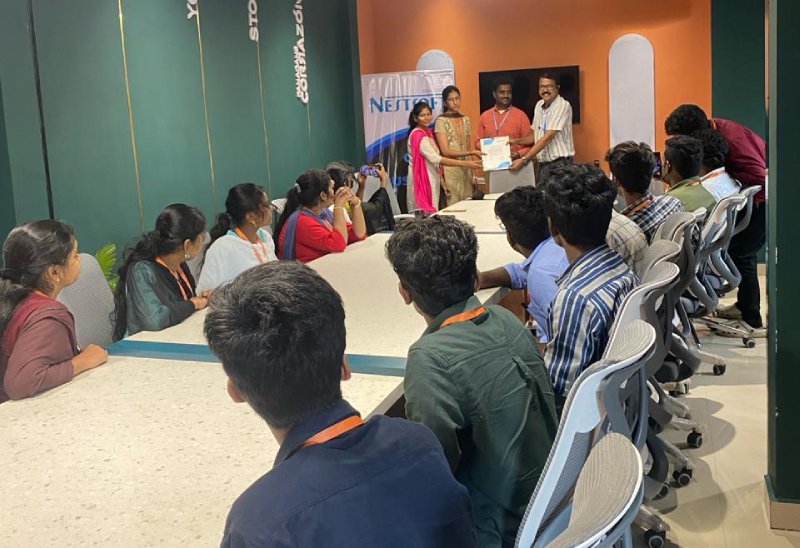
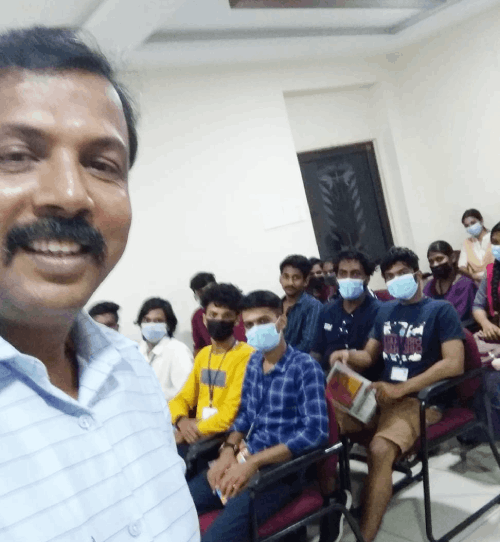
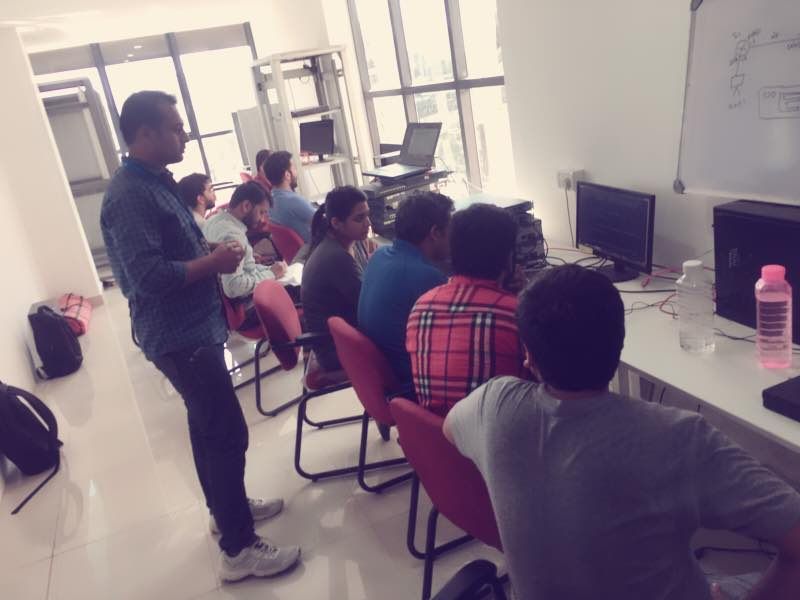
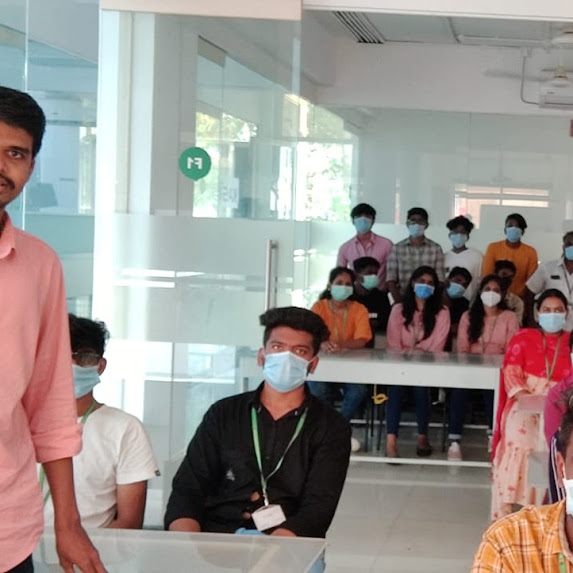
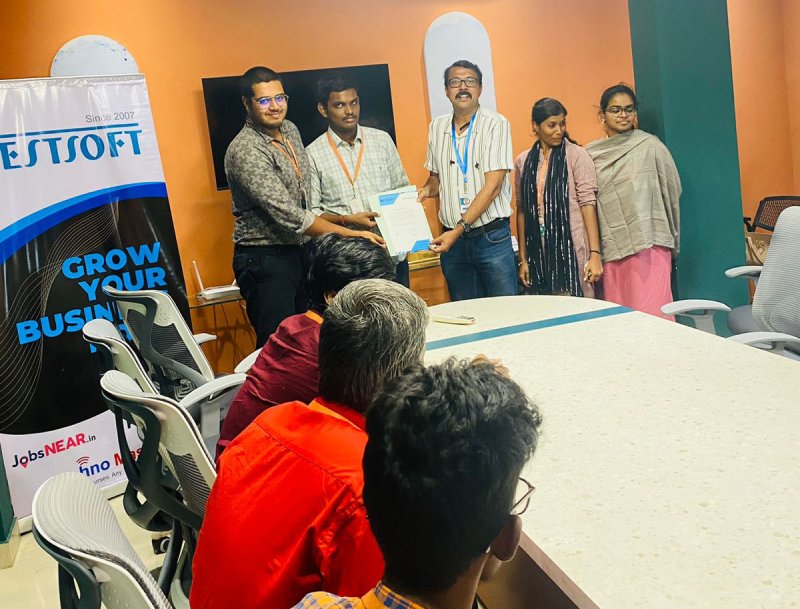
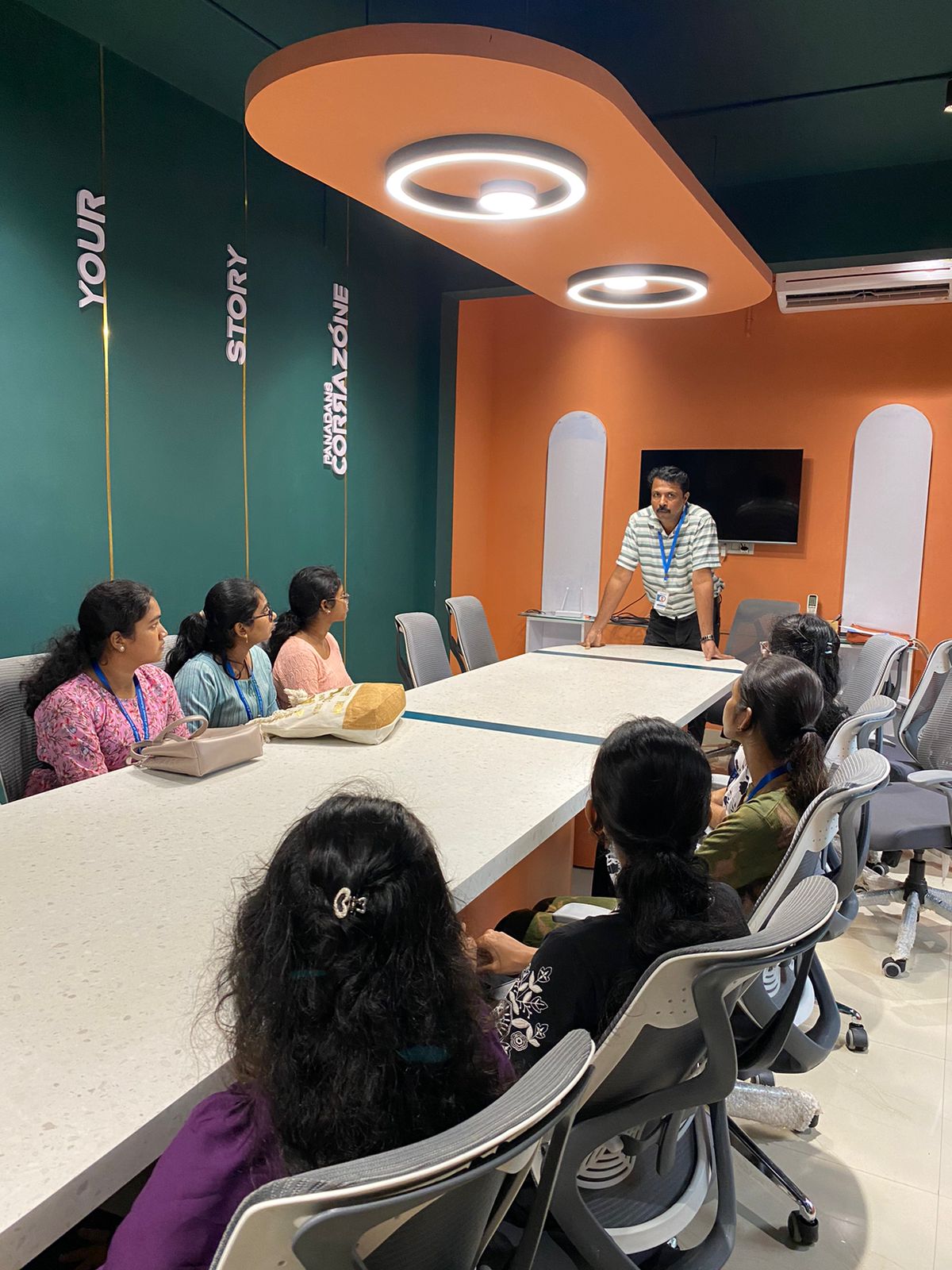
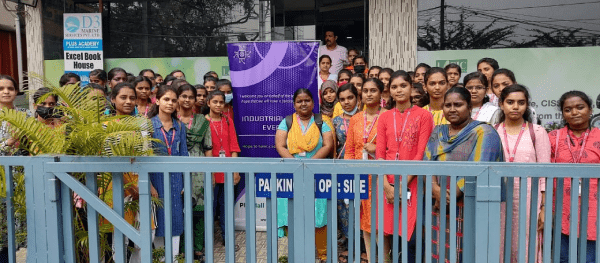
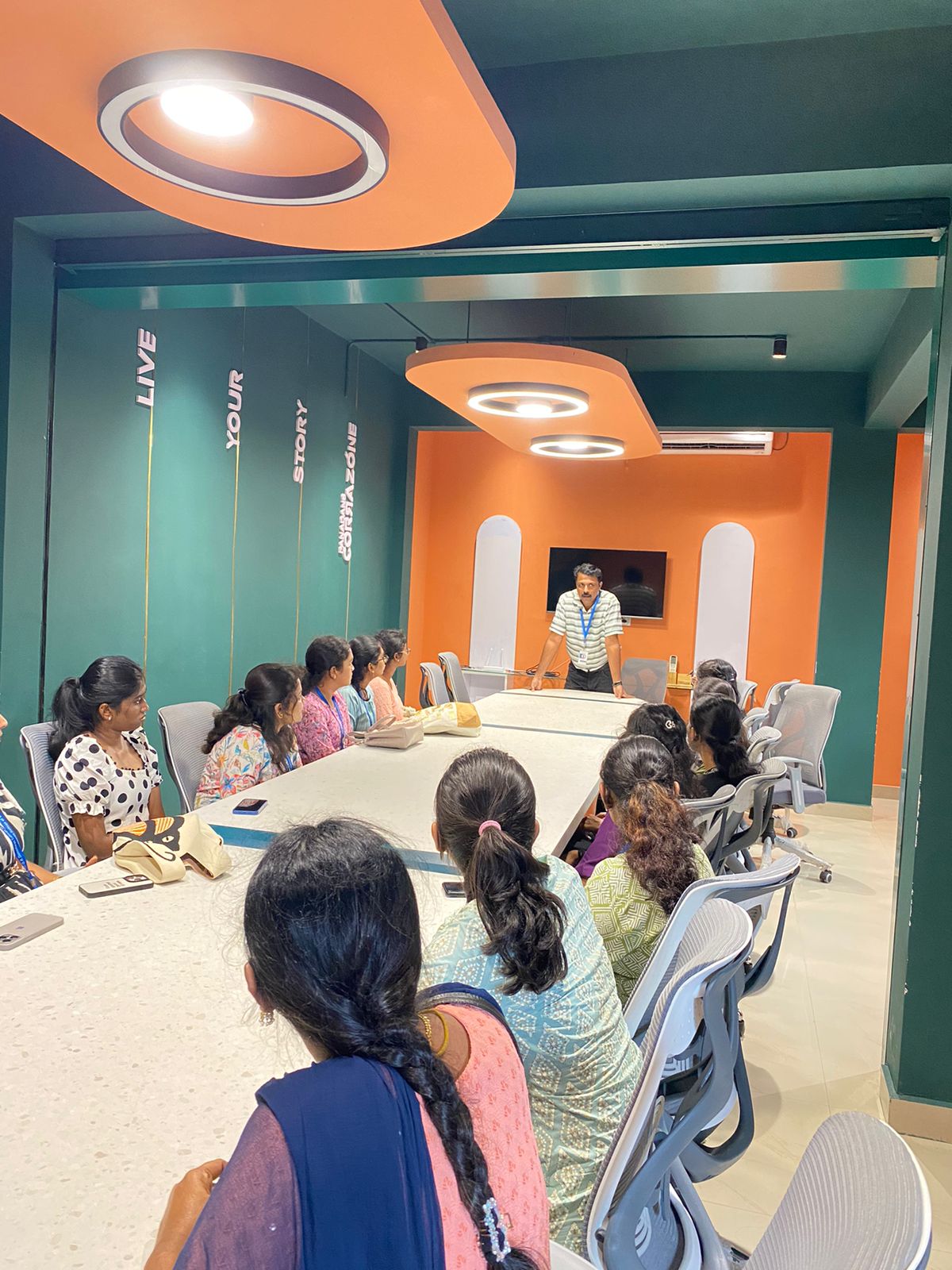
Photos of Training / Internships

Internship/projects in sarawak

Trained more than 10000+ students who trust Nestsoft TechnoMaster

Get Your Personal Trainer