Send enquiry ⏎

JavaScript Online Live Class by Experts

Our Training/Internship Process

JavaScript Online Live Classes in Melaka | Free Demo Training

JavaScript - Syllabus, Fees & Duration

MODULE 1: Fundamentals of JavaScript Code

  • JavaScript methods (such as alerts)
  • Variables
  • The importance of quotes
  • Numbers vs. strings
  • Concatenation

MODULE 2: Reusing Code with Functions

  • Defining functions
  • Calling functions
  • Defining parameters & passing arguments
  • Simple Accordion with JavaScript
  • Targeting elements by ID
  • Hiding & showing elements with JavaScript

MODULE 3: If Statements: Clearing Form Fields

  • Testing code in the JavaScript Console
  • Getting & setting properties
  • Using if statements
  • Reshowing text hints in empty form fields

MODULE 4: Introduction to JavaScript Objects & the DOM

  • Intro to objects
  • The global object
  • Breaking open and manipulating objects

MODULE 5: Dynamically changing content with custom objects

  • Checking the functionality of the select menu
  • Getting the chosen value
  • Dynamically changing the state name value
  • Dynamically changing the rest of the values

MODULE 6: Introduction to arrays and the math object

  • Creating an array
  • Editing an array
  • Creating an array of welcome handlings
  • The math object
  • Using the math object to pick random headlines

MODULE 7: Introduction to for loops

  • Creating a for loop
  • Using the for loop to set dropdown menus
  • Clearing the menu
  • Optional bonus: refining the menu selection experience

MODULE 8: Exploring JavaScript selectors

  • Intro to JavaScript selector
  • Selecting multiple elements and elements without IDs
  • Getting a specific list item
  • Getting elements by class name
  • Getting multiple items using query selector
  • Getting a single item using query selector
  • Chaining selectors together
  • Targeting elements by data attribute

MODULE 9: Photo filter website: using friendly navigation

  • Creating an array to store the selector
  • Getting the all button to select all filters
  • Getting the rest of the buttons to select the other filters
  • Initially hiding the photos
  • Getting the photos to filter

MODULE 10: Photo filter website: creating an executive filter

  • Adding a checkbox to toggle executive filtering on/off
  • Separating the inclusive and exclusive filter
  • Writing a conditional to select the appropriate filter
  • Programming the exclusive filter
  • Rerunning the filter when the checkbox is toggled
  • Improving the user experience

MODULE 11: Showing/hiding content with JQuery animation

  • Getting started with JQuery
  • Running code when the document is ready
  • Click events
  • Using the jQuery slide toggle method
  • Supporting JQuery disabled users

MODULE 12: Sharing JavaScript across pages

  • Externalizing JavaScript
  • Linking to the JavaScript file

MODULE 13: JQuery hover animation

  • Adding an outline with CSS
  • Using the JQuery hover method
  • Using the JQuery animate method

MODULE 14: More advanced JQuery showing/hiding

  • Adding animation to reveal hidden content
  • Targeting the proper div: traversing the document
  • Swapping the button image with JQuery

MODULE 15: JQuery lightbox: a pop-up image viewer

  • Linking the plugin files
  • Initializing the pop-up
  • Grouping the photos into a gallery
  • Adding captions
  • Removing the counter
  • Customizing the appearance

MODULE 16: JQuery cycle: a simple slideshow

  • Initial setup
  • Defining what content gets cycle
  • Adding more cycles and exploring options
  • Reversing the animation

MODULE 17: JQuery cycle: adding slideshow controls

  • Preventing a possible “flash of unstyled content’’
  • Enabling the slideshow
  • Adding and customizing the controls

MODULE 18: JQuery cycle: adding a pause button

  • Adding a pause/play button
  • Styling the pause/play button
  • Checking to see if the cycle is paused
  • Making the pause/play button work

MODULE 19: JQuery form validation

  • Initializing the plugin & setting options
  • Customizing the error messages
  • Changing the location of the error messages
  • Styling the error messages

MODULE 20: JQuery Image Carousel

  • Linking to the plugin files
  • Creating the carousel
  • Styling the carousel
  • An easy way to add prev & next buttons
  • Adding custom prev & next buttons
  • Setting how many items are shown
  • Download Syllabus - JavaScript
    This syllabus is not final and can be customized as per needs/updates
   
10000+
20+
50+
25+

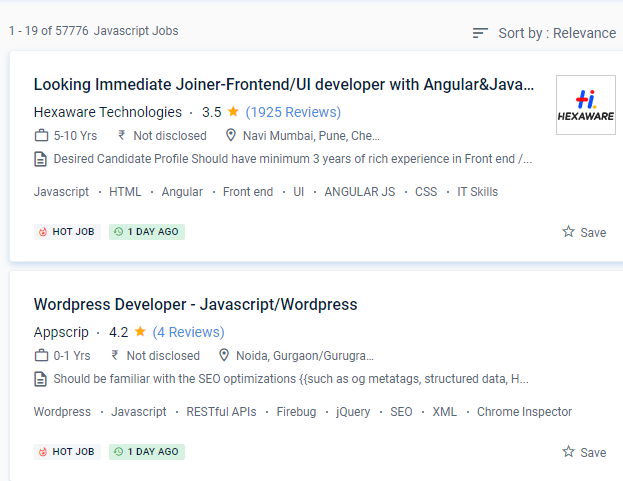
JavaScript Jobs in Melaka

Enjoy the demand

Find jobs related to JavaScript in search engines (Google, Bing, Yahoo) and recruitment websites (monsterindia, placementindia, naukri, jobshybrid.com, indeed.co.in, shine.com etc.) based in Melaka, chennai and europe countries. You can find many jobs for freshers related to the job positions in Melaka.

  • Web developer
  • Full-stack Developer
  • Frontend Developer
  • Framework developer
  • JavaScript Expert
  • JavaScript Trainer
  • JavaScript Developer
  • Backend Developer
  • Software Developer
  • Application Developer

JavaScript Internship/Course Details

JavaScript internship jobs in Melaka
JavaScript JavaScript is still the only scripting language supported by all browsers. Companies are willing to pay extra if you know how to use JavaScript, which is a highly sought-after skill in the employment market. In comparison to many other programming languages, JavaScript is extremely versatile. Web developers, Web designers, JavaScript developers, Front-end developers, Node developers, Analyst engineers, and Full-stack developers can all benefit from learning JavaScript. JavaScript has been ranked the most popular programming language by Stack Overflow's developer survey for the previous seven years. js, which runs JavaScript code outside of a browser, allowing for faster JavaScript execution. One such platform is node. It was originally designed as a customer-side language, but it has now found its way into a wide range of programming applications, from mobile apps to video games. It's used for front-end development, which is the work that goes into making the website's interactive elements, and back-end development, which is the work that goes into managing the servers that execute these web pages. .

Meet a Few of our Industry Experts 🚀 Your Pathway to IT Career

Amala

Mobile: +91 89210 61945
Location: Online (Melaka, Malaysia)
Qualification: Btech Civil

Experience: Manual testing SQL Java Selenium Web application testing JMeter Postman Performance testing JIRA Git API testing  more..

Meenakshi

Mobile: +91 89210 61945
Location: Online (Melaka, Malaysia)
Qualification: Bca

Experience: C c++ php css java jsp html  more..

Abhishekh

Mobile: +91 9895490866
Location: Online (Melaka, Malaysia)
Qualification: Post Graduate

Experience: With a passion for Hindi language and culture I bring extensive experience and expertise as a Hindi teacher Over the  more..

Archa

Mobile: +91 91884 77559
Location: Online (Melaka, Malaysia)
Qualification: Msc Computer Science

Experience: As a Frontend MERN intern I've gained three months of hands-on experience in MongoDB Express React and Node js My  more..

Nayana

Mobile: +91 98474 90866
Location: Online (Melaka, Malaysia)
Qualification: BTech

Experience: 1 year experience as a software testing Trainee Manual Testing  more..

shubham

Mobile: +91 98474 90866
Location: Online (Melaka, Malaysia)
Qualification: Bcs

Experience: Html css js wordpress MySQL mongodb  more..

George

Mobile: +91 8301010866
Location: Online (Melaka, Malaysia)
Qualification: B.Tech

Experience: C programming HTML CSS Javascript Python PHP  more..

Megha

Mobile: +91 89210 61945
Location: Online (Melaka, Malaysia)
Qualification: BCA

Experience: Microsoft azure900 citrix putty linux python  more..

Namrata

Mobile: +91 91884 77559
Location: Online (Melaka, Malaysia)
Qualification: B.tech

Experience: Manual testing API Cypress Javascript SQL  more..

Nallabelli

Mobile: +91 91884 77559
Location: Online (Melaka, Malaysia)
Qualification: B.Tech

Experience: Efficient in Python and Java programming Languages Done a project on Fetching Insights from Stock Market data Possess great knowledge  more..

Ayushi

Mobile: +91 9895490866
Location: Online (Melaka, Malaysia)
Qualification: Diploma in Information Technology

Experience: Wix Web Designing Web development Canva (Graphic Designing)  more..

Salman

Mobile: +91 94975 90866
Location: Online (Melaka, Malaysia)
Qualification: 12+

Experience: I have total 5+ years expirence Desktop support and networking in Wipro DNA |   more..

Safal

Mobile: +91 91884 77559
Location: Online (Melaka, Malaysia)
Qualification: B.Tech CSE with specialisation Cyber Security

Experience: In the last three years I've immersed myself in cybersecurity gaining expertise as a campaign leader and active Mozilla community  more..

Soja

Mobile: +91 94975 90866
Location: Online (Melaka, Malaysia)
Qualification: Btech

Experience: Software testing  more..

Abhishek

Mobile: +91 98474 90866
Location: Online (Melaka, Malaysia)
Qualification: BCA

Experience: C++ programming Html Css SQL Udemy Certified AWS Cloud practitioner   more..

Surender

Mobile: +91 91884 77559
Location: Online (Melaka, Malaysia)
Qualification: B.sc it

Experience: Digital marketing wordpress cms manage   more..

Rajinder

Mobile: +91 91884 77559
Location: Online (Melaka, Malaysia)
Qualification: BE CSE

Experience: Web development: HTML CSS Javascript Reactjs Firebase Bootstrap MaterialUI Sass Expressjs MongoDB Computer Networking Operating Systems  more..

Lukhman

Mobile: +91 89210 61945
Location: Online (Melaka, Malaysia)
Qualification: Be computer science

Experience: Java sql html css networking  more..

Vishnu

Mobile: +91 8301010866
Location: Online (Melaka, Malaysia)
Qualification: MCA

Experience: Html css puthon c c++ php mysql These are my programming skills and my other computer skills are ms office  more..

Tanu

Mobile: +91 91884 77559
Location: Online (Melaka, Malaysia)
Qualification: B.Tech

Experience: As a Junior Android Developer at Waterwala Labs Pvt Ltd I specialize in implementing the Model-View-ViewModel (MVVM) architecture and modern  more..

SUGANYA

Mobile: +91 9895490866
Location: Online (Melaka, Malaysia)
Qualification: BE

Experience: I have 6 month experience for software testing  more..

Yash

Mobile: +91 89210 61945
Location: Online (Melaka, Malaysia)
Qualification: BTECH CSE

Experience: Actively pursuing a preeminent role in computer science leveraging extensive acumen in DSA DAA DBMS Networks IoT cybersecurity and ethical  more..

Aiswarya

Mobile: +91 91884 77559
Location: Online (Melaka, Malaysia)
Qualification: BSC COMPUTER Science

Experience: 9 month training experience with software testing   more..

SHARMI

Mobile: +91 89210 61945
Location: Online (Melaka, Malaysia)
Qualification: Post Graduate

Experience: I have 2years experienced in odoo industry I have worked 100+ qweb reports I have worked modules are CRM Sales  more..

Success Stories

The enviable salary packages and track record of our previous students are the proof of our excellence. Please go through our students' reviews about our training methods and faculty and compare it to the recorded video classes that most of the other institutes offer. See for yourself how TechnoMaster is truly unique.

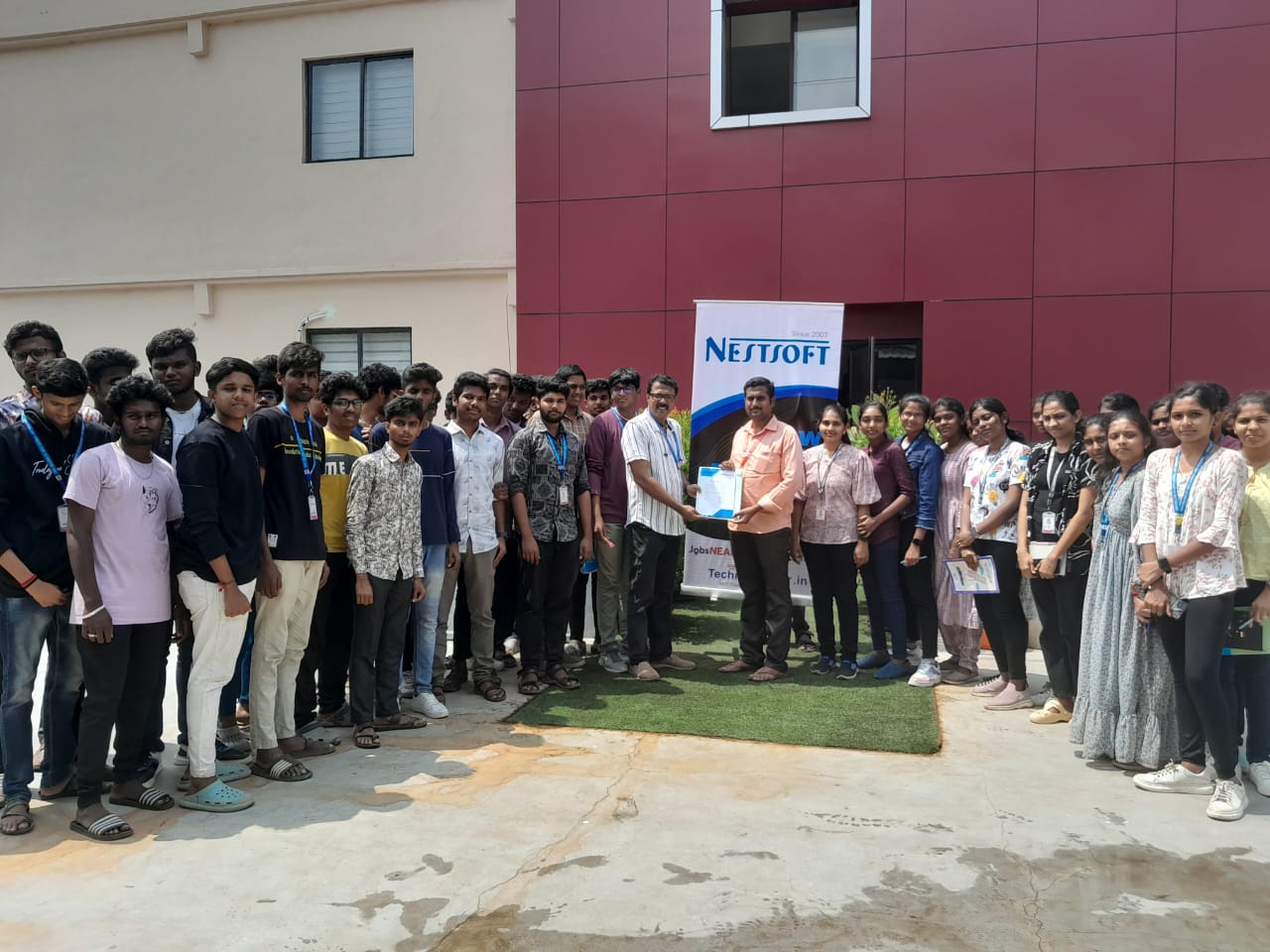
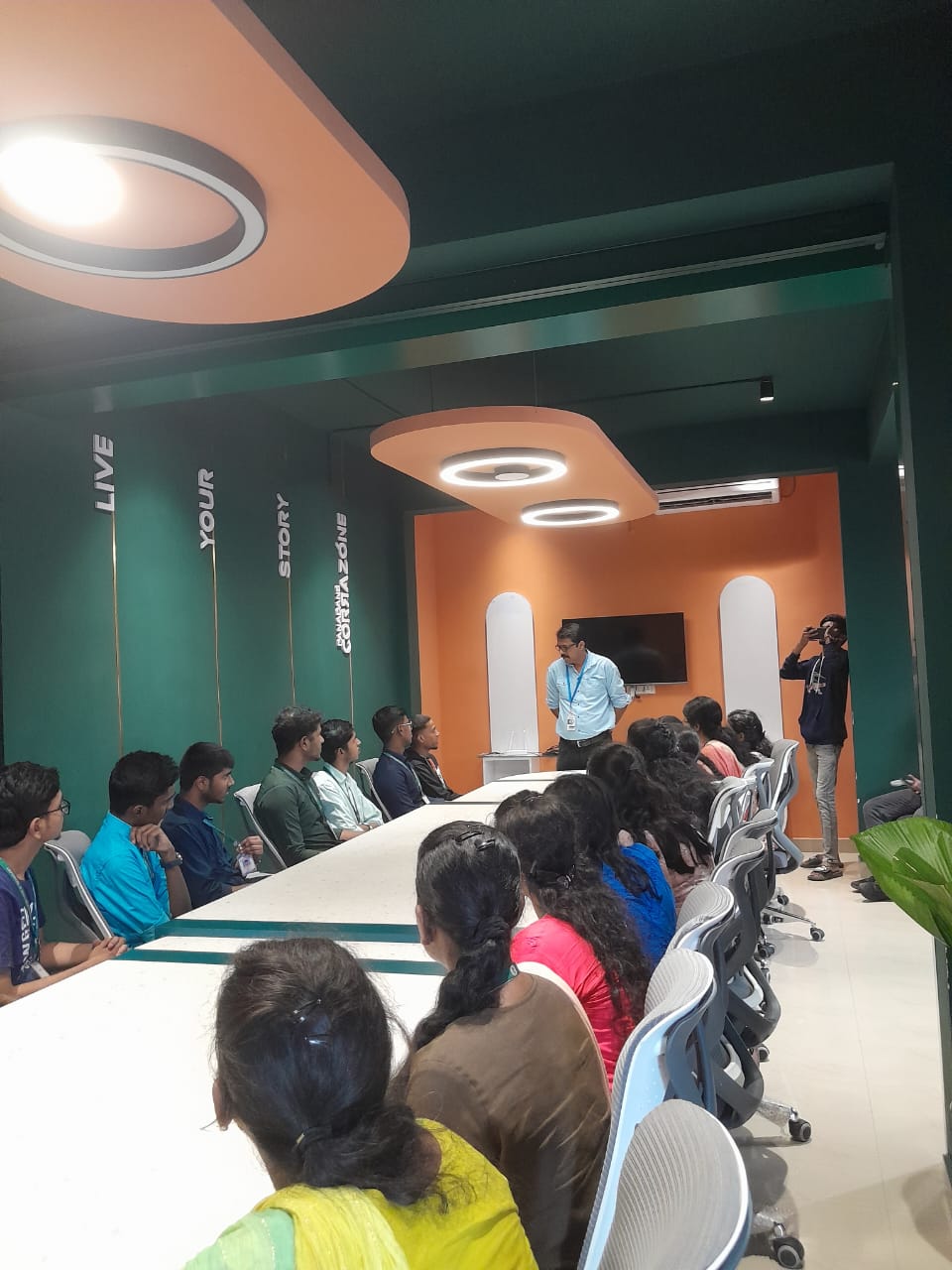
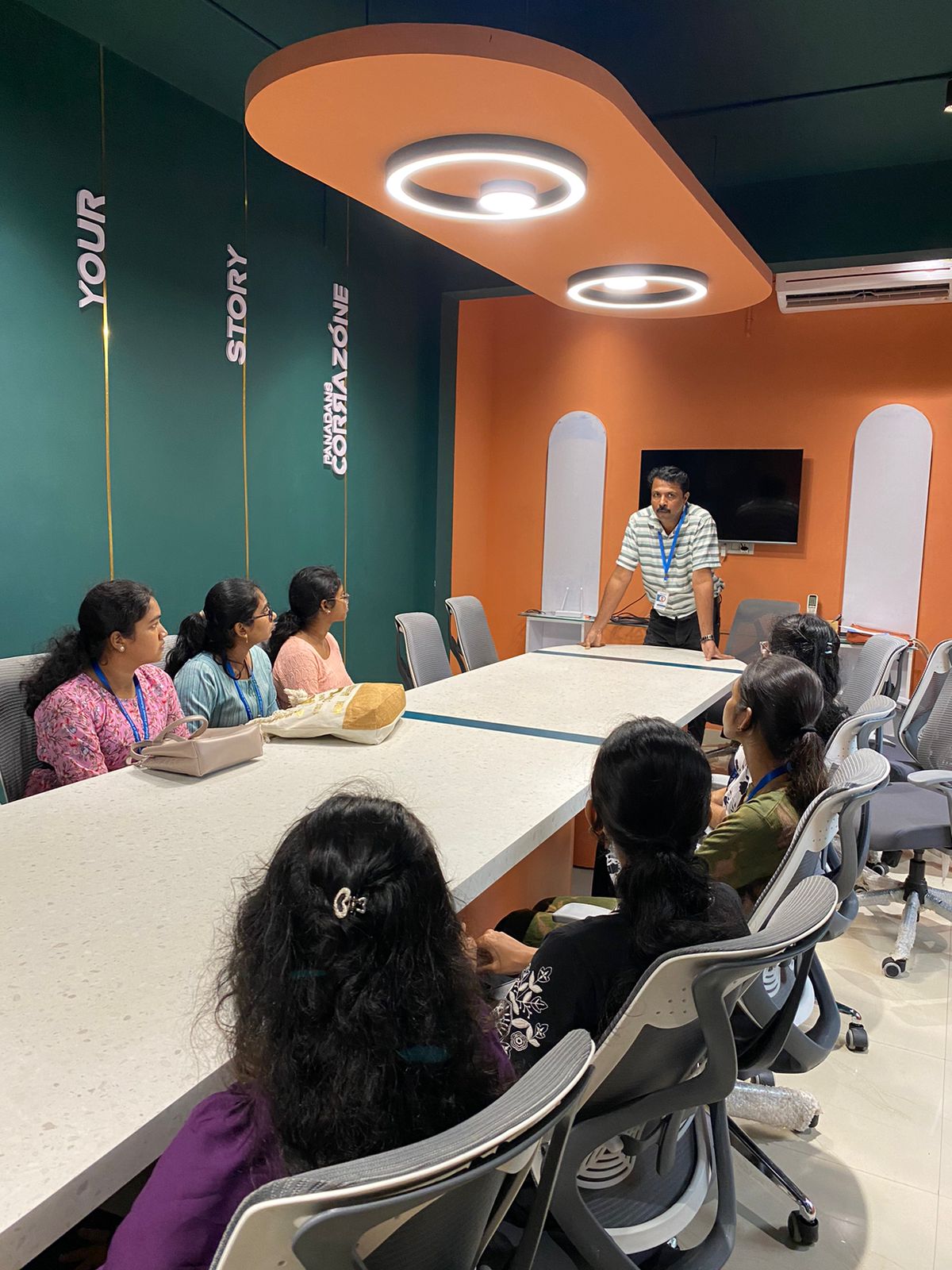
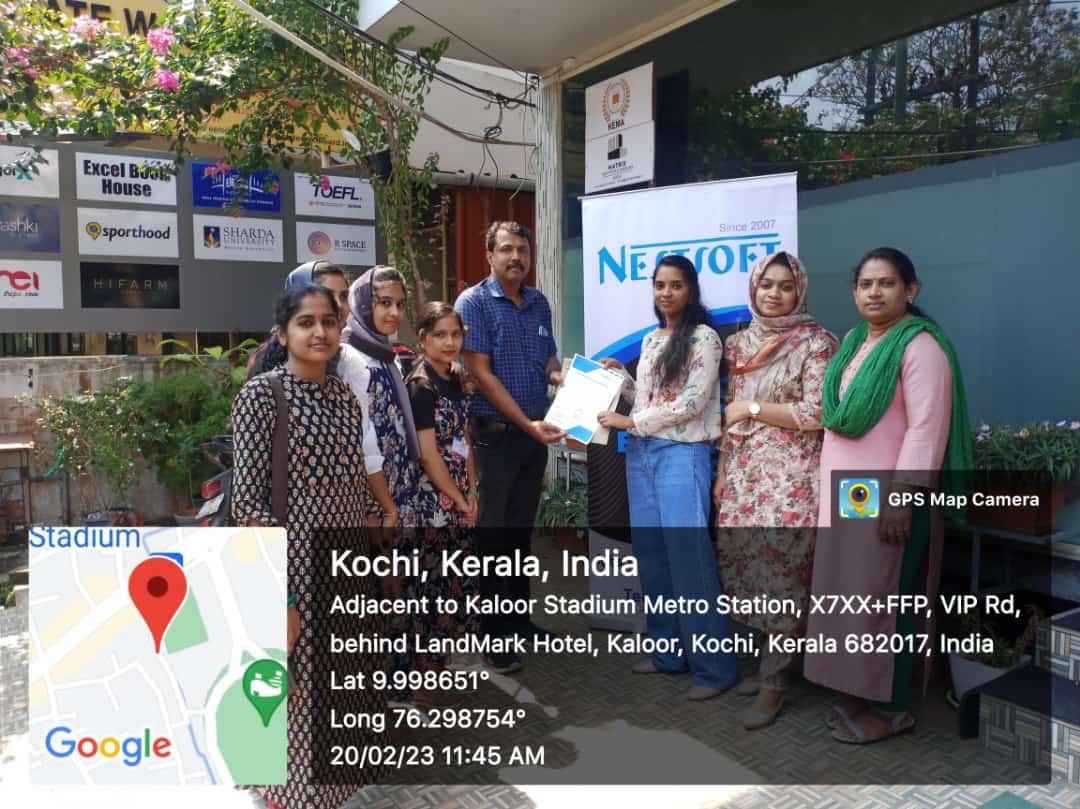
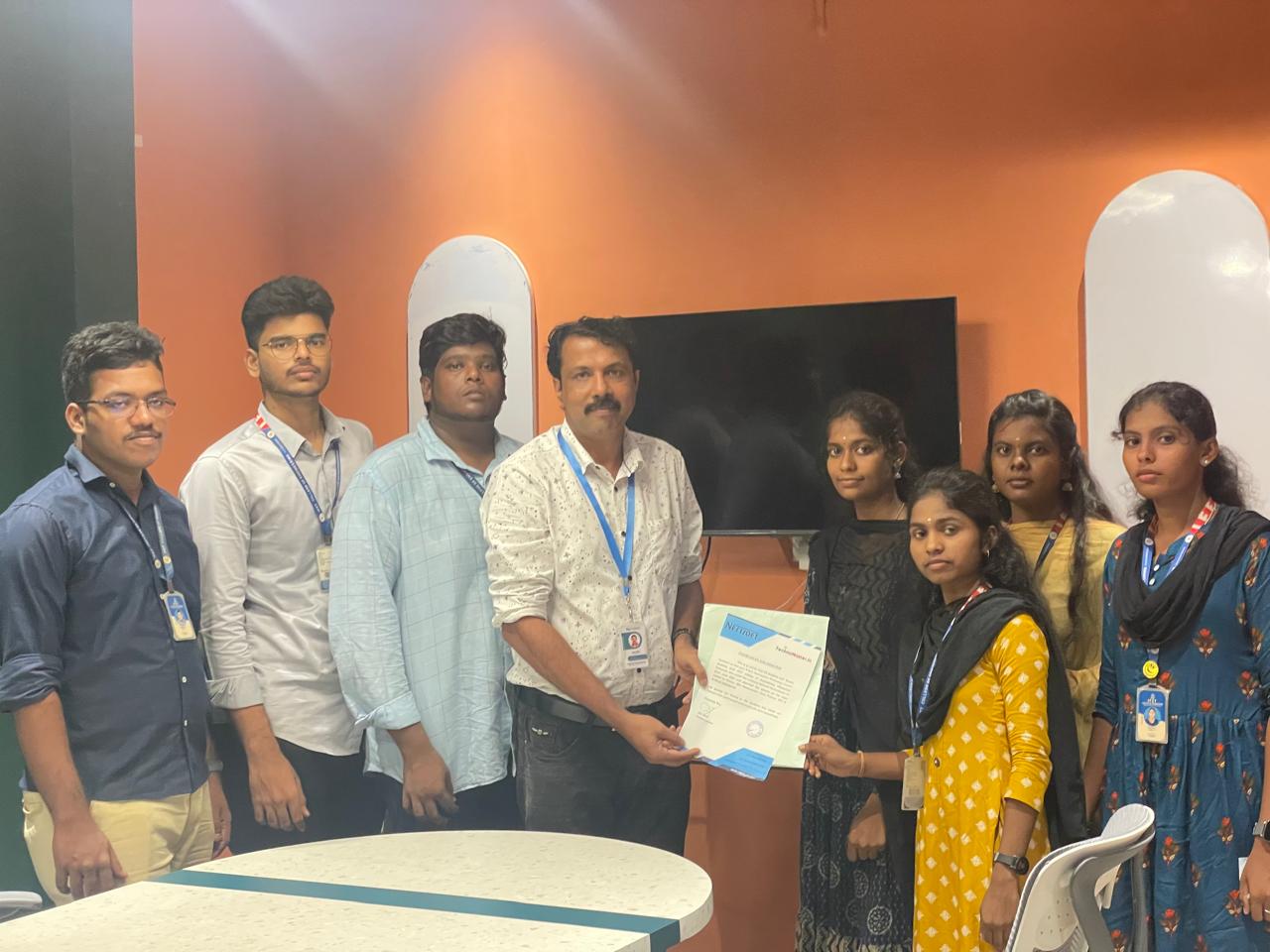
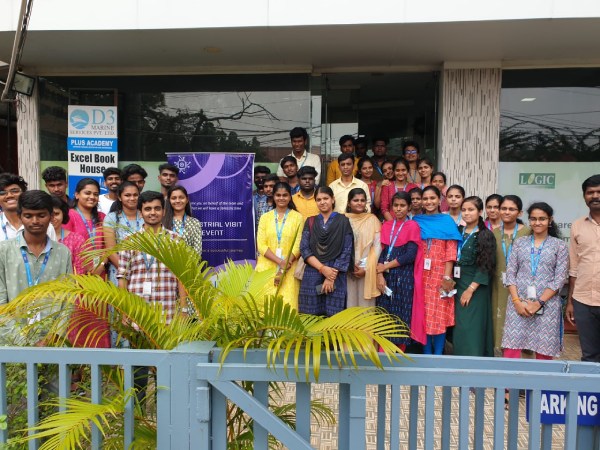
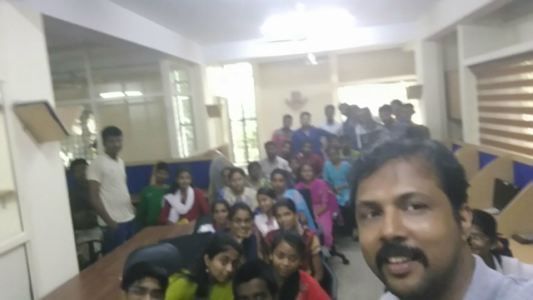
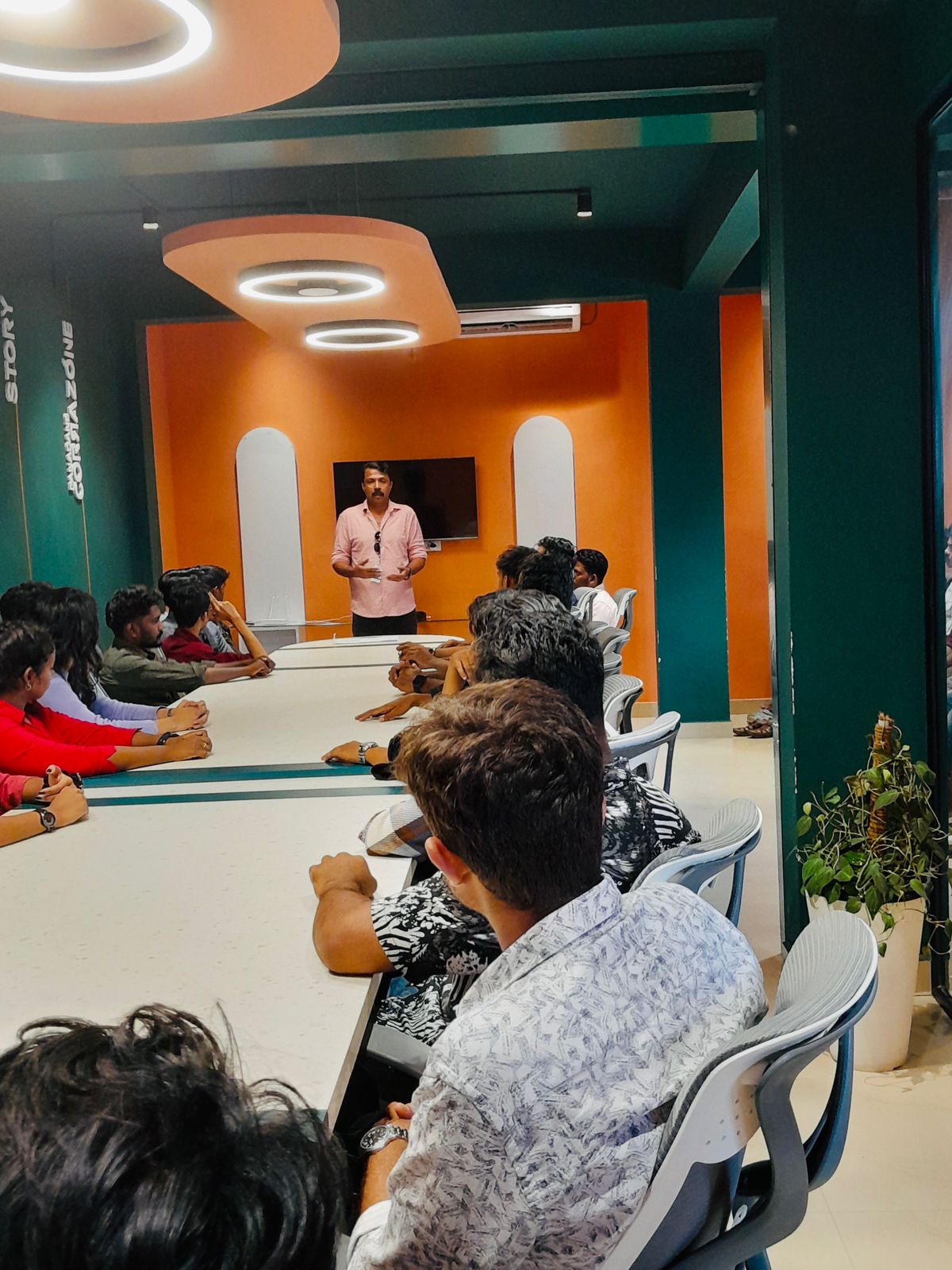
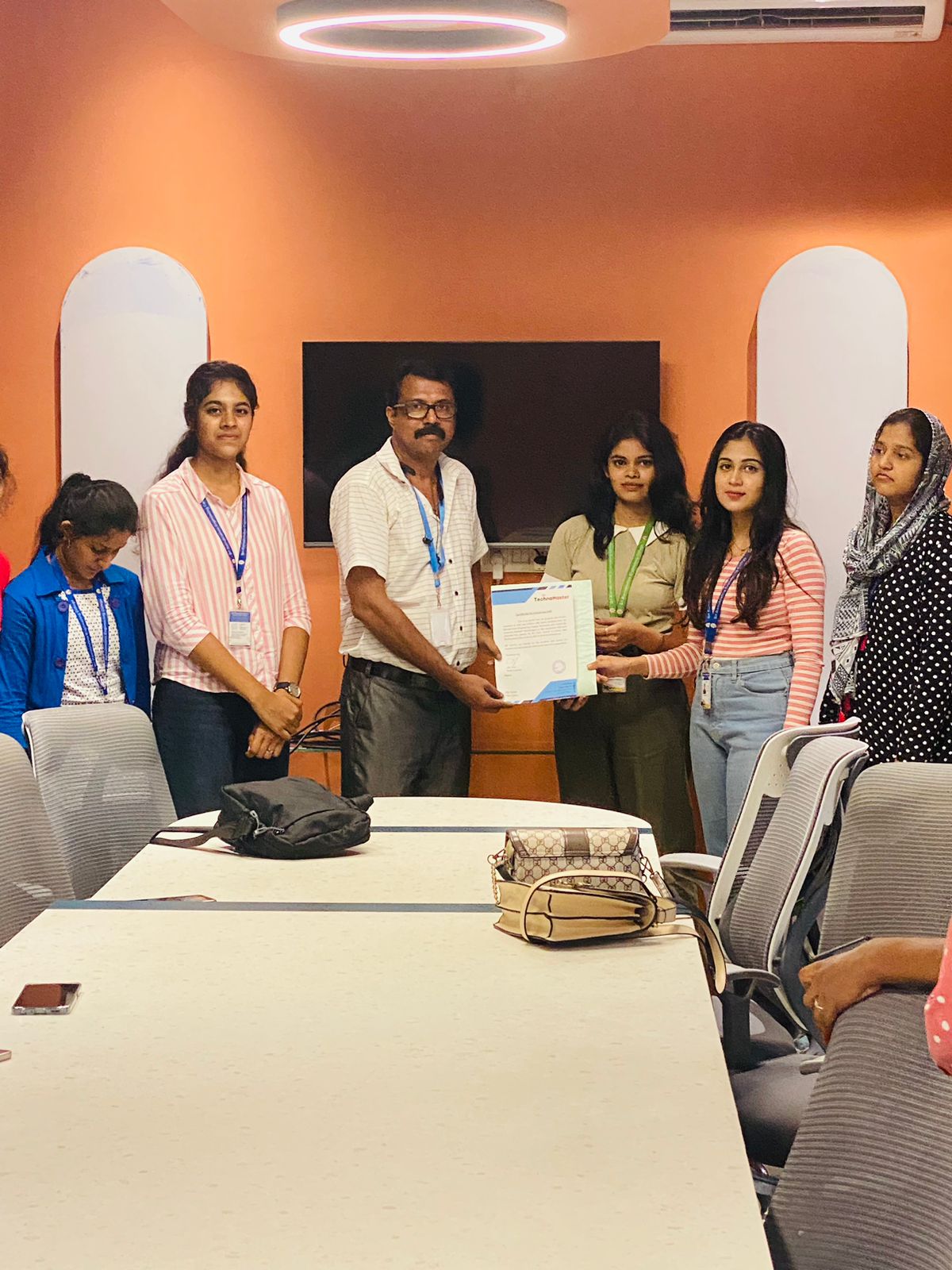
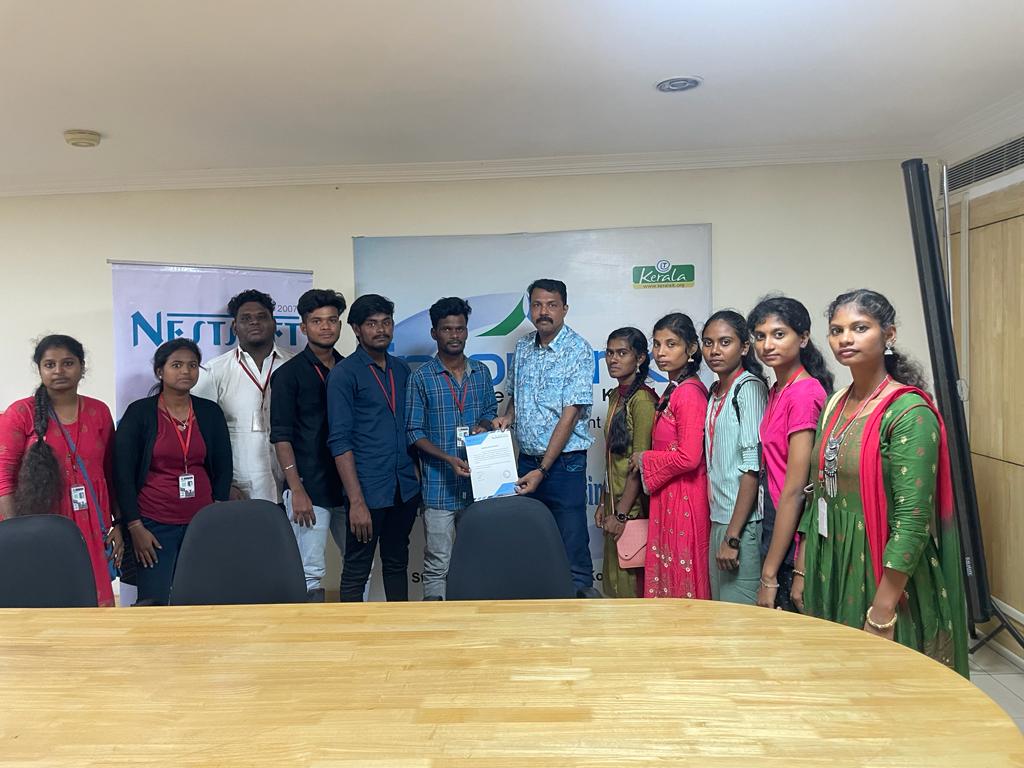
Photos of Training / Internships

Internship/projects in melaka

Trained more than 10000+ students who trust Nestsoft TechnoMaster

Get Your Personal Trainer