Send enquiry ⏎

JavaScript Online Live Class by Experts

Our Training/Internship Process

JavaScript Online Live Classes in Kuala Lumpur | Free Demo Training

JavaScript - Syllabus, Fees & Duration

MODULE 1: Fundamentals of JavaScript Code

  • JavaScript methods (such as alerts)
  • Variables
  • The importance of quotes
  • Numbers vs. strings
  • Concatenation

MODULE 2: Reusing Code with Functions

  • Defining functions
  • Calling functions
  • Defining parameters & passing arguments
  • Simple Accordion with JavaScript
  • Targeting elements by ID
  • Hiding & showing elements with JavaScript

MODULE 3: If Statements: Clearing Form Fields

  • Testing code in the JavaScript Console
  • Getting & setting properties
  • Using if statements
  • Reshowing text hints in empty form fields

MODULE 4: Introduction to JavaScript Objects & the DOM

  • Intro to objects
  • The global object
  • Breaking open and manipulating objects

MODULE 5: Dynamically changing content with custom objects

  • Checking the functionality of the select menu
  • Getting the chosen value
  • Dynamically changing the state name value
  • Dynamically changing the rest of the values

MODULE 6: Introduction to arrays and the math object

  • Creating an array
  • Editing an array
  • Creating an array of welcome handlings
  • The math object
  • Using the math object to pick random headlines

MODULE 7: Introduction to for loops

  • Creating a for loop
  • Using the for loop to set dropdown menus
  • Clearing the menu
  • Optional bonus: refining the menu selection experience

MODULE 8: Exploring JavaScript selectors

  • Intro to JavaScript selector
  • Selecting multiple elements and elements without IDs
  • Getting a specific list item
  • Getting elements by class name
  • Getting multiple items using query selector
  • Getting a single item using query selector
  • Chaining selectors together
  • Targeting elements by data attribute

MODULE 9: Photo filter website: using friendly navigation

  • Creating an array to store the selector
  • Getting the all button to select all filters
  • Getting the rest of the buttons to select the other filters
  • Initially hiding the photos
  • Getting the photos to filter

MODULE 10: Photo filter website: creating an executive filter

  • Adding a checkbox to toggle executive filtering on/off
  • Separating the inclusive and exclusive filter
  • Writing a conditional to select the appropriate filter
  • Programming the exclusive filter
  • Rerunning the filter when the checkbox is toggled
  • Improving the user experience

MODULE 11: Showing/hiding content with JQuery animation

  • Getting started with JQuery
  • Running code when the document is ready
  • Click events
  • Using the jQuery slide toggle method
  • Supporting JQuery disabled users

MODULE 12: Sharing JavaScript across pages

  • Externalizing JavaScript
  • Linking to the JavaScript file

MODULE 13: JQuery hover animation

  • Adding an outline with CSS
  • Using the JQuery hover method
  • Using the JQuery animate method

MODULE 14: More advanced JQuery showing/hiding

  • Adding animation to reveal hidden content
  • Targeting the proper div: traversing the document
  • Swapping the button image with JQuery

MODULE 15: JQuery lightbox: a pop-up image viewer

  • Linking the plugin files
  • Initializing the pop-up
  • Grouping the photos into a gallery
  • Adding captions
  • Removing the counter
  • Customizing the appearance

MODULE 16: JQuery cycle: a simple slideshow

  • Initial setup
  • Defining what content gets cycle
  • Adding more cycles and exploring options
  • Reversing the animation

MODULE 17: JQuery cycle: adding slideshow controls

  • Preventing a possible “flash of unstyled content’’
  • Enabling the slideshow
  • Adding and customizing the controls

MODULE 18: JQuery cycle: adding a pause button

  • Adding a pause/play button
  • Styling the pause/play button
  • Checking to see if the cycle is paused
  • Making the pause/play button work

MODULE 19: JQuery form validation

  • Initializing the plugin & setting options
  • Customizing the error messages
  • Changing the location of the error messages
  • Styling the error messages

MODULE 20: JQuery Image Carousel

  • Linking to the plugin files
  • Creating the carousel
  • Styling the carousel
  • An easy way to add prev & next buttons
  • Adding custom prev & next buttons
  • Setting how many items are shown
  • Download Syllabus - JavaScript
    This syllabus is not final and can be customized as per needs/updates
   
10000+
20+
50+
25+

JavaScript Jobs in Kuala Lumpur

Enjoy the demand

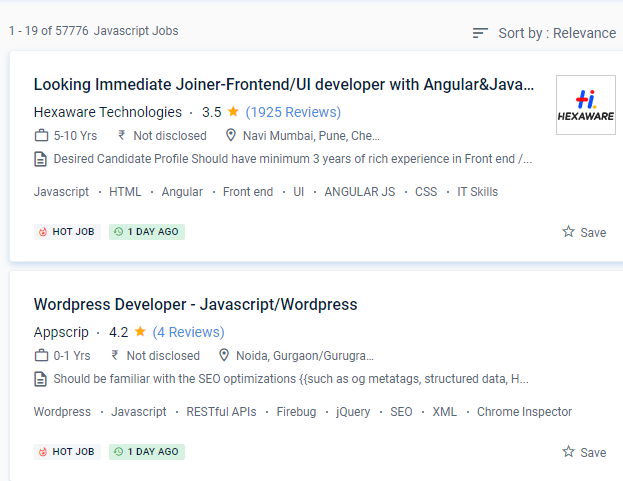
Find jobs related to JavaScript in search engines (Google, Bing, Yahoo) and recruitment websites (monsterindia, placementindia, naukri, jobshybrid.com, indeed.co.in, shine.com etc.) based in Kuala Lumpur, chennai and europe countries. You can find many jobs for freshers related to the job positions in Kuala Lumpur.

  • Web developer
  • Full-stack Developer
  • Frontend Developer
  • Framework developer
  • JavaScript Expert
  • JavaScript Trainer
  • JavaScript Developer
  • Backend Developer
  • Software Developer
  • Application Developer

JavaScript Internship/Course Details

JavaScript internship jobs in Kuala Lumpur
JavaScript If you wish to use JavaScript for web development, you should take the JavaScript, jQuery, and JSON course after you've mastered the foundations. You can create with JavaScript for servers, mobile devices, and the desktop thanks to breakthrough projects and frameworks like Node. One such platform is node. In comparison to many other programming languages, JavaScript is extremely versatile. Since its inception in 1995, JavaScript has dominated the internet. It's used for front-end development, which is the work that goes into making the website's interactive elements, and back-end development, which is the work that goes into managing the servers that execute these web pages. Companies are willing to pay extra if you know how to use JavaScript, which is a highly sought-after skill in the employment market. Over time, JavaScript has cemented its position as the de facto web language. The JavaScript course in Kuala Lumpur is a text-based software design language that allows you to construct interactive websites on both the server and client sides. NESTSOFT is the top JavaScript online training school in a Kuala Lumpur that enables learning and growing coding abilities in JavaScript simple and informal, from the fundamentals to more inventive programming.


Meet a Few of our Industry Experts 🚀 Your Pathway to IT Career

payal

Mobile: +91 8301010866
Location: Online (Kuala Lumpur, Malaysia)
Qualification: MSC CS

Experience: 1 Html5 2 CSS3 3 wordpress 4 javascript 5 React js  more..

Shruti

Mobile: +91 91884 77559
Location: Online (Kuala Lumpur, Malaysia)
Qualification: PGDHRM

Experience: I am an experienced trainer proficient in both online and in-person environments with a specialization in spoken English My expertise  more..

GOKULNATH

Mobile: +91 9895490866
Location: Online (Kuala Lumpur, Malaysia)
Qualification: Bsc

Experience: User research Usability Testing Wireframe Prototype Responsive design Figma Adobe XD Sketch Framer Invision Photoshop illustrator Aftereffects   more..

Shalini

Mobile: +91 89210 61945
Location: Online (Kuala Lumpur, Malaysia)
Qualification: b.tech

Experience: I am working on the php laravel and wordpress development  more..

karthikeyan

Mobile: +91 98474 90866
Location: Online (Kuala Lumpur, Malaysia)
Qualification: Bachelor of Engineering

Experience: C C++ ASP NET python SQL HTML css Java  more..

Abilasha

Mobile: +91 89210 61945
Location: Online (Kuala Lumpur, Malaysia)
Qualification: Advanced diploma in animation and film making

Experience: Skills: Graphic designing illustration 3D modelling drawing logo design character modeling character design poster design video editing Ui design Experience:  more..

abin

Mobile: +91 9895490866
Location: Online (Kuala Lumpur, Malaysia)
Qualification: bca

Experience: just complete a 3 month software testing course from rogersoft technologies   more..

Sanghavi

Mobile: +91 89210 61945
Location: Online (Kuala Lumpur, Malaysia)
Qualification: B.E

Experience: Aws kubernetes jenkins docker ansible oracle sql core java  more..

Sai

Mobile: +91 98474 90866
Location: Online (Kuala Lumpur, Malaysia)
Qualification: Btech

Experience: Conducted regular code reviews to ensure adherence to coding standards and best practices resulting in improved code quality and collaboration  more..

Anna

Mobile: +91 89210 61945
Location: Online (Kuala Lumpur, Malaysia)
Qualification: BTech

Experience: I've participated in logo design contests and prepared posters and flyers for my friends; I'm an artist and I love  more..

Keerthan

Mobile: +91 89210 61945
Location: Online (Kuala Lumpur, Malaysia)
Qualification: Bachelors in NIT Bhopal

Experience: Framer Figma UI UX Interaction Design User Research Information Architecture User flows DESIGN THINKING User-centered design   more..

Ankit

Mobile: +91 94975 90866
Location: Online (Kuala Lumpur, Malaysia)
Qualification: B.Sc.Physical Science in computer science

Experience: Fresher Problem solving using python Microsoft azure 900 Analytical skills  more..

Ansuman

Mobile: +91 8301010866
Location: Online (Kuala Lumpur, Malaysia)
Qualification: b.tec

Experience: 1 year of experience in mvvm android studios api integration git hub   more..

Srinivas

Mobile: +91 8301010866
Location: Online (Kuala Lumpur, Malaysia)
Qualification: Bachelors of engineering

Experience: AWS devop linux and python   more..

Yash

Mobile: +91 8301010866
Location: Online (Kuala Lumpur, Malaysia)
Qualification: Bachelor's

Experience: Professional Canva Designer did my past Job in Designer field and i use to create design using canva Clients i  more..

Vishnu

Mobile: +91 98474 90866
Location: Online (Kuala Lumpur, Malaysia)
Qualification: B.com and HDCA programming

Experience: I have technical skills c c++ python HTML & CSS sql developer excel I am a fresher I don't have  more..

Bhuvan

Mobile: +91 91884 77559
Location: Online (Kuala Lumpur, Malaysia)
Qualification: BE

Experience: Web developer java python  more..

Sruthy

Mobile: +91 89210 61945
Location: Online (Kuala Lumpur, Malaysia)
Qualification: BCA

Experience: Skills: Python django html css JavaScript php bootstrap tkinter mysql c c++ msoffice java android Experience : Python django developer  more..

REETHA

Mobile: +91 91884 77559
Location: Online (Kuala Lumpur, Malaysia)
Qualification: BE ECE

Experience: Oops Selenium web driver Core java Manual testing Api Appium Cucumber Agile Jira  more..

Mohammed

Mobile: +91 98474 90866
Location: Online (Kuala Lumpur, Malaysia)
Qualification: Bachelor of computer applications

Experience: Basic knowledge of Html Css javascript Mongo db Etc I have completed UI FULL STACK WEB DEVELOPMENT Course at Naresh  more..

Madesh

Mobile: +91 91884 77559
Location: Online (Kuala Lumpur, Malaysia)
Qualification: B.E-CSE

Experience: Manual testing API testing C C# Java Selenium Automation testing Temenos T24 Application HTML CSS  more..

romesh

Mobile: +91 94975 90866
Location: Online (Kuala Lumpur, Malaysia)
Qualification: MCA

Experience: I am working as a mean stack developer in E-Tech Services pvt ltd since 11 January 2022 Application for Meanstack  more..

Arshida

Mobile: +91 91884 77559
Location: Online (Kuala Lumpur, Malaysia)
Qualification: Bsc computer science

Experience: Social media marketing Webdesigning using wordpress Google ads   more..

Vasantha

Mobile: +91 91884 77559
Location: Online (Kuala Lumpur, Malaysia)
Qualification: Graduation

Experience: I have 5 experience as Canva Designer and I am able to design logos posters ect as per client requirements  more..

Success Stories

The enviable salary packages and track record of our previous students are the proof of our excellence. Please go through our students' reviews about our training methods and faculty and compare it to the recorded video classes that most of the other institutes offer. See for yourself how TechnoMaster is truly unique.

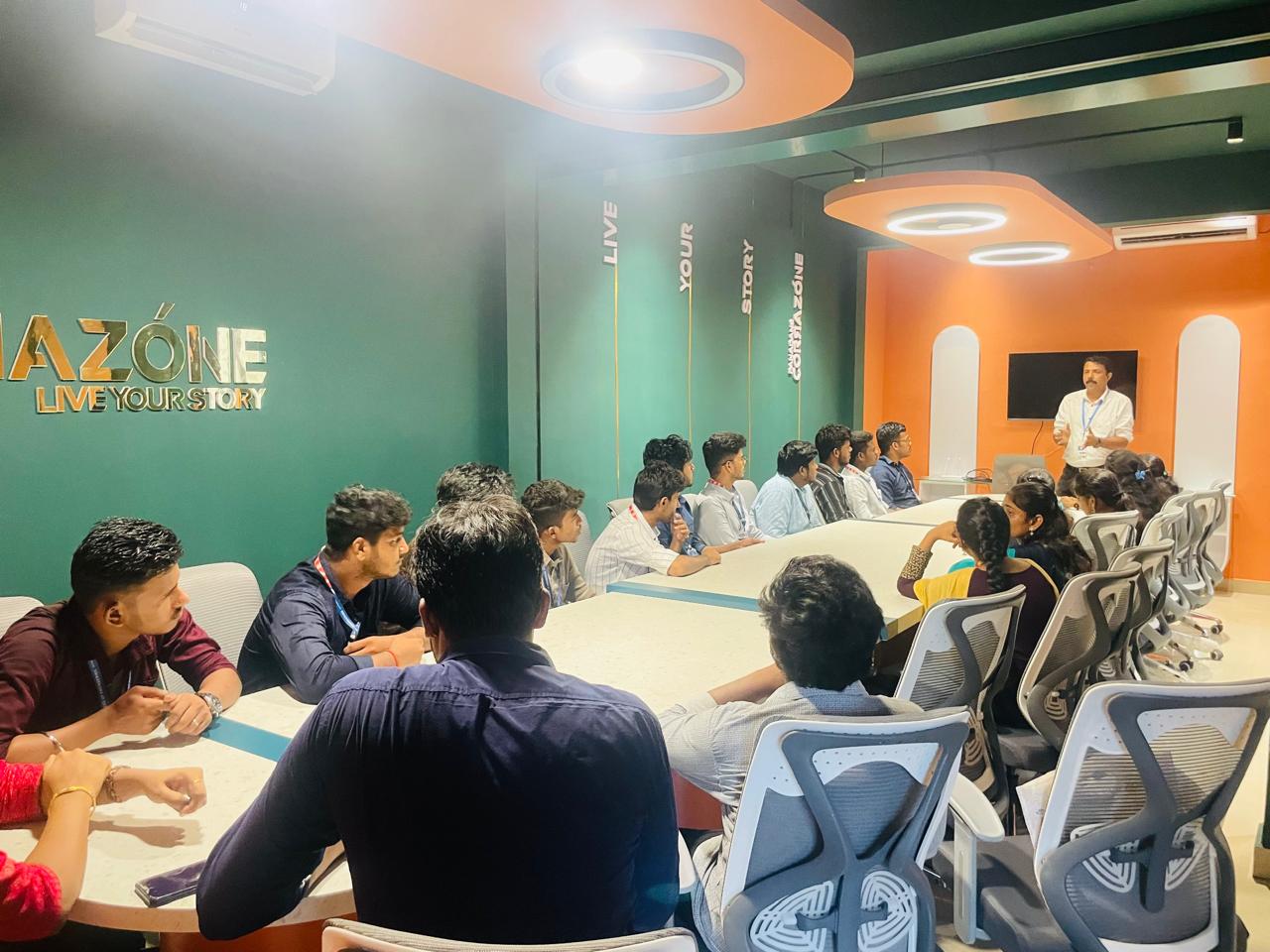
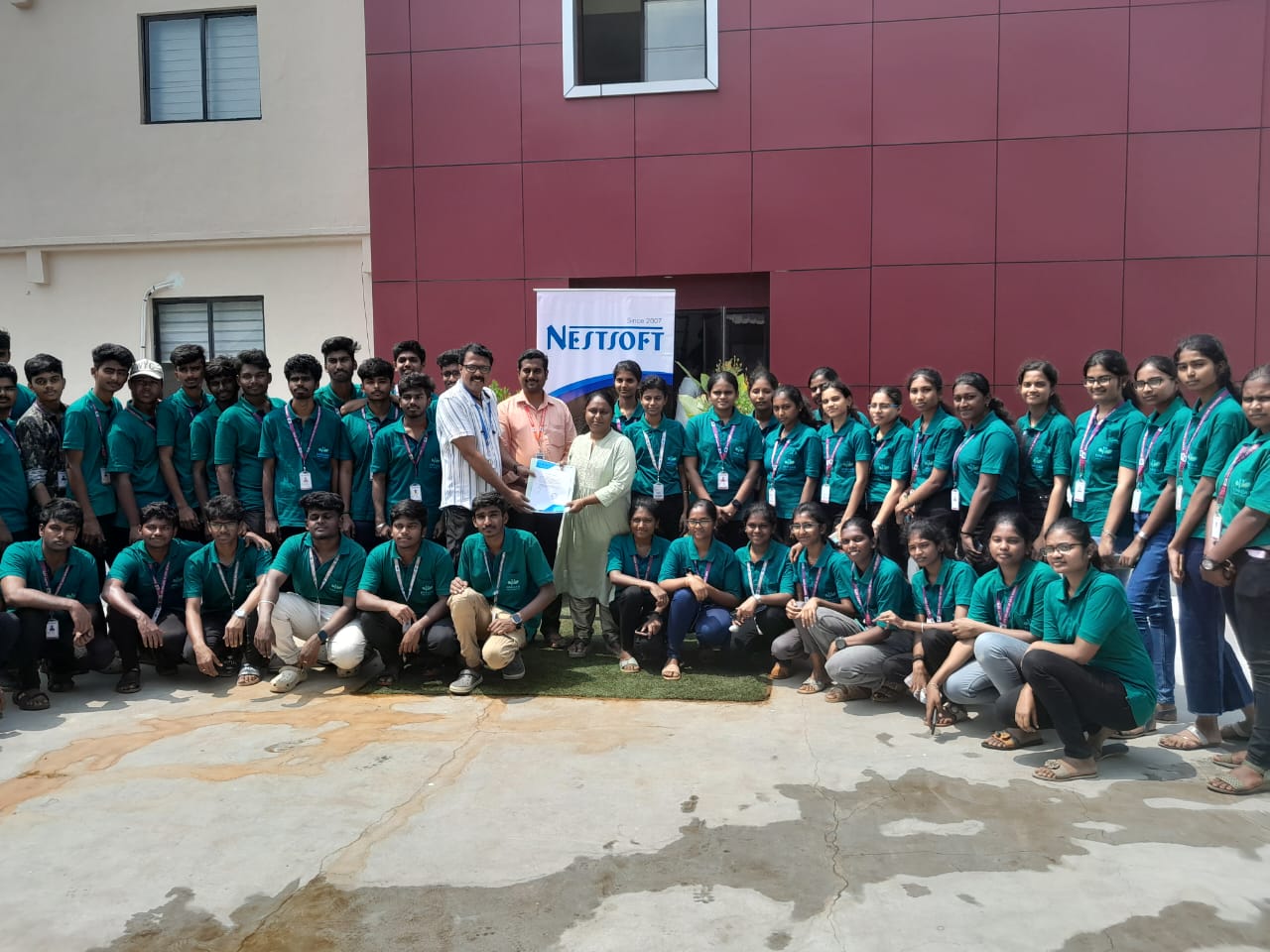
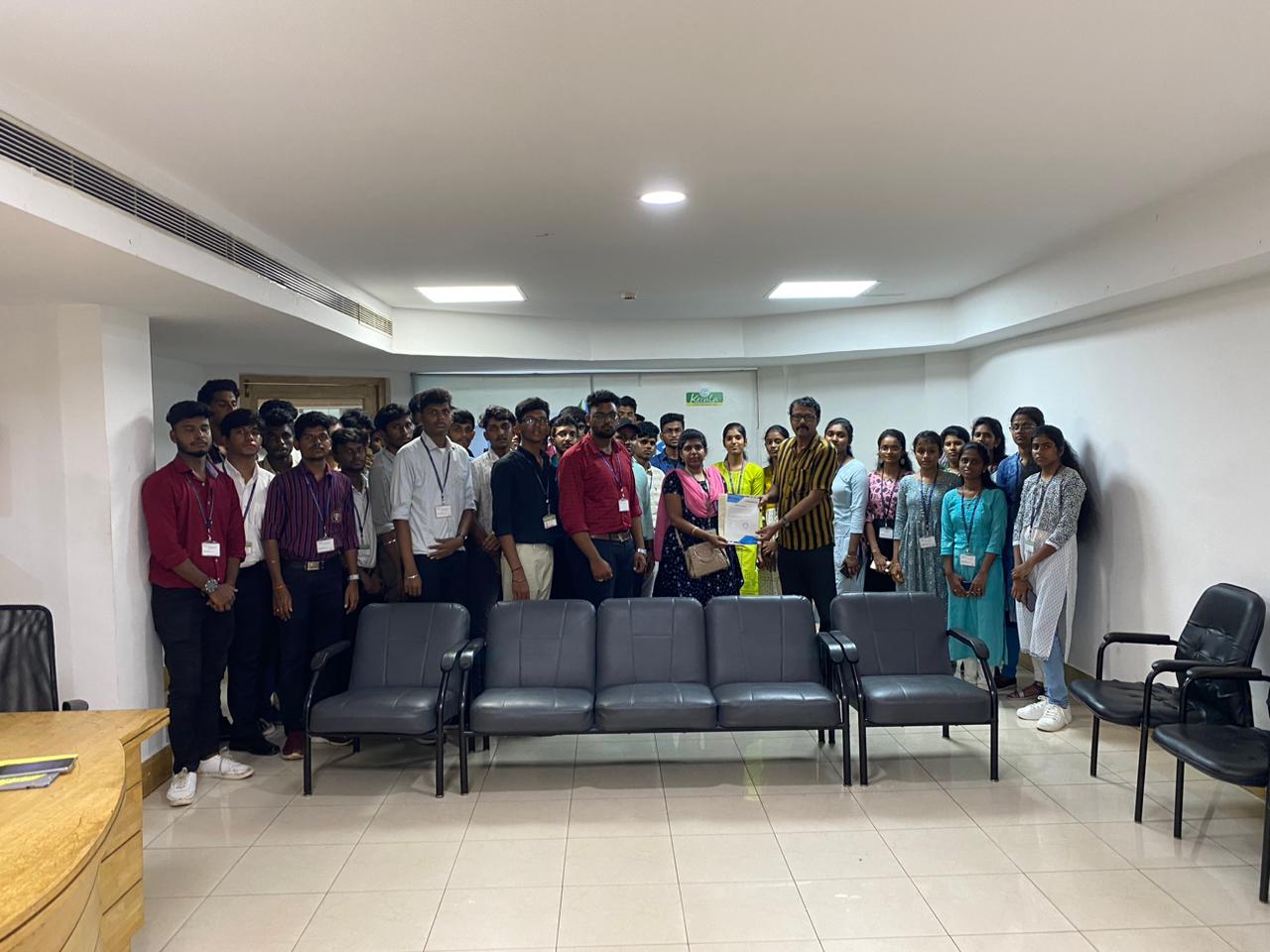
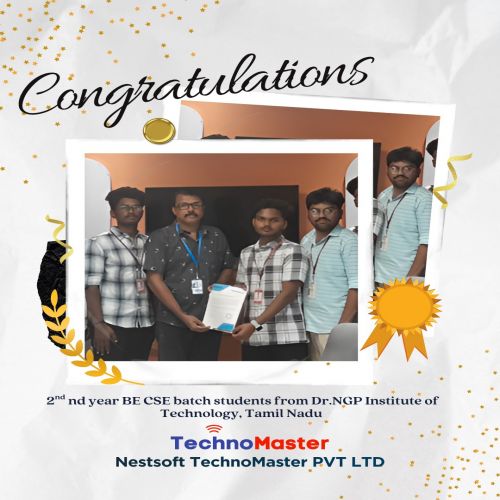
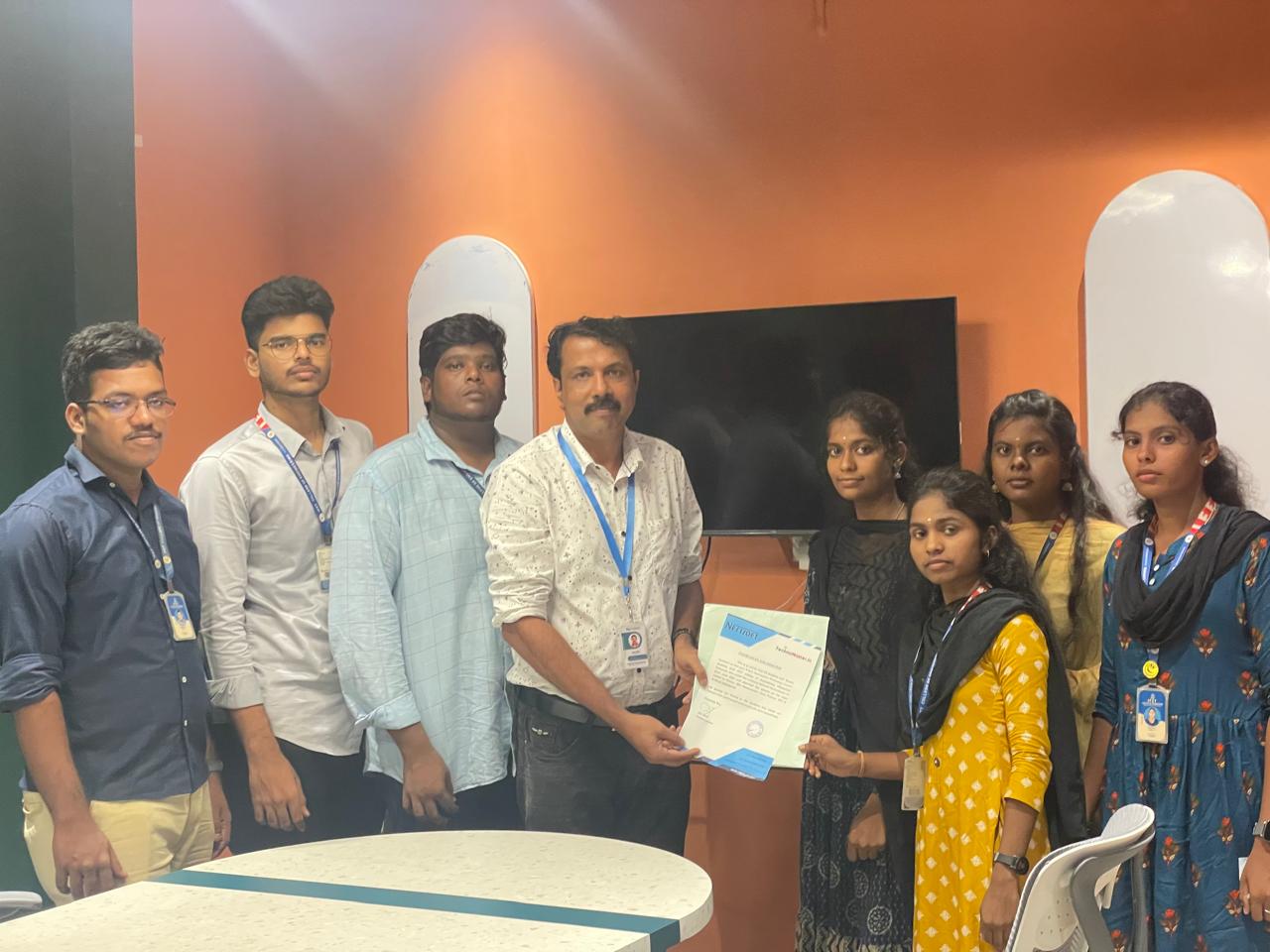
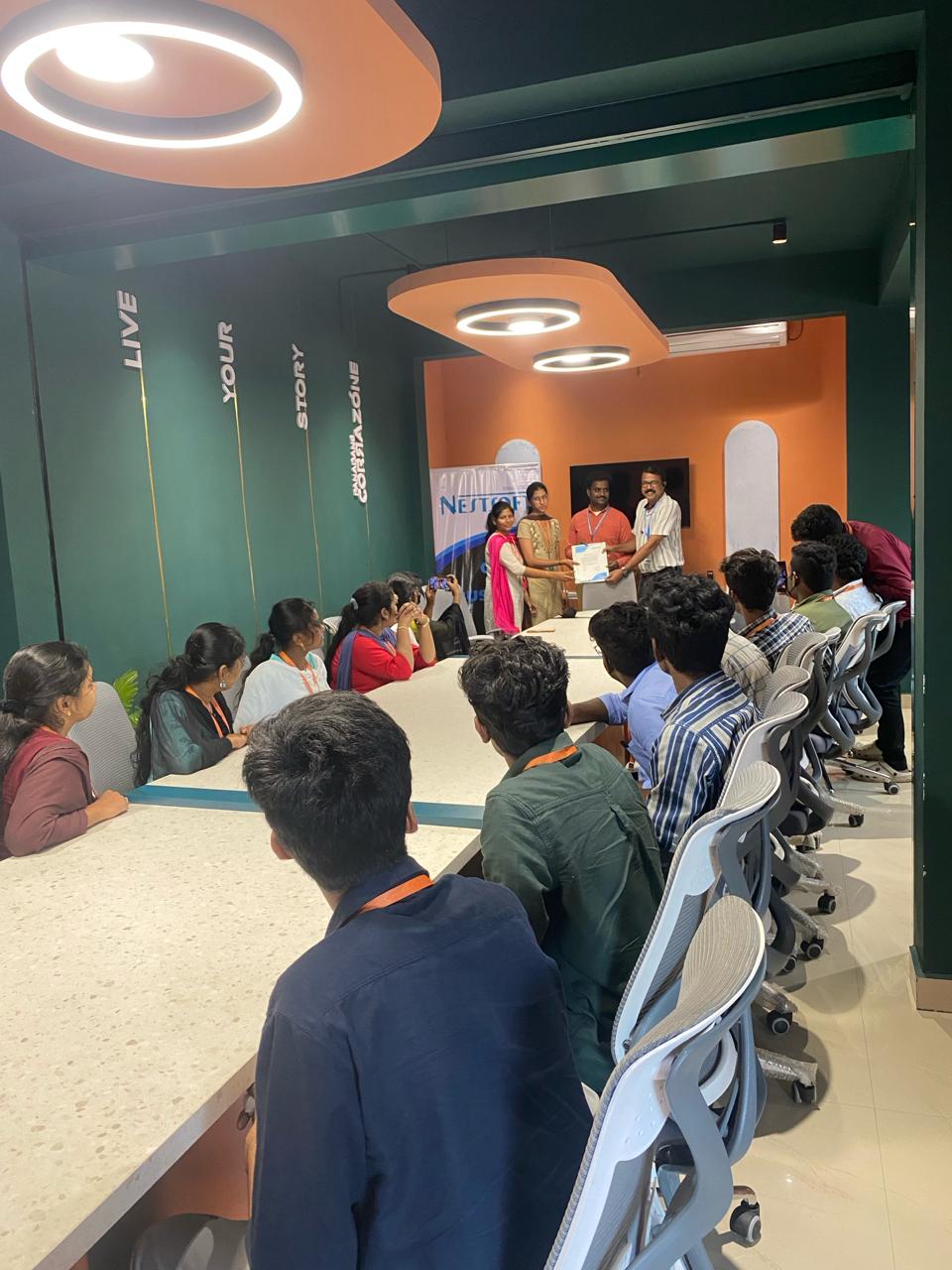
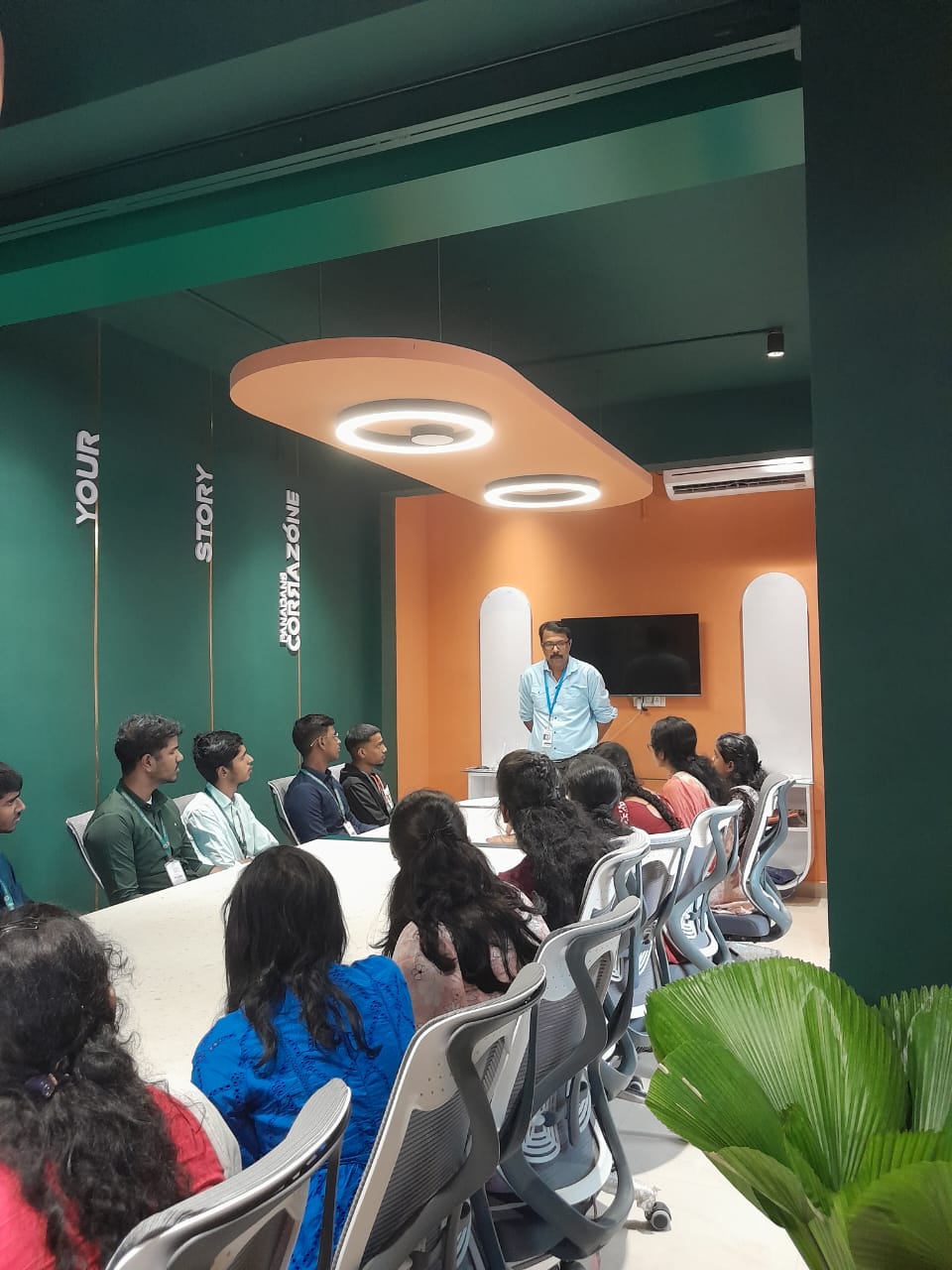
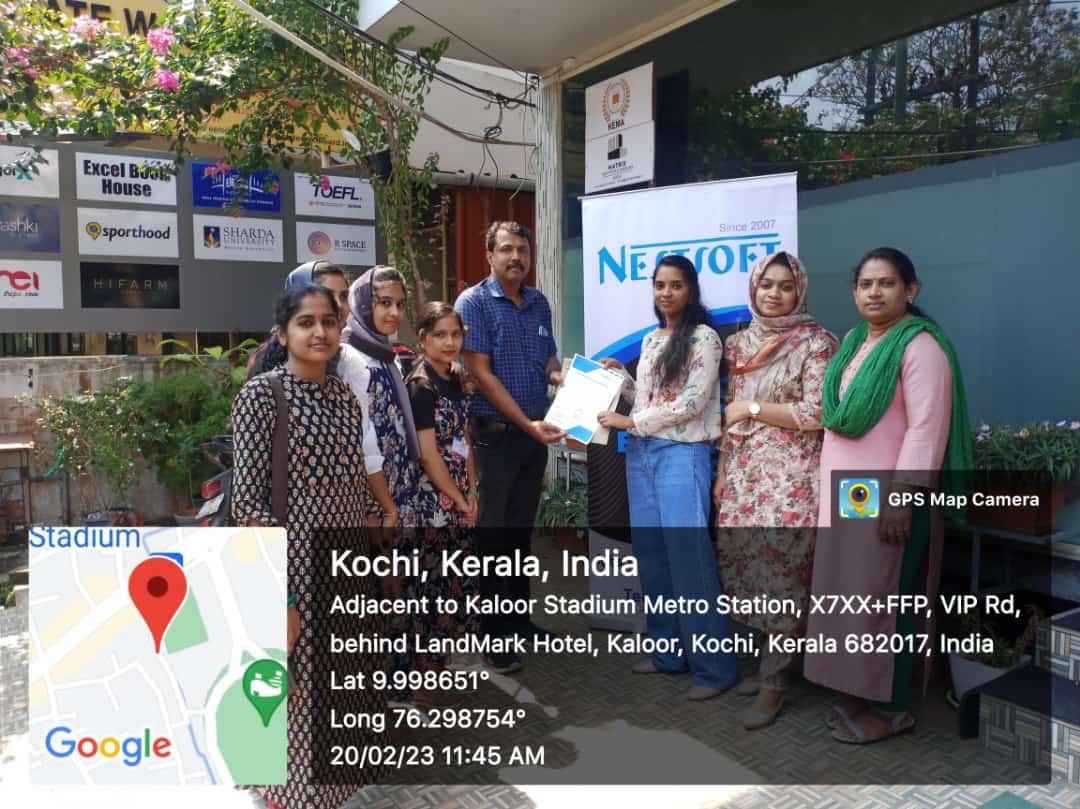
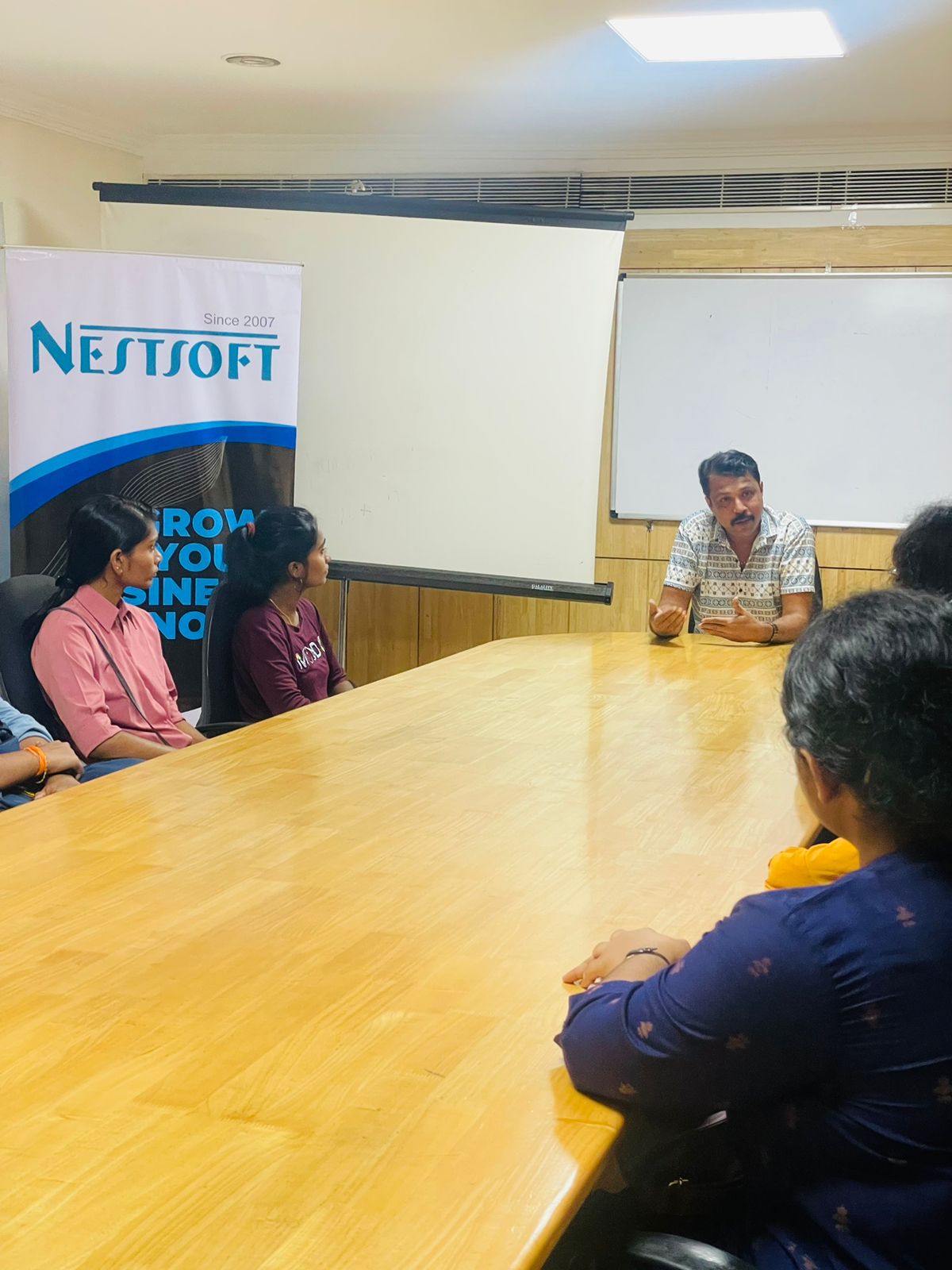
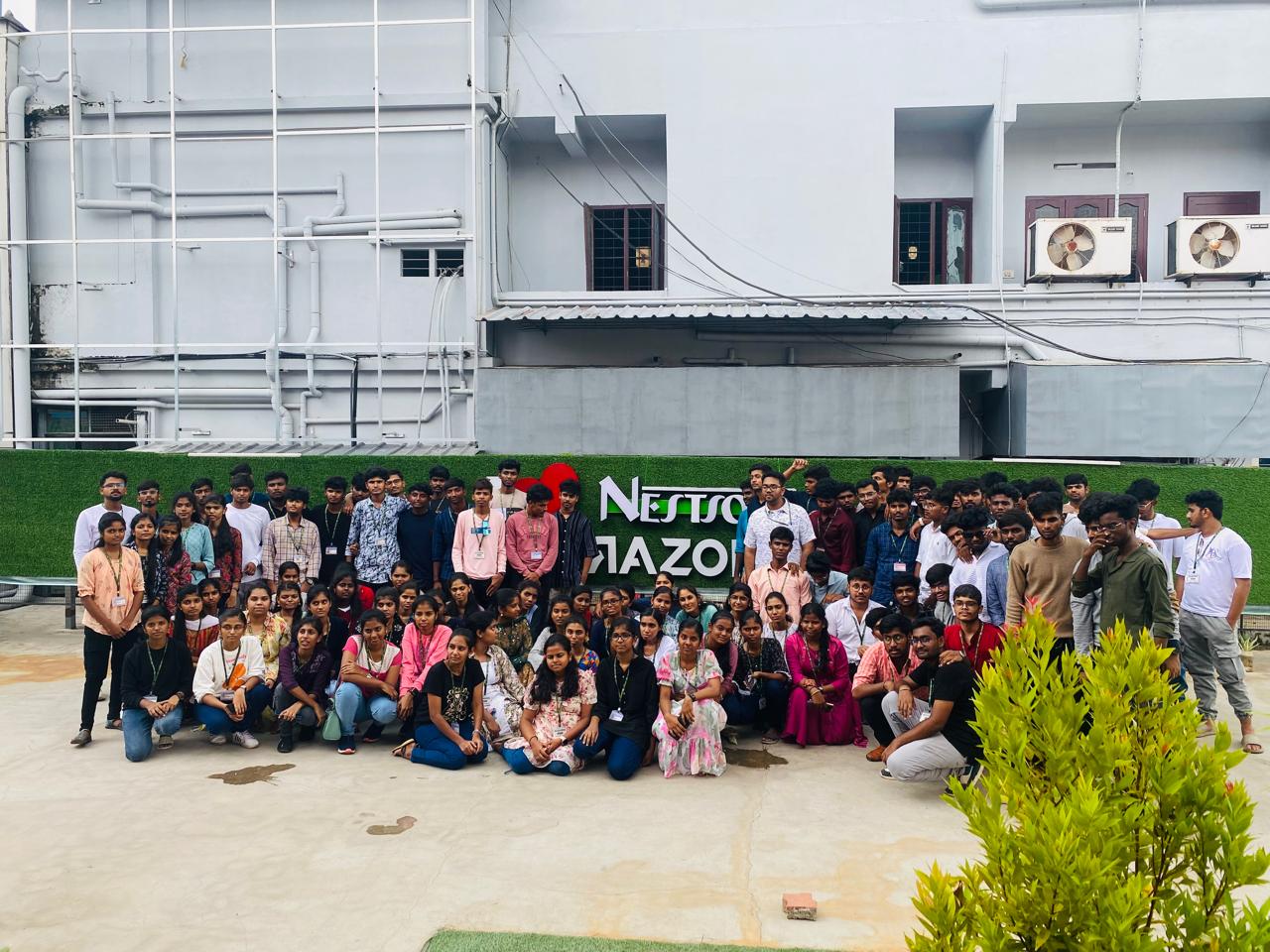
Photos of Training / Internships

Internship/projects in kuala-lumpur

Trained more than 10000+ students who trust Nestsoft TechnoMaster

Get Your Personal Trainer