Send enquiry ⏎

UI/UX Design Online Live Class by Experts

Our Training/Internship Process

UI/UX Design Online Live Classes in Selangor | Free Demo Training

UI/UX Design - Syllabus, Fees & Duration

Figma Syllabus (15 Hours)

      Module 1: Figma Fundamentals (3 Hours)

        Introduction to Figma

      • Understanding the Figma interface and tools.
      • Layers, frames, and pages.
      • Shapes, text, and alignment.

        Design Basics

      • Color theory and typography basics.
      • Grids and layout principles.
      Module 2: Prototyping with Figma (3 Hours)

        Wireframing Basics

      • Creating low-fidelity wireframes for mobile and web apps.

        Prototyping Features

      • Adding interactions and transitions.
      • Clickable prototypes for user testing.
      Module 3: Mobile App Design Project (4 Hours)

        Designing a Mobile App

      • Screens for a sample app (e.g., task manager or food delivery).
      • Login, home, and profile pages.

        Components and Variants

      • Reusable buttons, icons, and cards.
      • Typography and color styles.

        Prototyping and Feedback

      • Linking screens and testing navigation.
      Module 4: Web App Design Project (5 Hours)

        Designing a Web App

      • Landing page, login screen, and dashboard for a web app.
      • Auto-layout for responsive designs.

        Final Prototype

      • Responsive breakpoints for desktop, tablet, and mobile.
      • Functional prototype with interactions.
    Web Development Syllabus (15 Hours)
      Module 1: HTML, CSS, and Bootstrap Basics (5 Hours)

        HTML Fundamentals (2 Hours)

      • Structuring web pages (header, footer, sections).
      • Essential tags: headings, lists, images, and links tables etc..

        CSS Basics (2 Hours)

      • Styling text and layout using CSS.
      • Box model, positioning, and Flexbox basics.

        Bootstrap Basics (1 Hour)

      • Setting up Bootstrap in a project.
      • Grid system and responsive layouts.
      • Common components: navbar, buttons, and cards.
      Module 2: Responsive Landing Page Conversion (5 Hours)

        Figma to Code Workflow (2 Hours)

      • Importing Figma designs for reference.
      • Structuring HTML and CSS with Bootstrap.

        Responsive Design (3 Hours)

      • Using media queries and Bootstrap utilities.
      • Creating a responsive navigation bar and hero section.
      • Ensuring design consistency with the Figma prototype.
      Module 3: Interactivity with JavaScript & Advanced Bootstrap (3 Hours)

        JavaScript Basics

      • Adding interactivity with JavaScript (e.g., form validation).
      • Bootstrap JavaScript components: modals, dropdowns, and carousels.

        CSS Animations & Transitions

      • Enhancing visuals with hover effects and animations.
      Module 4: Final Project and Deployment (2 Hours)

        Final Project: Responsive Landing Page

      • Convert a complete Figma design into a functional landing page.
      • Use Bootstrap and JavaScript for responsiveness and interactivity.

        Hosting and Deployment

      • Publish the project online using GitHub Pages or Netlify.
      Deliverables

        Figma:

      • Prototyped mobile app and web app designs.

        Web Development:

      • Fully responsive landing page with Bootstrap and interactivity.
      • Hosted live project link.

Download Syllabus - UI/UX Design
This syllabus is not final and can be customized as per needs/updates
   
10000+
20+
50+
25+

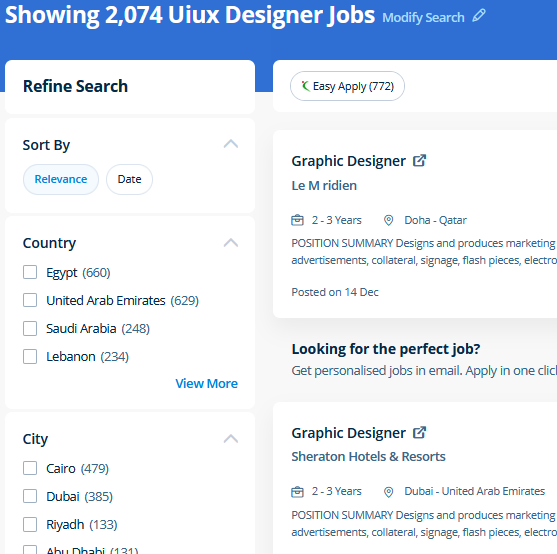
UI/UX Design Jobs in Selangor

Enjoy the demand

Find jobs related to UI/UX Design in search engines (Google, Bing, Yahoo) and recruitment websites (monsterindia, placementindia, naukri, jobshybrid.com, indeed.co.in, shine.com etc.) based in Selangor, chennai and europe countries. You can find many jobs for freshers related to the job positions in Selangor.

  • ui designer
  • ux designer
  • ui/ux designer
  • ui/ux developer
  • graphic designer
  • multimedia creator
  • photoshop
  • adobe illustrator
  • web design
  • html developer

UI/UX Design Internship/Course Details

UI/UX Design internship jobs in Selangor
UI/UX Design . For anyone who wants to do something productive in computers, Adobe Photoshop provides options that explore creativity . Our live online classes are a friendly and supportive alternative to looking at video tutorials – you’re ready to ask queries and receive answers from a skilled Nestsoft tutor in real time. At the end of this course at nestsoft inDubai we cover advanced topics such as Script validations, Building modular tests, Developing automation test suites for a broad range of desktop Web Applications. Our core features of the bootstrap training in Dubai includes: Design layouts adhering to a fluid grid Understand how the HTML, CSS and JavaScript components of Bootstrap work Customise a Bootstrap installation Optimise a Bootstrap design for target device features Create responsive images and graphics . In this course you will learn too use the Bootstrap 3 CSS framework to build websites with fluid and adaptive grid layouts. Our JavaScript training course inDubai includes all the core Core topics such as Data Types, Object-oriented concepts, Variables, Functions, Conditions, HTML, CSS3, Loops, Syntax, and DOM Scripting under the training of Expert JavaScript professionals . Photoshop is incredibly accurate for bitmap colorwork, which is the foundation of each digital and print production. Literally, you'll create anything with Adobe Photoshop software. This course is for intermediate users that need to learn more advanced tools in InDesign.


Meet a Few of our Industry Experts 🚀 Your Pathway to IT Career

kummari

Mobile: +91 8301010866
Location: Online (Selangor, Malaysia)
Qualification: bachelors of commerce

Experience: html css Javascript React js Github Sql python and by using the frotend technologies i can build interactive and dynamic  more..

vikas

Mobile: +91 9895490866
Location: Online (Selangor, Malaysia)
Qualification: Master degree

Experience: Customizing and configuring Odoo modules to meet client requirements Developing and implemeting new odoo modules providing technicel support and troubleshooting  more..

Navratn

Mobile: +91 91884 77559
Location: Online (Selangor, Malaysia)
Qualification: B.Tech

Experience: Skill: Penetration Testing Experience: I bring hands-on experience in penetration testing garnered from my role as a Security Intern at  more..

Pooja

Mobile: +91 89210 61945
Location: Online (Selangor, Malaysia)
Qualification: Graduate

Experience: Creating digital experiences that leave a lasting impression With over 12+ years of UI UX design expertise I bring a  more..

Kumaran

Mobile: +91 91884 77559
Location: Online (Selangor, Malaysia)
Qualification: Bsc computer science

Experience: Experience -I am fresher Skills - html css bootstrap php Mysql   more..

Susmi

Mobile: +91 94975 90866
Location: Online (Selangor, Malaysia)
Qualification: BCA

Experience: php laravel ajax jquery html api  more..

Liju

Mobile: +91 8301010866
Location: Online (Selangor, Malaysia)
Qualification: Btech

Experience: 1year of experience in php codeignitier  more..

Lavanya

Mobile: +91 89210 61945
Location: Online (Selangor, Malaysia)
Qualification: BTech

Experience: Hii my name is lavanya I have good knowledge in html css javascript bootstrap WordPress SQL Java and basic knowledge  more..

Aswathy

Mobile: +91 91884 77559
Location: Online (Selangor, Malaysia)
Qualification: Bsc computer science

Experience: 6 month experience in web developer at Amrita Vishwavidyapeeth   more..

Akhil

Mobile: +91 94975 90866
Location: Online (Selangor, Malaysia)
Qualification: BTech in ECE

Experience: 3 years in manual testing and automation testing  more..

ABHIRAJ

Mobile: +91 91884 77559
Location: Online (Selangor, Malaysia)
Qualification: Bsc. Animation & Vfx

Experience: As a motion designer at Reviens Tech I create engaging and dynamic animations for various web and mobile applications I  more..

Rosemerin

Mobile: +91 91884 77559
Location: Online (Selangor, Malaysia)
Qualification: Mtech

Experience: Canva design angular development html java  more..

Simranjeet

Mobile: +91 8301010866
Location: Online (Selangor, Malaysia)
Qualification: Btech

Experience: I have total 5 year of experience in android application development with Java and kotlin both Have worked on 10  more..

Sumayya

Mobile: +91 91884 77559
Location: Online (Selangor, Malaysia)
Qualification: B.tech

Experience: Attented python bootcamp Java HtmlApplication for Java Spring  more..

Manikaran

Mobile: +91 98474 90866
Location: Online (Selangor, Malaysia)
Qualification: B.Tech

Experience: Github Link : github com manikaran21 Certificates: drive google com drive folders 1Q-ptc395b998Lu111wdaudi_Lw73YVZ7?usp=sharing HackerRank Profile : hackerrank com masanmb17tes?hr_r=1 I  more..

Ponnapati

Mobile: +91 8301010866
Location: Online (Selangor, Malaysia)
Qualification: B.tech

Experience: Hi I hv overall 4 year's of experience information security testing and I have more exp web applications and I  more..

vaishnavi

Mobile: +91 8301010866
Location: Online (Selangor, Malaysia)
Qualification: Bsc(computer science)

Experience: Software developer at pawani web technologies | Ex junior Software Developer at IRB  more..

Sneha

Mobile: +91 91884 77559
Location: Online (Selangor, Malaysia)
Qualification: Bachelor of technology

Experience: C c# net asp net and angular and html CSS and JavaScript  more..

Swathi

Mobile: +91 98474 90866
Location: Online (Selangor, Malaysia)
Qualification: B-Tech

Experience: User interface design User persona creation Wireframing Prototyping Empathy mapping Competitive analysis User research Adobe xd Figma Sketch Adobe photoshop  more..

Sudarsan

Mobile: +91 94975 90866
Location: Online (Selangor, Malaysia)
Qualification: Bachelor degree

Experience: I have 2 years of experience in the area of automation and well versed in programming languages   more..

Yash

Mobile: +91 9895490866
Location: Online (Selangor, Malaysia)
Qualification: Bachelor's

Experience: Professional Canva Designer did my past Job in Designer field and i use to create design using canva Clients i  more..

Shilpa

Mobile: +91 98474 90866
Location: Online (Selangor, Malaysia)
Qualification: B. Tech

Experience: 4years of experience in digital marketing Skilla card design using canva seo techniques social media video uploading and positive thinker  more..

Pooja

Mobile: +91 89210 61945
Location: Online (Selangor, Malaysia)
Qualification: BCA

Experience: UI ux design Visual design Wireframe Time management Creativity Critical thinking  more..

Shah

Mobile: +91 91884 77559
Location: Online (Selangor, Malaysia)
Qualification: MSc.IT

Experience: I am web application developer with experience of various technologies including but not limited to HTML CSS JavaScript Angular VueJs  more..

Success Stories

The enviable salary packages and track record of our previous students are the proof of our excellence. Please go through our students' reviews about our training methods and faculty and compare it to the recorded video classes that most of the other institutes offer. See for yourself how TechnoMaster is truly unique.

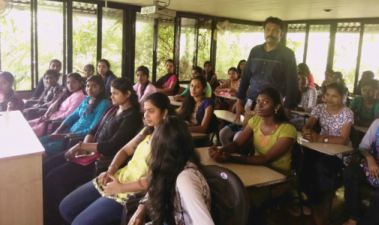
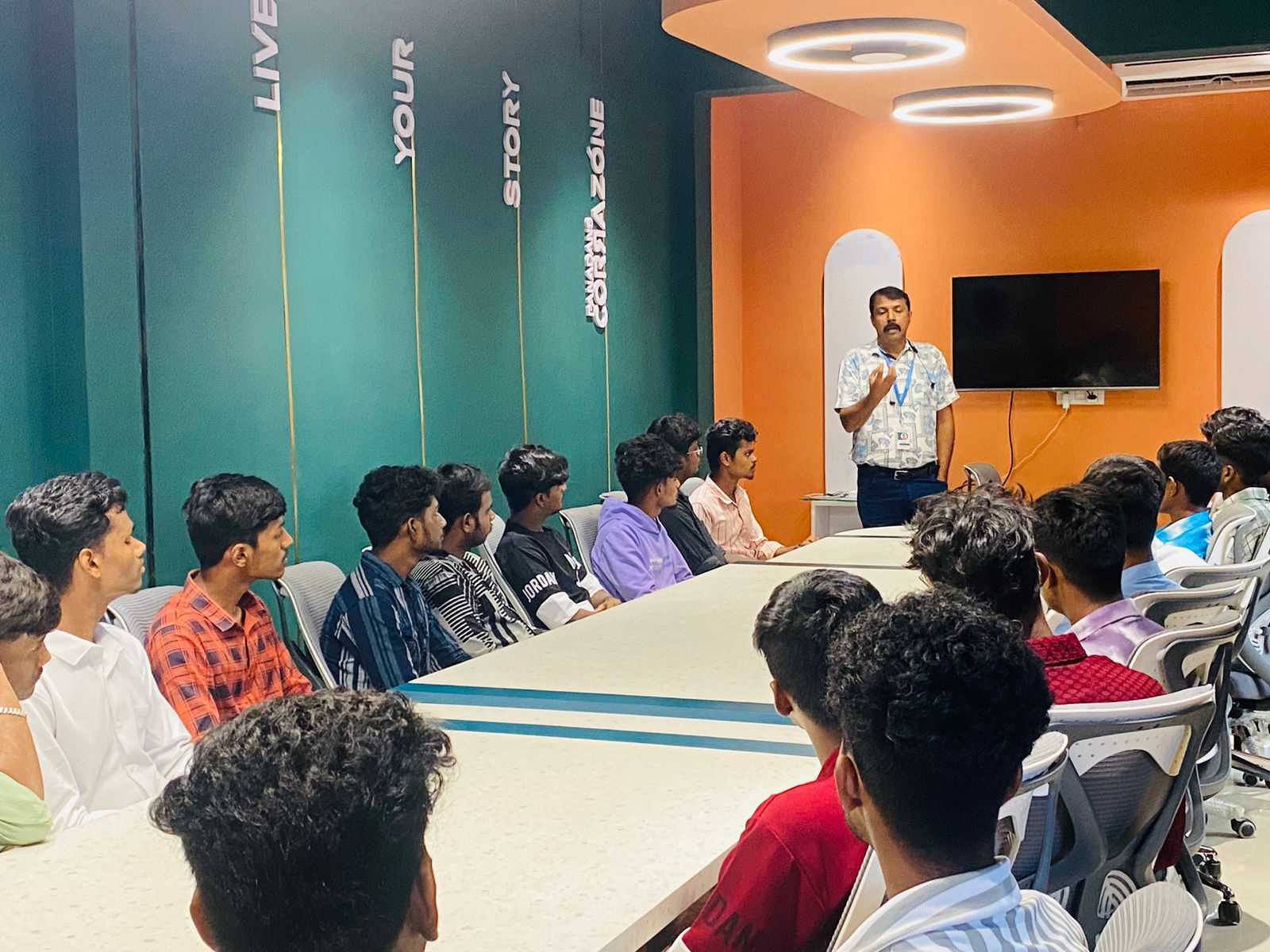
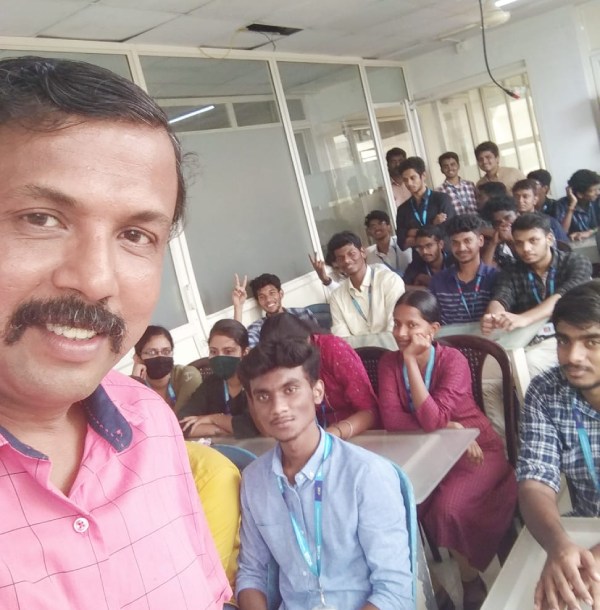
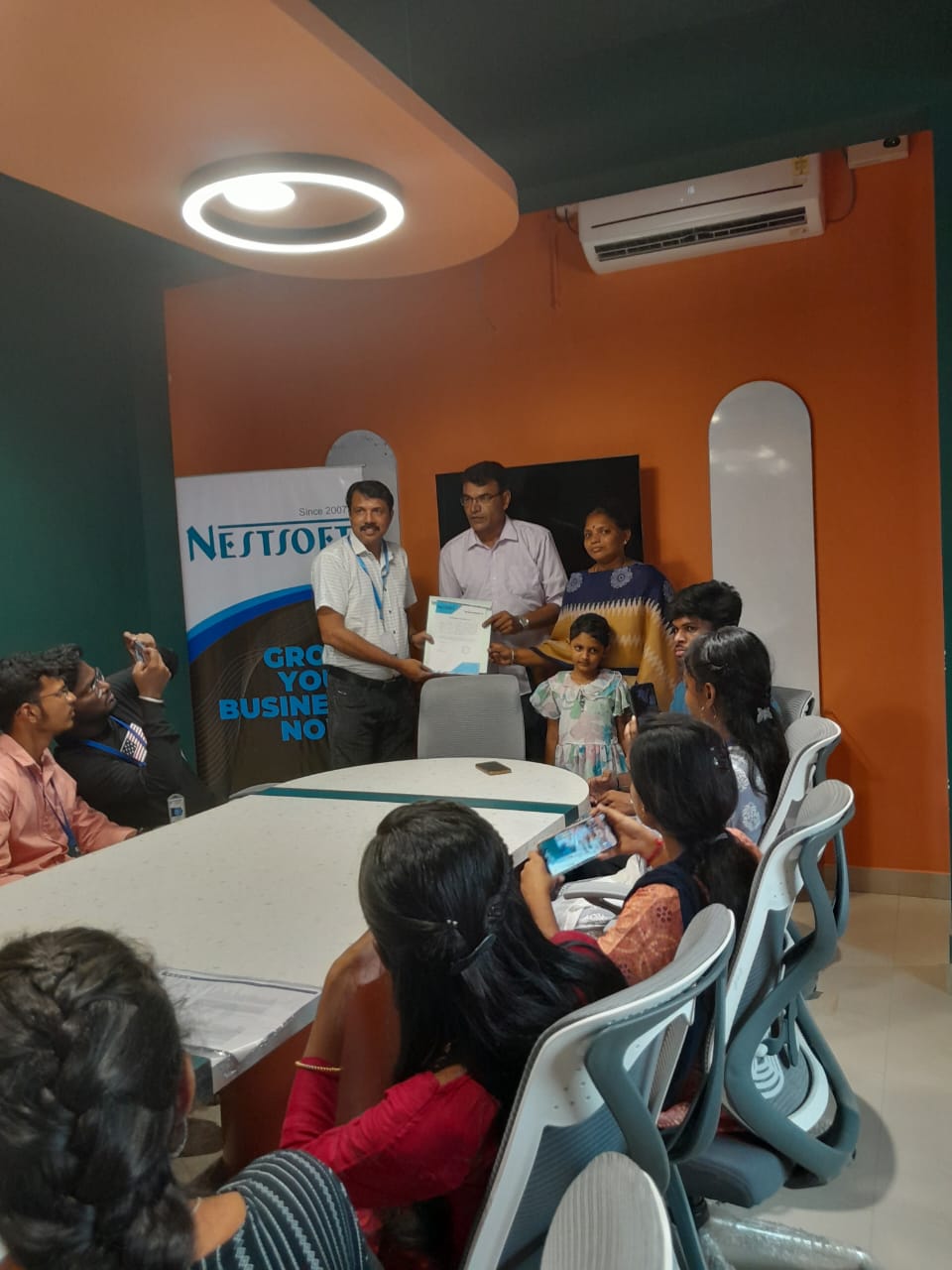
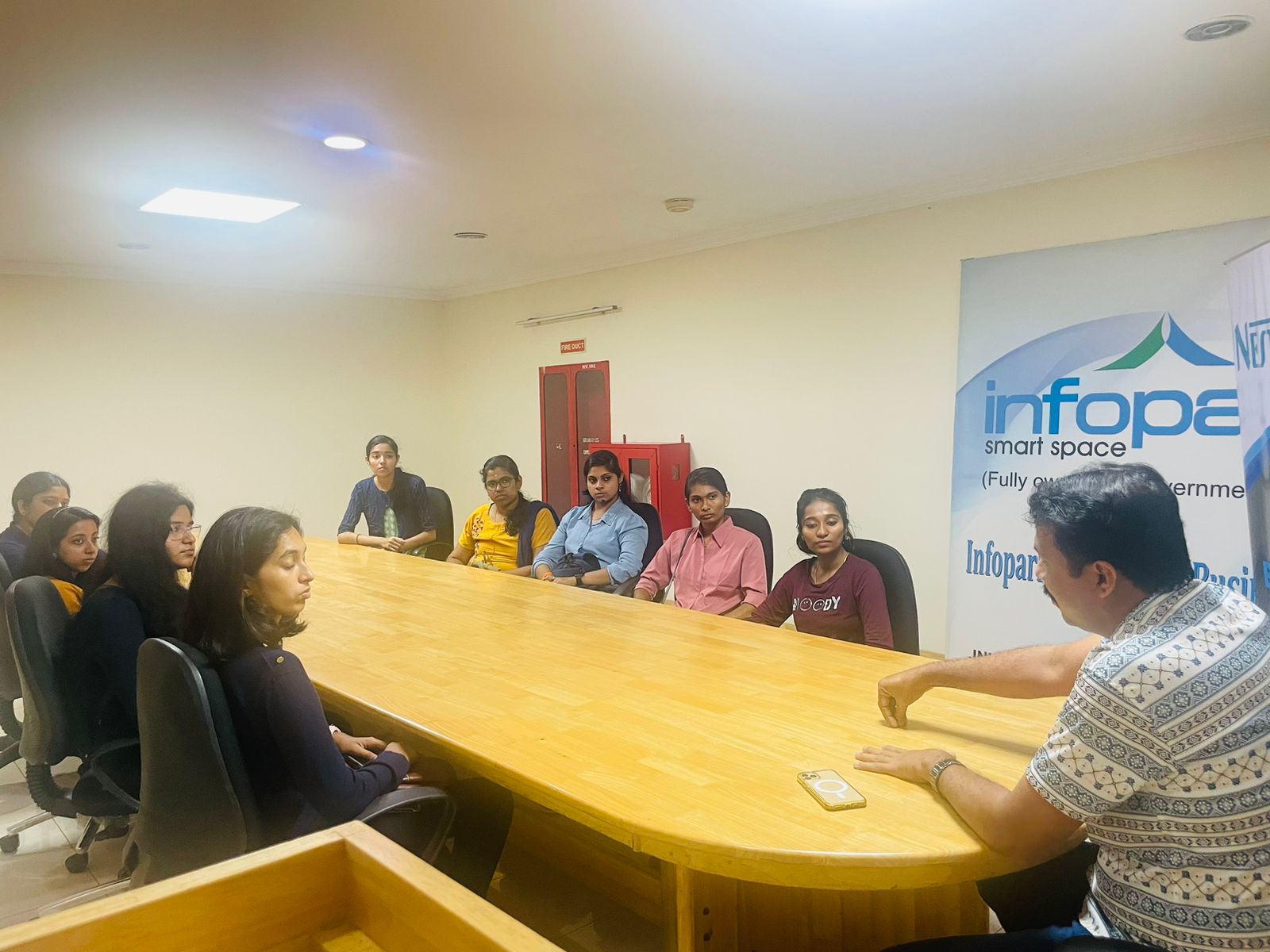
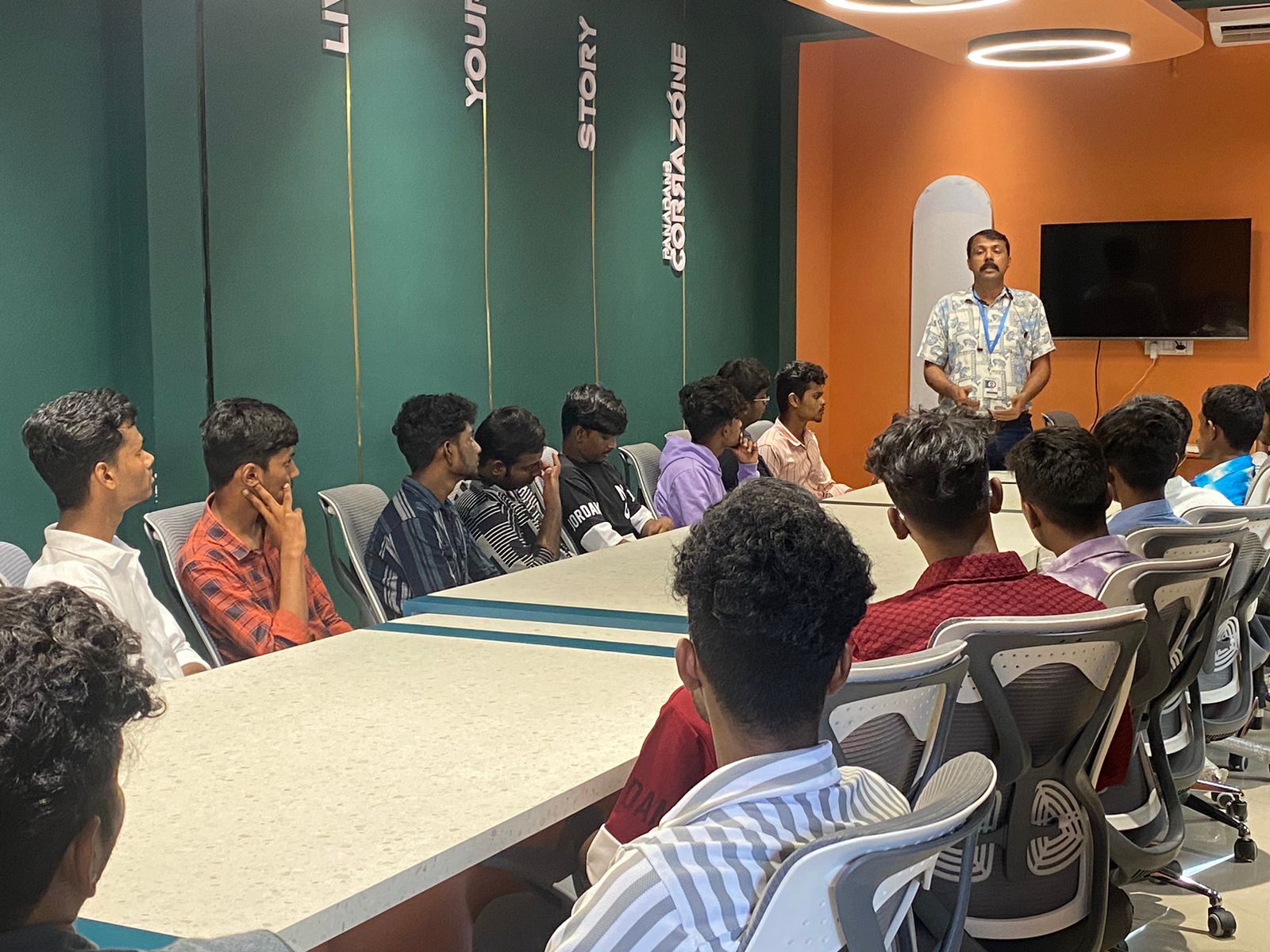
Photos of Training / Internships

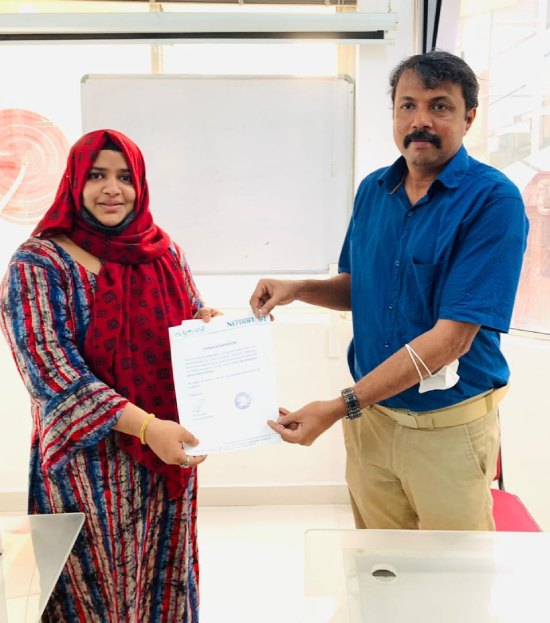
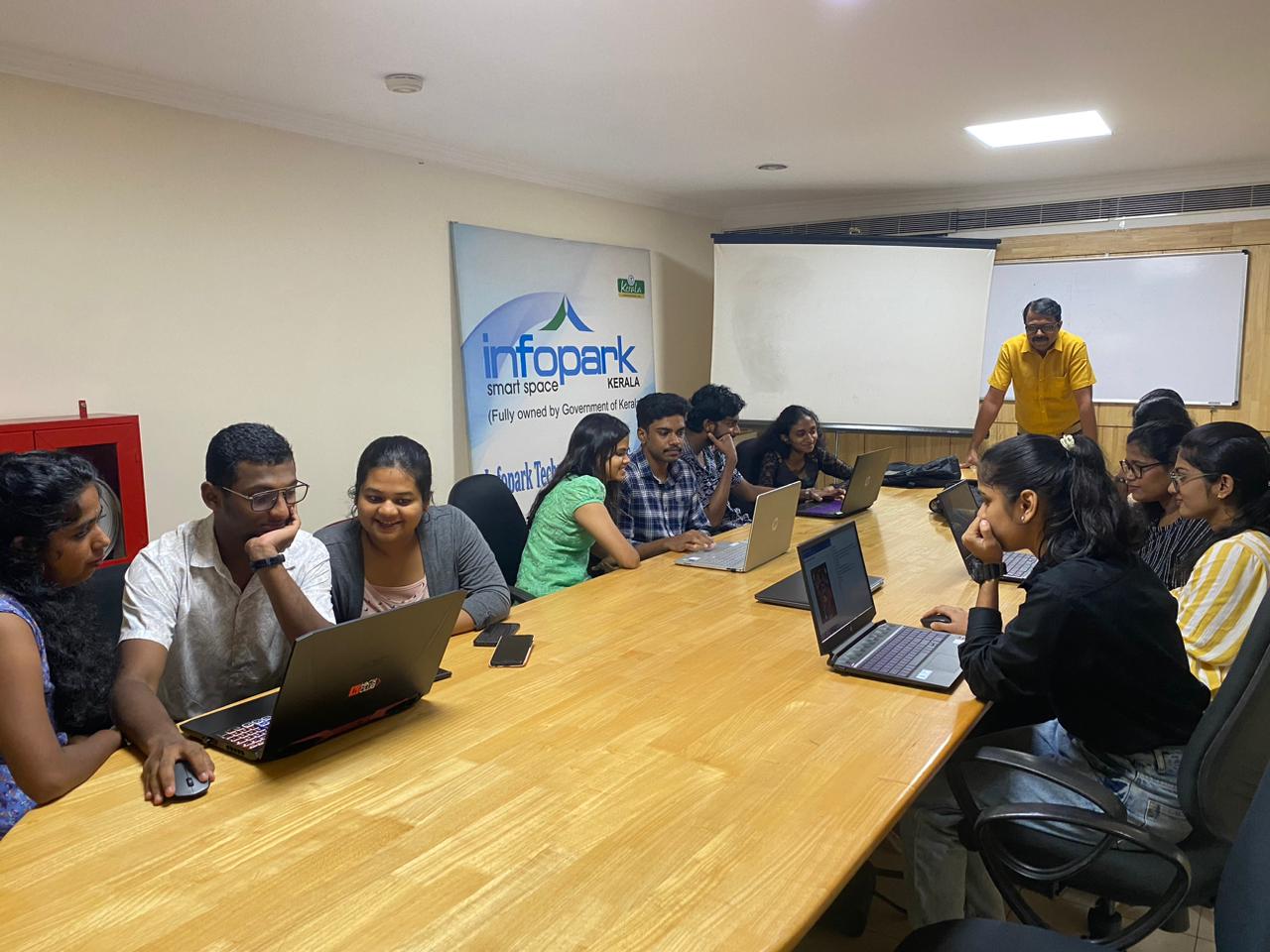
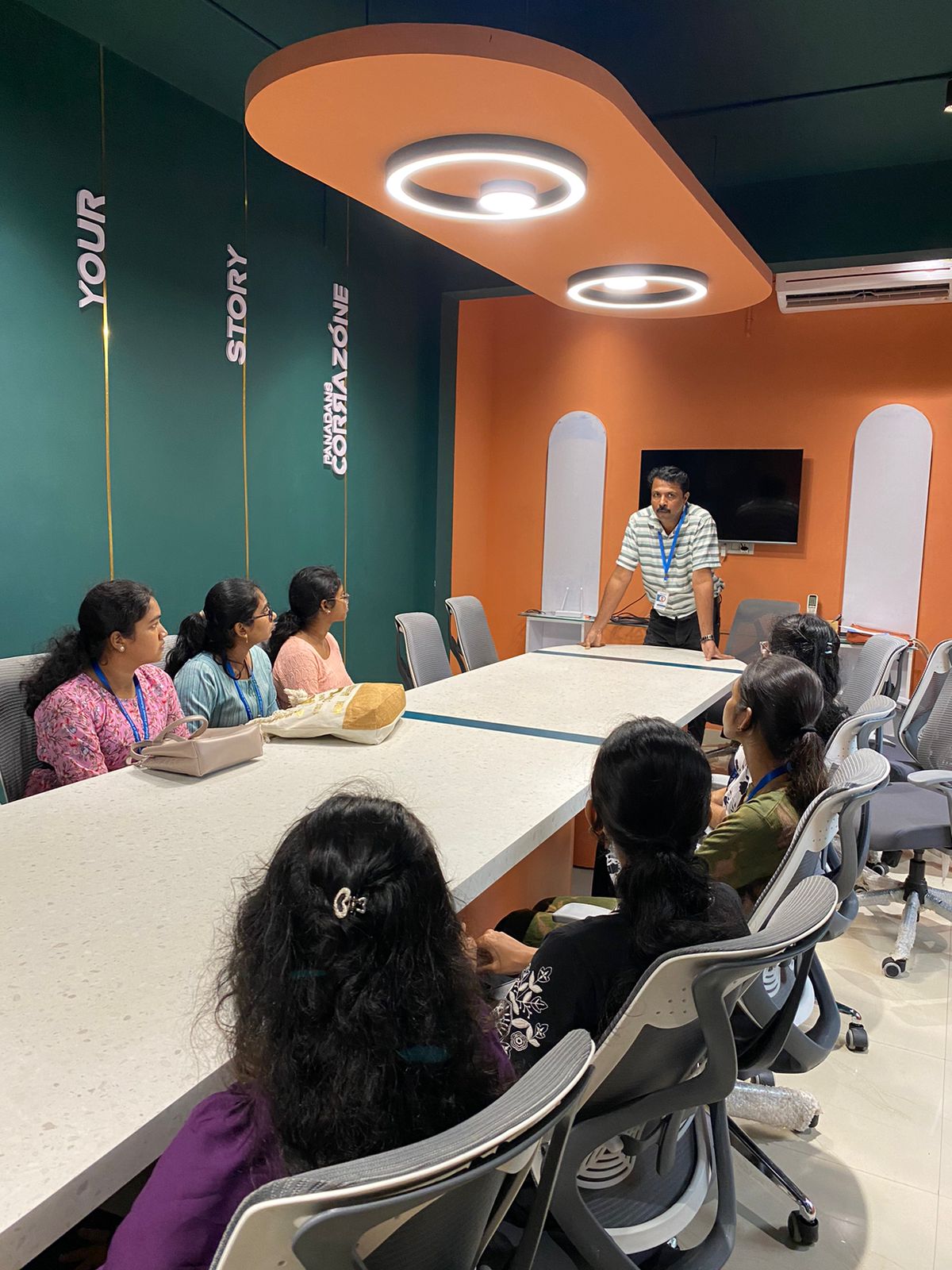
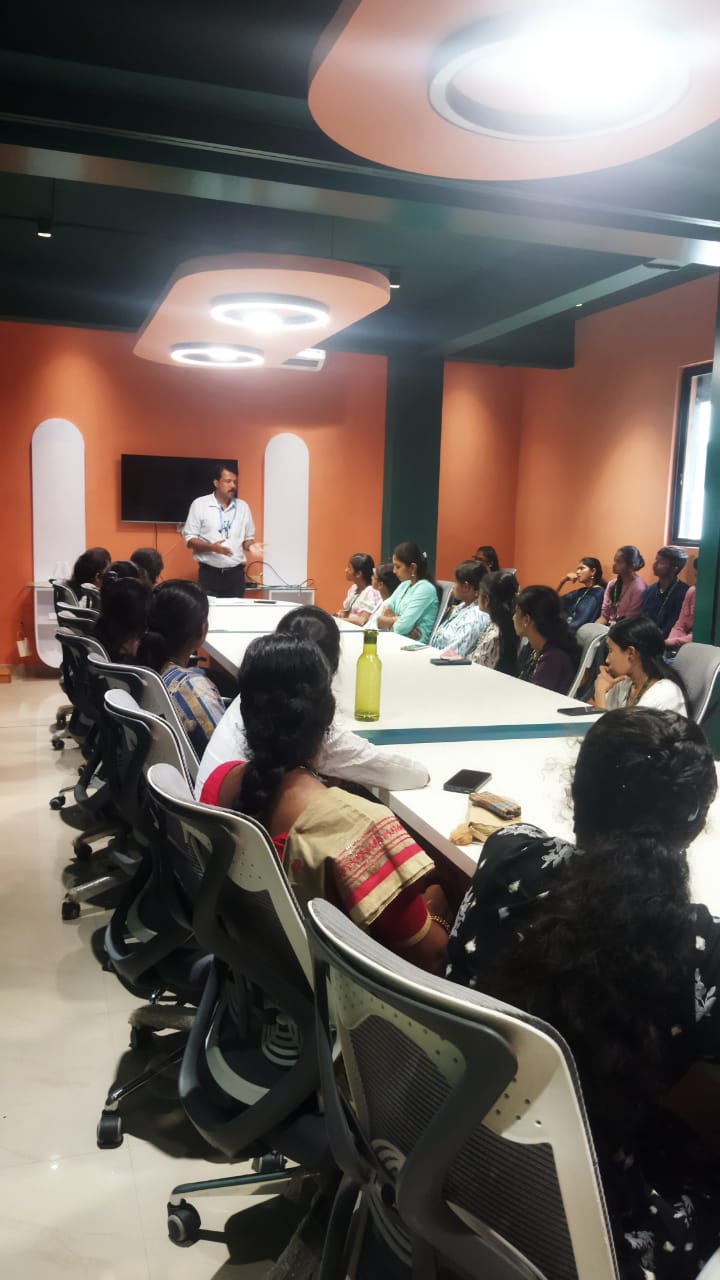
Internship/projects in selangor

Trained more than 10000+ students who trust Nestsoft TechnoMaster

Get Your Personal Trainer